Arnov Sharma

HARDWARE- LATTEPANDA IOTA
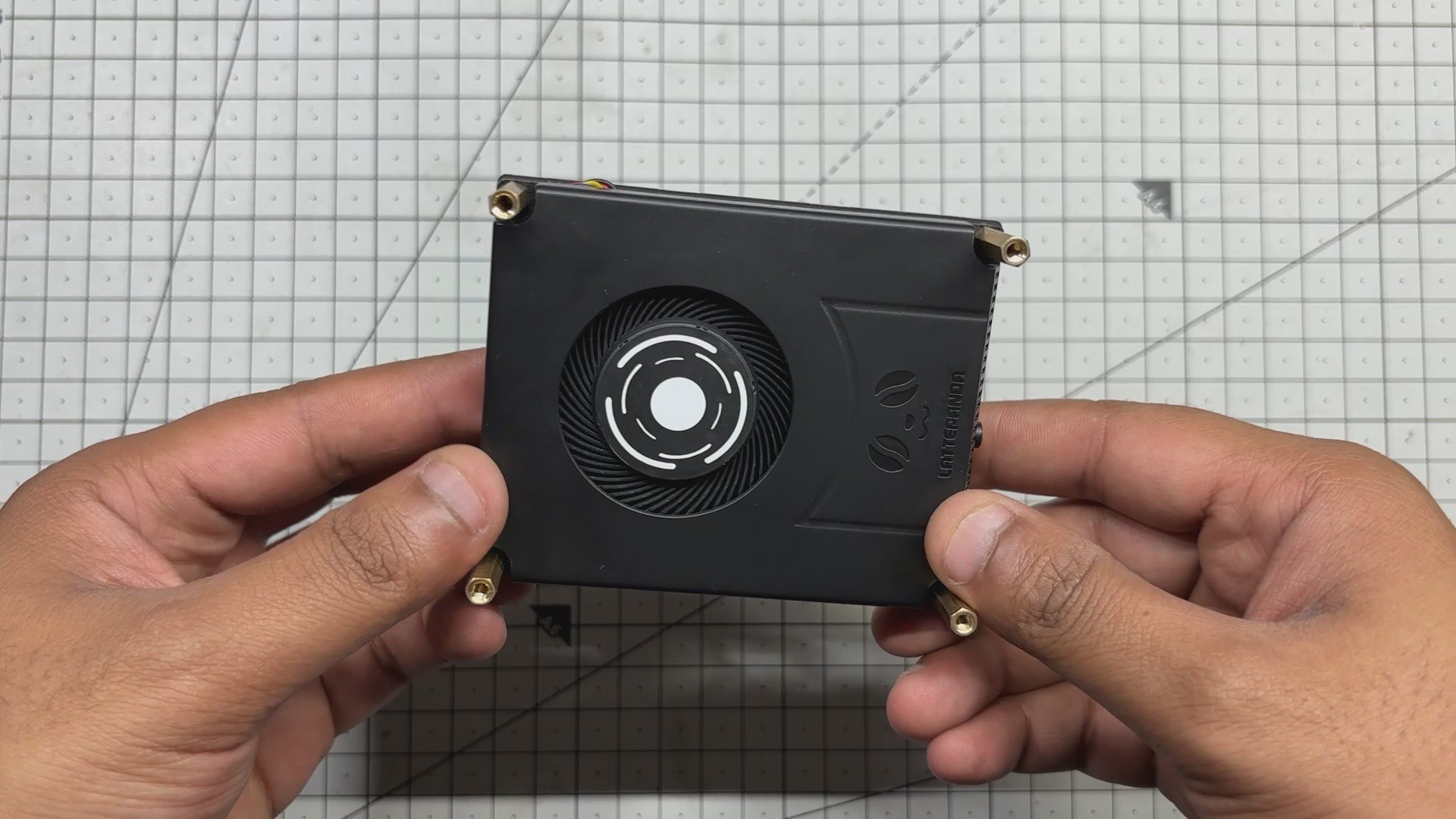
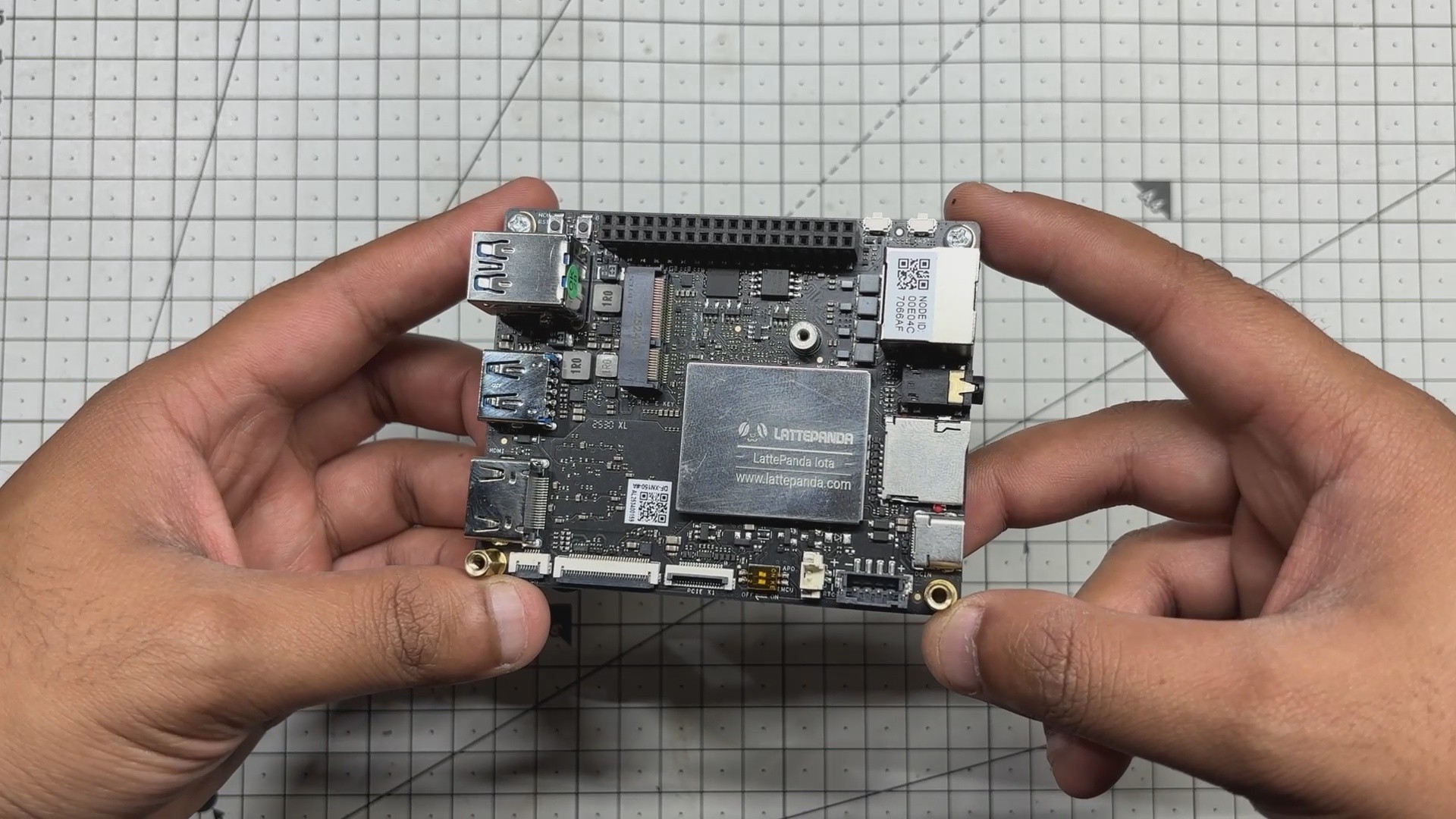
At the heart of this project is the LattePanda IOTA, a compact yet powerful x86 single-board computer designed for edge computing, embedded applications, and serious maker projects. I’m using the 16 GB RAM variant, which provides significantly more headroom than most SBCs of this size.
The LattePanda IOTA shares the same form factor as the original LattePanda V1, but thanks to its newer Intel N150 processor with 4 cores and 4 threads, it can handle much heavier workloads. I even experimented with running Bazzite on it, effectively turning it into a low-power Steam Machine.
We selected the IOTA for this project to build a super-compact mini PC capable of running Windows, making it suitable for general-purpose tasks such as web browsing.
Key Specifications (16 GB Variant)
- Processor: Intel x86 CPU (energy-efficient, PC-class architecture)
- Memory: 16 GB LPDDR4 RAM
- Storage: Onboard eMMC (expandable via M.2 Port)
- Connectivity: USB ports for peripherals, HDMI for display output, Ethernet + Wi-Fi (model dependent)
You can check out more about this board from Lattepanda's wiki page.
https://docs.lattepanda.com/content/iota_edition/get_started/
DESIGN
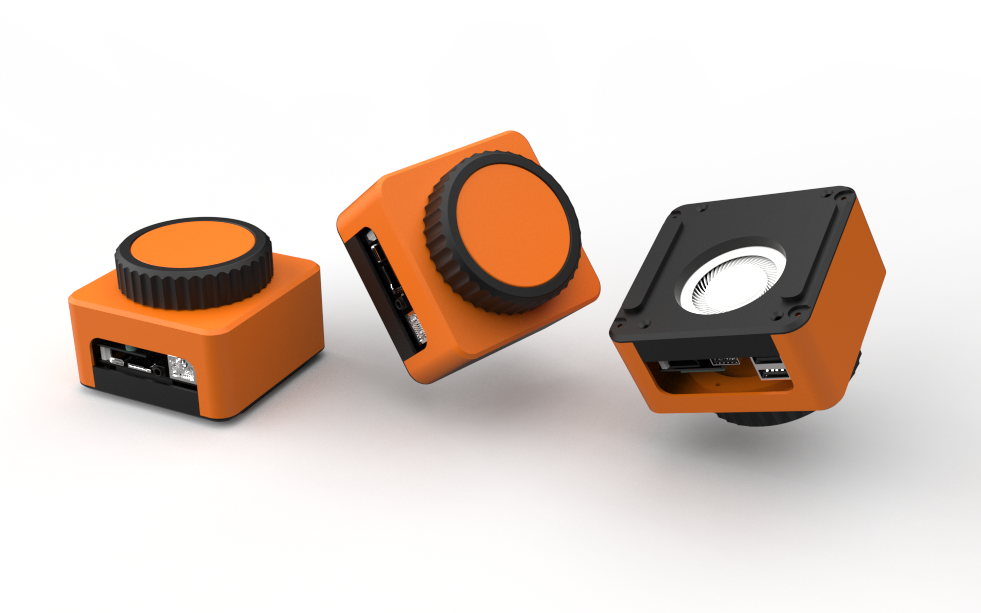
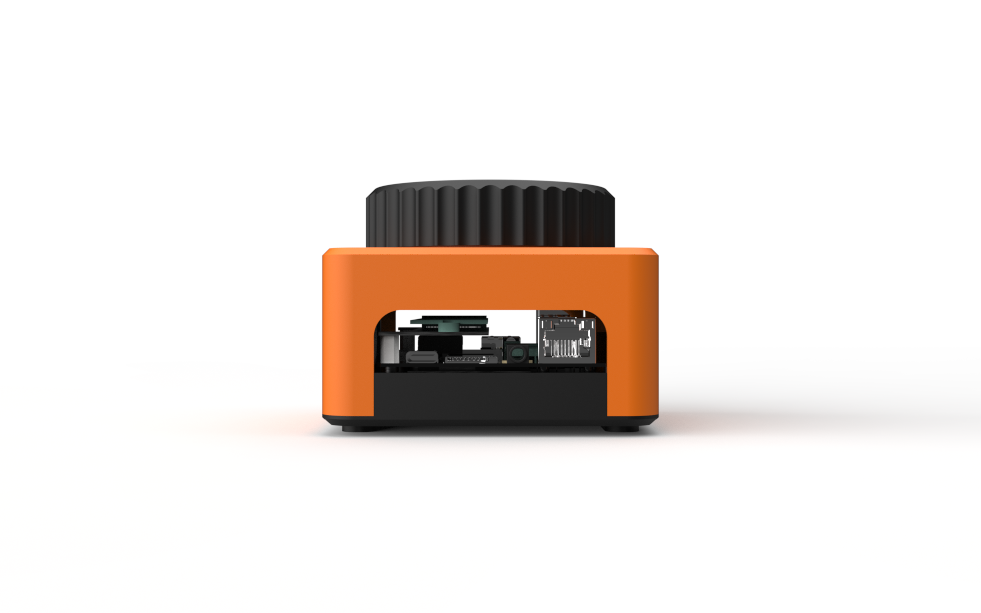
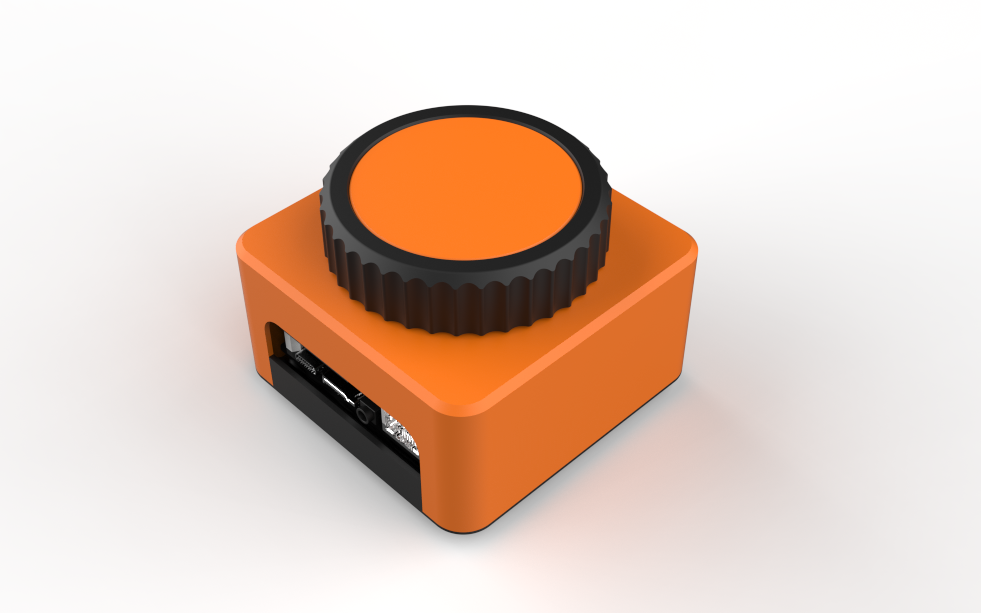
The main idea behind the design of this mini PC was simple: we wanted a giant rotary knob that actually houses the PC inside it.
We started by creating a 3D model of the LattePanda, and around it we designed a cuboid-shaped enclosure with a large rotary knob mounted on the top. Openings were added on the left and right sides to allow easy access to the LattePanda’s I/O ports.
To ensure that all parts could be 3D printed without support material, the rotary knob mechanism was designed as a detachable assembly. This mechanism is connected to the main body using five M2 screws. The holder-like internal structure is secured to the main body from the inside, and the rotary knob is mounted on top of this holder.
The rotary knob itself is made from two separate parts that are pressure-fitted together. Printing the knob in two different colors gives it a dual-tone black and orange finish, inspired by our mechanical keyboard, which is also used later in the demo. Inside the enclosure, the rotary encoder is positioned and held securely using a retaining bracket.
The main body is attached to the base using four M2 screws inserted from the bottom. The LattePanda itself is mounted to the base using the provided mounting holes, secured with M2.5 bolts.
Since the base includes an opening for the LattePanda’s heatsink air intake, we also designed two small lift parts that raise the entire PC a few millimeters off the ground to improve airflow. These parts are secured using alignment pins modeled on their backside. Matching holes were added to the base, allowing the parts to be aligned and pressure-fitted into place.
3D PARTS
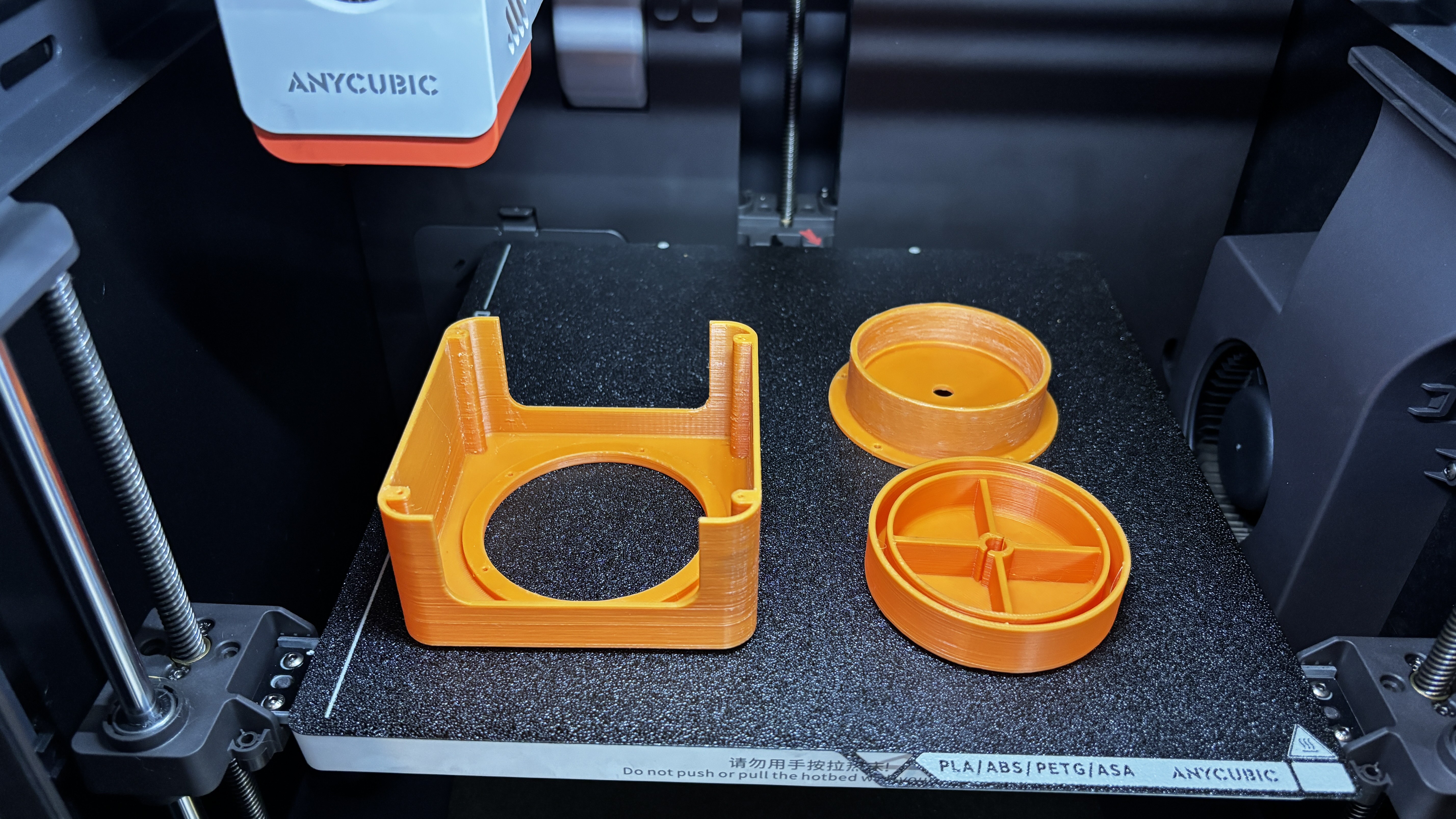
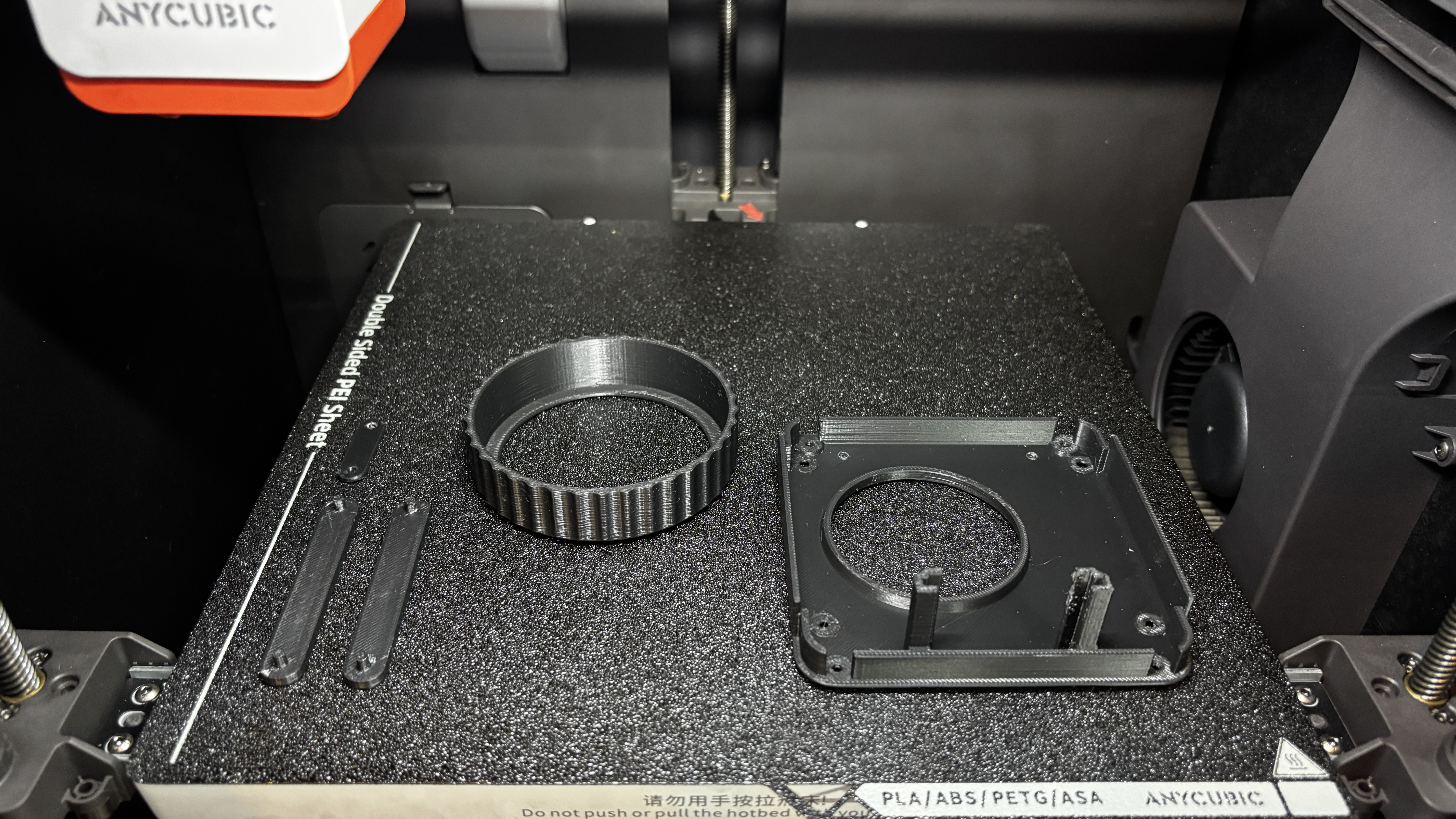
All parts were exported as mesh files before printing. We first 3D printed the outer part of the knob using black Hyper PLA, along with the base, two base resting parts, and the encoder holder. Orange Hyper PLA was used to print the encoder knob and its fixture, as well as the main body.
All components were printed with a 0.16 mm layer height and 25% infill, using my Anycubic Kobra S1 for printing all the parts.
PCB DESIGN

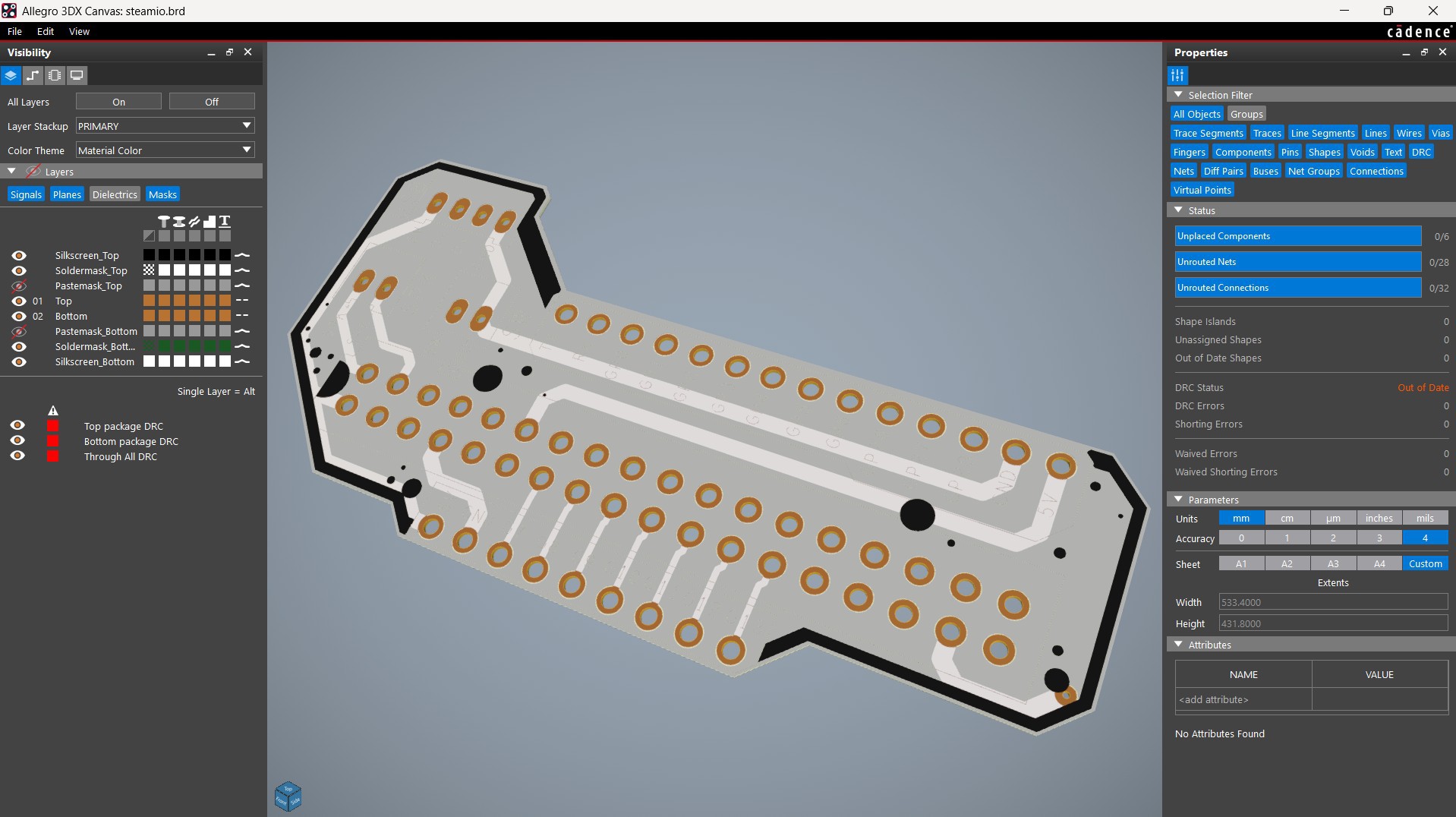
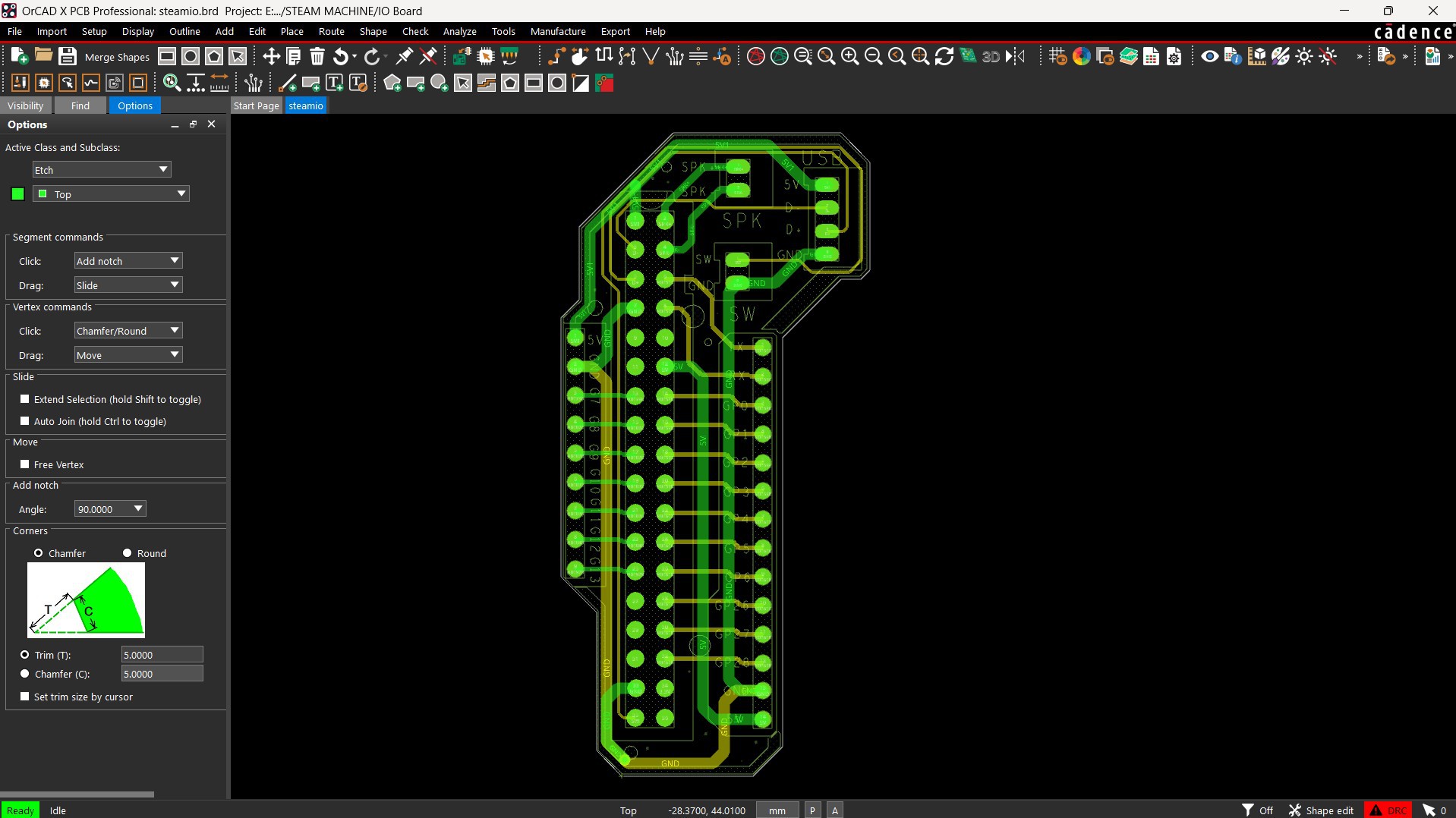
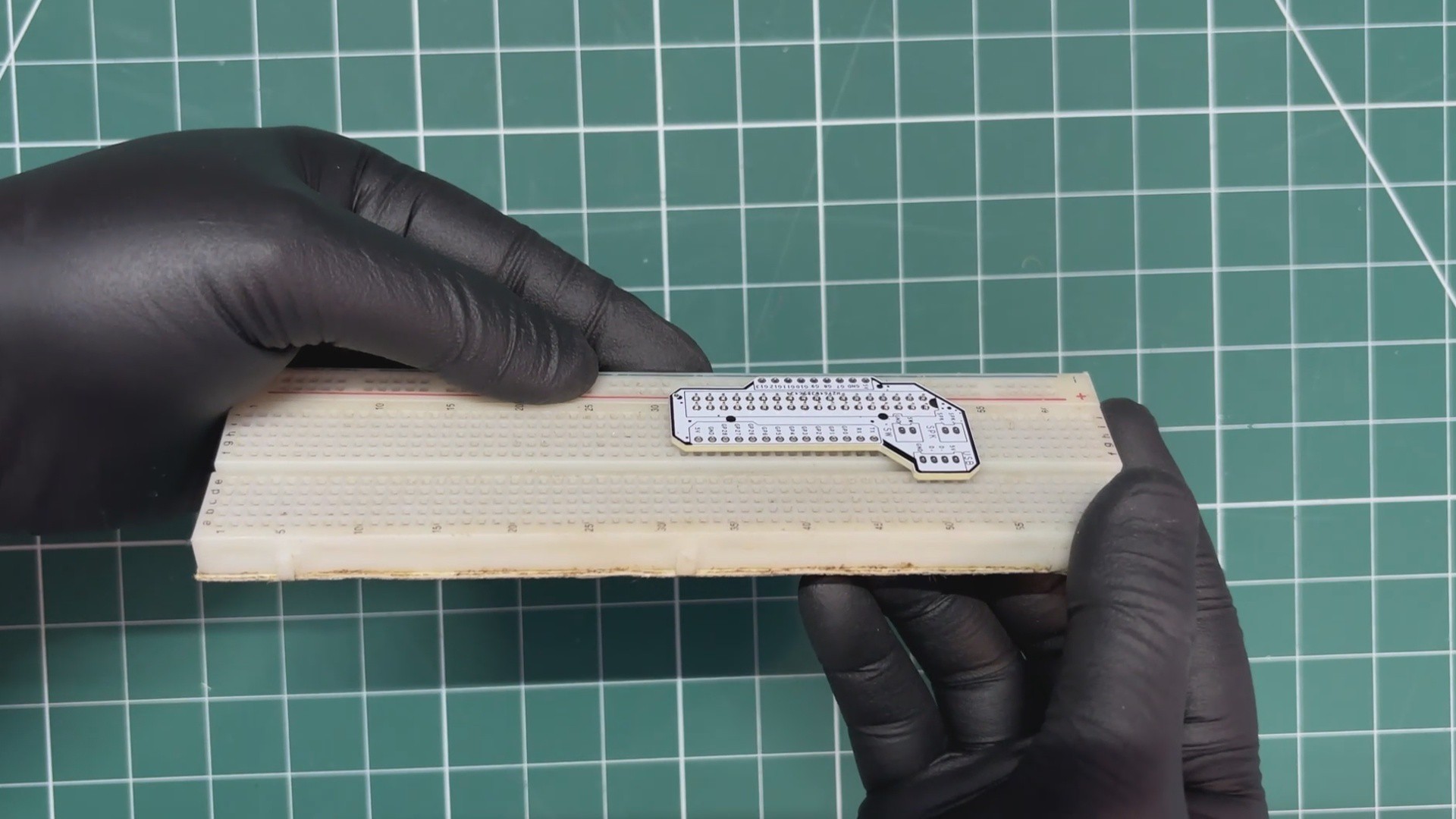
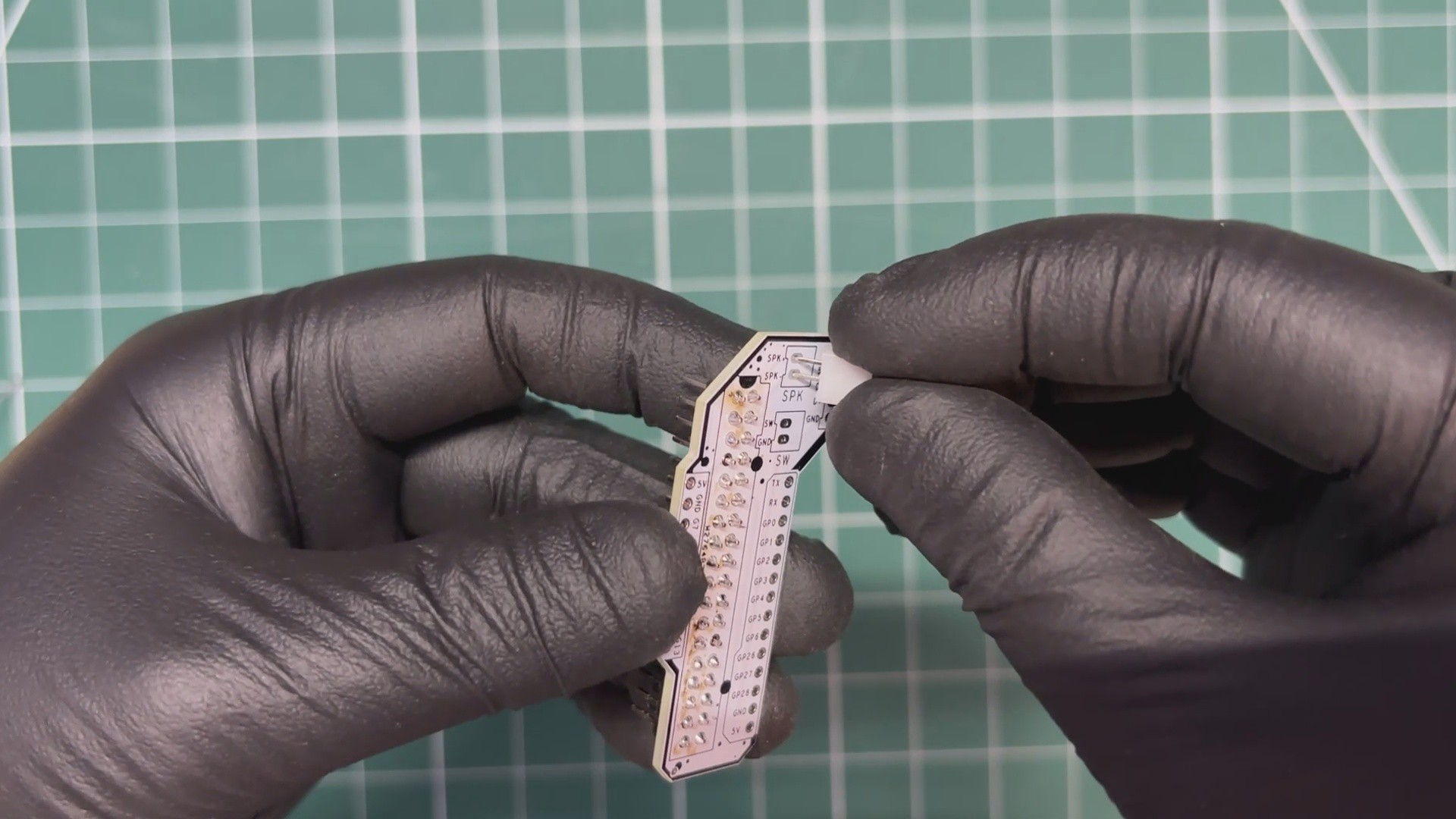
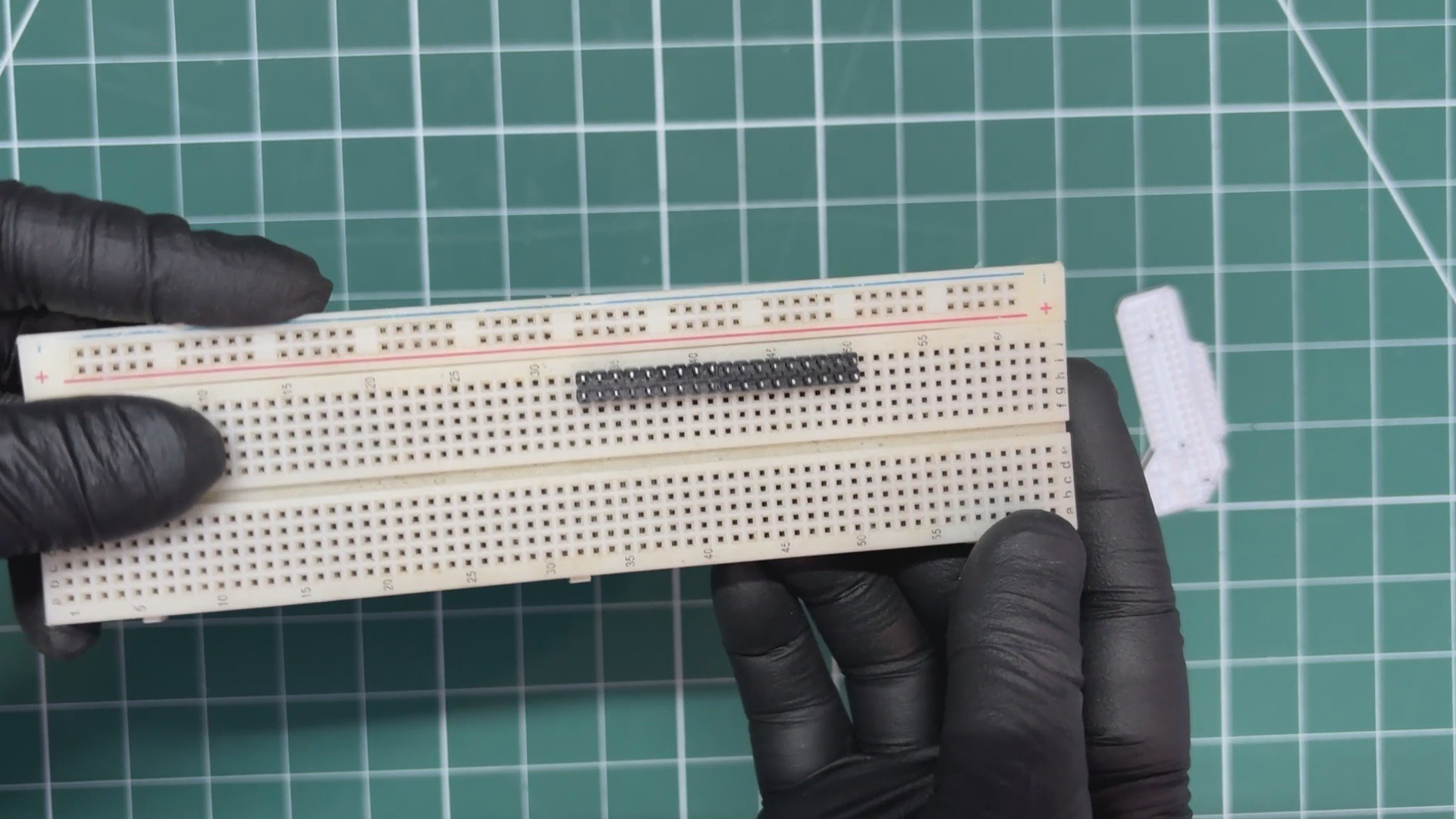
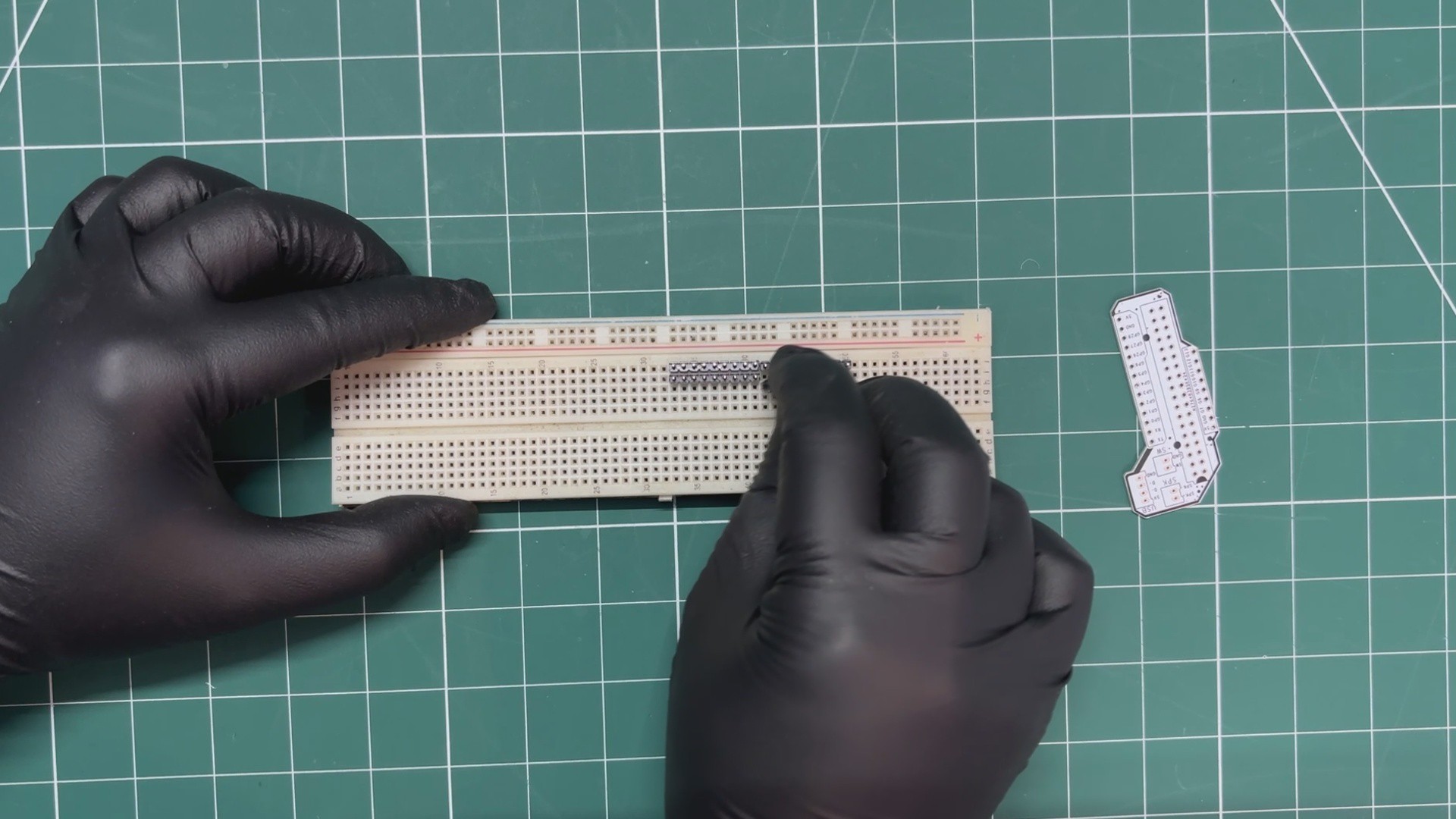
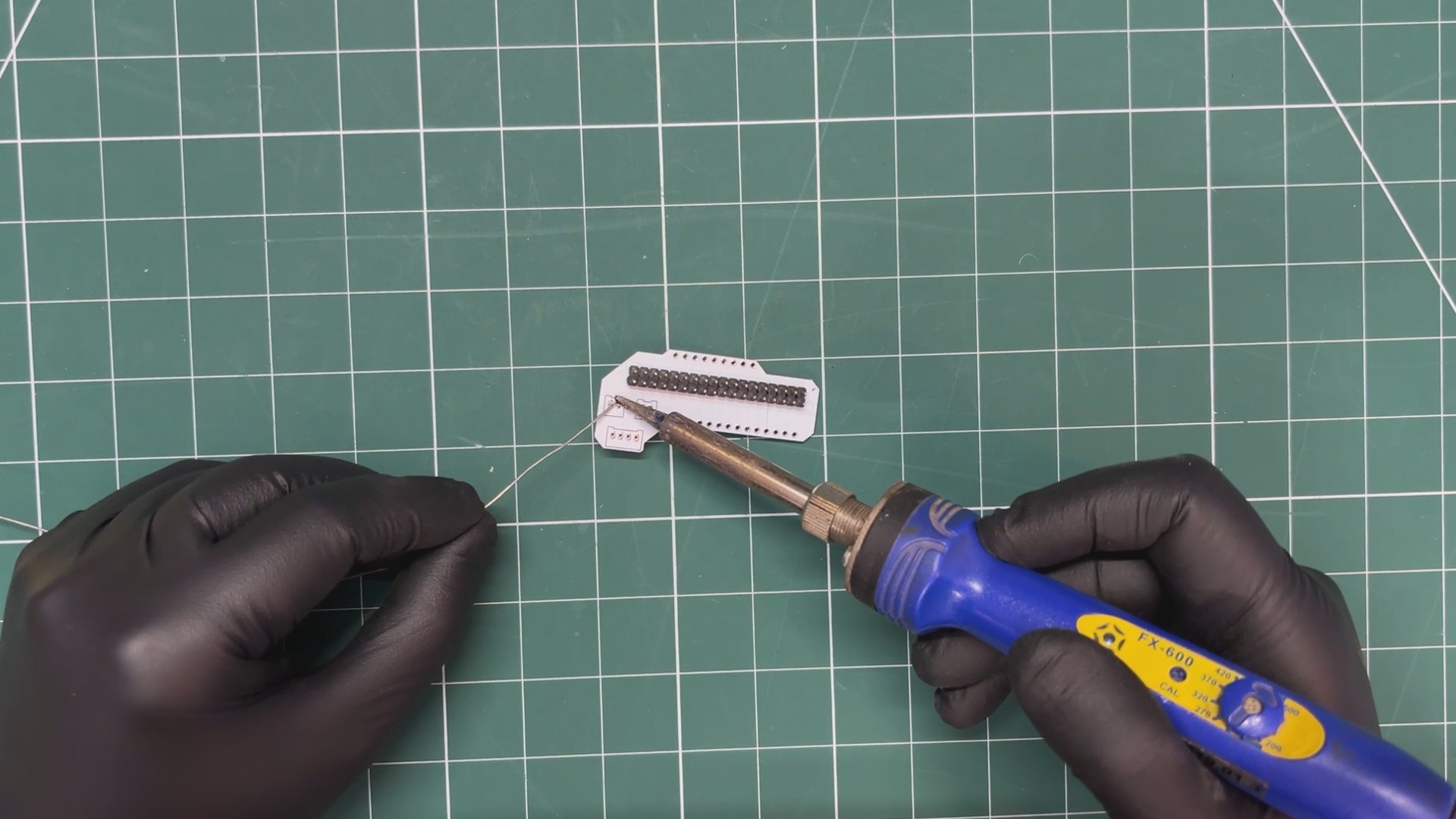
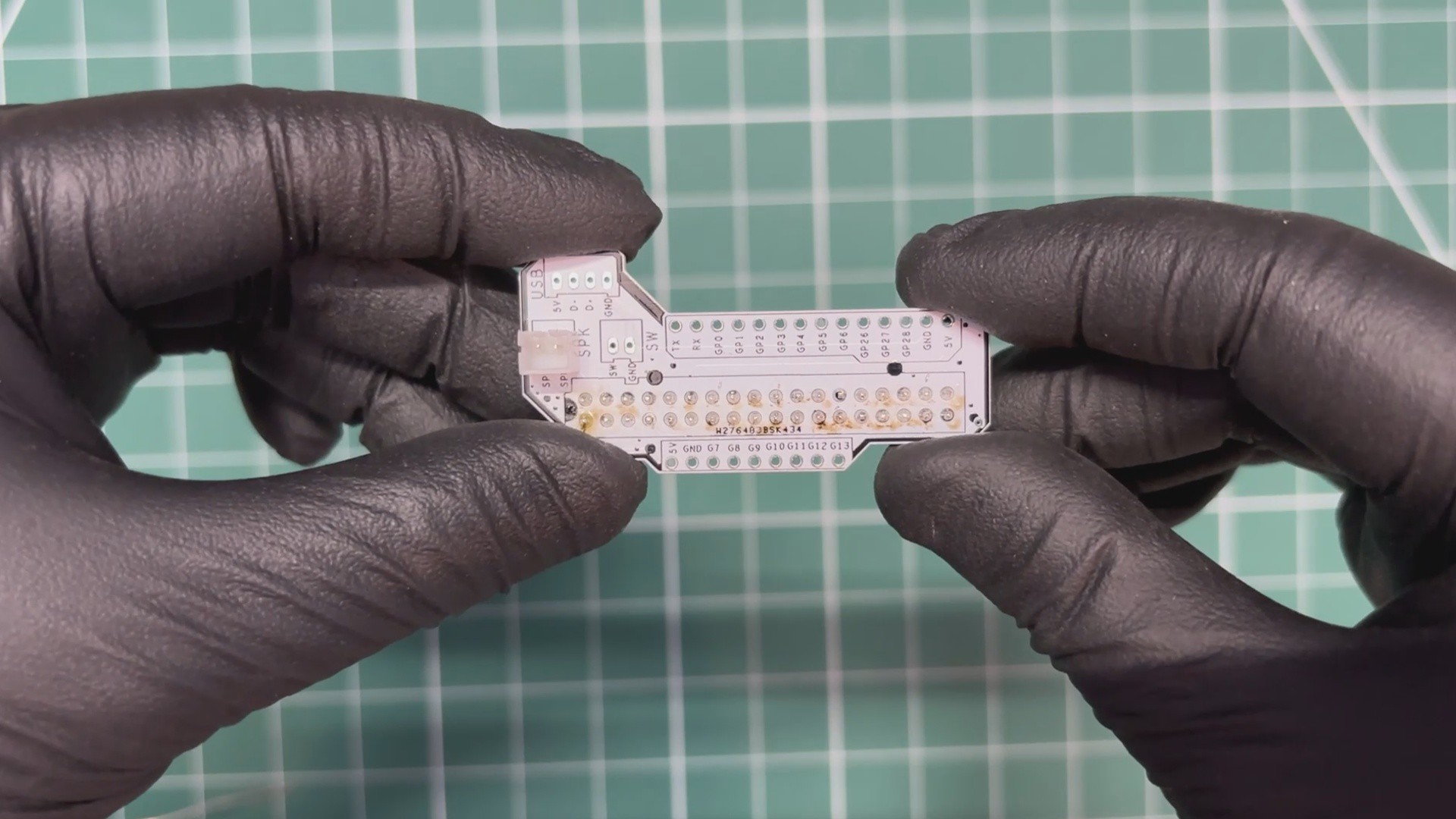
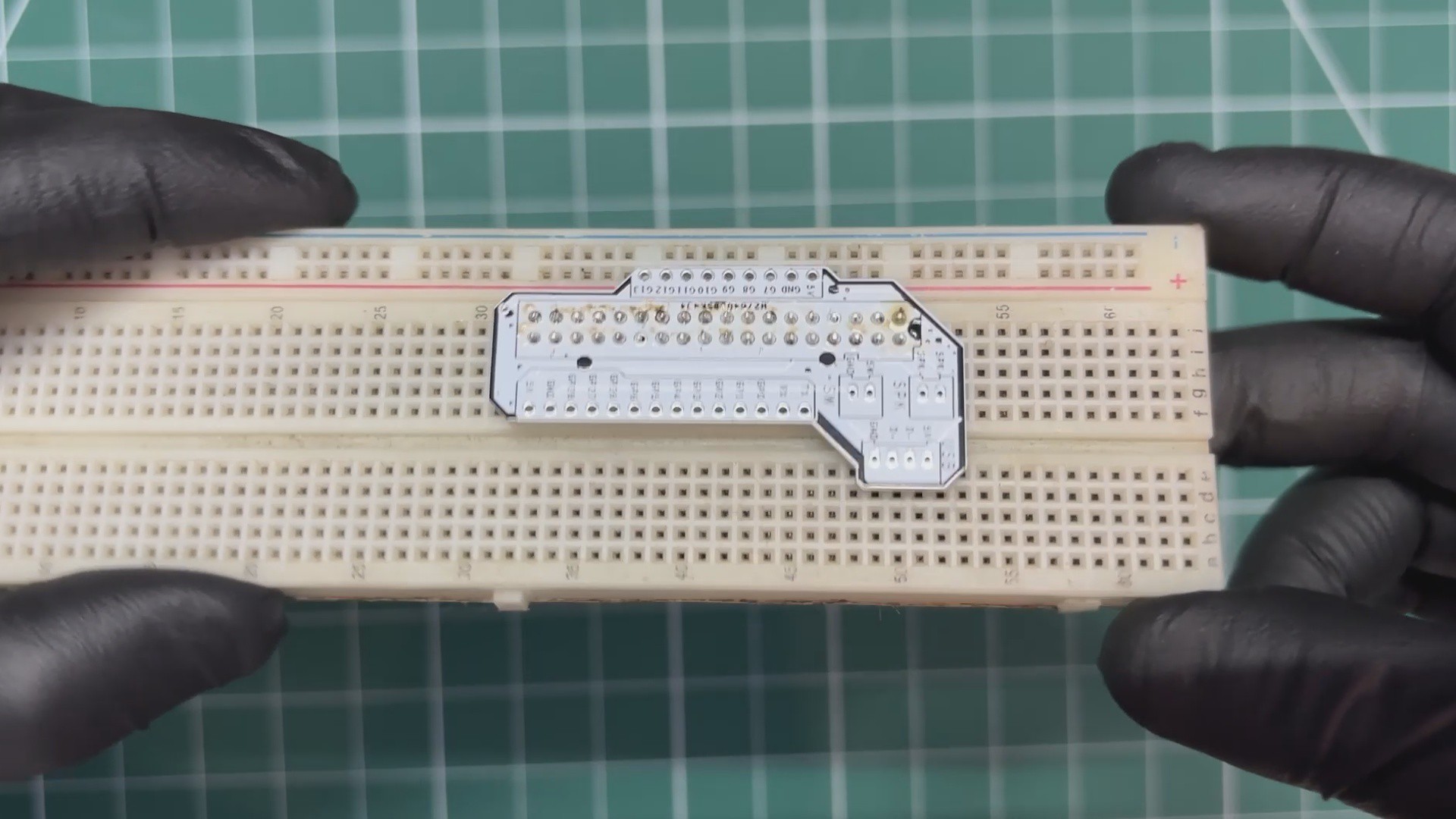
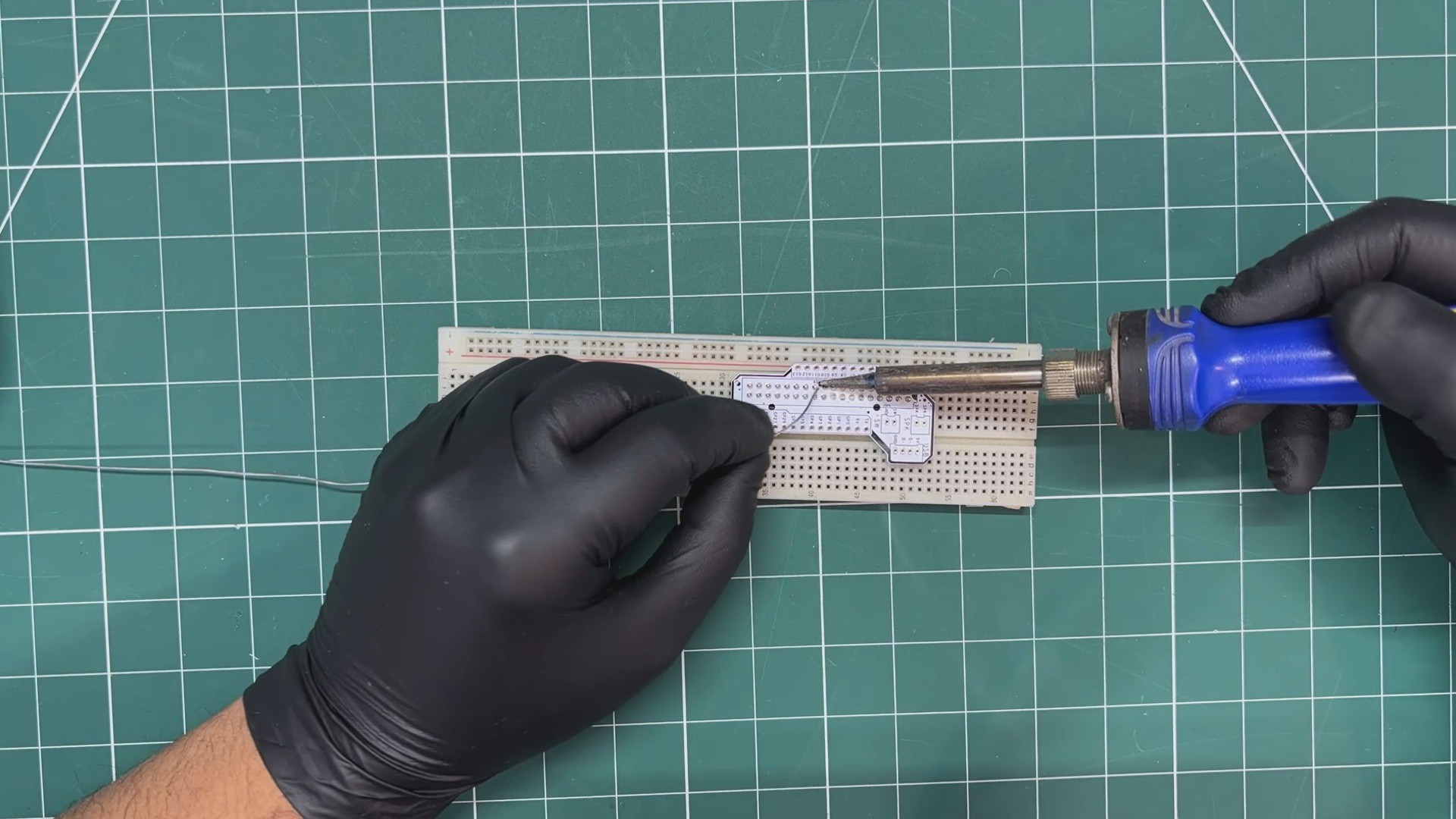
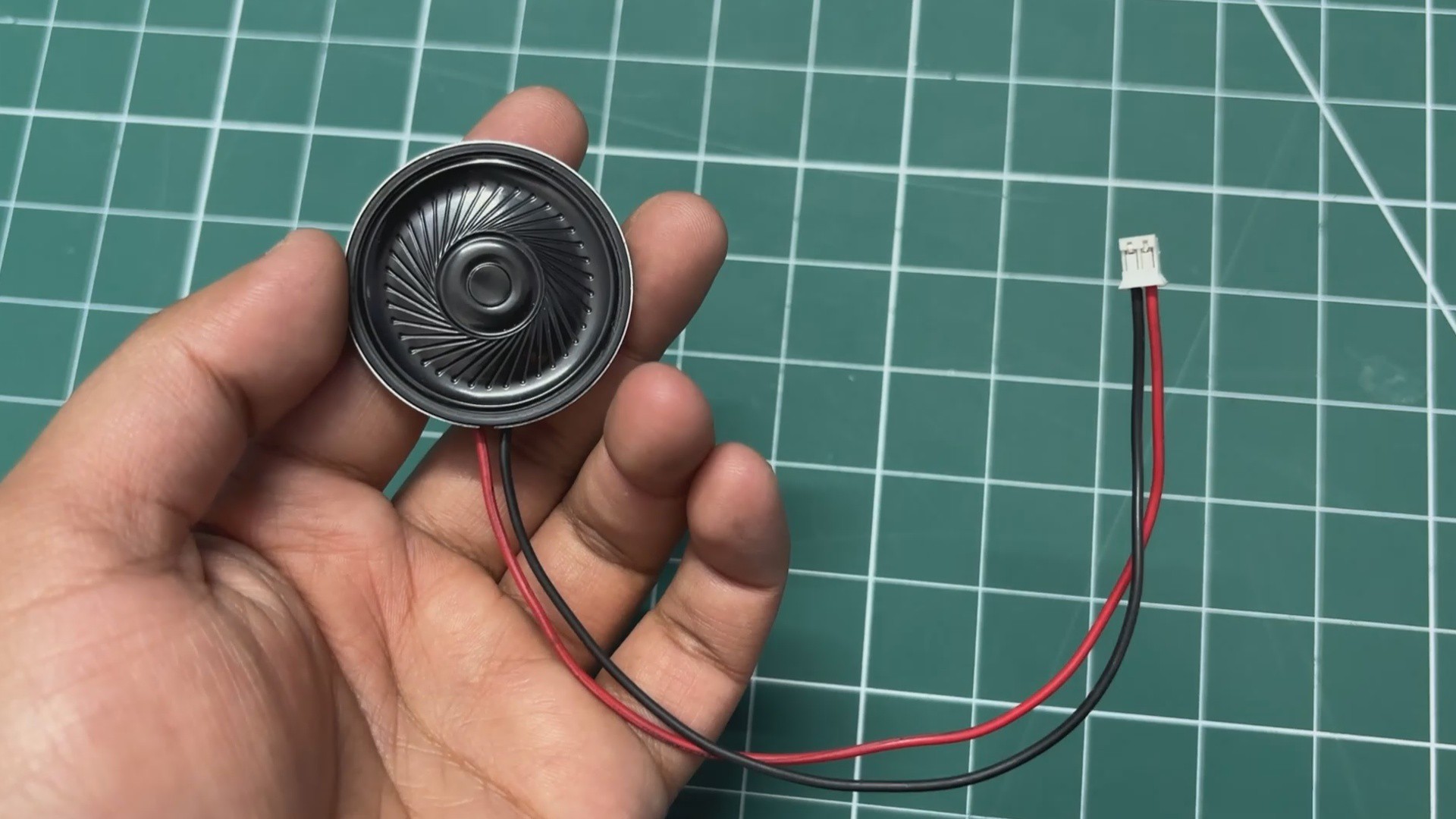
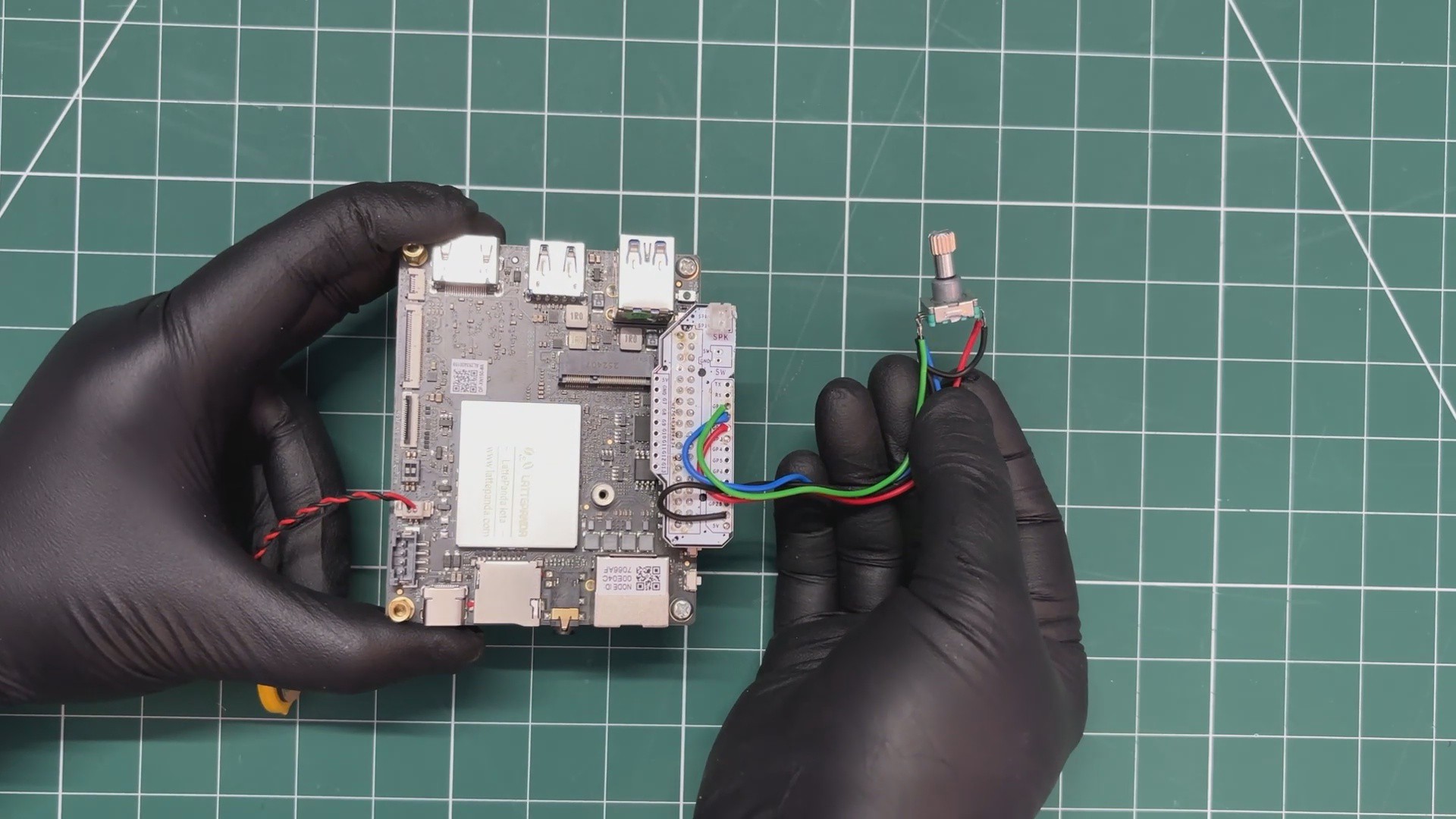
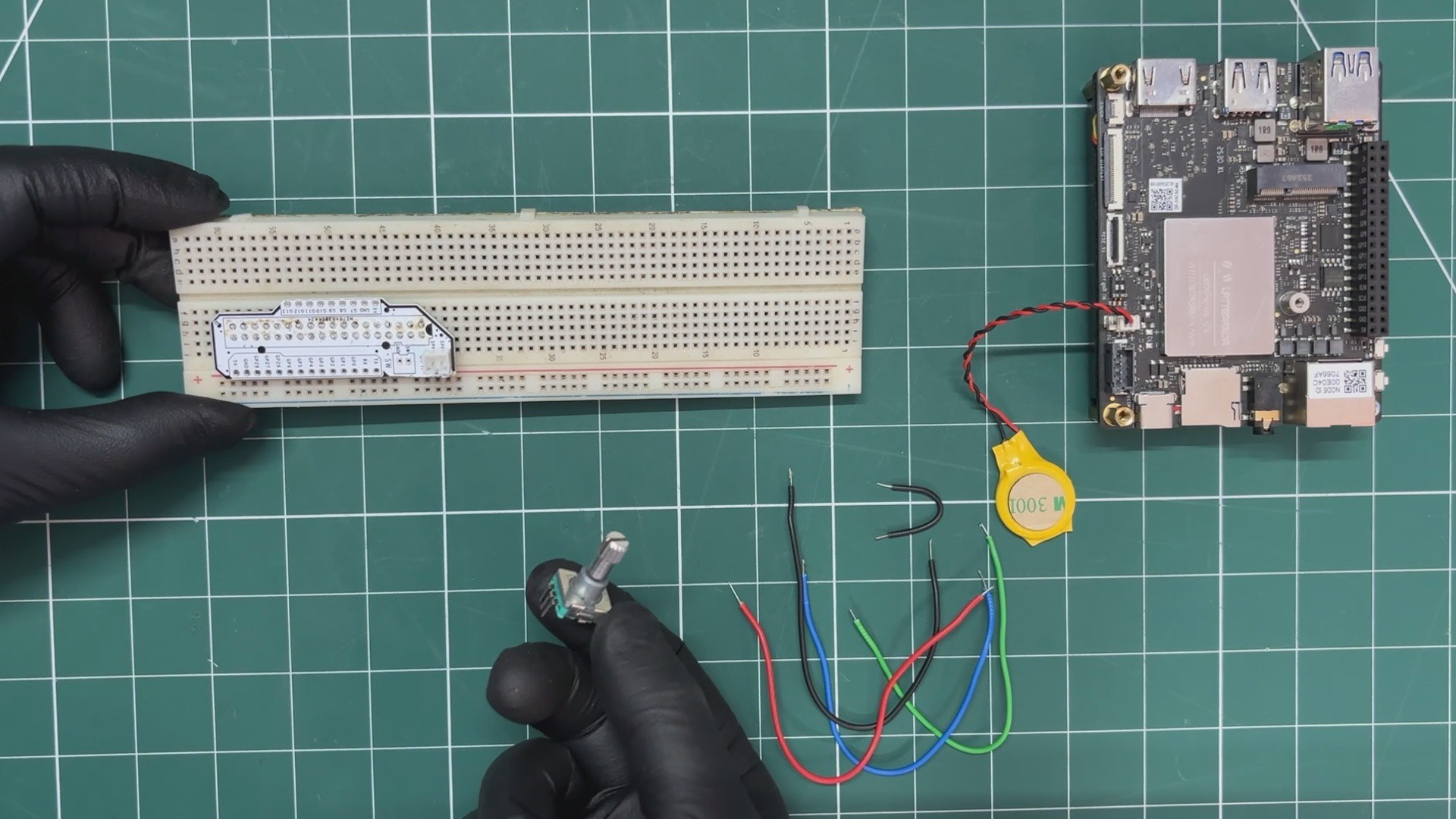
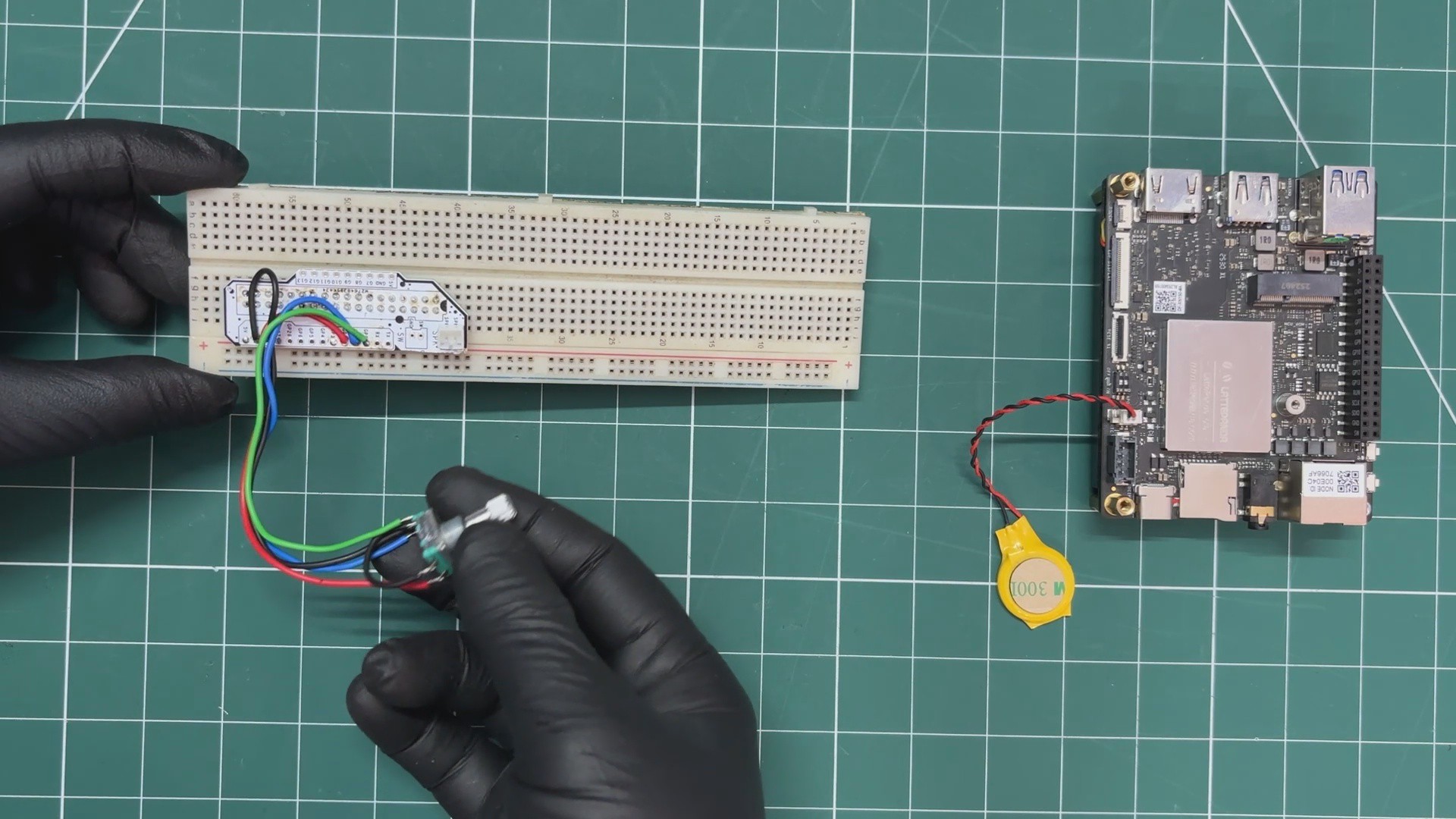
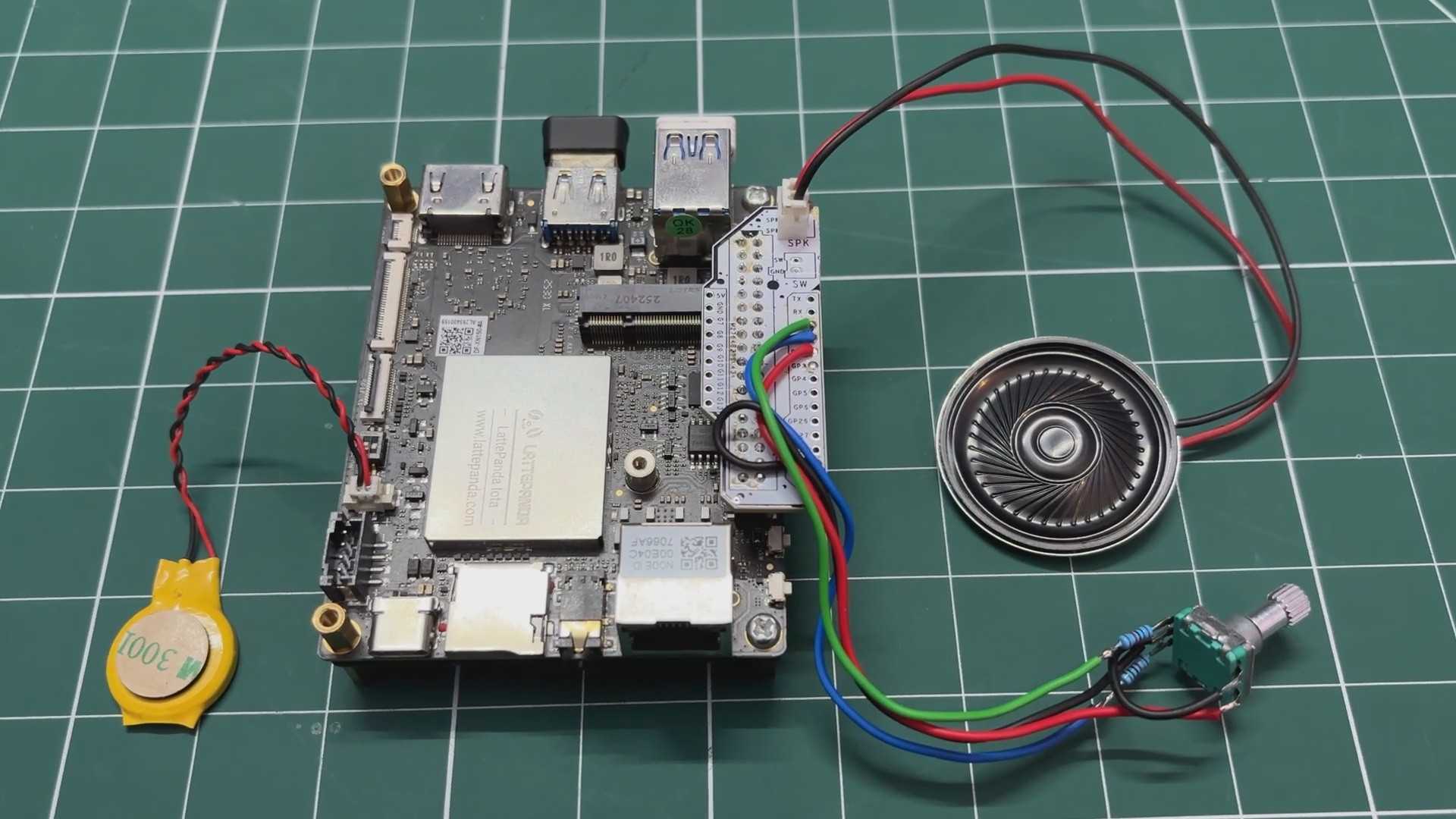
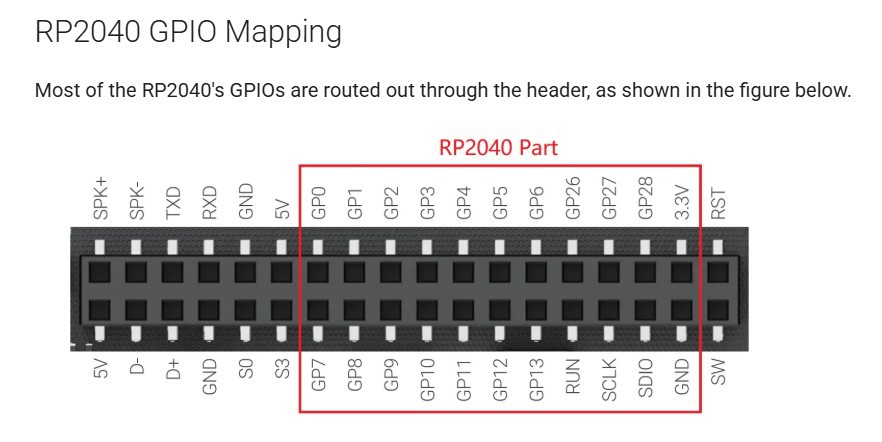
The PCB design for this project was super simple. We just needed a cleaner and more organized way to use the LattePanda’s GPIO pins for connecting the encoder and the speaker output. So the best solution was to design a breakout board that brings out all the I/O pins of the LattePanda.
We made this PCB in a way that it can also be reused in future projects, making it a handy and practical addition beyond this build.
PCBWAY SERVICE
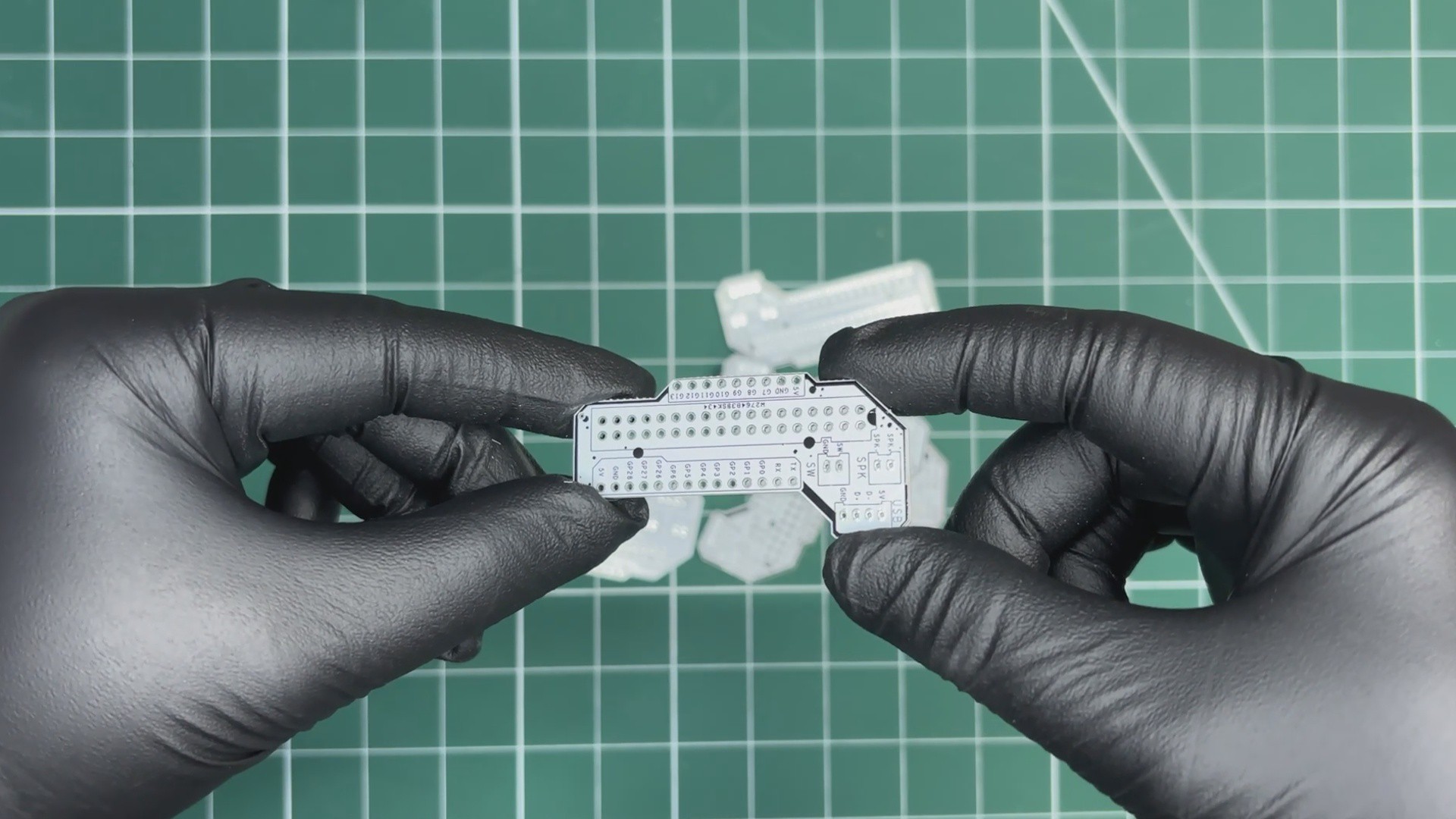 We uploaded the Gerber files to PCBWay’s quote page and placed an order for a white solder mask PCB with black silkscreen.
PCBs were received within a week, and the PCB quality was outstanding. Here, we added a few design elements on the board's silkscreen layer to...
Read more »