 Alexander

Video (PC register, PC increment, ROM, clock generator)
Main specs
- ALU with 16 functions
- 2x16bit GPR (General Purpose Registers)
- 64x8bit instruction ROM
- 8x12bit RAM
- 16x12bit data ROM
- 2 IPS (Instructions per second)
- 24-LED output / dip-switch input
Block diagram
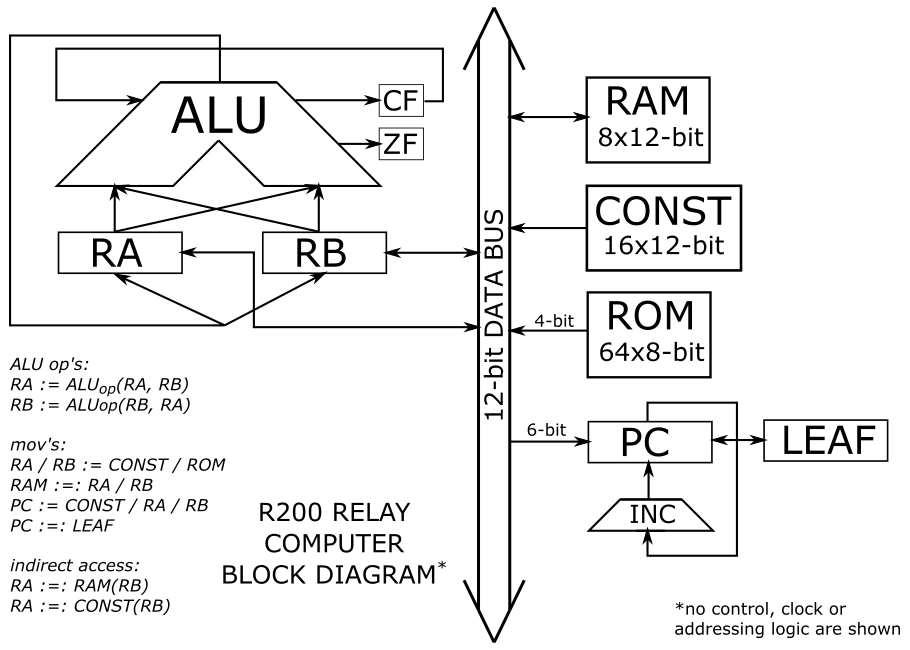
Instruction set
R200 Instruction Set
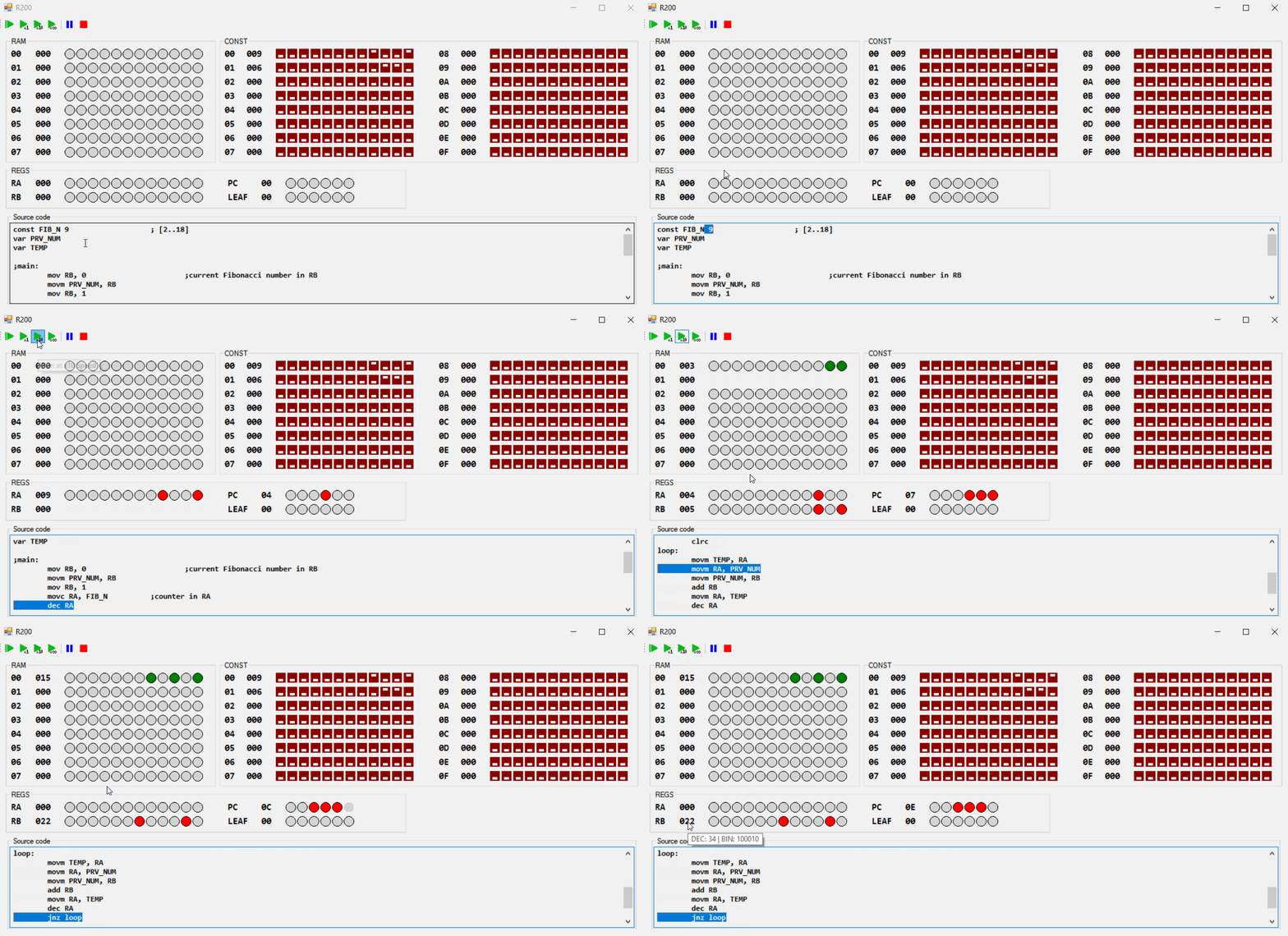
Emulator
There’s simple emulator available, made in C#. It accepts assembler file as an input, does simple preprocessing and executes the program. No actual byte-code generation present.
Here's the emulator running fibonacci.R200 program at x10 speed.
Construction progress
- Blocks assembled, mounted and tested (the pic in the gallery and the video): PC register, PC increment, ROM, clock generator.
- Blocks assembled: ALU, RA register, RB register, RAM
- Blocks that need to be designed: instruction decoder
Example of programs it can run (currently on the emulator)
- Multiplication (12-bit X 12bit = 24bit)
- Division (24-bit / 24-bit = 24-bit[result] 24-bit[reminder])
- Fibonacci numbers (12-bit)






 Fábio Gil
 Tim
Tim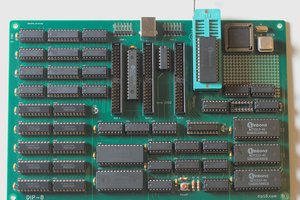
 kaimac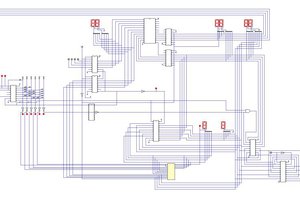
 monsonite
Hi Alexander,
very nice project, I hope you'll be able to continue with it. For drawing schematics, I use circuitjs because that electronics simulator can emulate relays, and KiCad's spice cannot. Kicad is great for schematics if you don't need simulation, and for creating PCBs for schematics.