 Ken Yap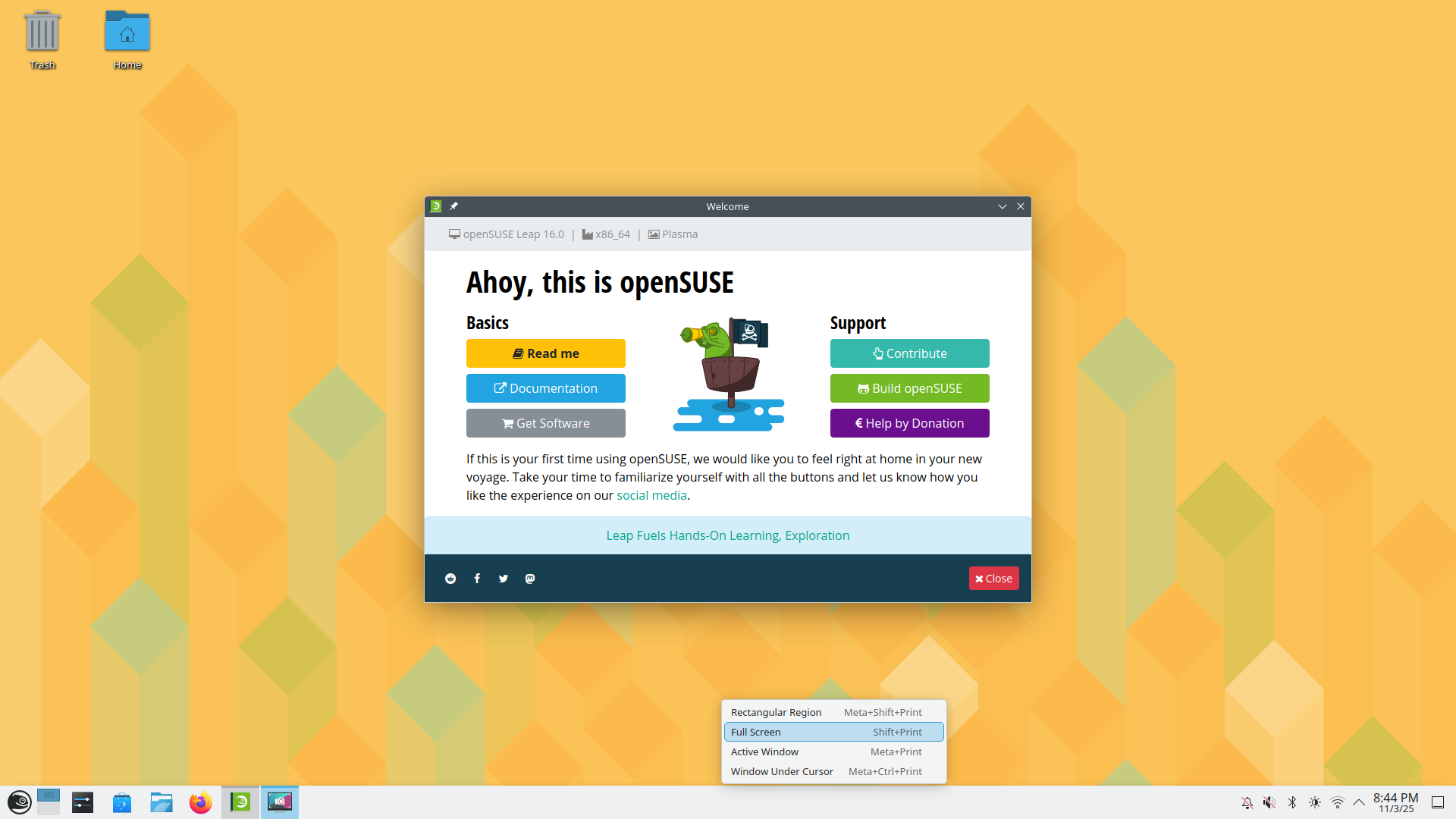
I actually hadn't been using this Chromebox for a while since the large monitor is connected to the Linux workhorse in my living room and that's where I do my software and hardware hacking these days. I decided to take the Chromebox out of retirement and install a fresh OS to check that it was still working.
First I upgraded the BIOS to UEFI firmware using MrChromebox's install script. Running a legacy BIOS irked me.
Then I plugged in a flash drive containing the install image for openSUSE Leap 16.0, booted to that and chose the install option.
The installer is different in 16.0 from older releases. I made the appropriate configuration choices and clicked Install. After a few minutes it completed with no issues and I rebooted to 16.0.
I couldn't find the familiar YaST to enable the openssh server. So I did it from the command line:
sudo systemctl enable sshd
sudo systemctl start sshd
Declare success and quit while I'm ahead.
Discussions
Become a Hackaday.io Member
Create an account to leave a comment. Already have an account? Log In.