 YH-workshop
This one is also tricky as I couldn't get CHR-RAM only games to work on this G5 handheld.
On games like Jackal, the tiles are messed up because it goes to the CHR-ROM instead.
I had did a debug menu on the custom ROM to let me play around with the OneBus registers and to see what work and what didn't. This part shows just before the game starts:
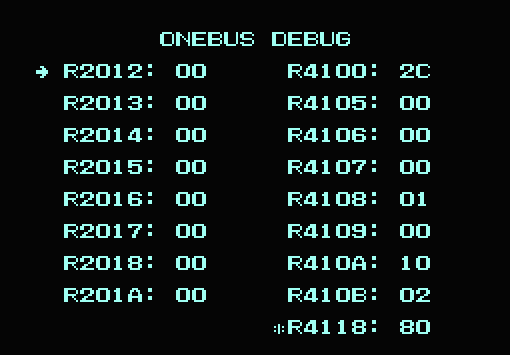
Unfortunately it isn't straightforward. Changing any of these registers doesn't do much things at all. I figured it that I got a broken dump, or I have left out something.
Luckily, I got the new PCB for the prototype dumper and it gives me more consistent results (as long I don't touch that breakout board when I'm dumping).
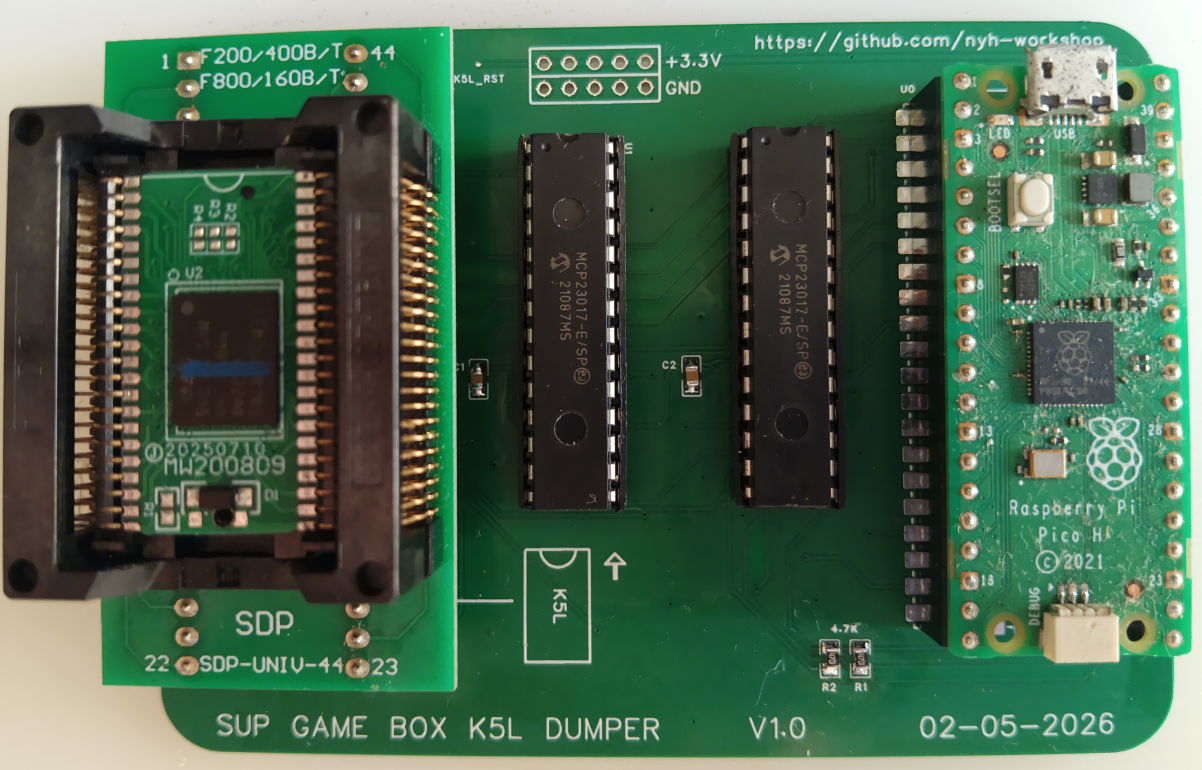
Digging into that new dumped ROM I noticed something very different - it loaded 0x80 into the $4118 register when running the CHR-RAM games! I had discovered this one in earlier handhelds too from that analysis:
One of the 400-in-1s (2023) has a register at $4118 - if games such as MMC3 and with only CHR-RAM, it is assigned $80. Else it is $00.
The strange part is, these "Sup Game Box" handhelds doesn't really respond to the $4118 registers (Yes I tried it in a tedious way), but on the G5 it is needed for the CHR-RAM games to display correctly! I'm not entirely sure why there - the only way to get this to work is to check how the game menu puts the stuff in the OneBus registers before running the game.
Finally, I could get most of these MMC3 games work. And... I'm curious what are these other registers doing?? That'll be something to think about in the future. :D
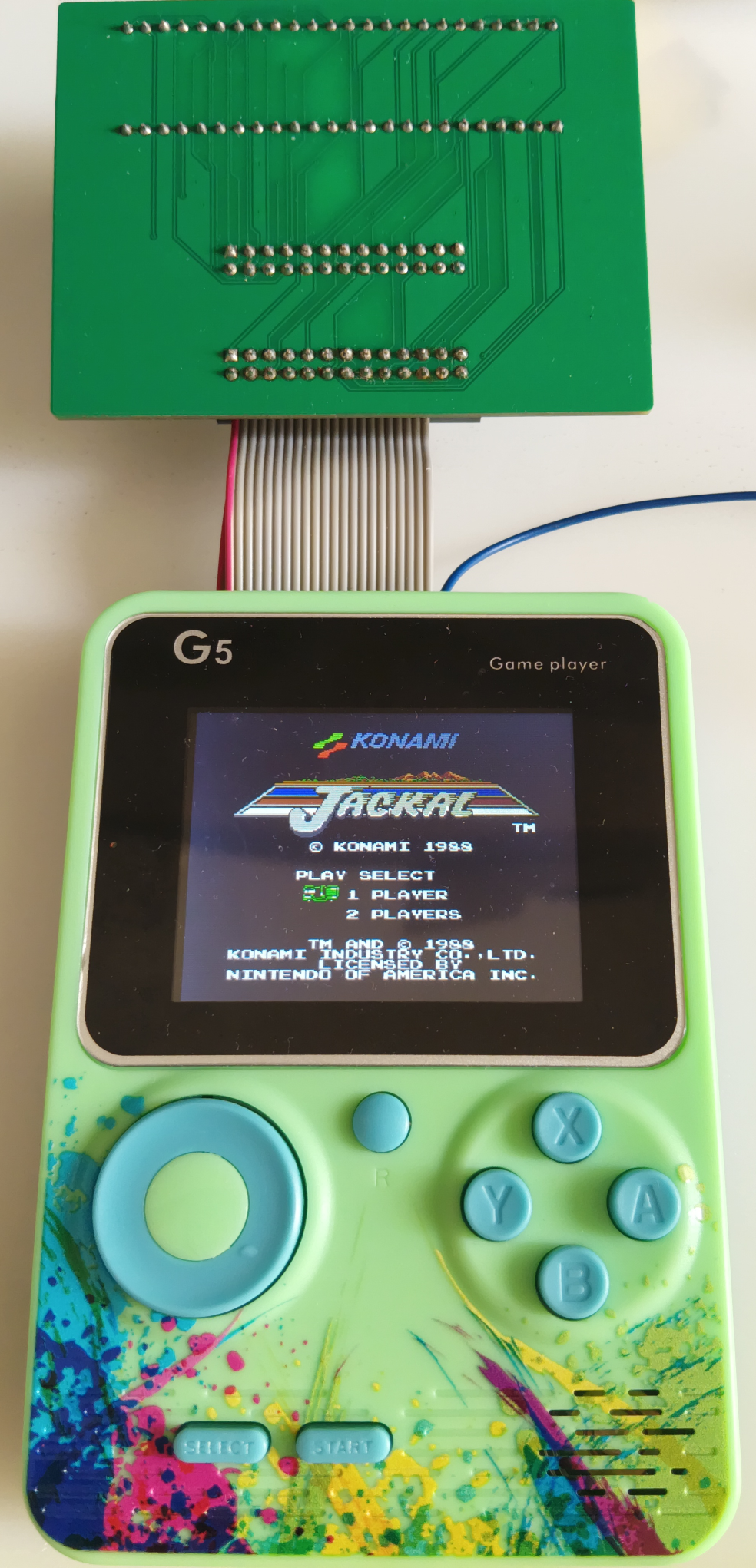
Also, I wondered how could I save the progress in Kirby too, if this runs on the unit as well? :D
Discussions
Become a Hackaday.io Member
Create an account to leave a comment. Already have an account? Log In.