 Maarten Janssen
Yesterday the OPL Studio software v2.4.1 was released. No major changes in this one, but still some interesting things to mention...
GZDoom Support
When you have OPL Studio connected to your PC you can select it as a MIDI device in GZDoom. However in older OPL Studio versions the DOOM music, which a lot of us probably know very well, would sound off. Just a few seconds into E1M1 when the first pitch bends happen the music would break and sound terrible.
This is now fixed in this software update, but it requires chaning a setting on the MIDI settings panel. The problem is that GZDoom is not resetting the pitch bend, or it's assumes that pitch bend is reset on key release, while OPL Studio uses a continuous pitch setting.
In order to have proper pitch bends in GZDoom go to Settings > MIDI and disable the 'Continuous pitch bend' checkbox.
What has also changed in the MIDI settings is that you are no longer limited to a 1 or 2 semi tone pitch bend. You can now choose from anywhere between 1 and 12 semitones, but 2 remains the default.
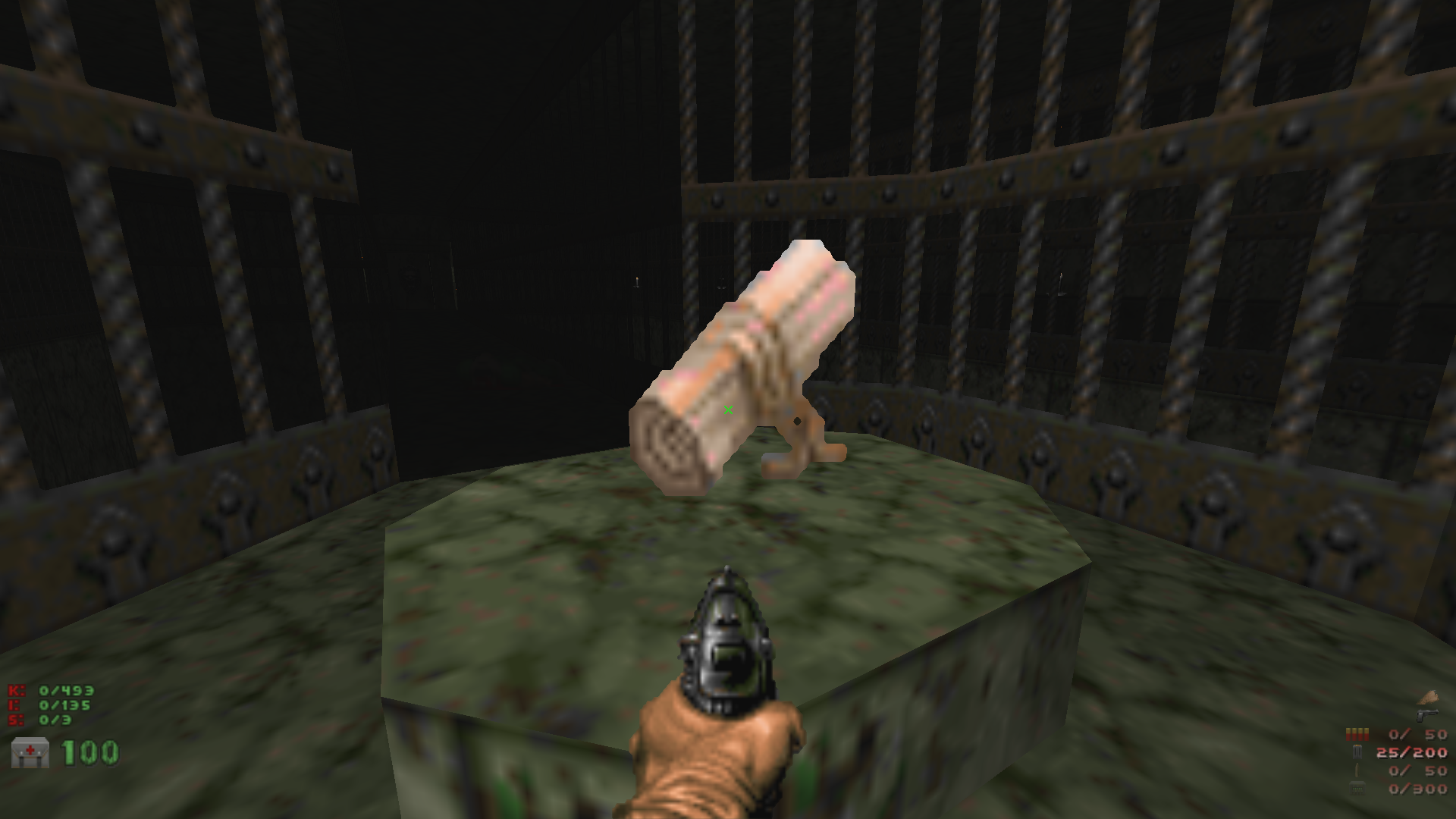
And if I can make a little recommendation: get the Dead See Scrolls mod. The music for which was made by Shapeless Cube using OPL Studio.
More backgrounds
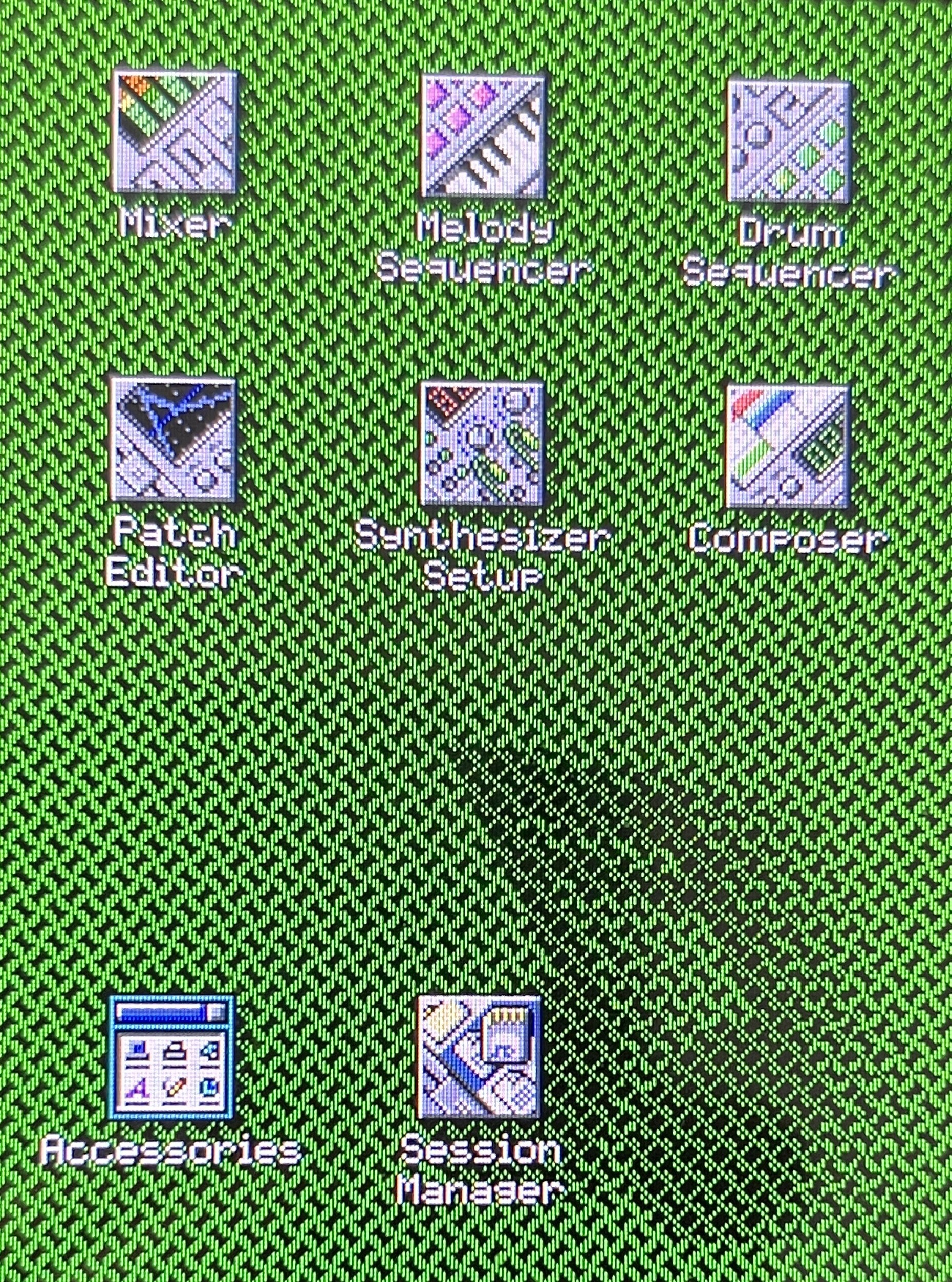
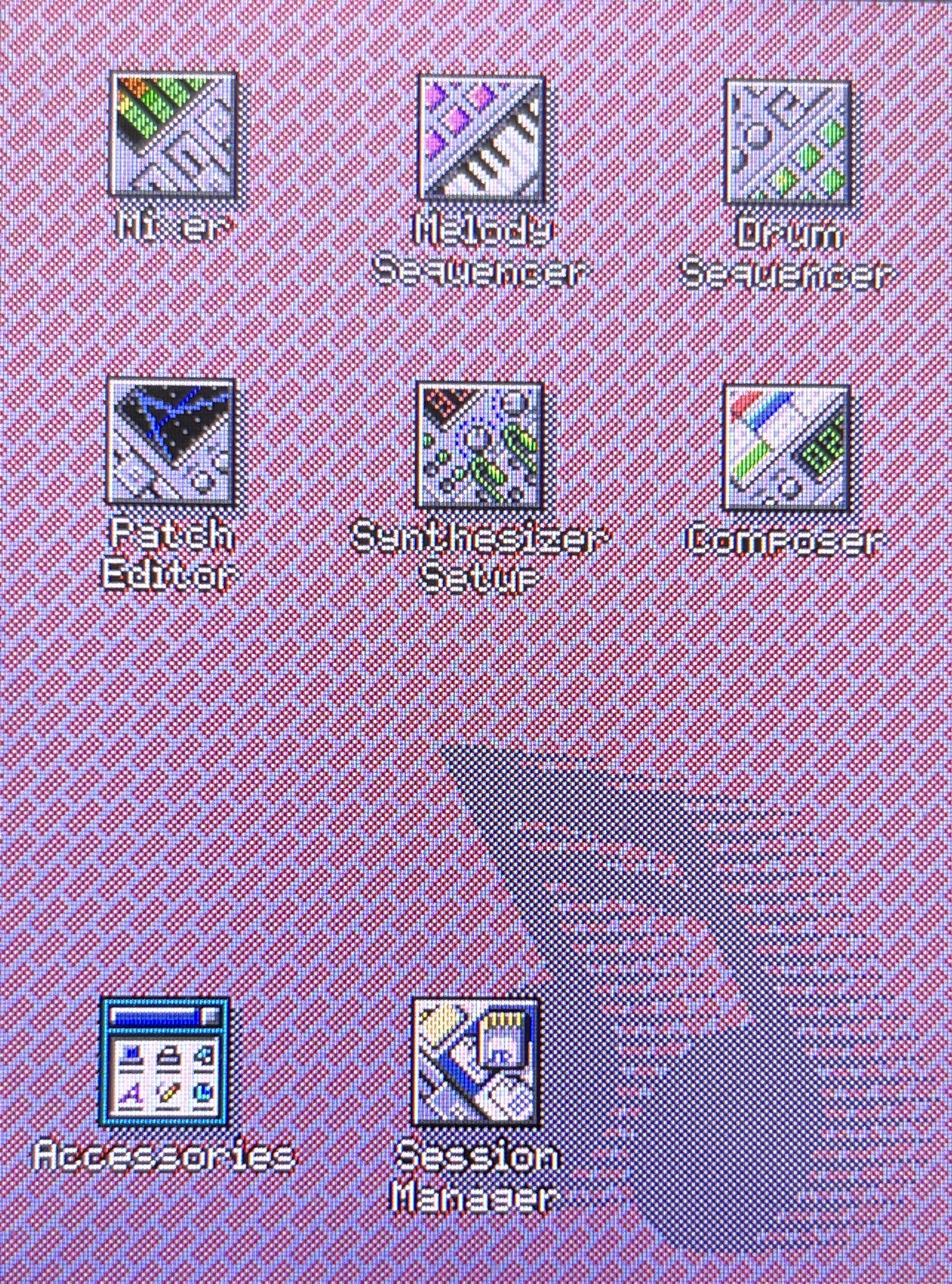
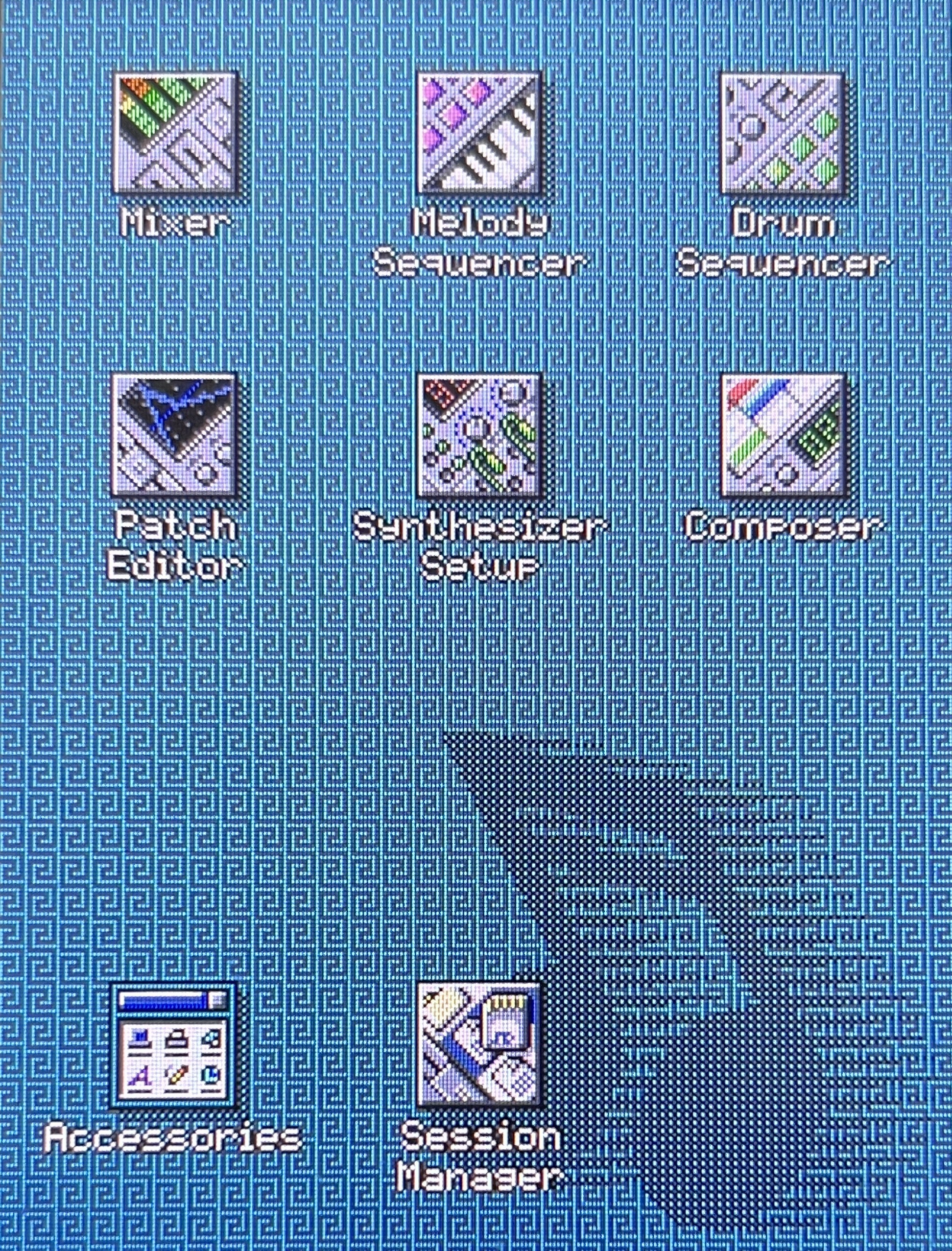
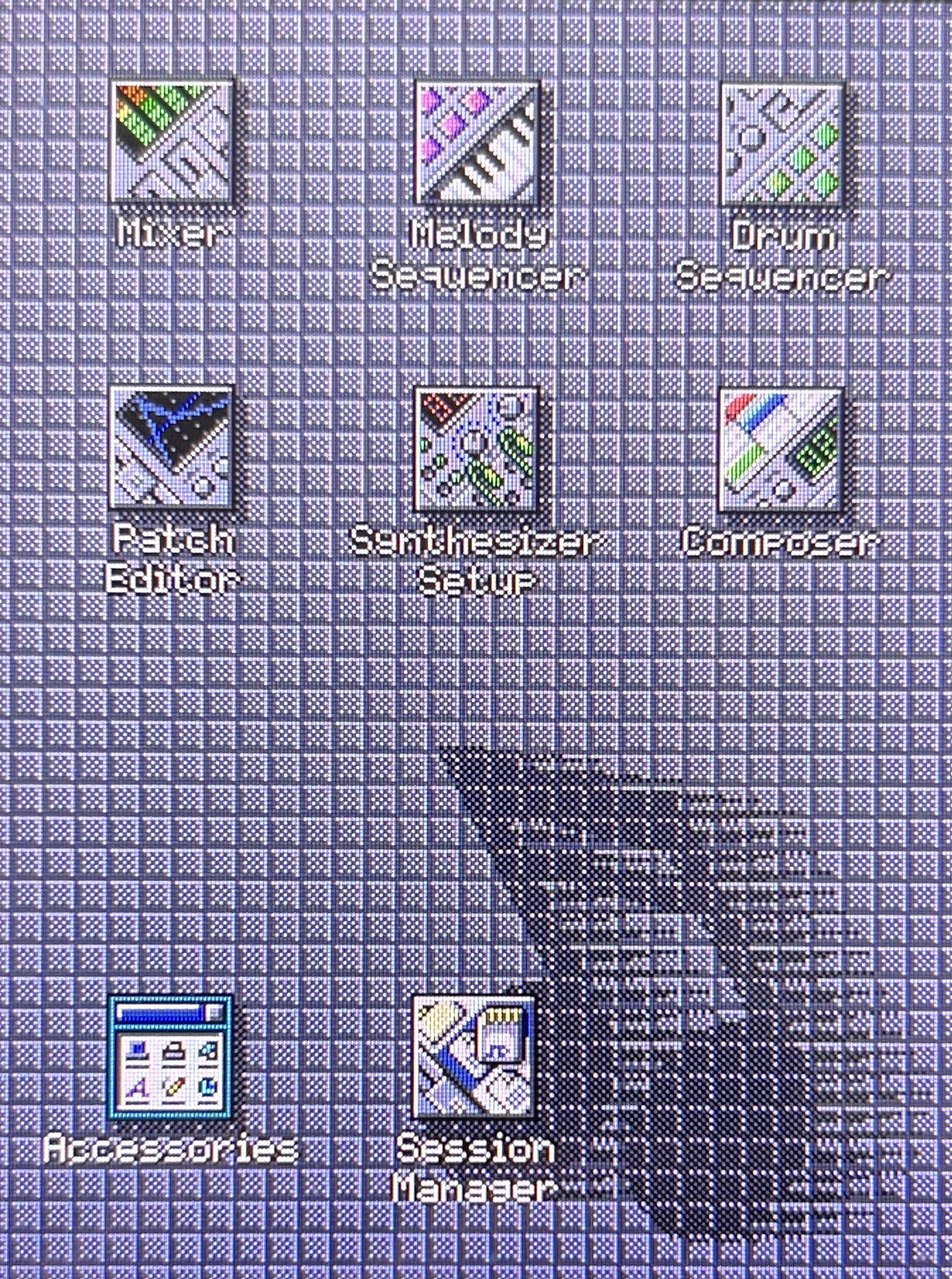
I've added additional background patterns to the display settings that allow you to customize the home screen more to your liking. The new patterns were all taken from the Windows 95 background settings to stick with the theme of the UI.
 |  |  |  |
Additional MIDI CCs
Version 2.4.1 now allows you to map MIDI controls for play, stop and record. So you no longer have to use the touch screen for the transport controls, but you can control playback from your MIDI rig.
Discussions
Become a Hackaday.io Member
Create an account to leave a comment. Already have an account? Log In.