 3drobert
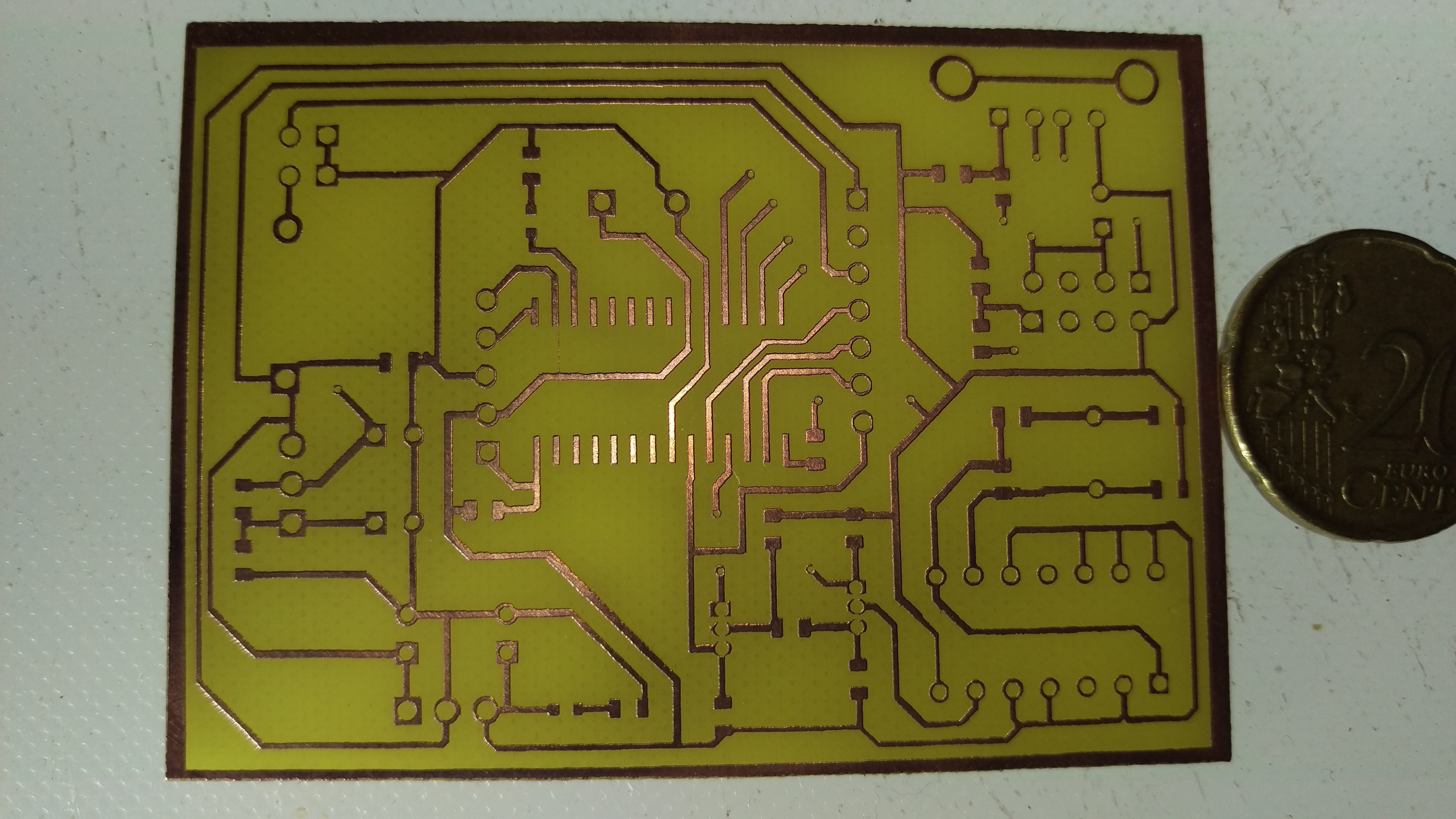
I show my latest method to make PCB rastering with needle and 3D printer. Also can be used to engraving on other things :)
KICAD
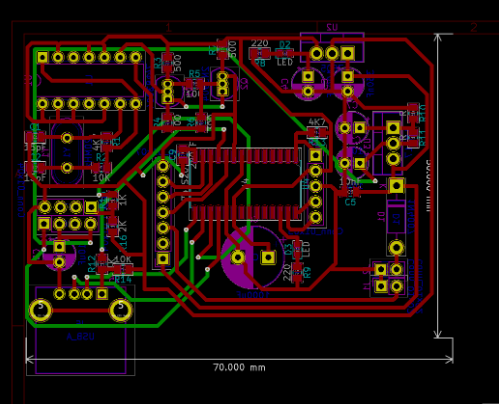
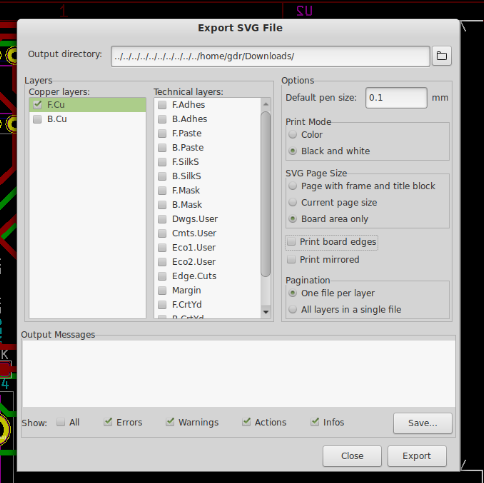
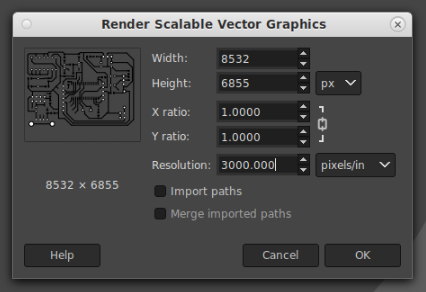
open SVG in GIMP (increase only resolution (3000 or +))
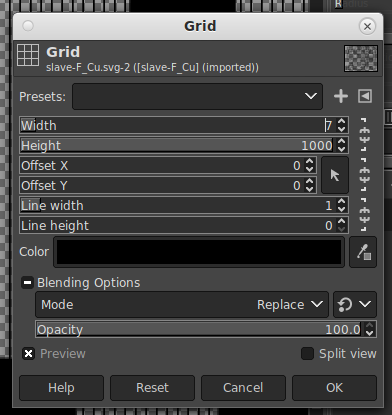
FILTERS MENU > Render > Pattern > Grid
-
Make selection
Crop Selection (must be minus than PCB size)
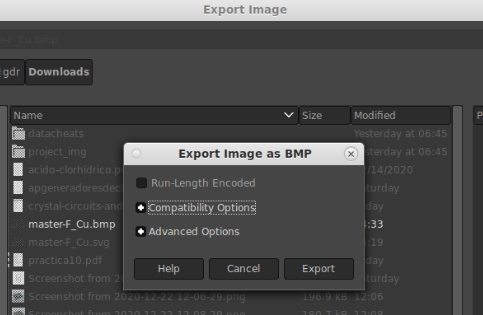
Open InkScape
drag the bmp
InkScape > Trace Bitmap
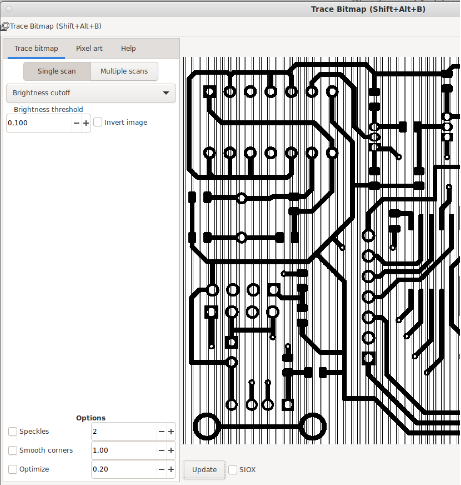
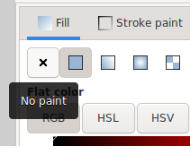
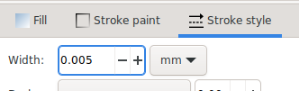
No fill and set stroke
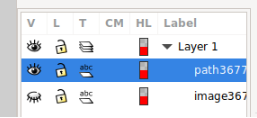


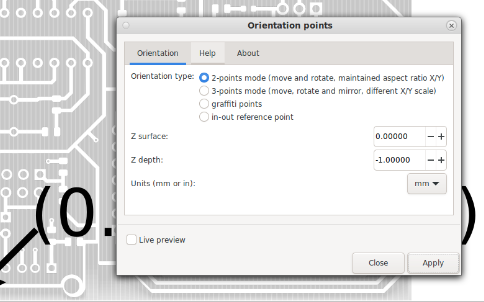
MENU > Extensions > Gcodetools > Orientation points
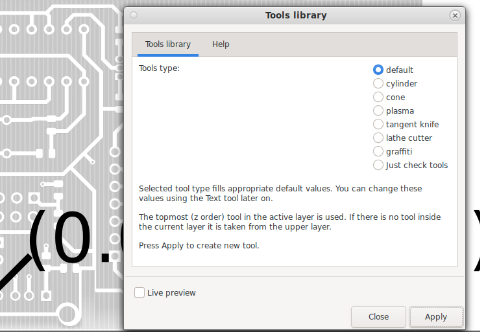
save the file.
select path and:
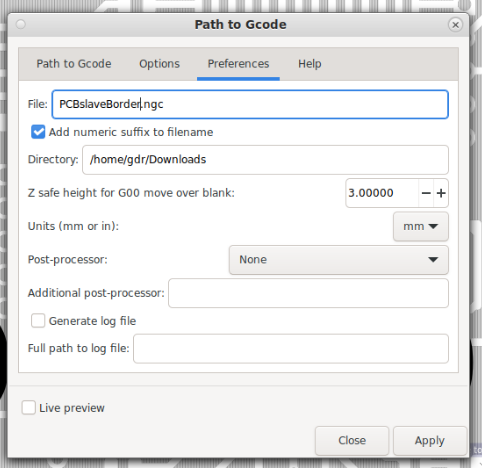
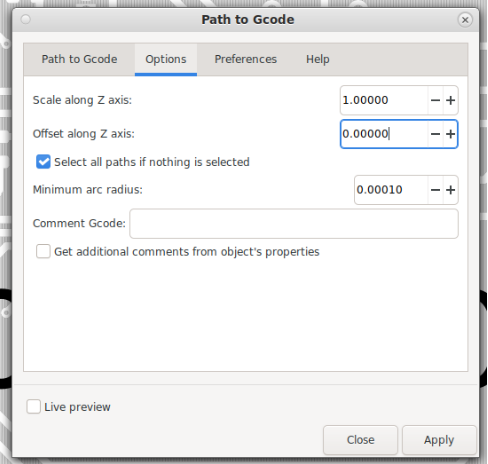
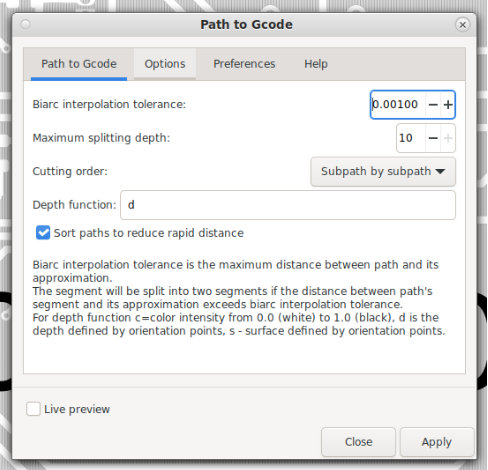
Force quit when task finish and reopen to make the same for the border
create rectangle
Object to Path
etc...
import file.ngc in Repetier
cd into Repetier directory
./configureFirst
REBOOT
Printer size 220 220 240
Show travel moves
Save SD print file (file.g)
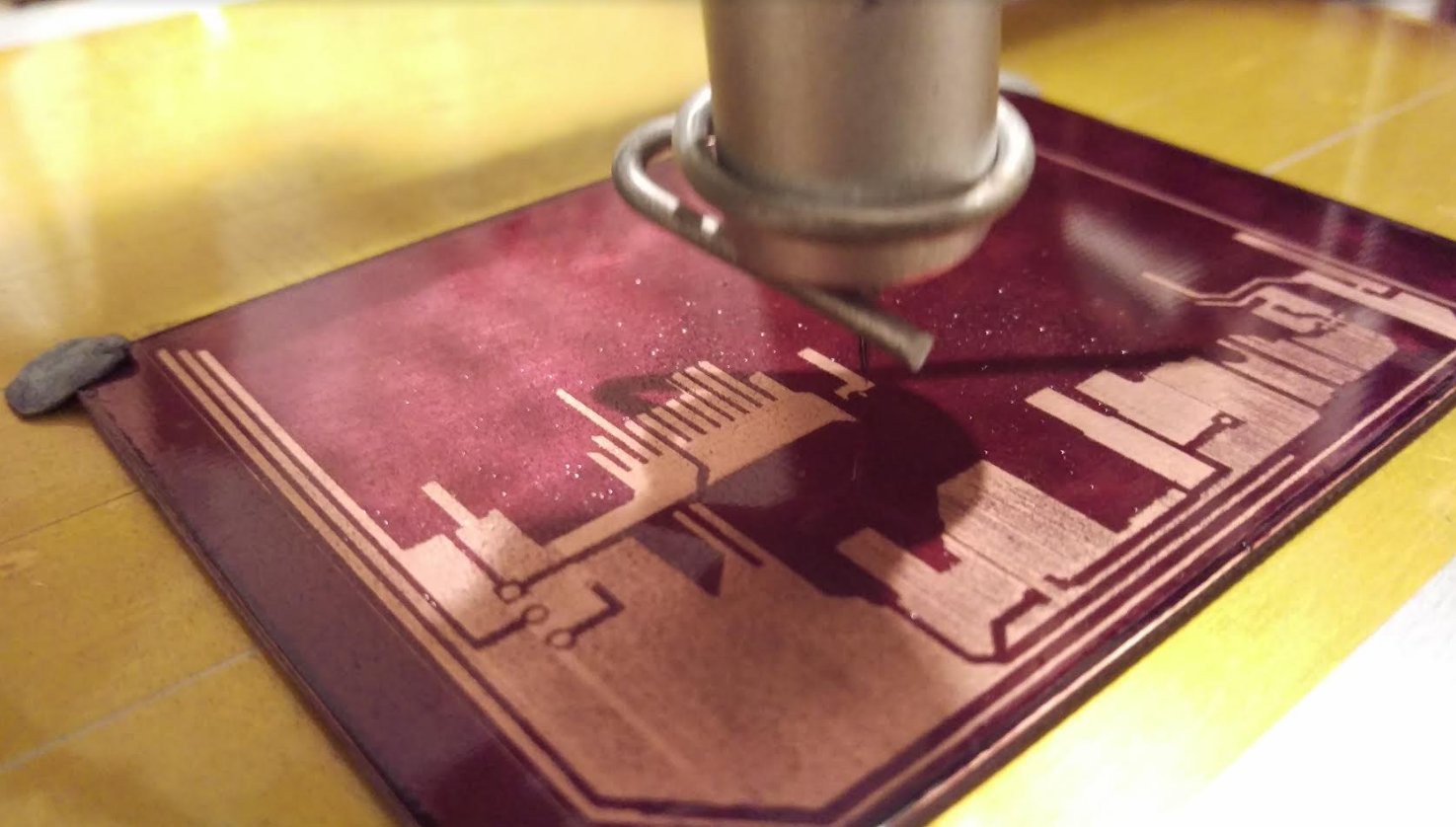
(PCB sprayed with Positiv)
Discussions
Become a Hackaday.io Member
Create an account to leave a comment. Already have an account? Log In.