 neatloaf7
I spent most of my free time last week trying to make 1-bit pixel art, which appears to be harder than learning python. I made some simple screen animations for my Adafruit Macropad.
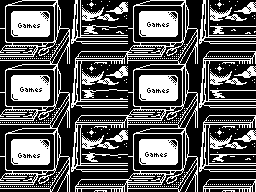
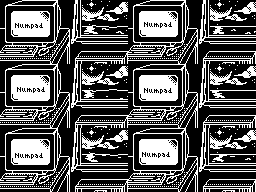
I have a main 6 frame loop that refreshes the screen once a second. The firmware saves the current frame state, so switching between the game and numpad profiles does not restart the animation. I also have some 'mixup' animations that play every 3 loops. These are 8 frames long, and the refresh rate is updated to be 8 fps during these animations. I pick one animation to play instead of the starting loop frame.
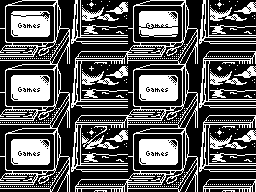
I have everything in a 30 frame long animation, and export it into a bmp that is 2 screens tall and 30 screens wide. I then call the specific frame to be displayed while the animation loop runs.
I decided to not use the MacroPad library. Although the library streamlines alot of configuration, you cannot call the displayio object directly, so more complex display behavior is not possible. The 'board' library initializes the display for you as board.DISPLAY.
As for the RPDeck, I bought some larger 1.3 inch displays using the SH1106 driver. The driver supports up to 132x64 screens, but the actual screen included is 128x64. As is, loading images into the driver memory begins at column zero, but the display starts at column 2. For the RPDeck, I will need to make sure to create 132Px wide images with a 2px buffer on each side. The screens are blue which is cool
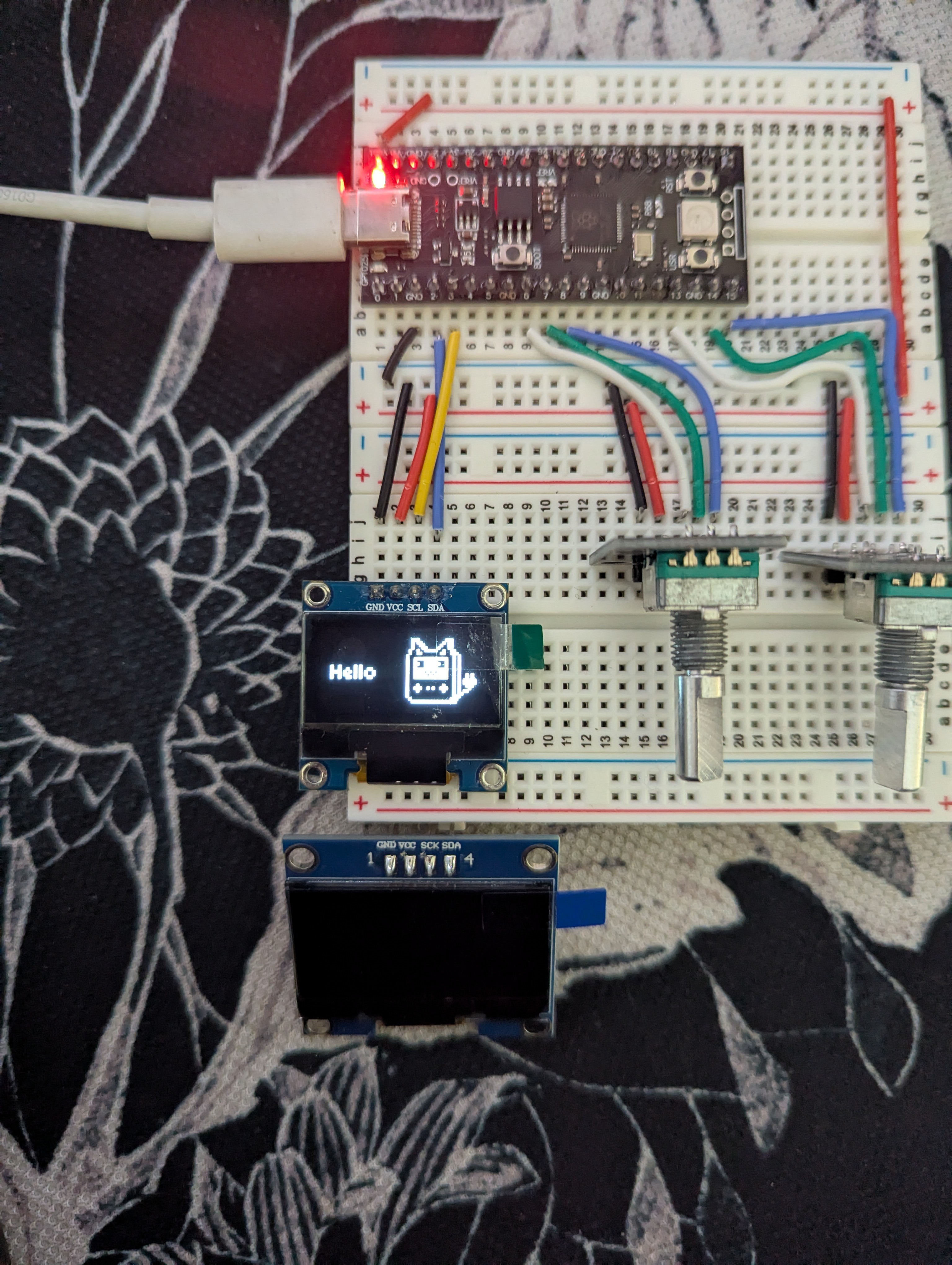
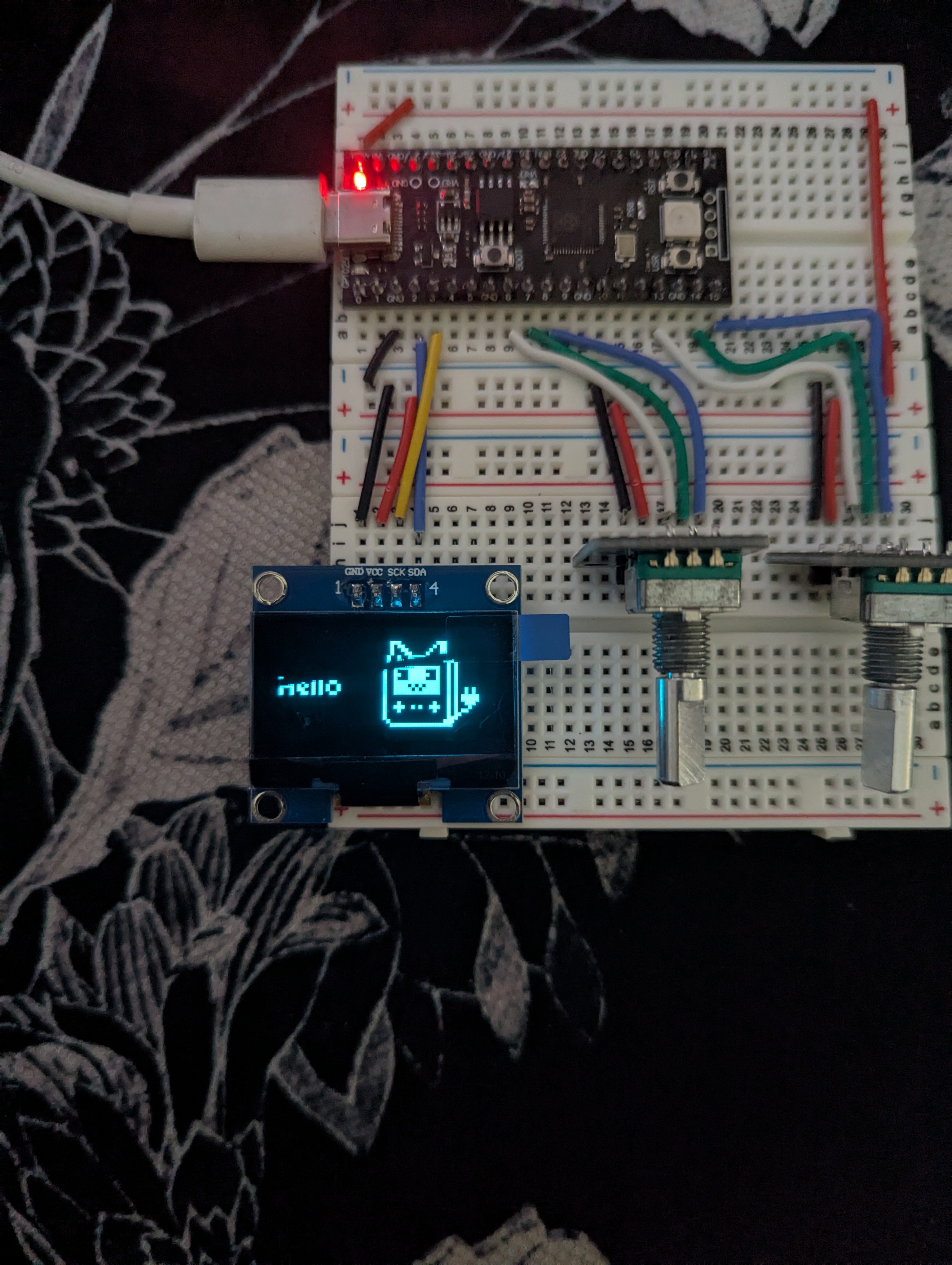
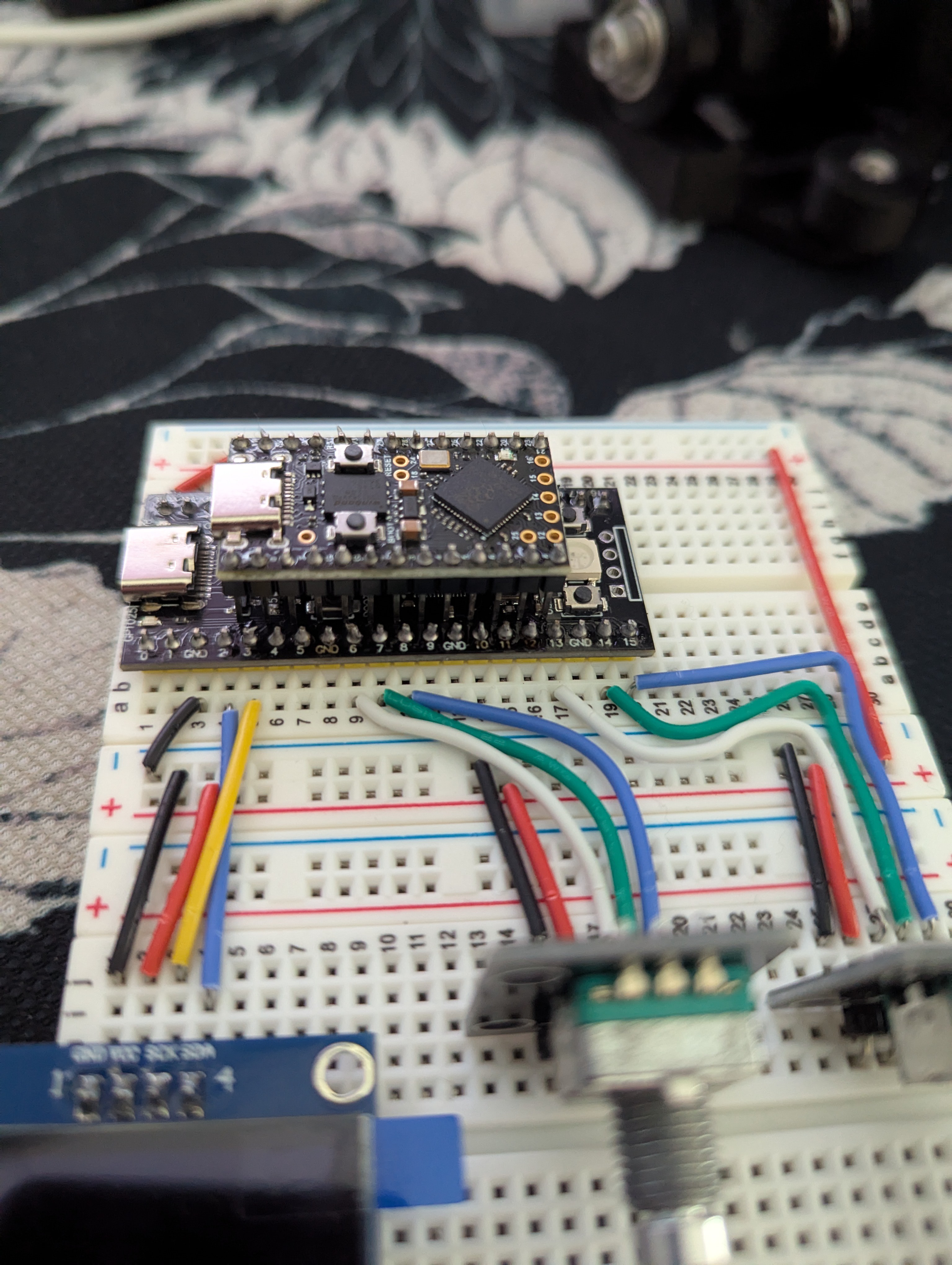
I also got some RP2040 boards in a pro micro form factor to use in the final build. I wanted to have the board exposed, and I thought the pico (or actually a VCC-GND YD) was too big. They were pretty cheap and have 16MB of flash memory.
Discussions
Become a Hackaday.io Member
Create an account to leave a comment. Already have an account? Log In.