Close
0%
0%

CONTROL ARCADE ALL IN ONE 360

Arcade controller with spinner, trackball, analog sticks and gear shift

Similar projects worth following
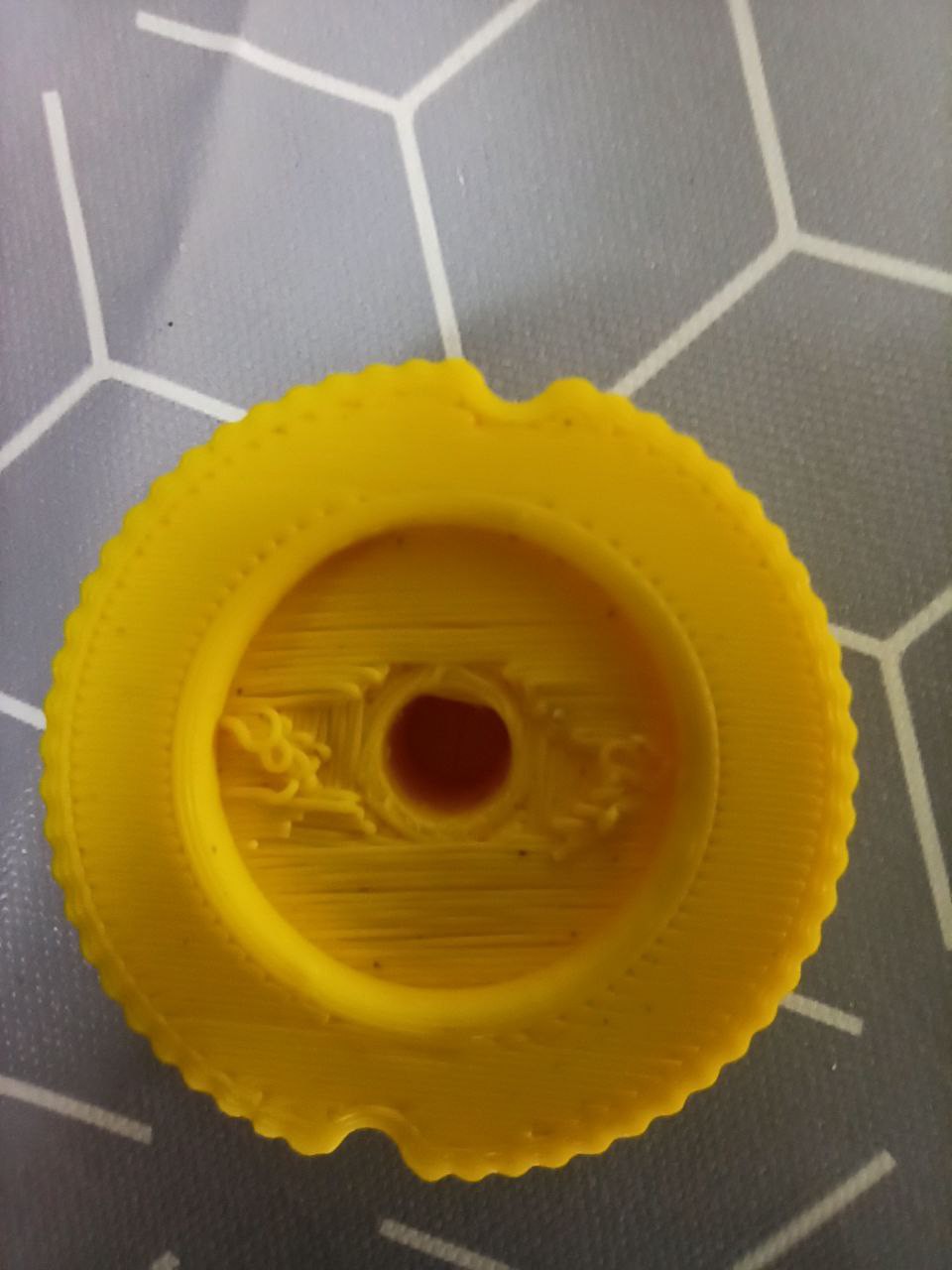
An arcade controller to play everything! Joystick games, spinner games, trackball games. And any combination of the last three. Even games with a 360° steering wheel using two analog sticks to accelerate and brake. And a switch to change gears. Design and printed

Gamepad_XINPUT.ino

ino - 7.25 kB - 04/28/2024 at 16:07

Download

Trackball_spinner_libreria_original.ino

ino - 3.03 kB - 04/28/2024 at 16:07

Download

View all 15 components

  • Actualización de código para el joy

    SrRubioan hour ago 0 comments

    A falta de probar. Es una mejora para evitar los rebotes y no añadir un delay

    #include <XInput.h>
    
    // ================= CONFIG =================
    const boolean UseTriggerButtons = false;
    const int ADC_Max = 850;
    
    // ================= PINS =================
    const int Pin_TriggerL = A3;
    const int Pin_TriggerR = A2;
    
    const int Pin_ButtonA = 4;
    const int Pin_ButtonB = 5;
    const int Pin_ButtonX = 6;
    const int Pin_ButtonY = 7;
    
    const int Pin_ButtonLB = 8;
    const int Pin_ButtonRB = 9;
    
    const int Pin_ButtonBack  = 14;
    const int Pin_ButtonStart = 10;
    
    const int Pin_ButtonL3 = 2;
    const int Pin_ButtonR3 = 3;
    
    const int Pin_DpadUp    = 15;
    const int Pin_DpadDown  = 16;
    const int Pin_DpadLeft  = 18;
    const int Pin_DpadRight = 19;
    
    // ================= SIMPLE DEBOUNCE =================
    bool readButton(int pin) {
      // doble lectura rápida para estabilidad sin delay
      bool a = !digitalRead(pin);
      bool b = !digitalRead(pin);
      return (a == b) ? a : false;
    }
    
    // ================= SETUP =================
    void setup() {
    
      if (UseTriggerButtons) {
        pinMode(Pin_TriggerL, INPUT_PULLUP);
        pinMode(Pin_TriggerR, INPUT_PULLUP);
      } else {
        XInput.setTriggerRange(185, ADC_Max);
      }
    
      pinMode(Pin_ButtonA, INPUT_PULLUP);
      pinMode(Pin_ButtonB, INPUT_PULLUP);
      pinMode(Pin_ButtonX, INPUT_PULLUP);
      pinMode(Pin_ButtonY, INPUT_PULLUP);
    
      pinMode(Pin_ButtonLB, INPUT_PULLUP);
      pinMode(Pin_ButtonRB, INPUT_PULLUP);
    
      pinMode(Pin_ButtonBack, INPUT_PULLUP);
      pinMode(Pin_ButtonStart, INPUT_PULLUP);
    
      pinMode(Pin_ButtonL3, INPUT_PULLUP);
      pinMode(Pin_ButtonR3, INPUT_PULLUP);
    
      pinMode(Pin_DpadUp, INPUT_PULLUP);
      pinMode(Pin_DpadDown, INPUT_PULLUP);
      pinMode(Pin_DpadLeft, INPUT_PULLUP);
      pinMode(Pin_DpadRight, INPUT_PULLUP);
    
      XInput.setJoystickRange(0, ADC_Max);
      XInput.setAutoSend(false);
    
      XInput.begin();
    }
    
    // ================= LOOP =================
    void loop() {
    
      // ---- BUTTONS ----
      bool buttonA = readButton(Pin_ButtonA);
      bool buttonB = readButton(Pin_ButtonB);
      bool buttonX = readButton(Pin_ButtonX);
      bool buttonY = readButton(Pin_ButtonY);
    
      bool buttonLB = readButton(Pin_ButtonLB);
      bool buttonRB = readButton(Pin_ButtonRB);
    
      bool buttonBack  = readButton(Pin_ButtonBack);
      bool buttonStart = readButton(Pin_ButtonStart);
    
      bool buttonL3 = readButton(Pin_ButtonL3);
      bool buttonR3 = readButton(Pin_ButtonR3);
    
      // ---- DPAD ----
      bool dpadUp    = readButton(Pin_DpadUp);
      bool dpadDown  = readButton(Pin_DpadDown);
      bool dpadLeft  = readButton(Pin_DpadLeft);
      bool dpadRight = readButton(Pin_DpadRight);
    
      // ---- XINPUT BUTTONS ----
      XInput.setButton(BUTTON_A, buttonA);
      XInput.setButton(BUTTON_B, buttonB);
      XInput.setButton(BUTTON_X, buttonX);
      XInput.setButton(BUTTON_Y, buttonY);
    
      XInput.setButton(BUTTON_LB, buttonLB);
      XInput.setButton(BUTTON_RB, buttonRB);
    
      XInput.setButton(BUTTON_BACK, buttonBack);
      XInput.setButton(BUTTON_START, buttonStart);
    
      XInput.setButton(BUTTON_L3, buttonL3);
      XInput.setButton(BUTTON_R3, buttonR3);
    
      // ---- DPAD ----
      XInput.setDpad(dpadUp, dpadDown, dpadLeft, dpadRight);
    
      // ---- TRIGGERS ----
      if (UseTriggerButtons) {
        XInput.setButton(TRIGGER_LEFT,  readButton(Pin_TriggerL));
        XInput.setButton(TRIGGER_RIGHT, readButton(Pin_TriggerR));
      } else {
        XInput.setTrigger(TRIGGER_LEFT,  analogRead(Pin_TriggerL));
        XInput.setTrigger(TRIGGER_RIGHT, analogRead(Pin_TriggerR));
      }
    
      // ---- SEND ----
      XInput.send();
    }

View project log

  • 2
    Step 2

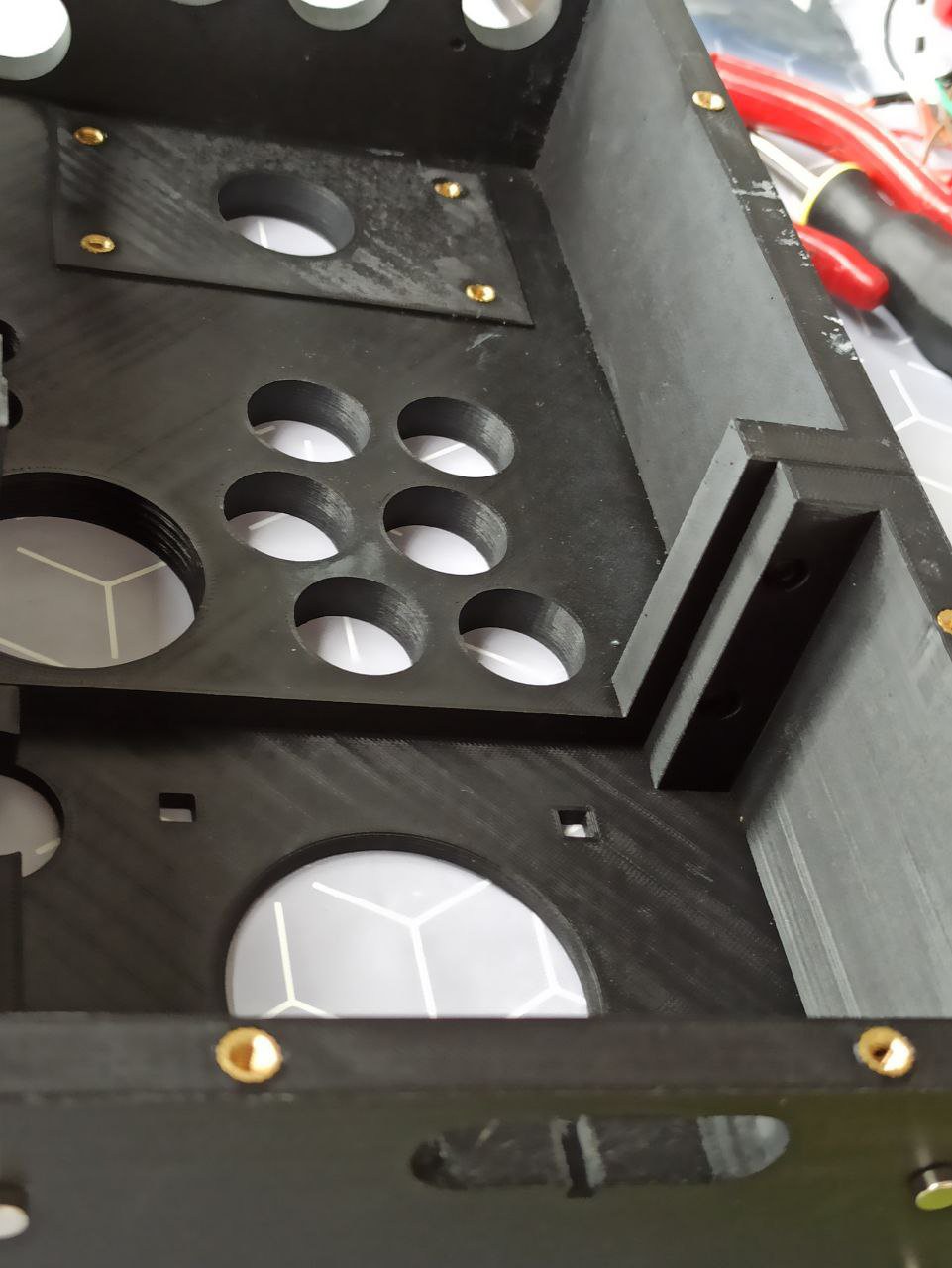
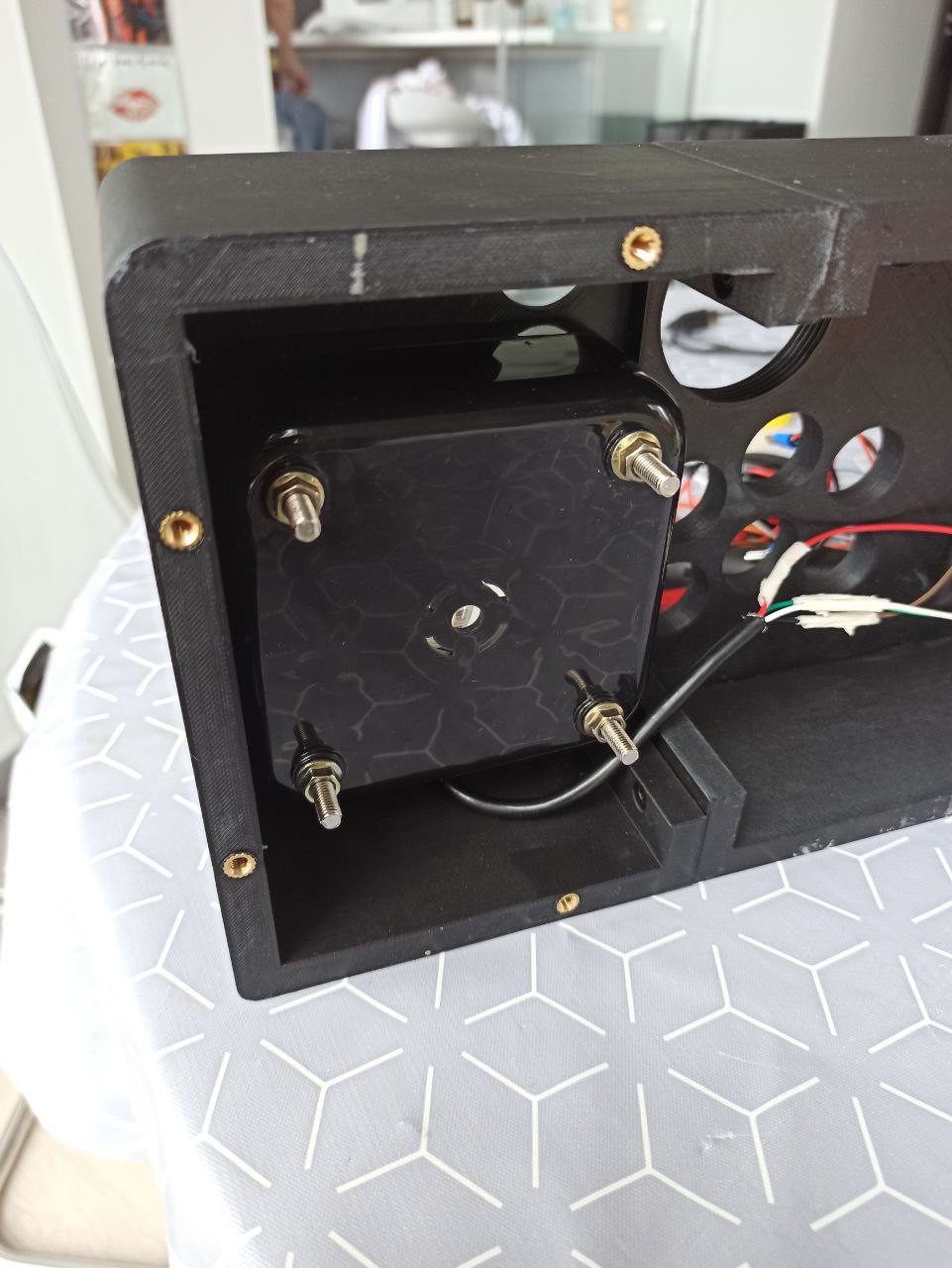
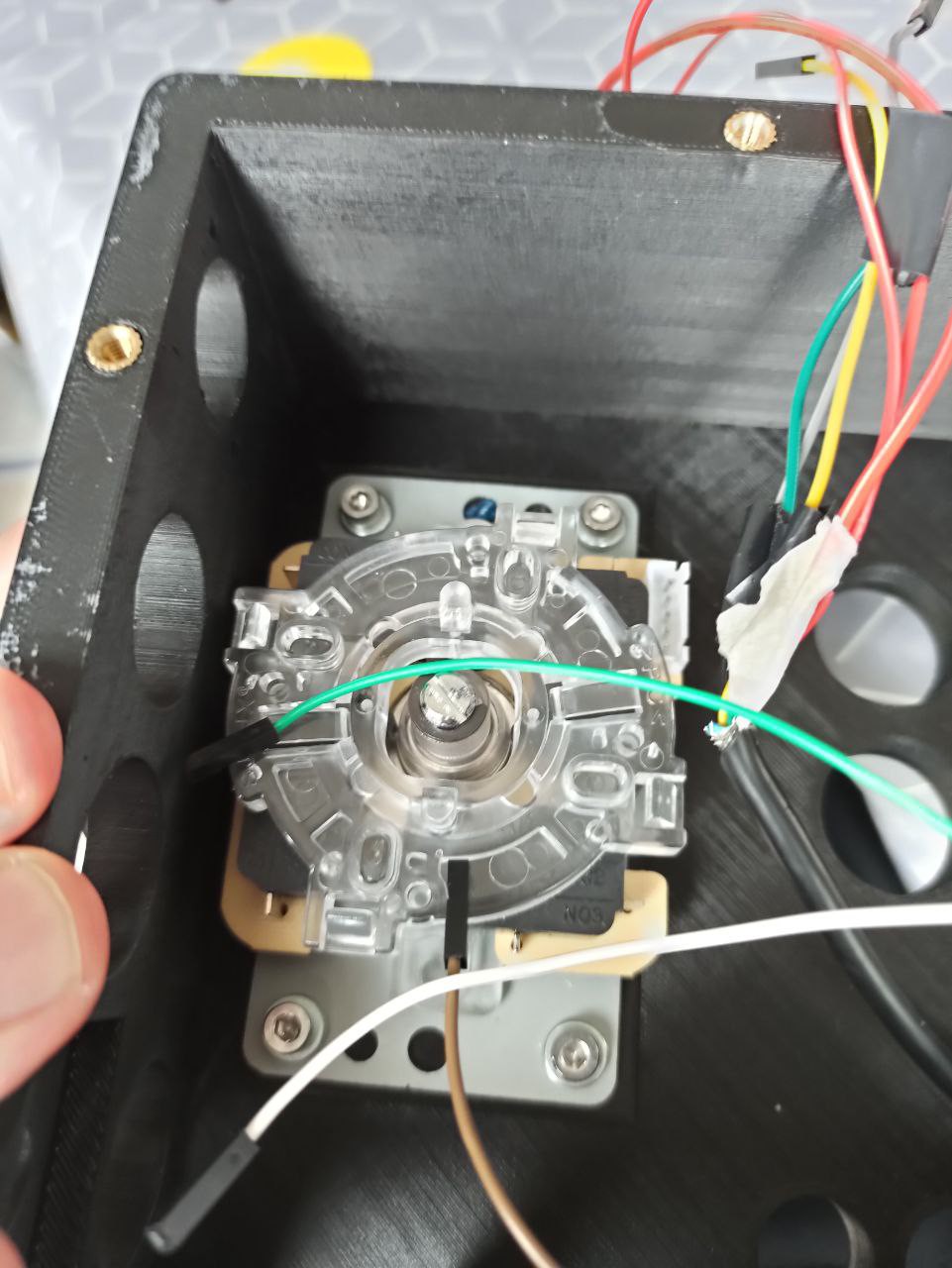
    Weld the nuts on the pieces and then screw the base. And finally weld the ones that will screw the joystick

  • 3
    Step 3

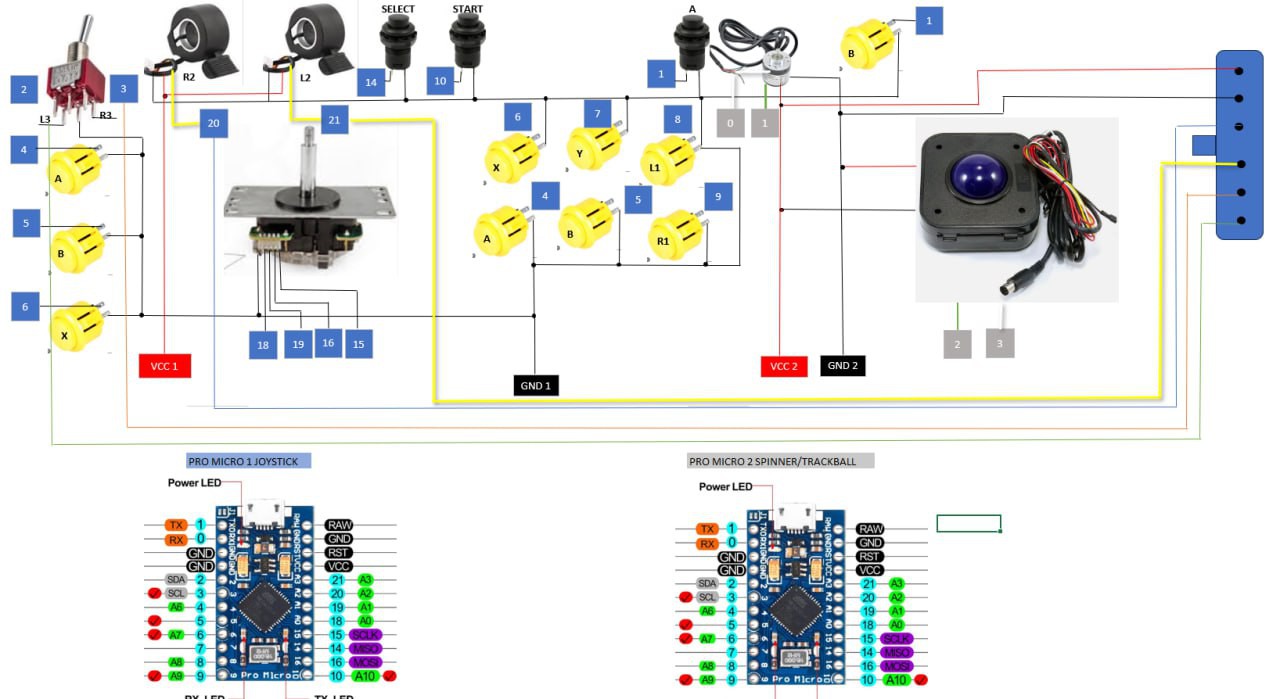
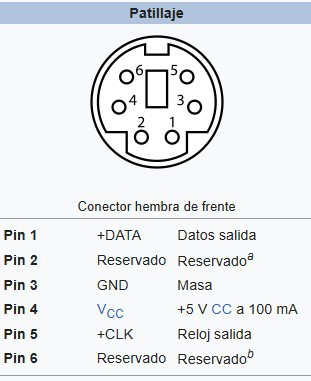
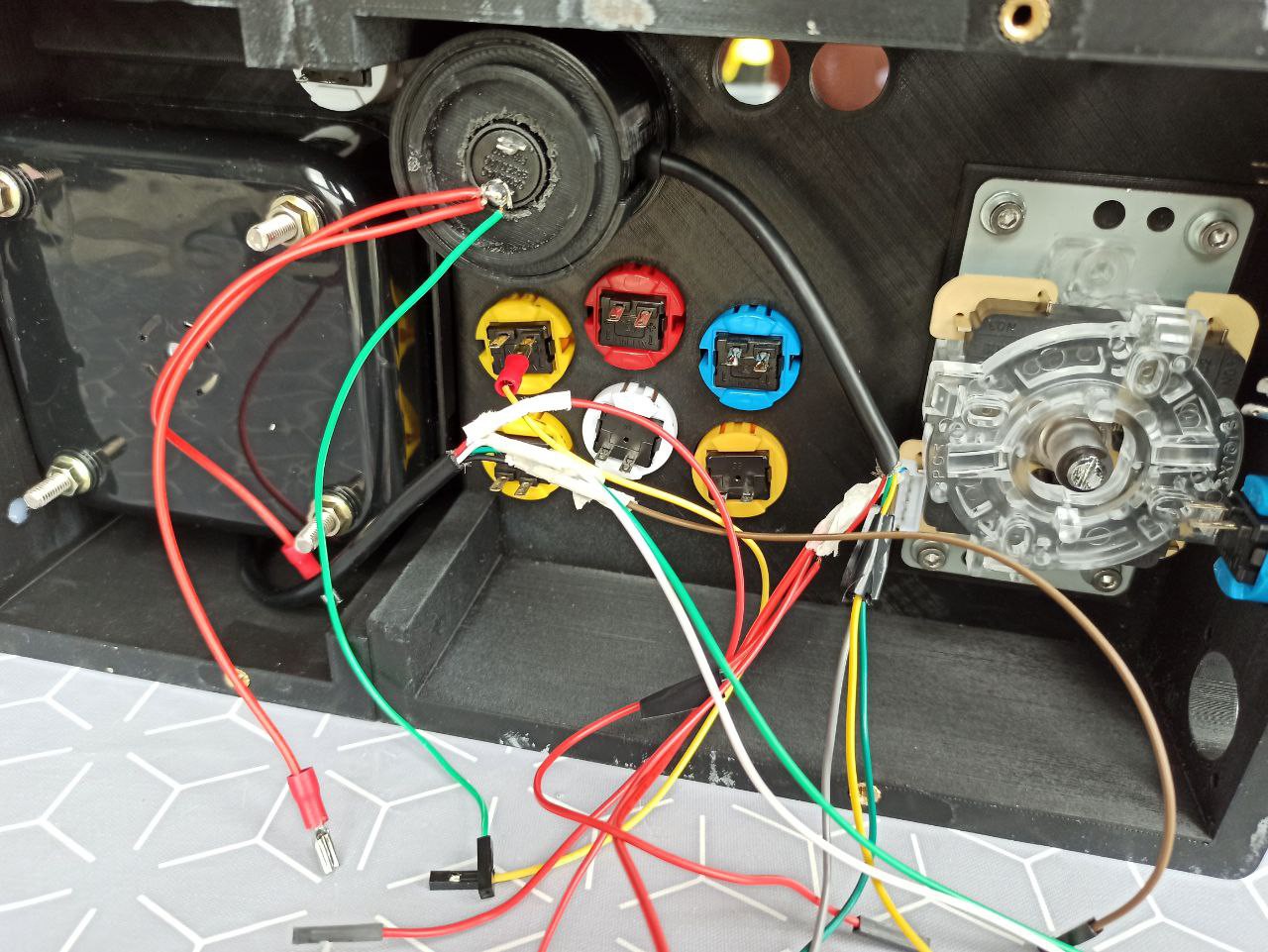
    Assemble all the components and connect it following the following diagram

View all 4 instructions

Enjoy this project?

Share

Discussions

durabkhan657 wrote 04/28/2024 at 17:01 point

In the year 2024, I am thankful for the invaluable opportunities to gain knowledge, fina metal fabrication company the meaningful connections that have brought richness to my life, and the steadfast resilience displayed in overcoming challenges,nurturing not only personal growth but also a deeper understanding of life's complexities. 

  Are you sure? yes | no

Similar Projects

Does this project spark your interest?

Become a member to follow this project and never miss any updates