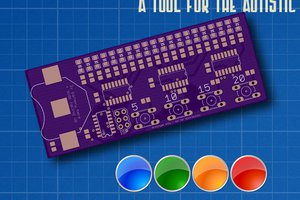
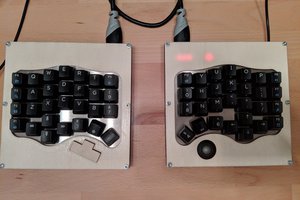
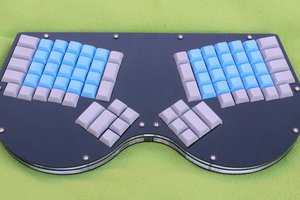
I've used Kailh MX hotswap sockets in my keyboard designs for a while; I really value the flexibility of being able to swap out my switches. However, since my keyboard designs are not flat, I can't just use a standard full-size PCB for my keyboard. This allows me to have individual PCBs for each switch for better support, and makes it easier to solder to them instead of having to solder leads to the hotswap sockets directly.
If you haven't checked out Codeberg yet, you should! They're a great non-profit project hosting service using Forgejo, and they're very responsive to the community. I've had an excellent experience hosting projects there for the last 10 months.
I had been designing the PCBs using Flux.ai, and hosting the designs there. However, recently they changed their service to require a paid subscription to make changes, so I decided it was time to move to a different tool.
In the past, I've used Fritzing pretty extensively because of how easy to use it is, but I stopped using it partly because their Wayland support wasn't very good, and my mouse cursor would disappear when hovering over items in the schematic and PCB views.
This time, I decided to try KiCad again. Last time I touched KiCad was years ago, and I moved to Fritzing pretty quickly because of how complex and buggy it was. (it would crash on me quite often) However, since it's been so long, and KiCad still seems to be the go-to for much of the open hardware community, I figured I'd give it another shot.
It seems that they've made a lot of improvements to it lately; it has only crashed on me twice so far! And usability has improved quite a bit since the last version I tried. I was able to build the Snowshoe MX and Snowshoe Choc designs from scratch in about a day.