 diddy
diddy
Version 5 introduces a major overhaul with a focus on a cleaner UI, better performance, and expanded features.
What’s New?
- Fresh Branding: A new "Pi-Play" logo now serves as the default background for new browser visits.
- Refined UI:
- Smoother Transitions: Polished animations when changing backgrounds.
- Reduced Bloat: Optimized
index.htmlfor faster loading. - Stealth Mode: Click the branding logo to toggle the visibility of the "Easy Connect," "Select Background," and "System Status" buttons for a minimalist look.
- Integrated Torrent Downloader: A built-in way to manage downloads directly from the dashboard.
- Improved Installer: Optimized scripts for seamless version upgrades.
How to Use the Torrent Downloader
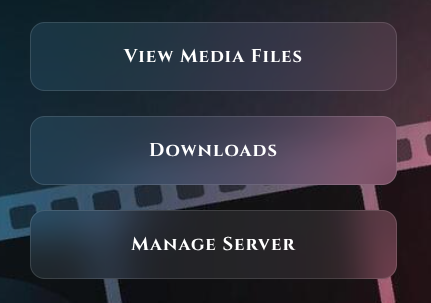
- Navigate to Downloads on your dashboard.
- Login: Use username
piand passwordpi. - Add Torrents: Click the Add Folder icon on the left, paste your magnet/torrent link, and you're set.
- Automation: The system downloads in the background (you can close the tab) and automatically saves files to your Video folder.
Pro Tip: To organize your library, select Manage Server to enter Cockpit. Use the Navigator to browse to /var/lib/minidlna/Video to rename or move files. The Media Scraper runs daily at 5:00 AM to fetch metadata for your new content.
Disclaimer: This tool is intended for legitimate use cases. The developer is not liable for how users choose to utilize this software.
Download or Upgrade Now
Run the following command in your terminal (via SSH or directly on the Pi) to launch the installer:
wget -qO- https://raw.githubusercontent.com/diddy-boy/mini-pi-media-server/main/install.sh | bash
Discussions
Become a Hackaday.io Member
Create an account to leave a comment. Already have an account? Log In.