 diddy
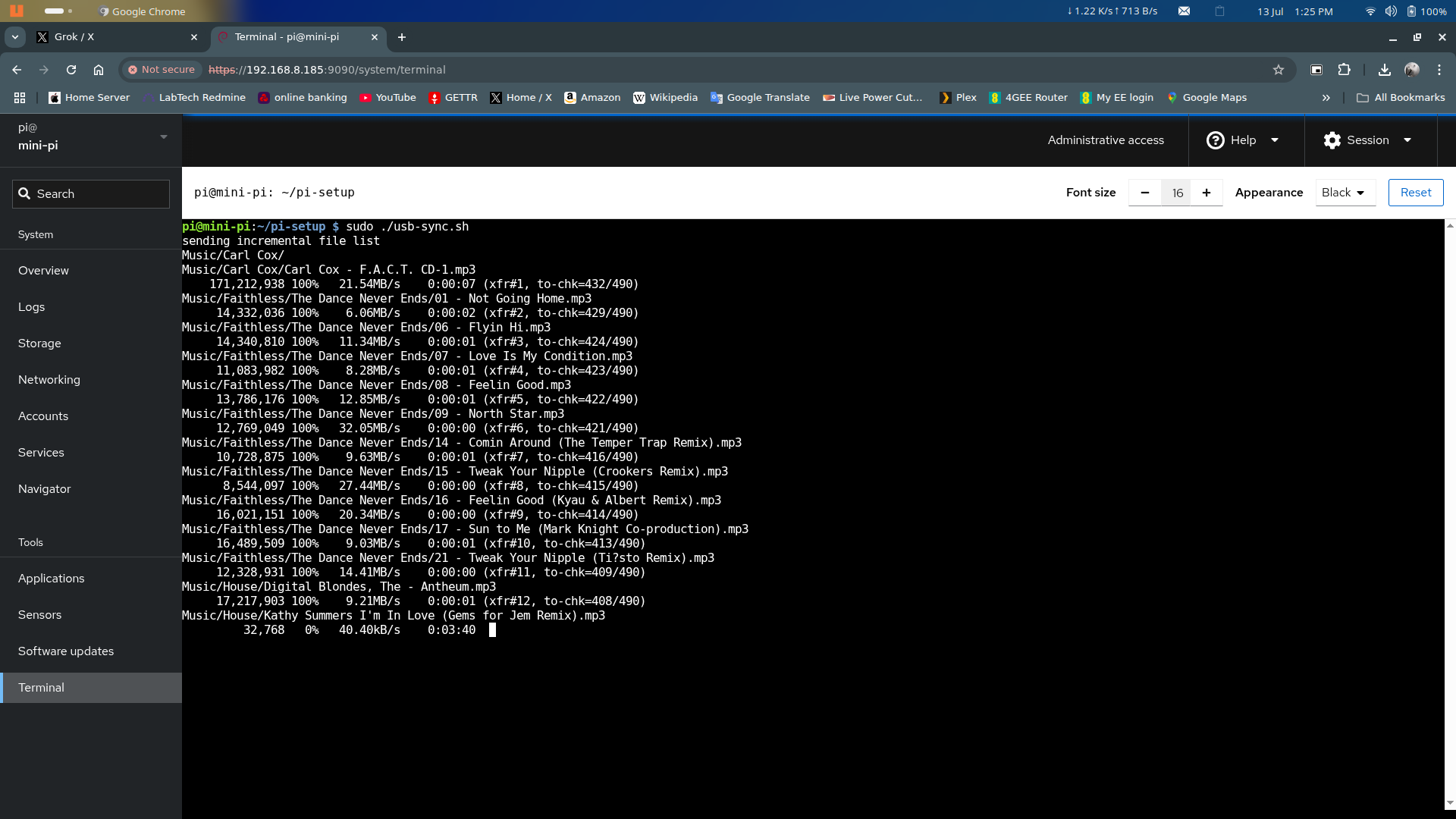
diddyVersion 1.7 now includes a 'usb-sync.sh' script that will copy all media on a USB pen drive to the /var/lib/minidlna folder.
subsequant runs will only sync the changes to /var/lib/minidlna folder
It uses rsync to copy only changes from the pen drive.
so only new media files added on the pen drive will be copied after the first copy has happened.
to run, log into cockpit and type 'cd /home/pi/pi-setup'
then type 'sudo ./usb-sync.sh'
example running in cockpit's terminal window :-
Discussions
Become a Hackaday.io Member
Create an account to leave a comment. Already have an account? Log In.
Just a note, the USB pen drive HAS to have a Music and Video folder present for the sync to work and keep inline with Minidlna servers setup to share across the network
Are you sure? yes | no