 diddy
diddyVersion 3 now has an updated reconfigure-wifi.sh script that will guide the user through setting up wifi connection for when at home presenting a list of wifi networks to connect to and also set up an access point.
Method of operation :-
when the Raspberry pi boots up, it looks for the wifi network. if it cant find the network after 50 seconds then it flips over the built in wifi card to an access point and will stay that way until the next reboot.
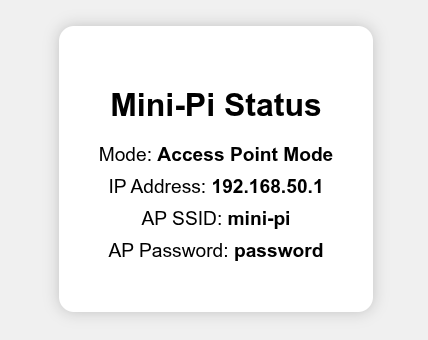
Users can access the main web page via http://mini-pi.local or via http://192.168.50.1
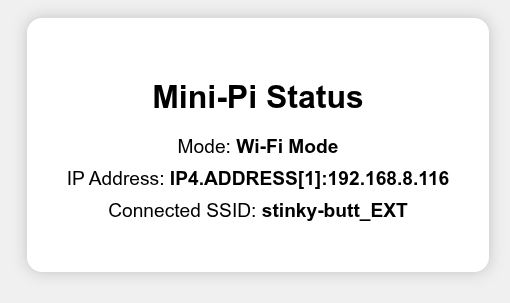
also added a status page that shows if the pi is in access point mode or connected to wifi (see screen shots)
mildly updated the rotating-server-sync.sh script and the configure-server-sync.sh scripts so that they now handle nested directories on the server to sync from.
e.g. //192.168.8.10/Dave/Music
The generated scripts from 'configure-server-sync.sh' will be shown as a systemd service list with the set time to run but can be nanually selected to run now from within the cockpit view of 'services' .
example shown below :-


Discussions
Become a Hackaday.io Member
Create an account to leave a comment. Already have an account? Log In.