 diddy
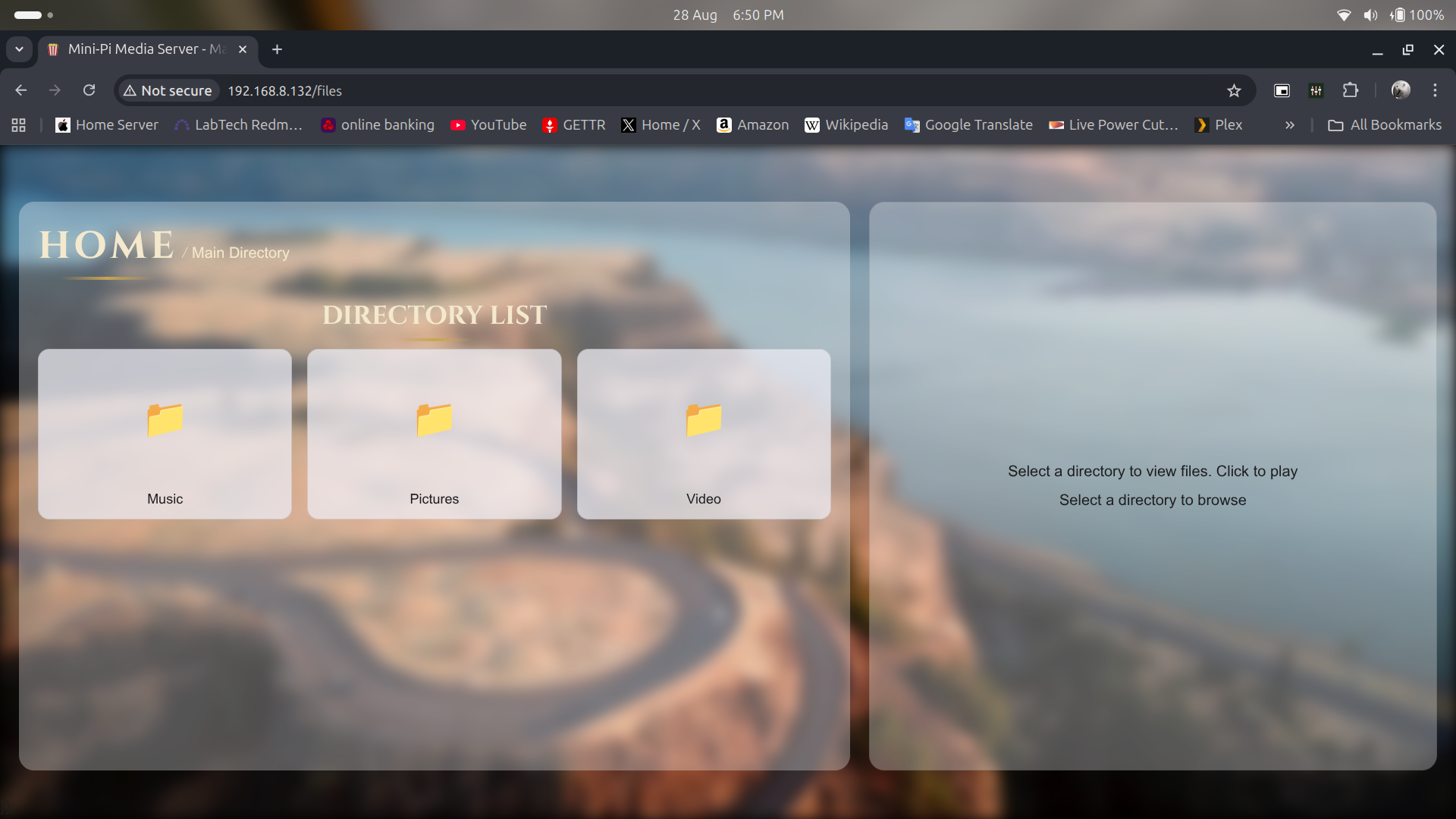
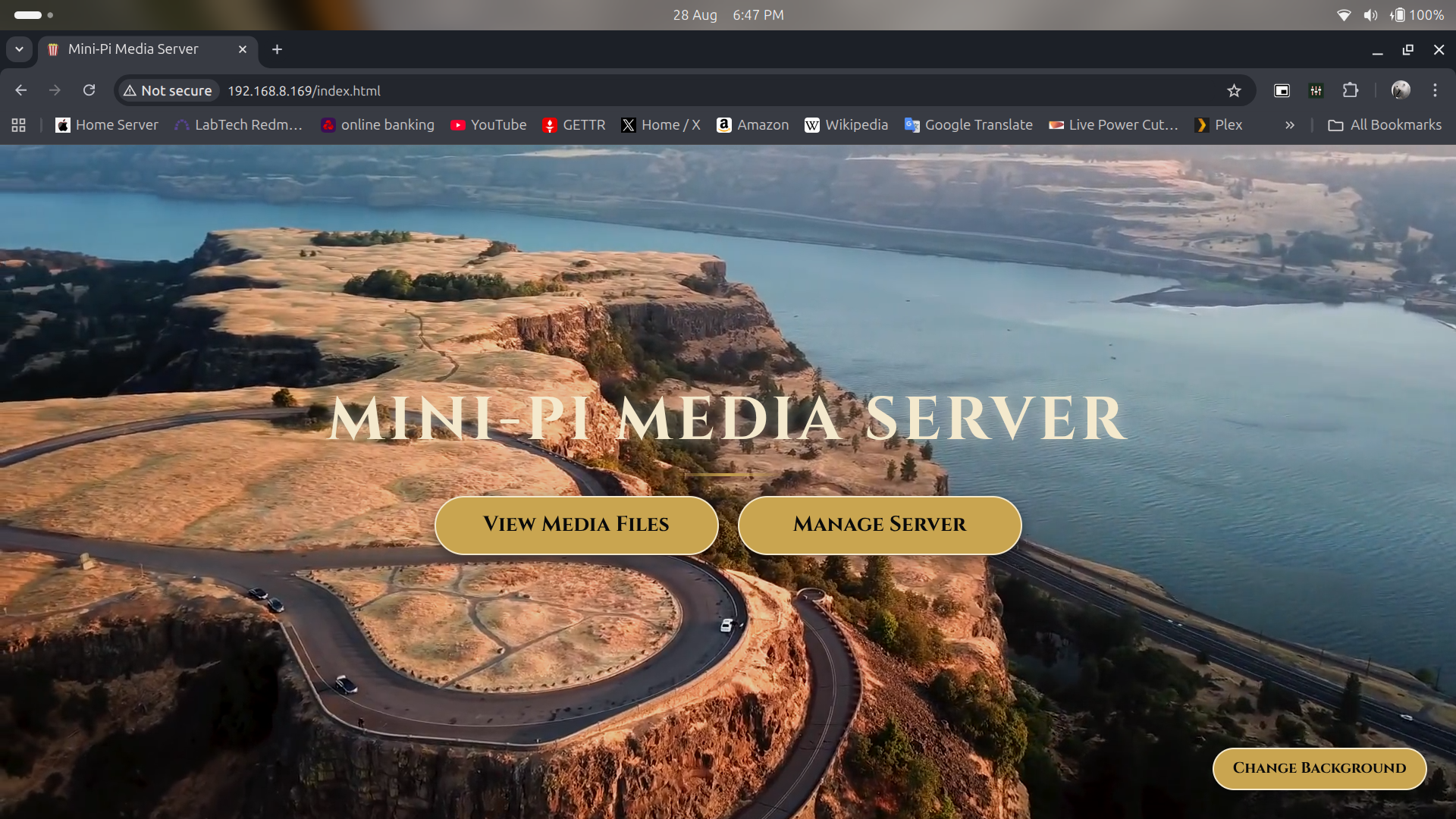
diddyRevised Look and feel of the main page and the file view.
The user can now use cursor keys in the picture view via the web page to change image and enter to show the picture full screen.
Cursor left and right seeks backwards and forwards in music or videos and cursor up and down changes volume. Space bar pauses video or music.
Also changed the server syncronisation scripts so that it handles permissions after syncing and now syncs down mkv video files but then I apply a cheap hack to rename them to mp4 files.
If the mkv file is standard format (stream 0 is the video and stream 1 is the audio) then this will play fine in a web browser. other streams are ignored in the renamed mkv file.
The access point can be setup during the setup process or by running 'sudo ./reconfigure-wifi.sh'.
When the Raspberry PI starts up, it looks for the WIFI network the user configured for 50 seconds. if it doesn't find that WIFI connection then the WIFI card becomes the access point and all users can connect via WIFI on their devices, then just open up a web page to http://mini-pi.local or http://192.168.50.1
This version is located on github and can be downloaded, unpacked and installed with just one command.
Run this command in a shell on the Raspberry Pi you want to install media server :-
wget https://github.com/diddy-boy/mini-pi-media-server/archive/refs/heads/main.zip && unzip main.zip && cd mini-pi-media-server-main && unzip pi-setup*.zip && mv pi-setup ~/ && cd ~ && rm -rf mini-pi-media-server-main main.zip && cd pi-setup && sudo ./mini-pi-setup.sh
Discussions
Become a Hackaday.io Member
Create an account to leave a comment. Already have an account? Log In.