 JP Gleyzes
UGS
UGS is by far my favorite Gcode sender for CNC mill and laser cutter, and it works very well out of the box even for foam cutter.
FIrst select the com port of your board and click connect :
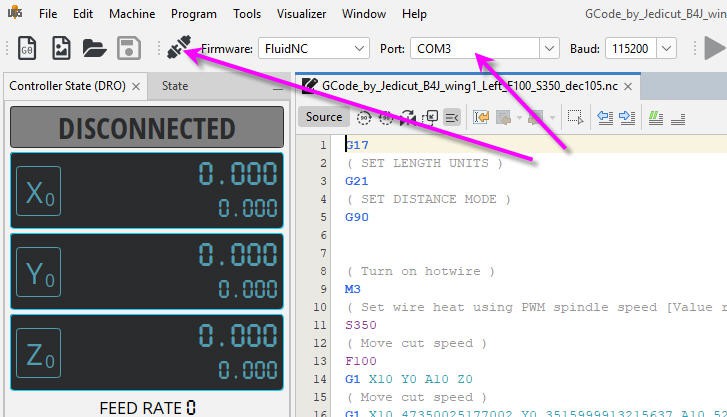
Before connection only 3 axis appear in the interface, but as soon as connection is established, the fourth one will pop up :

You can open your Gcode file and you can send it to your board when clicking on the play button.
It works very well, it's clean and safe but there are two minor drawbacks:
- 1) the display of your profile is unique and cannot be changed. So that, if you display "Z top" view you will get the less awful profile of your wing... but it is not the profile you have designed in you CAD software...
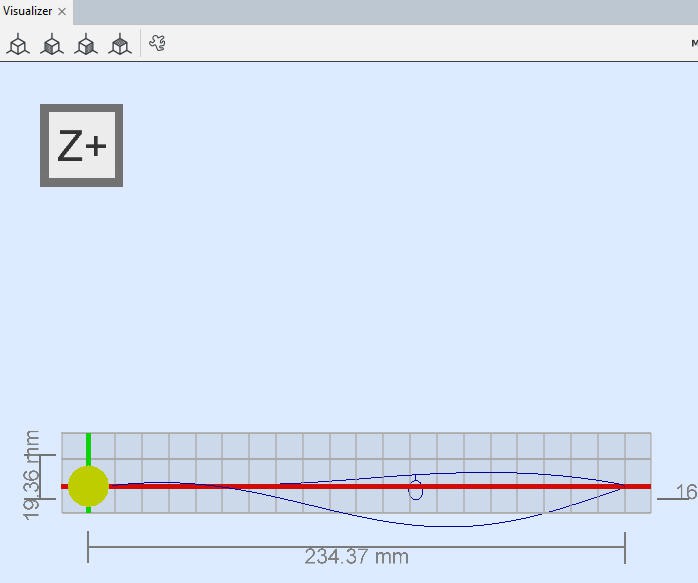
It's normal... UGS uses a regular CNC mill display XYZ in 3D ... and a foam cutter needs a two planes XY + AZ plot.
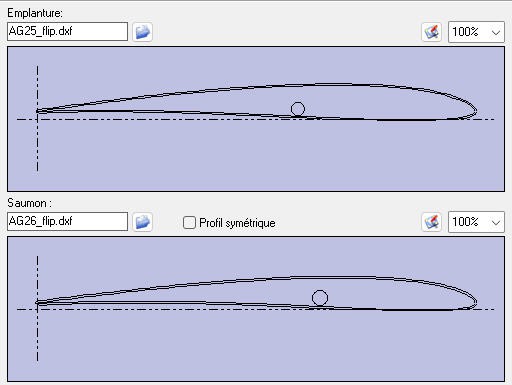
Here is what we expected... But we can't get it with UGS. Nevertheless it is only a matter of display, UGS will send the Gcode perfectly and you will have a nice and smooth motion without issues.
- 2) jogging the two planes simultaneously.
With UGS you can natively jog each axis X, Y, Z and A and select X+Y to jog X and Y together. But with a foam cutter we would mainly like to jog also X + A and Y + Z axis together.
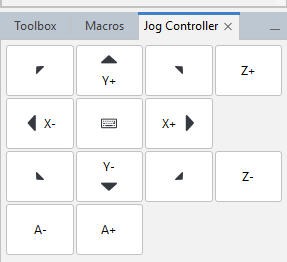
There is a work around to achieve this. It's to use "macros". I have thus created special macro to jog two planes together:
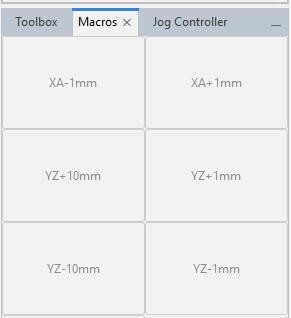
It's not totally perfect but it does the job.
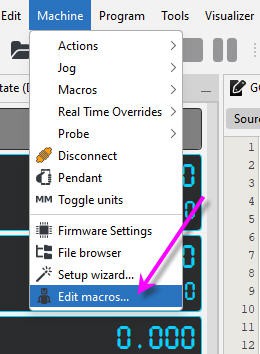
Creating a macro is fairly easy. select Machine/Edit Macros menu:
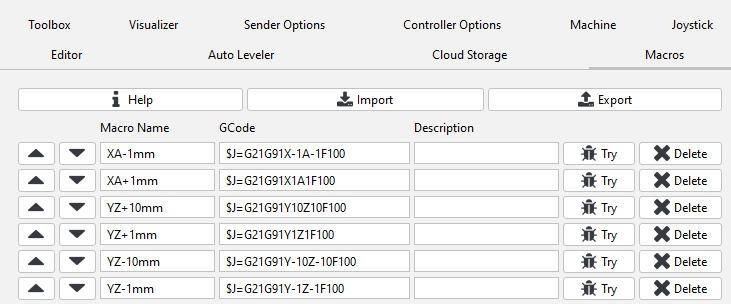
And enter the magic Gcode jog commands :
Now your UGS sender is fully configured and you can jog and cut wings!
Discussions
Become a Hackaday.io Member
Create an account to leave a comment. Already have an account? Log In.