 Deng MingXi
reCamera Monitoring Interface Product Research
This is both a research sharing post and a discussion topic. As Makers/consumers, what features do you want in a network monitoring interface? Feel free to leave a comment below, or provide suggestions in our community (https://github.com/Seeed-Studio/OSHW-reCamera-Series/discussions). If your suggestion is adopted, we will give you a product as a gift when reCamera is launched.
Motivation: As the first page users interact with reCamera, it should present a sufficiently clear, powerful, and interactive interface.
When users use smart AI cameras (or remote network cameras), what do they want to see from the interface?
Product Goals: Clarity, interactivity, replaceable and expandable functions, and result output information.
User Needs:
Why would users buy an AI camera instead of a traditional IPC?
What are the advantages of AI cameras?
More expandable? More tailored to their own needs? Able to intelligently identify and alarm?
Expandability is reflected in:
1. Detection models can be replaced and self-trained.
2. Detection logic can be customized, including defining event triggering logic and selecting detection areas.
3. Output results can be exported and easily integrated into developers' own programs.
Event triggering and alarming are important functions of surveillance cameras.
User needs in different scenarios:
Home users: Hope to detect abnormal situations at home in a timely manner through intelligent recognition, such as strangers breaking in, fire hazards, etc., and expect the interface to be simple and easy to operate.
Enterprise users: Need comprehensive monitoring of production sites, office areas, etc., requiring intelligent recognition of production violations, personnel attendance, etc., and hope to couple with the enterprise's own management system.
Developer users: Focus on the product's expandability and secondary development capabilities, hoping to replace detection models, self-train models, and integrate output results into their own programs.
Market Cases:
Most products from large companies are toB types, making it difficult for users to conduct secondary development.
Hikvision Algorithm Platform:
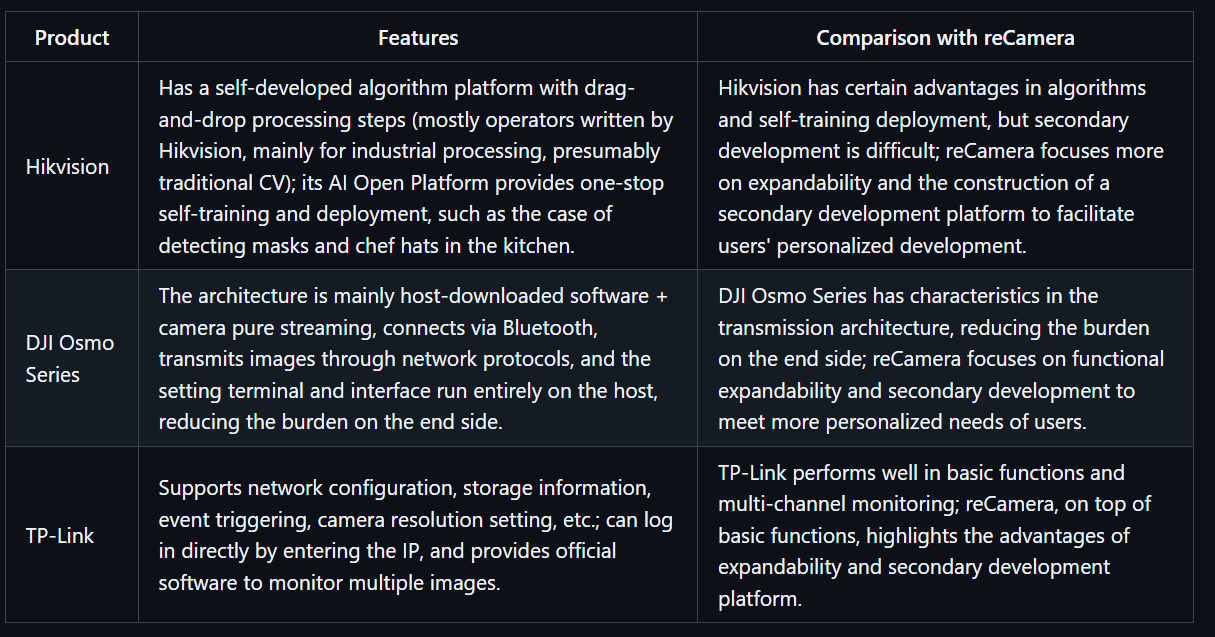
Self-developed platform with drag-and-drop processing steps (operators written by Hikvision, mostly for industrial processing, presumably traditional CV). However, Hikvision's AI Open Platform provides one-stop self-training and deployment.
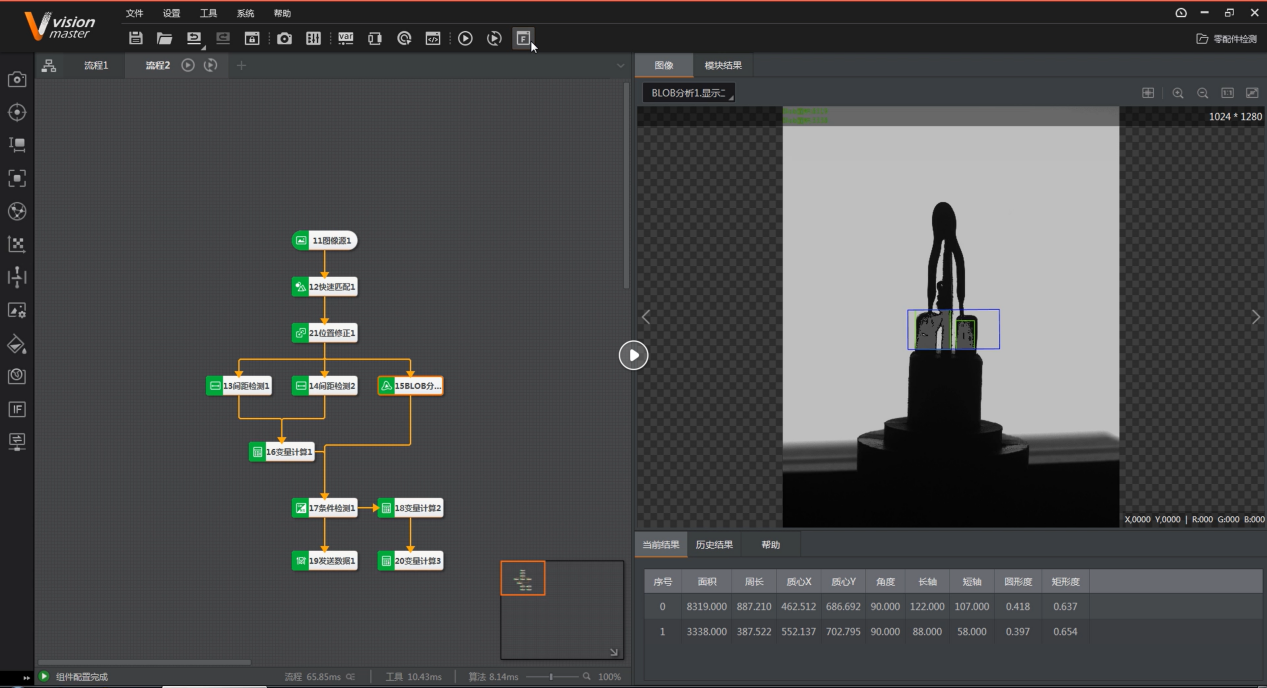
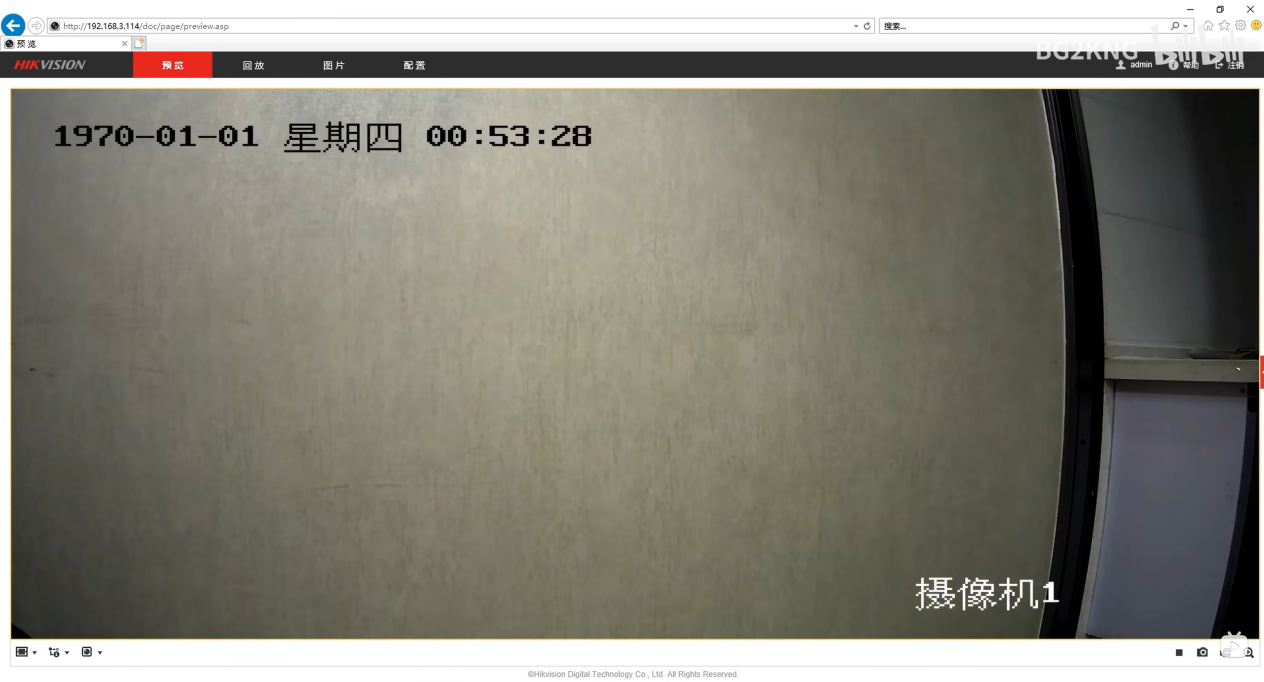
Hikvision AI Open Platform Case: Detection of masks and chef hats in the kitchen.
If we focus on expandability, providing a secondary development platform is crucial.
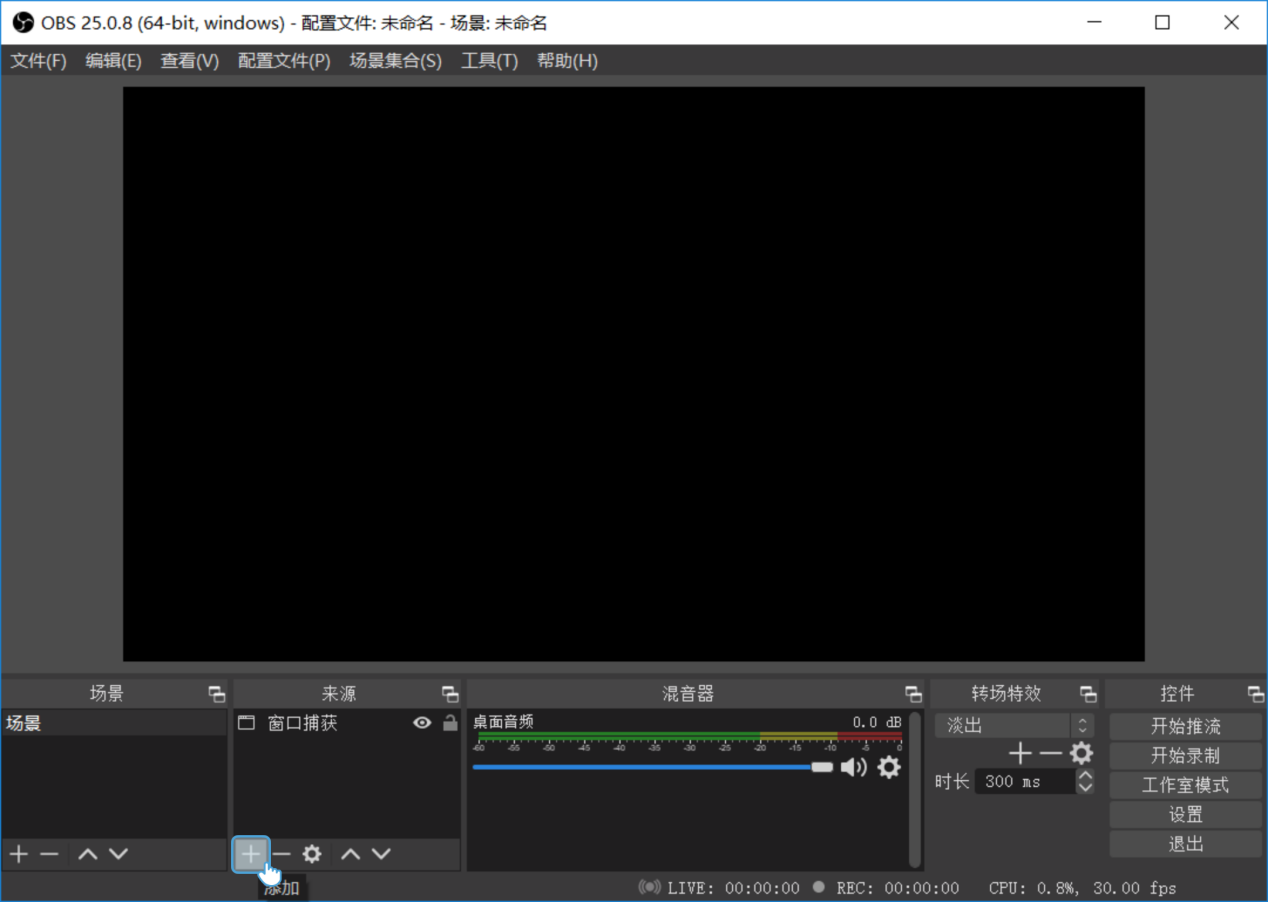
DJI Osmo Series:
The architecture is mainly host-downloaded software + camera pure streaming. It connects via Bluetooth and transmits images through network protocols, while the setting terminal and interface run entirely on the host, reducing the burden on the end side.
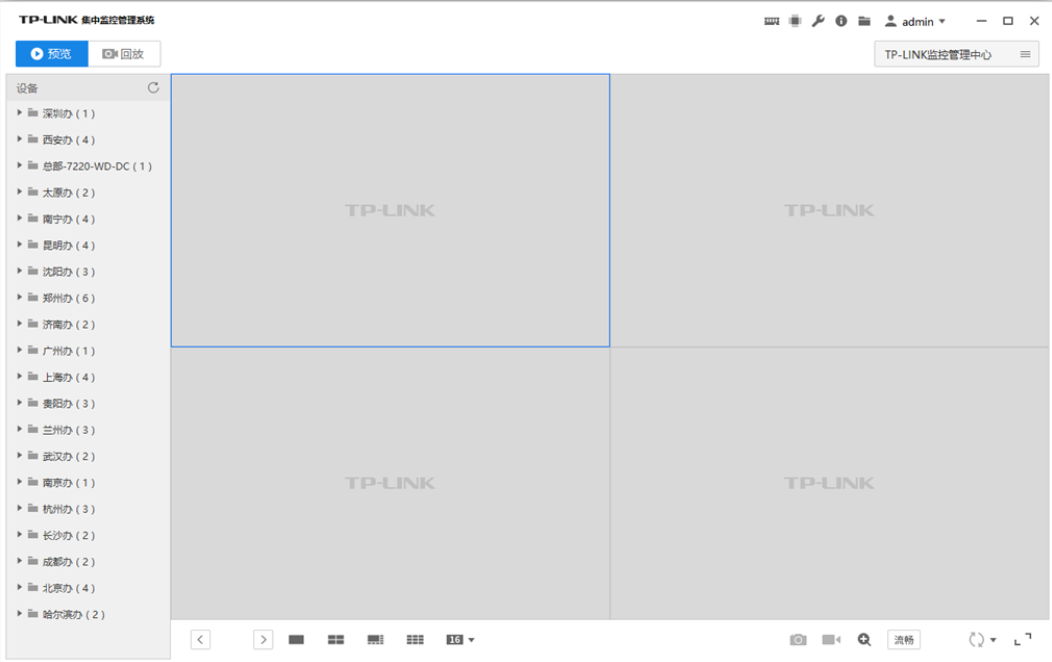
TP-Link:
Network configuration, storage information, event triggering, camera resolution.
Login directly by entering the IP.
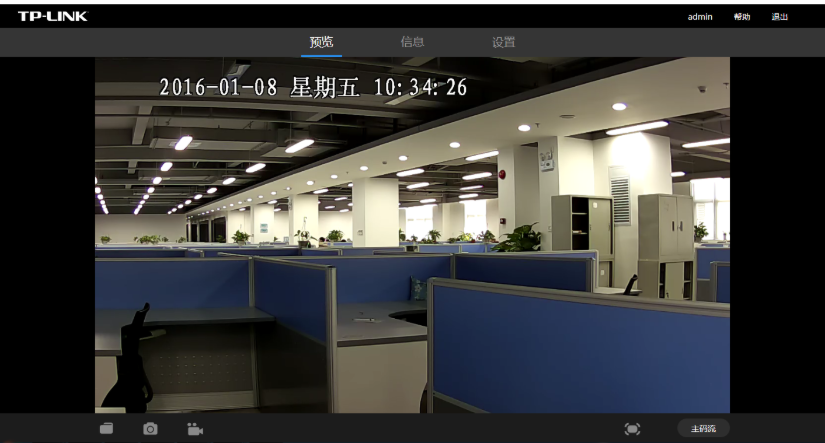
It also provides official software to monitor multiple images.
VCN 19 - Computer client remote monitoring method - TP-LINK Visual Security
Edge Computing Box - AI Algorithm Box - AI Edge Box - Kunyun Technology:
Supports SDK interfaces, mainstream frameworks such as PyTorch, customization, 4 Tops computing power, 4K@60fps, but more like re.
Content and Functional Requirements:
Functions marked in yellow are relatively rare or even non-existent in the market.
Basic Part:
- Video stream display (different code streams can be selected, low code stream has higher fluency)
- Display IP address and current time on the video screen
- Basic operation controls: pause/play, record, screenshot, audio switch, PTZ (this part is an extended function, linked with Gimbal) (pan-tilt control, direction keys + zoom slider (if available)).
Real-time annotation of AI recognition effects on the screen.
In fact, the monitoring website officially provided by RK has all these functions.
Device Parameter Settings:
Adjust resolution, bit rate, infrared night mode, smoothness, screen exposure and white balance (considering removing this part, as it seems redundant; although it can improve image quality, excessive adjustment may cause the screen to be unavailable), event triggering mechanism settings (done by RK but not tested successfully), etc.
Events defined by manufacturers lack custom interfaces.
Information Summary Center:
Specialized in information output, with timestamps, recording alarm information and detection results at each moment.
Add data output interfaces, which can be transmitted to external devices through protocols such as MQTT and HTTP.
Custom event triggering with low power consumption, supporting selected area detection.
Discussions
Become a Hackaday.io Member
Create an account to leave a comment. Already have an account? Log In.