 jianwei wang
Why We Need a Remote AI Wireless Monitoring System?
Outdoor environments often lack network coverage, traditional Wi-Fi has very limited range, 4G/5G signals can be unstable, and conventional cameras rely on cloud connectivity, making real-time detection impossible.
- In a forest campsite, you may want to monitor wildlife such as bears; at home or in a warehouse, you may need to detect approaching vehicles or strangers.
- Truck drivers may need to detect suspicious activity near the vehicle when operating in areas with no network coverage.
The core requirements are clear: long-range communication, on-device AI inference, no network dependency, real-time video, and real-time detection outputs.
Technical Highlights of reCamera & Wi-Fi HaLow
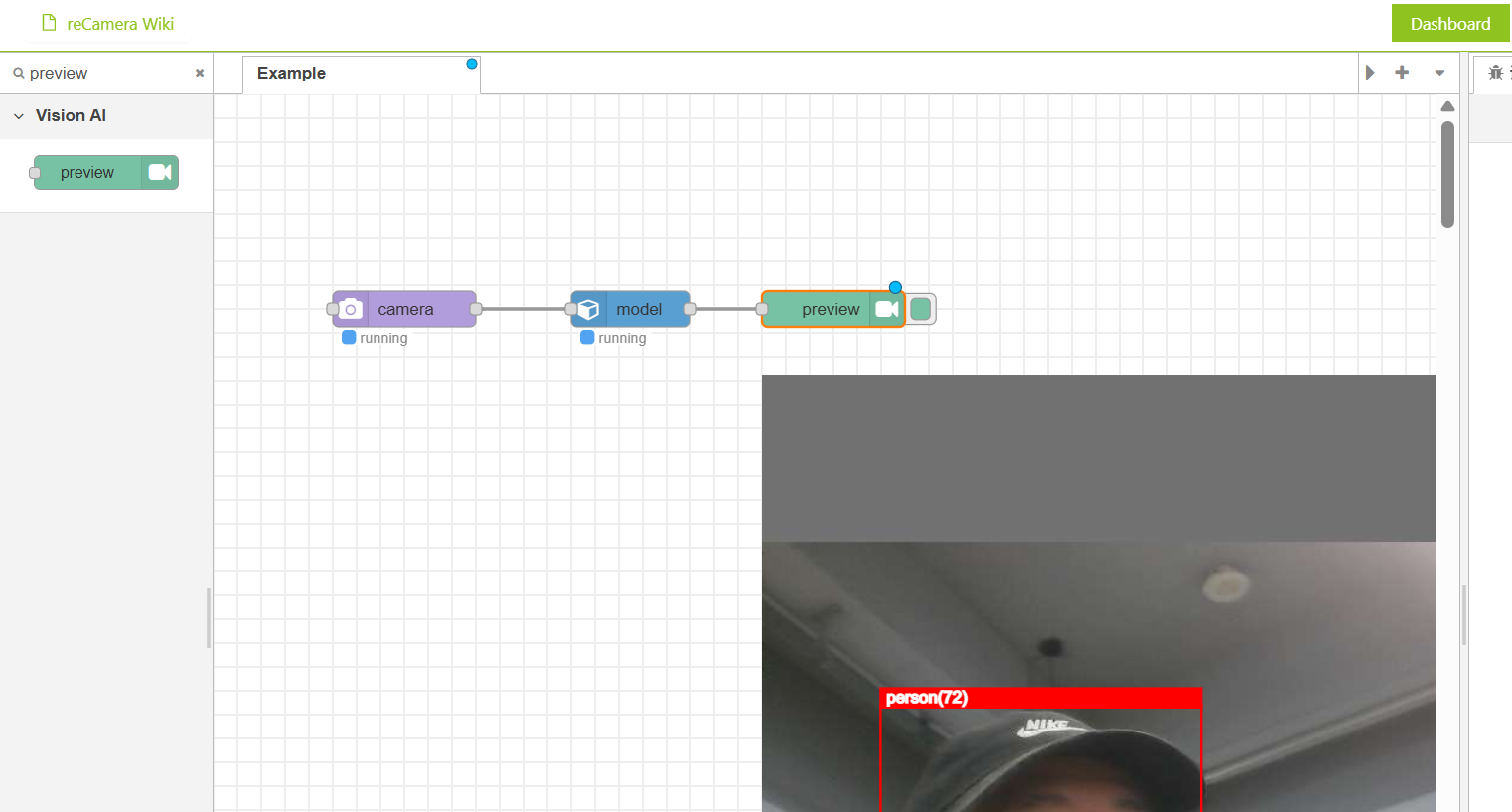
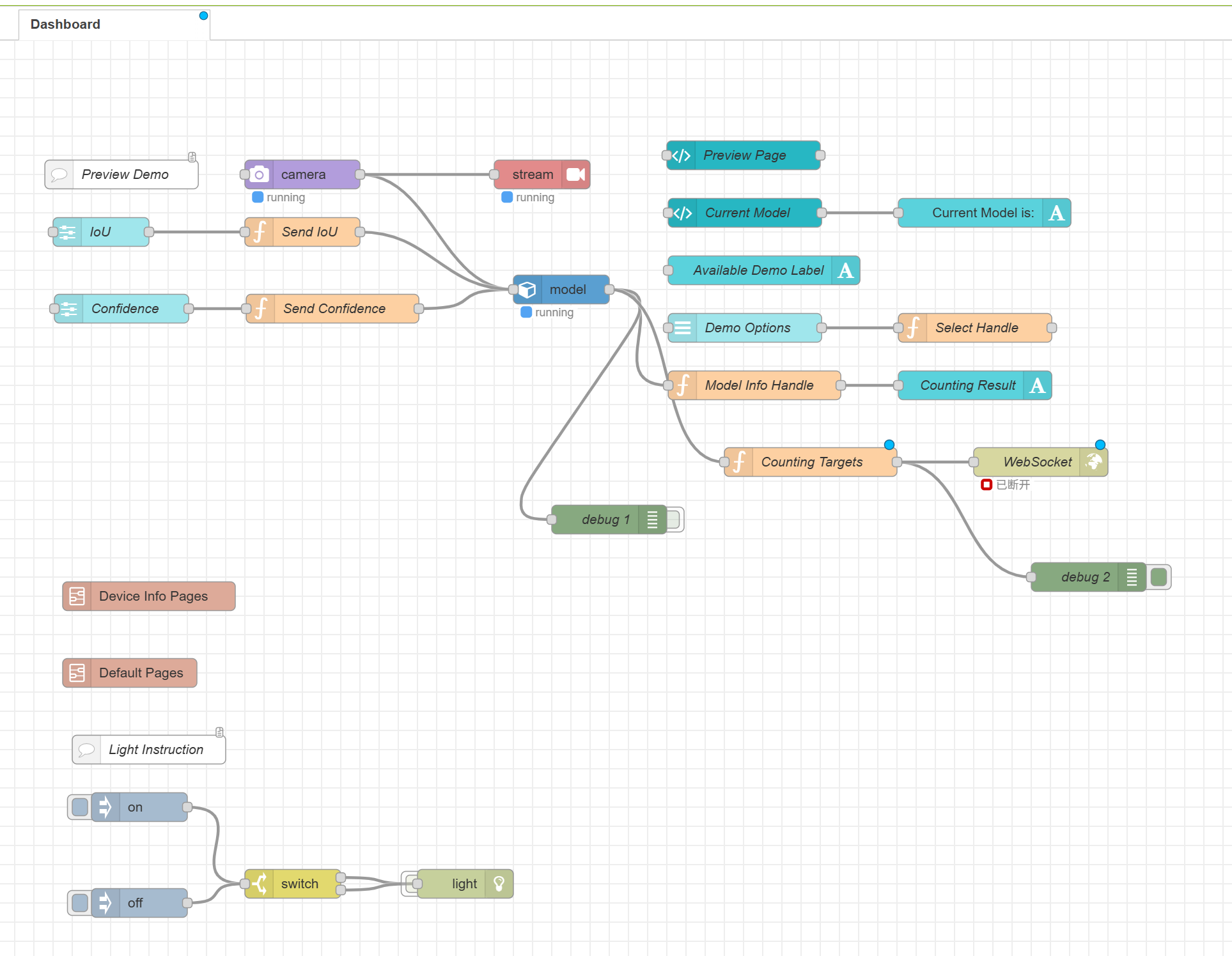
reCamera integrates a 1-TOPS on-device AI accelerator, eliminating the need for external edge-computing hardware. With Node-RED graphical programming, you can push RTSP video streams and output WebSocket detection results simply by dragging a few nodes. The system is highly integrated and works out of the box.
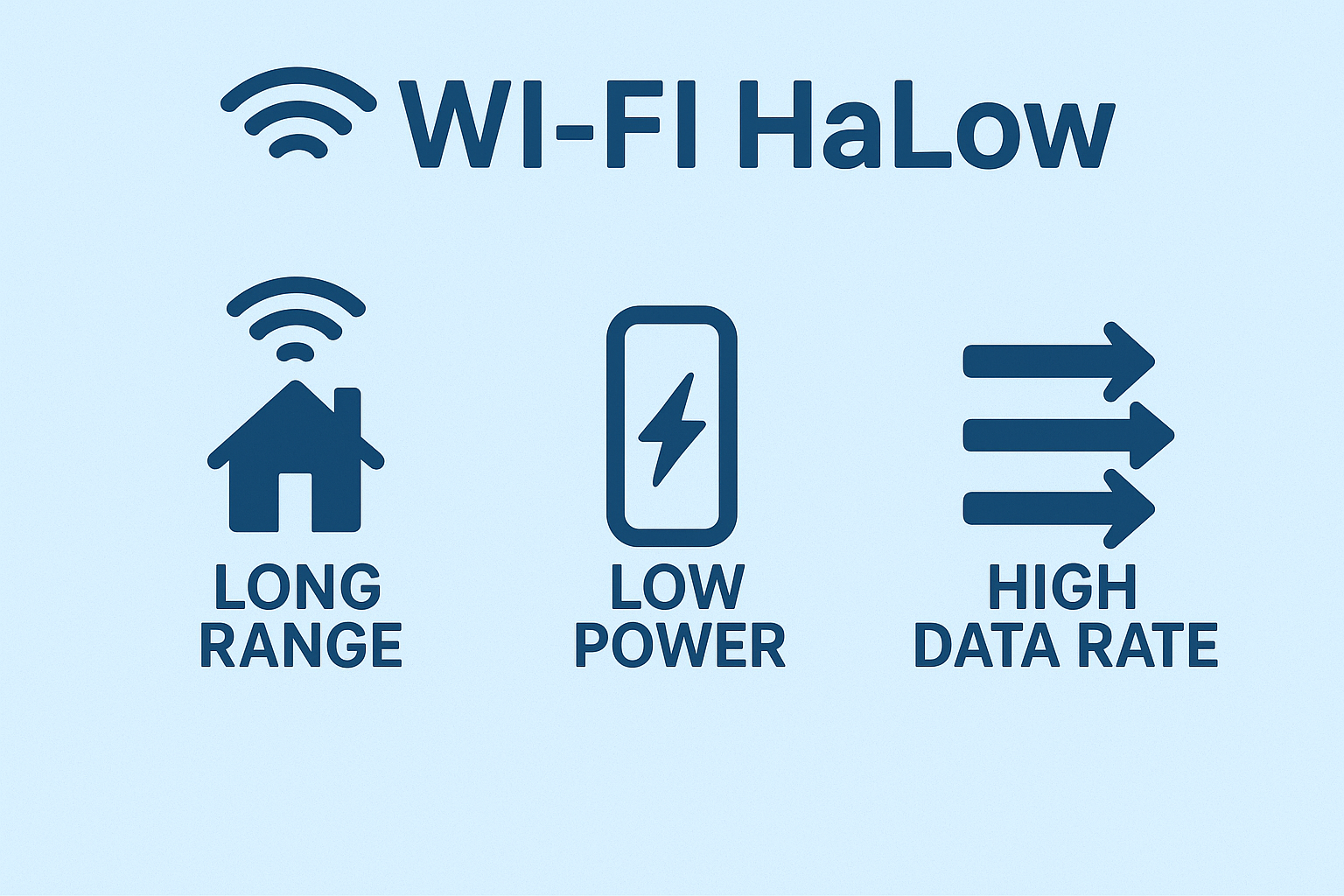
Wi-Fi HaLow is a sub-GHz long-range Wi-Fi standard (802.11ah) designed for low-power IoT devices. Operating in the 902–928 MHz band, Wi-Fi HaLow provides strong penetration, up to 1 km coverage, and bandwidth up to 16 Mbps. It offers significantly higher throughput than LoRa for video transmission while maintaining more stable long-range connectivity compared with conventional Wi-Fi.
System Architecture
The system is built around a simple concept: reCamera connects to a Wi-Fi HaLow module via Ethernet, the terminal device (such as reTerminal or a laptop) connects to the second HaLow module, and both sides communicate wirelessly over a long-distance HaLow link. The reCamera pushes an RTSP video stream and sends AI detection results via WebSocket, while the terminal receives and displays both in real time.

What You Need for This Project
- reCamera (any model) - provides on-device AI inference.
- Two Wi-Fi HaLow Transmission Modules/Gateways - create the long-range sub-GHz wireless link.
- Terminal device – reTerminal, Raspberry Pi, laptop, or any edge device with Ethernet + display.
- USB-C cables (×3) – one for reCamera power, two for powering the HaLow modules.
- Ethernet cable – connects reCamera ↔ HaLow / terminal ↔ HaLow.
- 5V 3A USB-C Power Adapter – powers the reTerminal if not using the expansion board
How to Build the System (Simplified Steps)
For details instructions, please refer to: https://wiki.seeedstudio.com/ai_remote_wireless_monitor_system_with_wifi_haLow/#overall-architecture
Step 1 : Log into reCamera, set the camera node (e.g., 480p/5fps), add a Stream node for RTSP output, add a WebSocket node for AI results, and assign a static IP (e.g., 192.168.10.100).
Step 2: Set one module to AP mode and the other to STA mode, then press the pairing buttons to establish a long-range wireless “virtual Ethernet cable.” The image below demostrates the STA/AP mode selection button and pairing button:

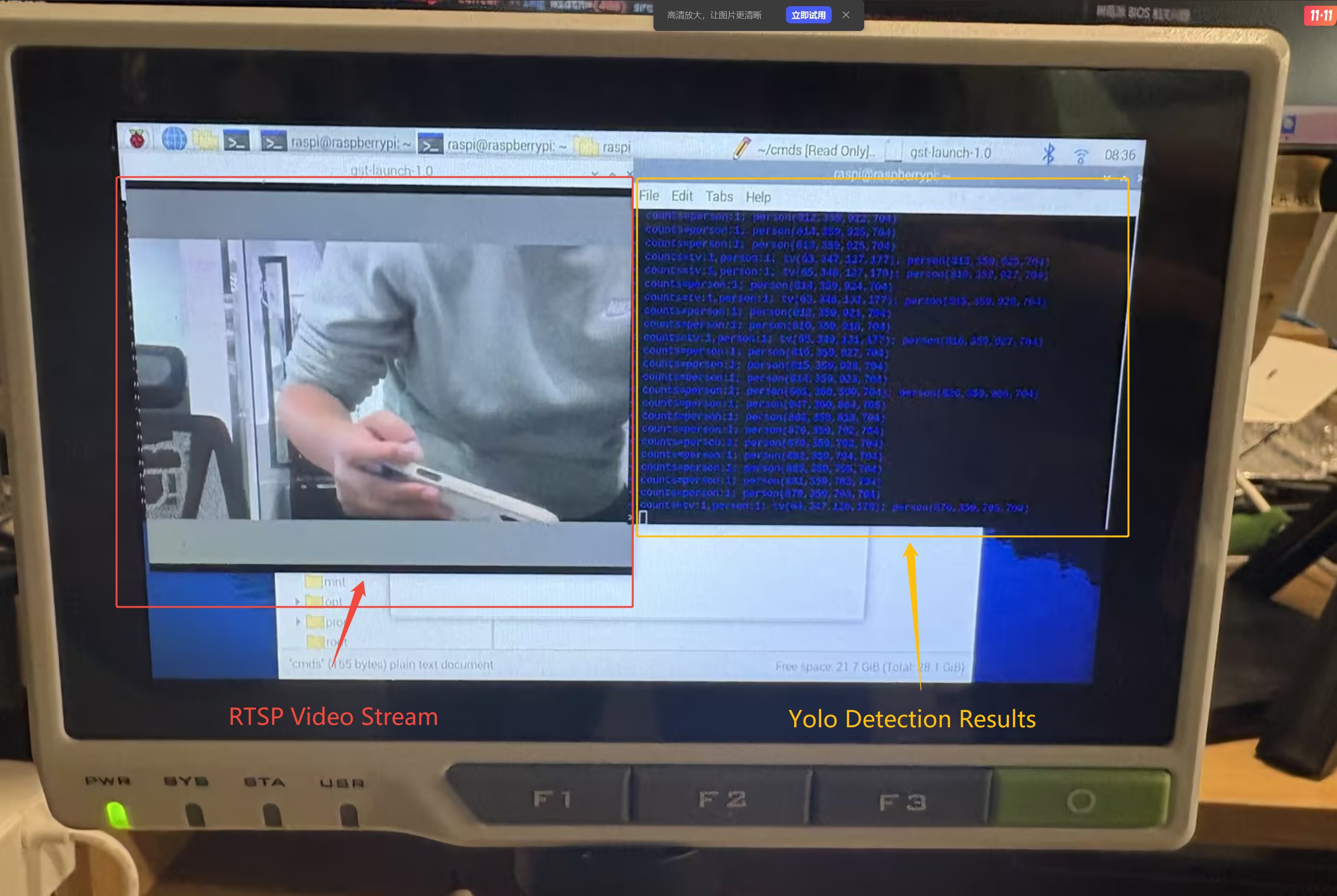
Step 3: Disable NetworkManager (if using Linux), set a static IP for the terminal (e.g., 192.168.10.3), reboot, and prepare tools like ffplay or VLC to receive the RTSP stream. The final result is illustrated below:

Step 4: Use ffplay (or VLC) to open the RTSP stream, and run wscat -l 9000 to receive real-time WebSocket AI detection results in the terminal.
(Insert image here: final effect — RTSP video + WebSocket text)
What You Can Build With This System
- Wildlife & Bear Warning System: Deploy a bear-detection model in a forest campsite and monitor the area from hundreds of meters away. Even without network coverage, you can receive real-time alerts and avoid dangerous wildlife encounters.
- Perimeter Security for Homes or Warehouses: Monitor vehicles, strangers, or suspicious activity around a property where wiring or routers are difficult to install.
- Truck and Vehicle Safety Monitoring: Set up a reCamera on a truck to detect people approaching the vehicle, even in remote regions without cellular coverage.
- Agricultural or Farm Monitoring: Use HAloW’s long-range capability to monitor animal intrusion (boars, monkeys, stray dogs) across large fields.
Closing Thoughts
This project demonstrates how reCamera’s on-device AI and Wi-Fi HaLow’s long-range connectivity can create a powerful, fully offline monitoring system. With only a few nodes in Node-RED and simple hardware setup, anyone can build a robust real-time AI vision system that works far beyond the limits of traditional Wi-Fi.
Discussions
Become a Hackaday.io Member
Create an account to leave a comment. Already have an account? Log In.