Close
0%
0%

Bloom Buddy

Meet Bloom Buddy - your plants new best friend!

Public Chat
Similar projects worth following
454 views
0 followers

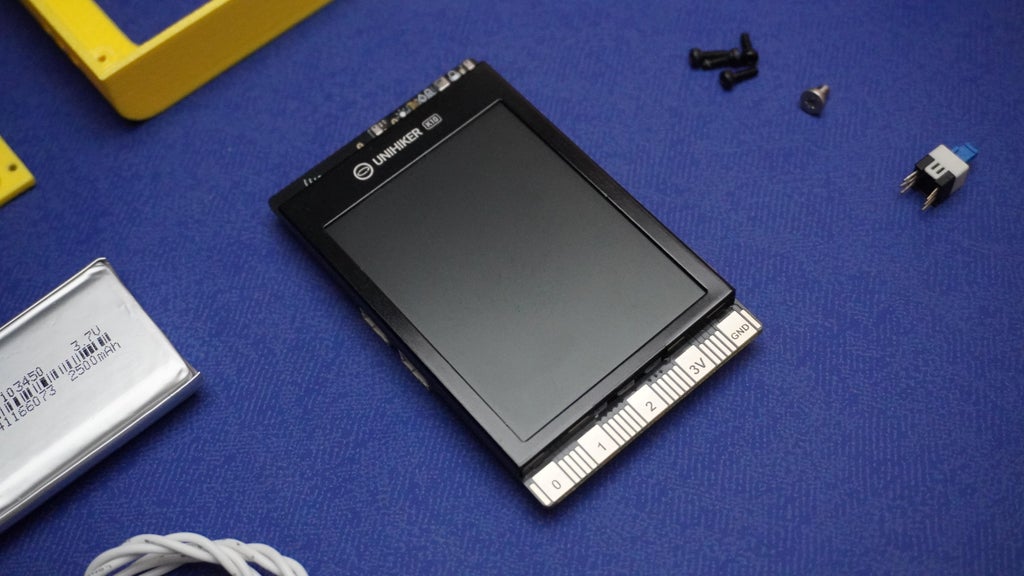
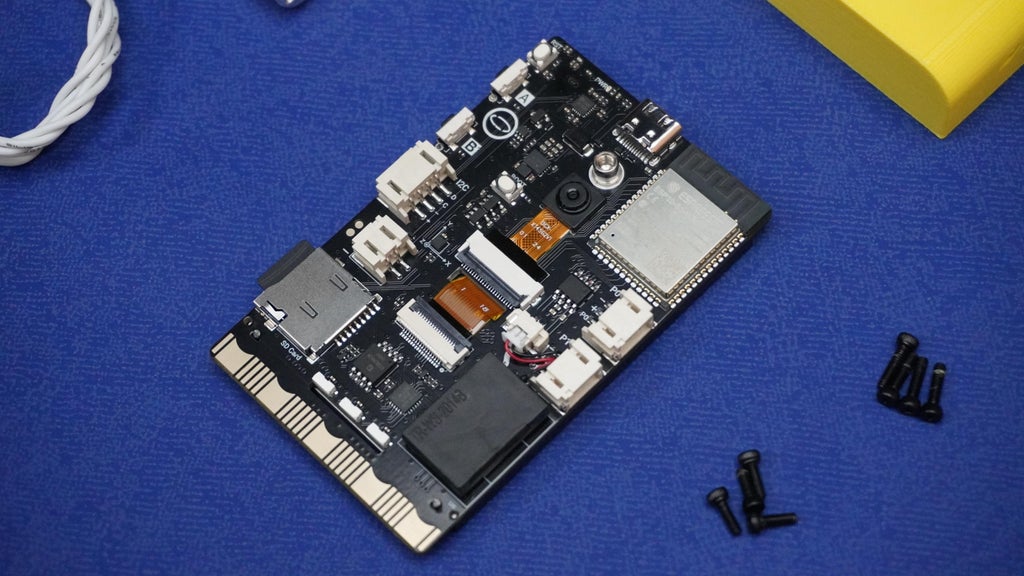
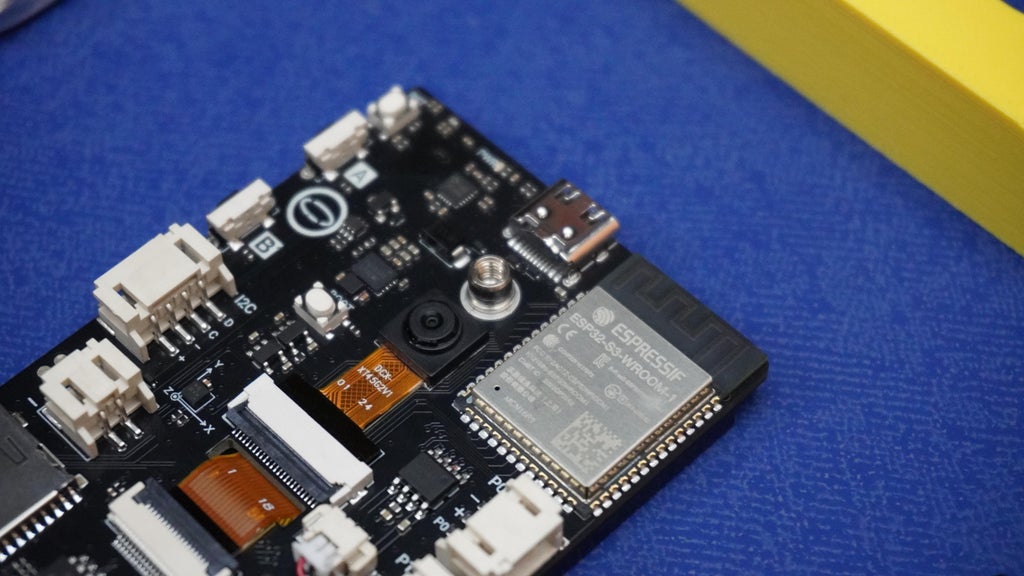
Bloom Buddy is an intelligent and interactive soil moisture monitoring device designed to help you care for your plants in a fun and engaging way. Powered by an Unihiker K10 - a ESP32 based Dev Board, this adorable gadget is more than just a sensor. It features a cheerful face, expressive animations, voice feedback, and real-time environmental monitoring.

With a built-in display, speaker, SD card, microphone, and sensors for soil moisture, temperature, humidity, and light, Bloom Buddy provides clear, playful responses to your plant's needs. It celebrates when your plant is well-watered, gets sad when thirsty, sleeps at night, and reacts to temperature changes with unique personalities.

Whether you are a seasoned plant parent or just starting your indoor garden, Bloom Buddy will bring joy and intelligence to your plant care routine. In this project, I will show you how to build your own Bloom Buddy, program its smart behavior, and bring your plants to life with interactive technology.

Let's get started and make your plants feel heard! 🌱✨
Housing.stl

Standard Tesselated Geometry - 321.86 kB - 06/07/2025 at 05:29

Download

Plate.stl

Standard Tesselated Geometry - 85.82 kB - 06/07/2025 at 05:29

Download

Cover.stl

Standard Tesselated Geometry - 148.81 kB - 06/07/2025 at 05:29

Download

Button.stl

Standard Tesselated Geometry - 110.63 kB - 06/07/2025 at 05:29

Download

Clip.stl

Standard Tesselated Geometry - 3.01 kB - 06/07/2025 at 05:29

Download

View all 10 components

  • 1
    Supplies

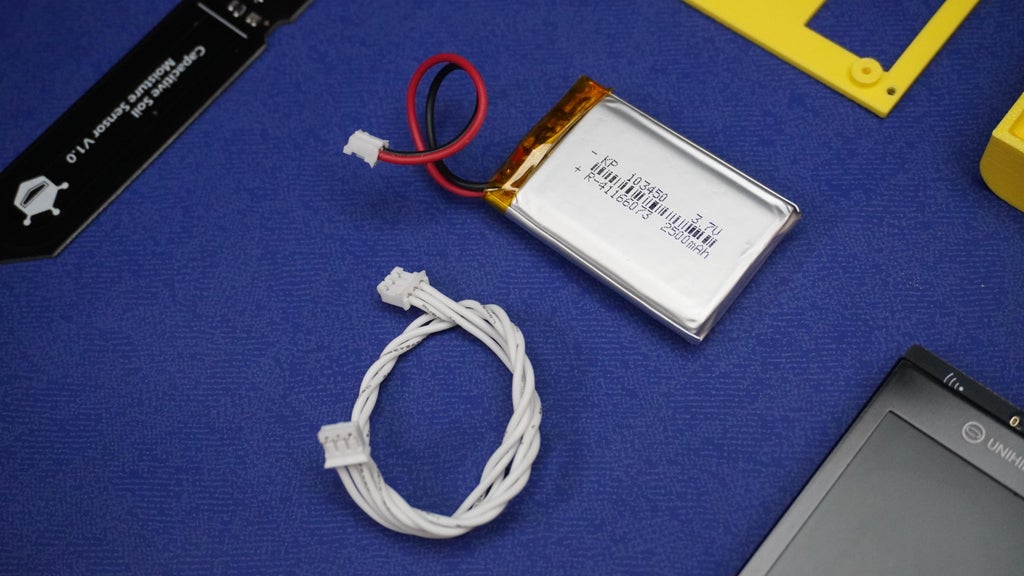
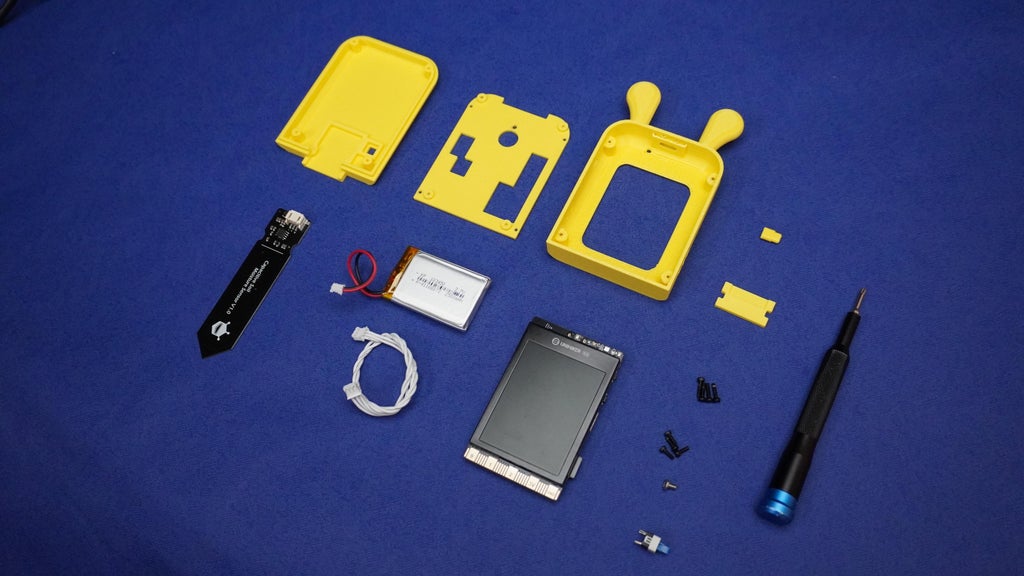
    1x Unihiker K10

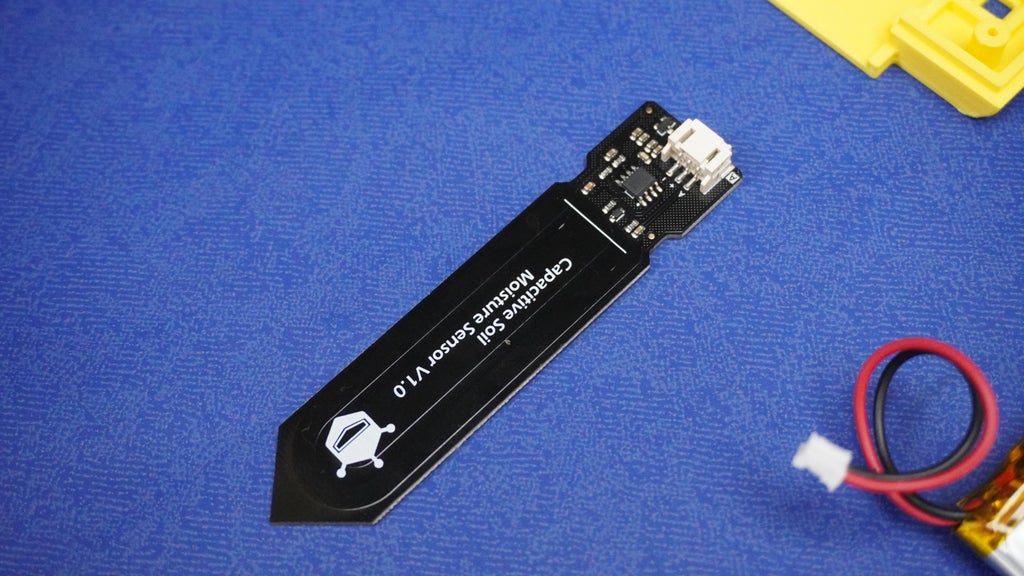
    1x Soil Moisture Sensor

    1x Li-Po Battery

    1x 3 Pin Cable

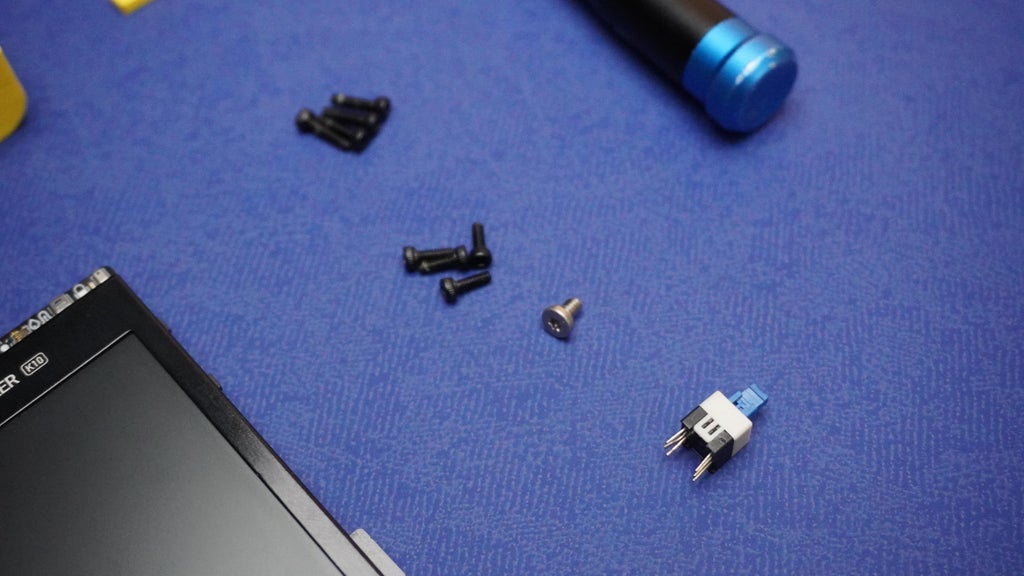
    1x Switch

    1x M3 Screw

    4x M2 5mm Screw

    4x M4 8mm Screw

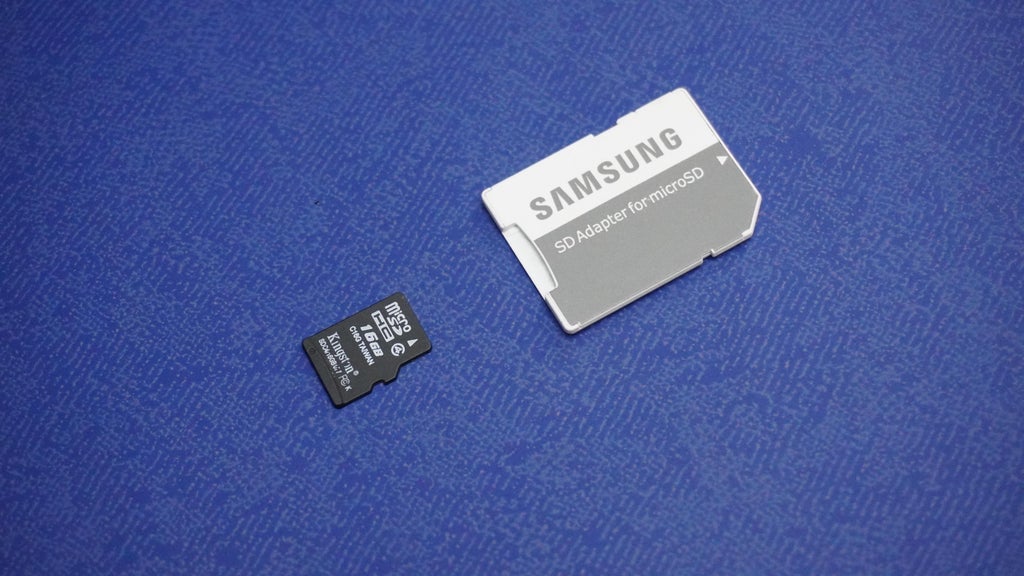
    1x SD Card

    1x Card Reader

    Tools:

    My 3D Printer

    My Screwdriver Kit

    My Soldering Station

  • 2
    Prepare the SD Card

    To enable Bloom Buddy's voice feedback and animated personality, we need to properly set up the SD card with the required audio files.

    • Visit the Bloom Buddy GitHub Repository and download the complete project as a ZIP file. Once downloaded, extract the ZIP archive to your computer.
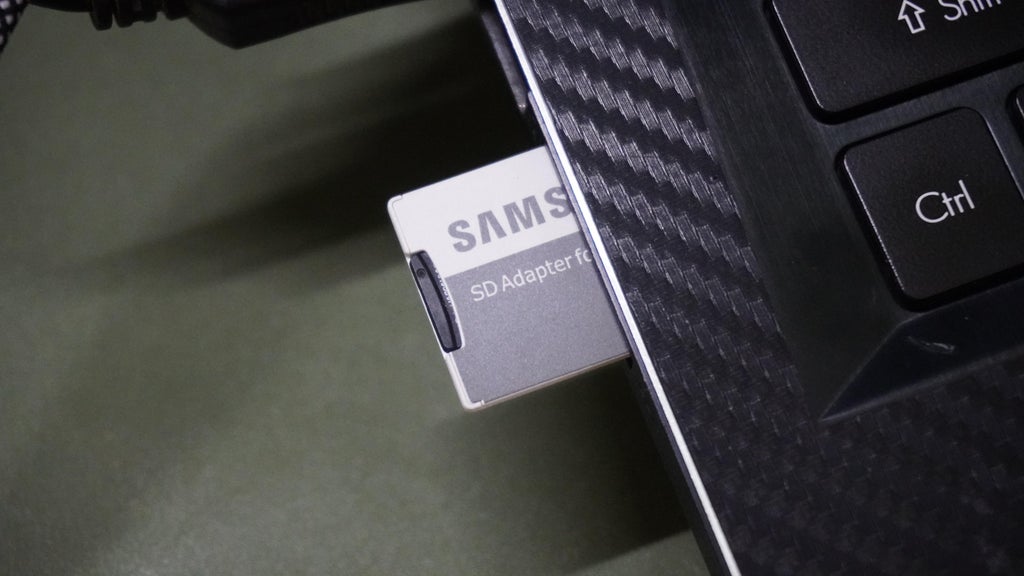
    • Insert the connect the SD card to PC using SD Card Reader
    • Copy the Voice, Emoji, Face folder as shown
    SD/
      ├── Voice/
      │   ├── All Audio Files
      ├── Emoji/
      │   ├── All Frames
      ├── Face/
      │   ├── All Images
    • Remove SD from PC and insert it into K10
  • 3
    Set Up Arduino IDE

    To program the Bloom Buddy, we will use the Arduino IDE along with the UNIHIKER K10 board support package.

    Requirements:

    • Arduino IDE version 1.8.19 or earlier (not compatible with Arduino IDE 2.0+)

    Install Arduino IDE

    If you do not already have it, download and install Arduino IDE 1.8.19 or an earlier version. Newer versions are not compatible with the K10 board at this time.

    Add the UNIHIKER K10 Board Support URL

    • Open Arduino IDE.
    • Go to File > Preferences.
    • In the Additional Board Manager URLs field, paste the following URL:

    https://downloadcd.dfrobot.com.cn/UNIHIKER/package_unihiker_index.json

    • Set Compiler Warnings to None for cleaner output.
    • Click OK to save your changes.

    Install the UNIHIKER K10 Board

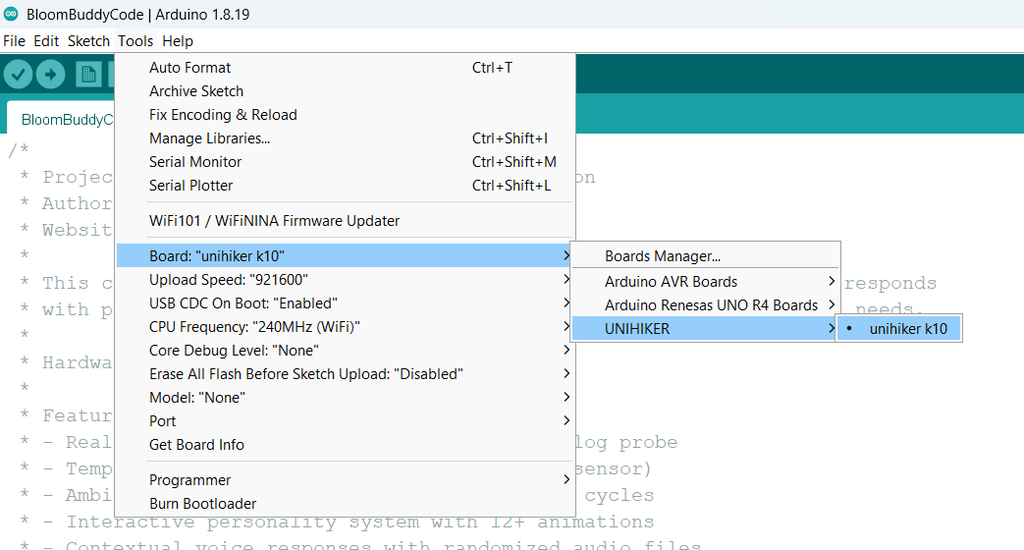
    • Go to Tools > Board > Boards Manager.
    • In the search bar, type unihiker.
    • Click Install on the result for the UNIHIKER K10 SDK.

    Verify Board Installation

    • Once installed, UNIHIKER K10 should now appear under Tools > Board.
    • Select UNIHIKER K10 from the list to start programming the device.

View all 15 instructions

Enjoy this project?

Share

Discussions

Similar Projects

Does this project spark your interest?

Become a member to follow this project and never miss any updates