Close
0%
0%

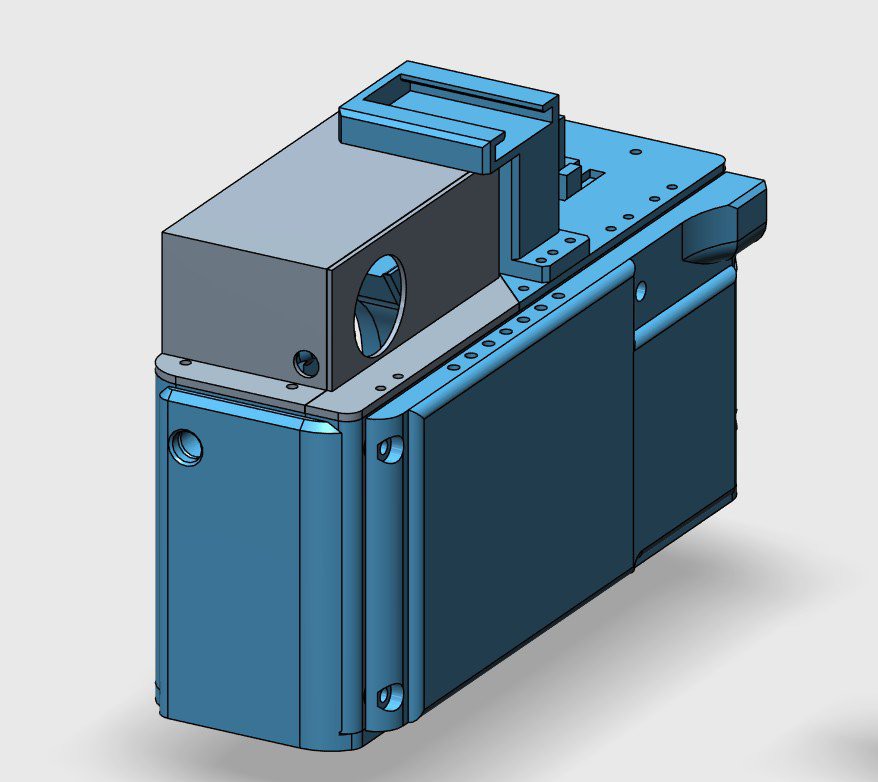
The RGM-79 M Or LTM Digital Rangefinder Camera

Build your own Leica M or Thread Mount Rangefinder now! (BOM typically under $250USD Potentially under $200USD)

Similar projects worth following
This project aims to be the cheapest most accessible way to get into the Digital Rangefinder game. Back in the days of the 2010s it was possible to buy a used Leica M8 or a Epson R-D1 series camera without selling internal organs, but it seems today that isn't the case.

As of writing this description in July of 2025 the average used cost of the cameras required to be taken apart to build this camera come in at potentially under $200USD but can be commonly had for $250USD

The RGM-79 requires 2 sacrifices:

Panasonic GF3 - Commonly had for $100-$120 Shipped on ebay (Plus any customs fees)
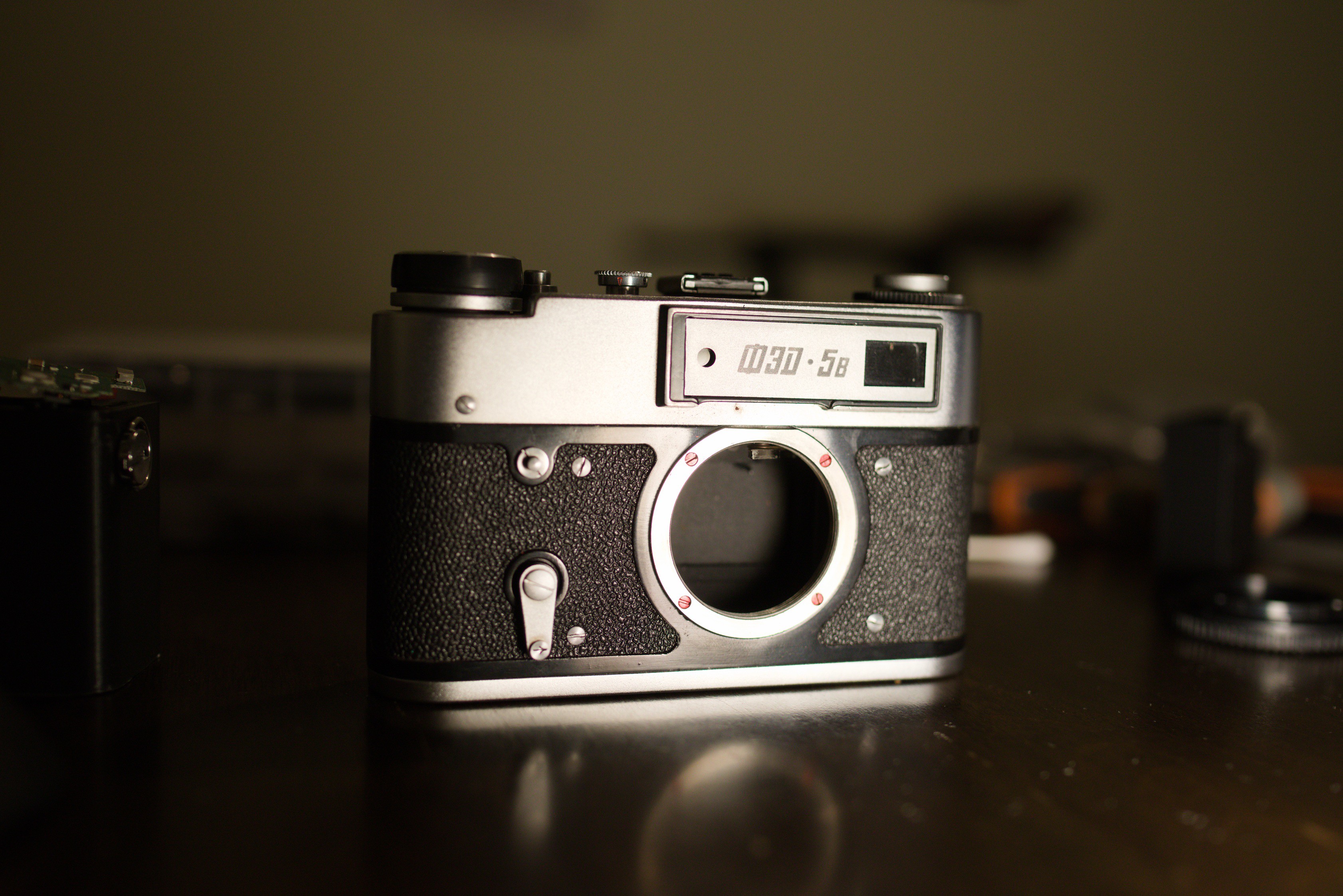
Fed 5 Soviet Era Rangefinder - Commonly had for $50USD shipped on ebay (Plus any customs fees)

The remaining budget would be for 3D printer Filament, and a set of cheap screws (you will need lots)

Plus 1 lens adapter (if doing the M-Mount Variant) - https://fotodioxpro.com/products/lm-sne?_pos=4&_fid=82ac7dba6&_ss=c

This Build has a bit of Media attached to it for all who are interested. 

This Camera has an Accompanying Set of Videos from my YouTube Channel, Mr. 50mm. 

-The Channel - https://www.youtube.com/channel/UCirQEIw2y461w9w8tJNEM3Q


Camera Sacrifices Required:

Panasonic GF3 (must be functioning) (Don't forget to set the GF3 to "shoot without lens")

FED 5 Series Film Camera (Rangefinder must be functioning) The FED 5 variant must have the Diopter adjustment, I don't know if it works on the variants equipped with the projected frame lines. 

Lens Adapter Sacrifice (M-Mount Only):

FotoDiox M to E Adapter - https://fotodioxpro.com/products/lm-sne?_pos=4&_fid=82ac7dba6&_ss=c 

*** Warnings *** 

The Panasonic GF3 electronics are quite fragile, in the making of a couple projects I have KILLED 2 Panasonic GF3s, use common sense when dealing with parts, don't leave batteries in, don't grab parts with metal tweezers with batteries in, ensure all connections are seated properly and locked in. Ensure there isn't any excessive strain on any PCBs. 

*** Warnings Over ***

Build Caveats

Before you get started, be aware this is still a work in progress and there are still things that haven't been fully addressed, the main things that come to mind are the following: 

1) Rangefinder coupling, I am still finding that even with the newest variant changing lenses results in something changing between lenses that causes the rangefinder to become inaccurate for the new lens. Initial thoughts were that it was related to the flatness of the rangefinder mount, but I fear there maybe other variables at play, the new mount did improve things but adjustments should be made if lenses are being swapped. If you are only planning to use 1 lens or seldom are going to be switching than this maybe ok for you. 

2) There maybe light leaks on the build, I did generally have overlapping pieces going over seams for a lot of the camera so generally it shouldn't be a big issue, but I never bothered really doing an in-depth look once the design was a bit more settled down. I also didn't want to just tape everything up. 

3) I never ended up addressing the third mainboard mounting screw, as of now the mainboard is still only supported by 2 screws on the camera's right side. So far none of my cameras have had any issues 

4) When doing battery swaps the SD card MUST be removed the battery latch tab will push up against the SD card if you leave it and that could damage things. Always remember this. 

Tools Required 

Soldering Iron (to de-solder 2 lines) (cutting them will probably also work)

1/4"-20 Tap 

M2 Tap (not that required, but nice to have) 

Hot Glue Gun

Tweezers

Right angle cutter 

Flathead screwdriver set (Jeweler's set or Electronics' work set) (1 must be at most 1.25mm across to fit into the groove for the grub screws of FED 5 finder eyepiece)

Phillip's Head Screwdriver (Jeweler's set or Electronics' work set)

(Any driver for whatever screw set you buy) 

Scissors 

Small Pliers (specifically for magnet installation)

Dremel With cutting Disk/Grinding (ONLY FOR M-Mount Build)

Heat Resistant Gloves  (ONLY FOR M-Mount Build)

Here's also where I'm going to put the configurations for the prints 

Print option 1 - Rangefinder, Yes Front Grip, Yes magnetic screen cover. Cold shoe optional 
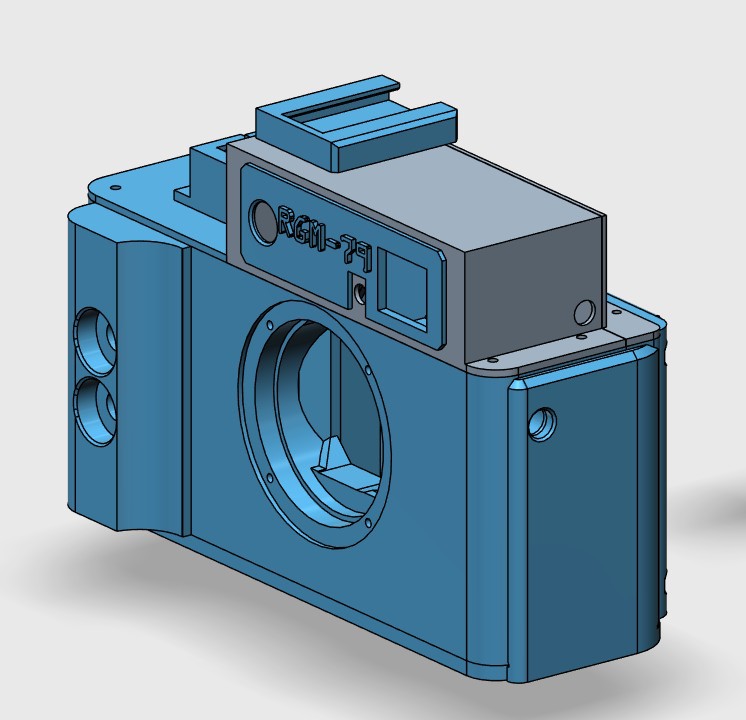
Print the Following 

RF Body Front Grip Mount Screws(4x Tripod Screws).stl

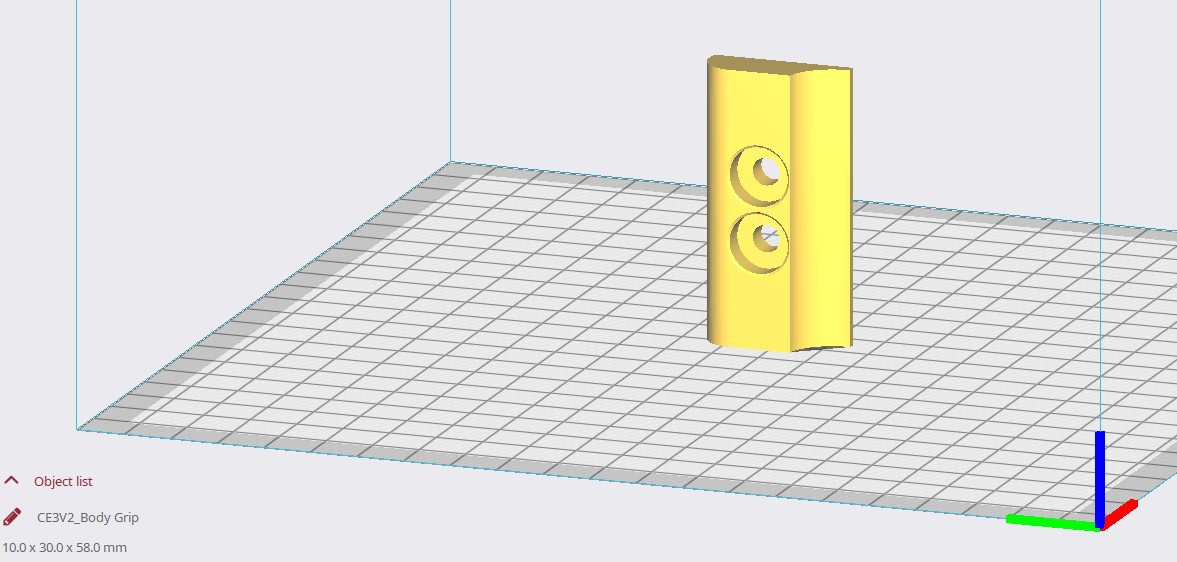
Body Grip.stl

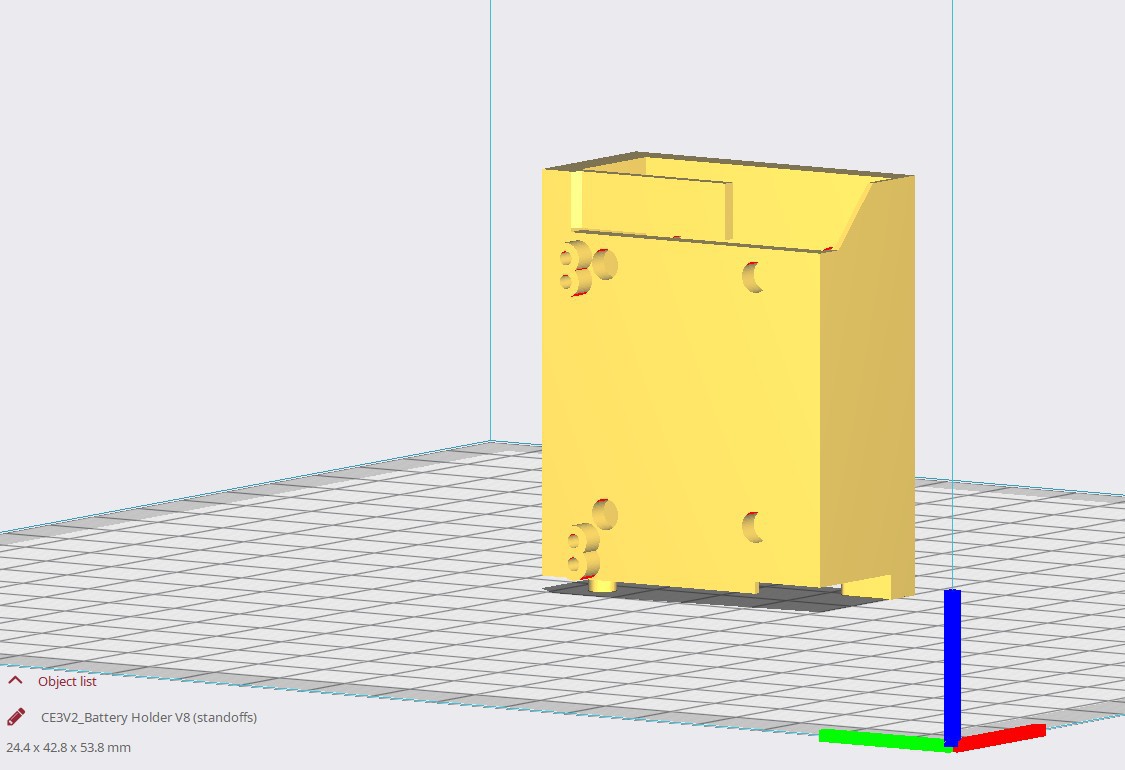
Battery Holder V8 (standoffs).stl

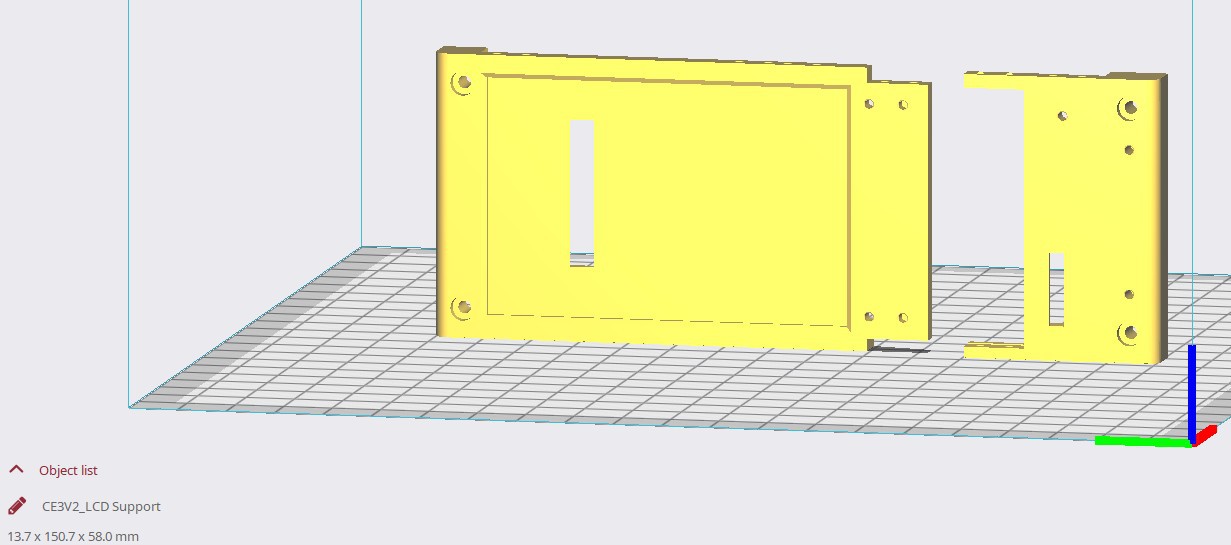
LCD Support.stl

Rear Button Panel Support.stl

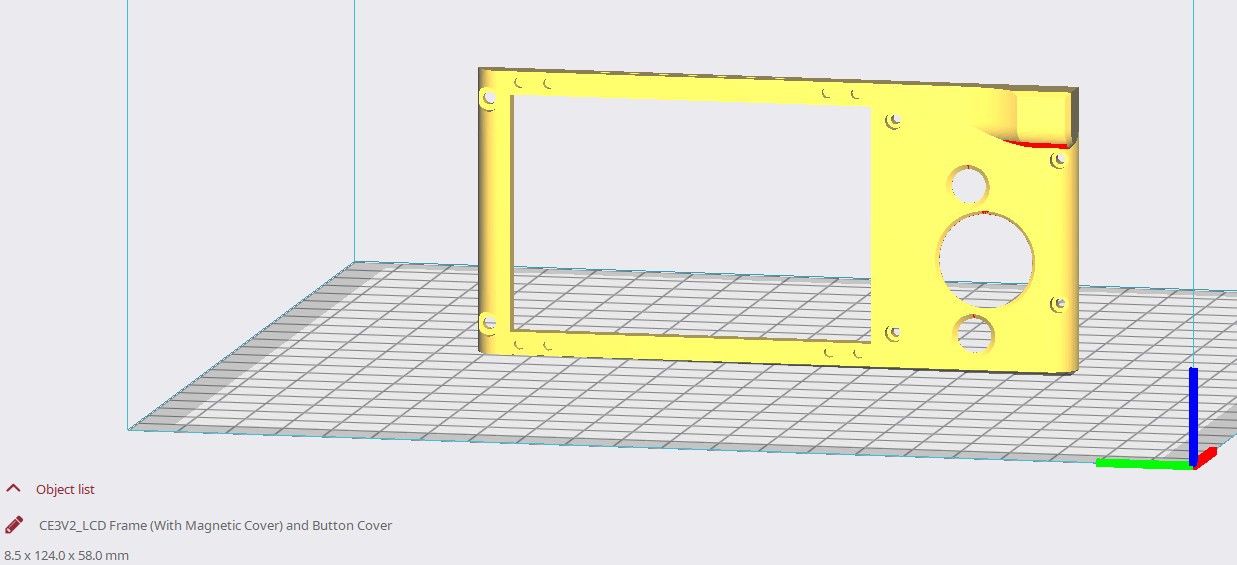
LCD Frame (With Magnetic Cover) and Button Cover.stl

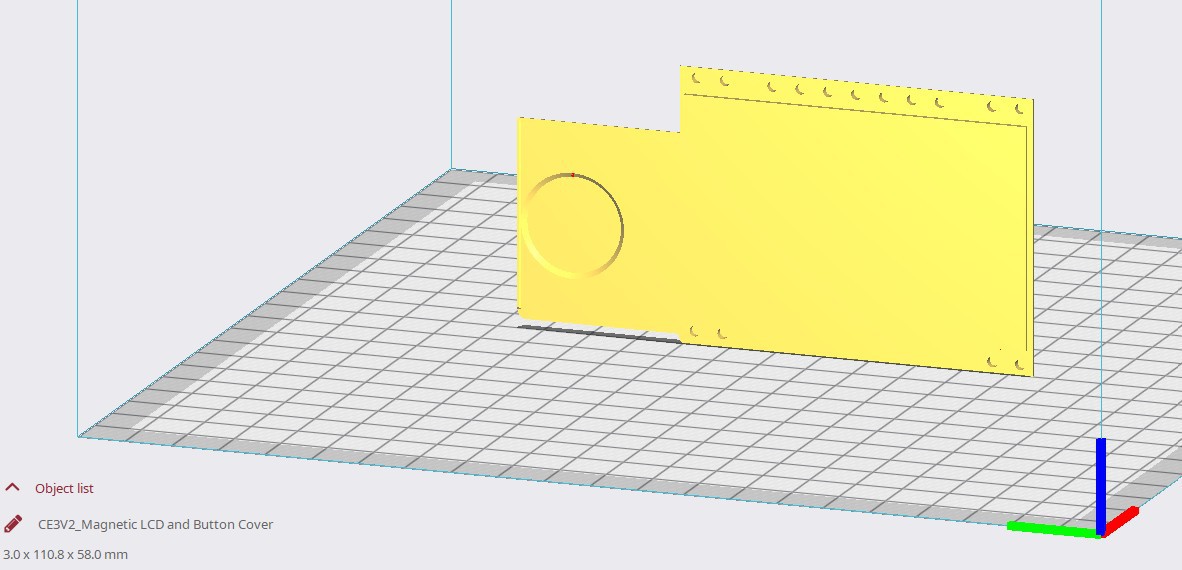
Magnetic LCD and Button Cover.stl

Batt Cover 2.stl

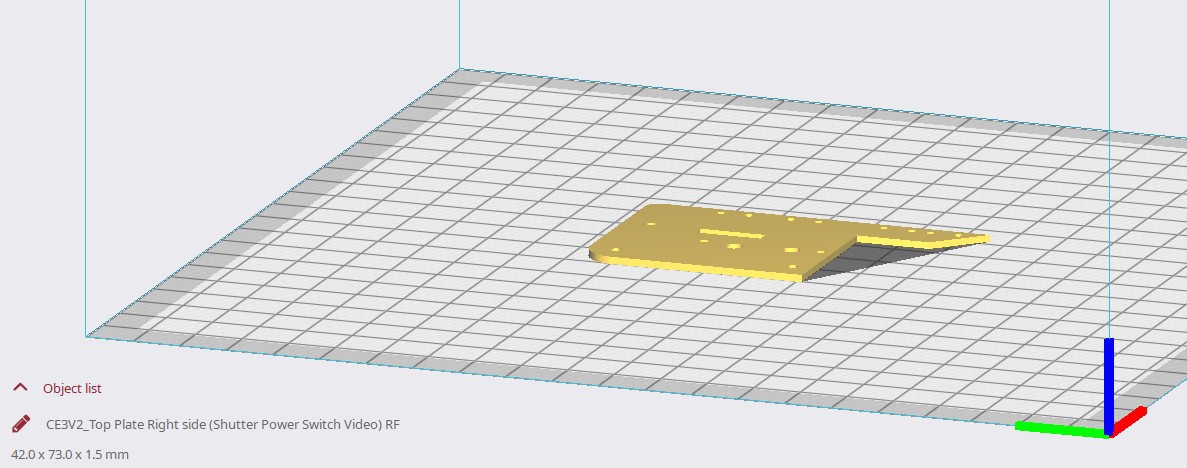
Top Plate Right side (Shutter Power Switch Video) RF.stl

Shutter Button.stl

Video Button.stl

Power Toggle (Thin).stl (Or Thick)

Shutter and Video Button enclosure.stl

Rangefinder Eyepiece Cover plate.stl

Rangefinder...

Read more »
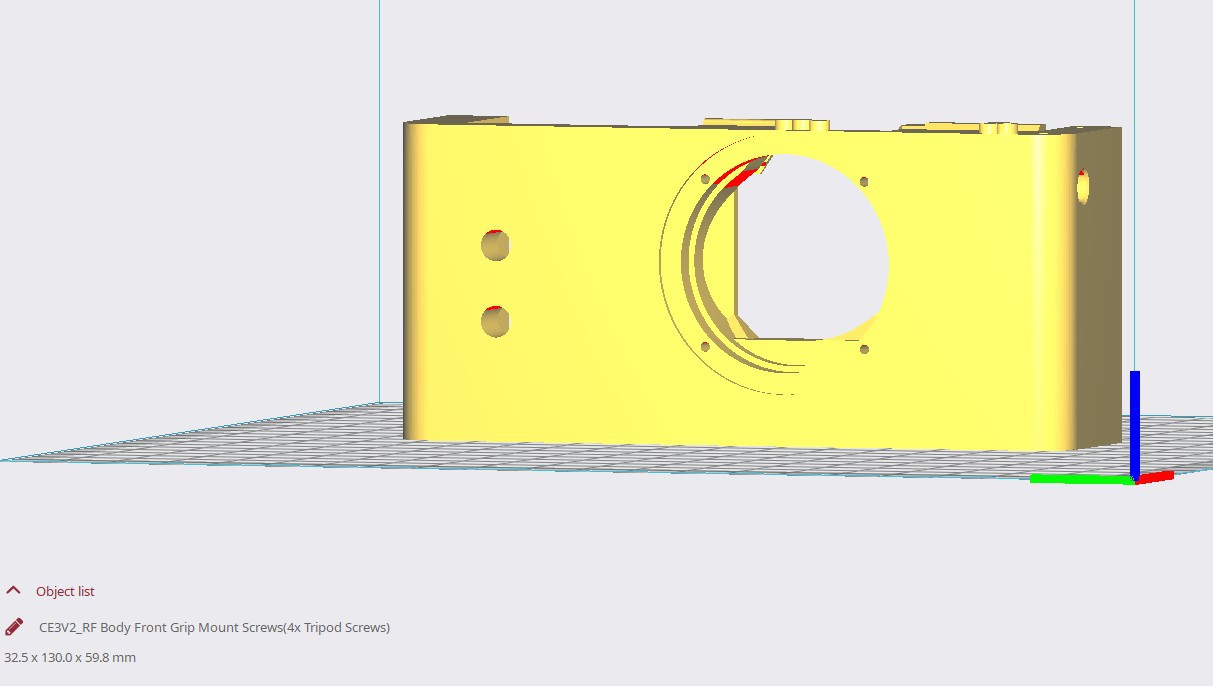
M-Mount Test Print.stl

Standard Tesselated Geometry - 3.55 MB - 08/10/2025 at 02:52

Download

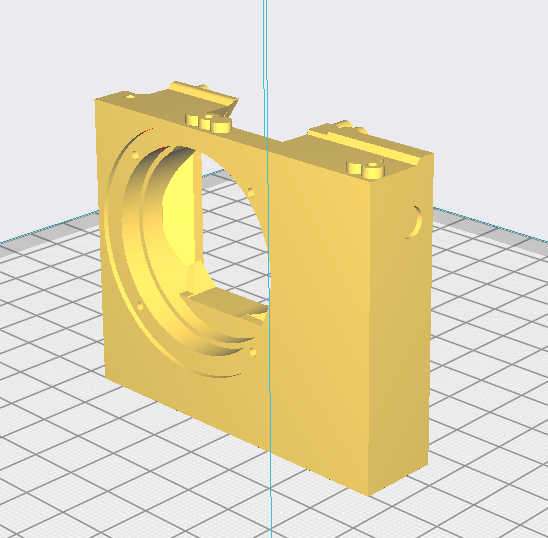
M Body V2.stl

M-Mount Variant

application/vnd.ms-pki.stl - 5.93 MB - 08/10/2025 at 02:48

Download

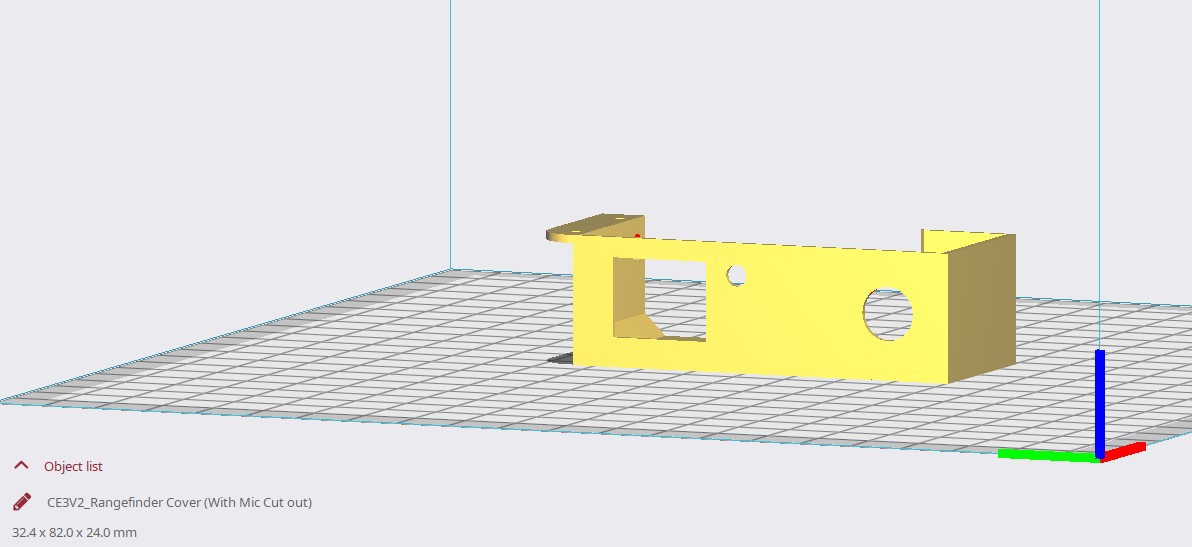
M RF Cover.stl

M-Mount Variant

Standard Tesselated Geometry - 647.65 kB - 08/10/2025 at 02:48

Download

Rangefinder Eyepiece Cover plate.stl

Required on all prints (Part updated to reduce visible gap between eyepiece and cover)

Standard Tesselated Geometry - 245.15 kB - 07/20/2025 at 13:50

Download

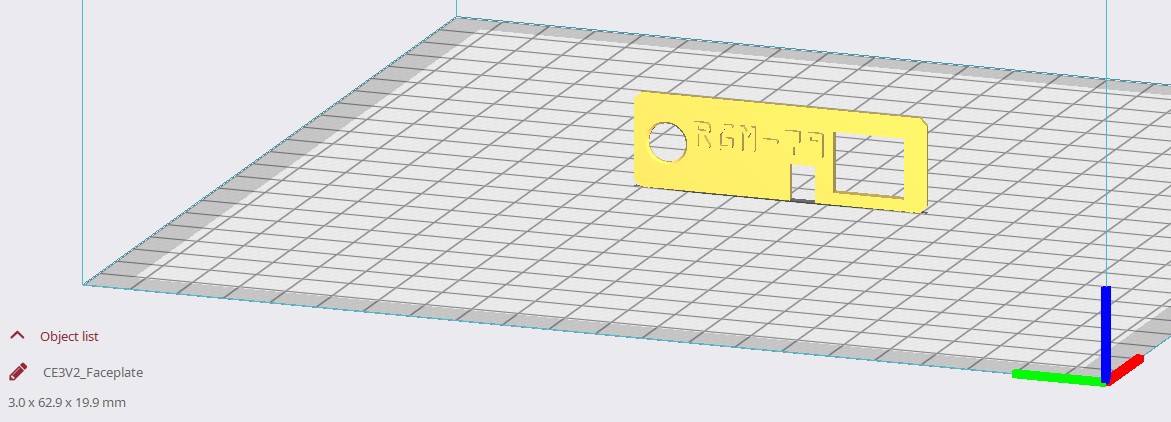
Faceplate 70mm Framing.stl

If you plan to use a 35mm lens this faceplate has some adjustments to make framing with 70mm a bit more accurate, namely the finder a bit more blocked off at the top to broadly align with the top of the frame at 70mm.

Standard Tesselated Geometry - 985.04 kB - 07/19/2025 at 15:49

Download

View all 34 files

  • 1 × Panasonic GF3
  • 1 × FED 5 (Range Finder module and Lens Mount) Keep accompanying screws for Lens Mount
  • 2 × D-Ring 1/4" Mounting Screw (4x Needed for Build With Front Grip) https://www.amazon.ca/dp/B09CDMC1NS?
  • 1 × 1/4"-20 Tap (Tool To have on hand)
  • 30 × 2mm Diameter x 1mm height cylindrical Neodynium Magnets Optional, only used when user wants the Magnetic Covers

View all 12 components

  • Update to the M-Mount Variant

    Mr.50mm10/01/2025 at 00:05 0 comments

    In order to better accommodate lenses that recess into the camera I've cleared space in the lens mount the M-Mount body file has been updated as a result, now lenses like the Brighten Star 28mm F2.8 will mount just fine. 

  • M-Mount Works!

    Mr.50mm08/10/2025 at 02:53 0 comments

    Good News Everybody! 

    This camera can be made into an M-Mount Camera. I've finished the files and will be uploading them as well as build details shortly, expect a video out as well! 

  • Exploring The M-Mount

    Mr.50mm08/01/2025 at 14:11 0 comments

    Just looking at seeing what I need to modify on the body to make it fit an M-Mount. I'm using a M to Fujifilm XF mount adapter as my Donor M mount, The mount it self is considerably bigger which means the donor mount will need to be shaved down a bit in order to not block the rangefinder. We'll see how far I get. 

View all 3 project logs

  • 1
    3D Print Orientations

    Parts are labelled in the bottom left corner, Most prints are printed in the orientation they load up in, there are a couple that do need to be flipped or rotated for best results. 

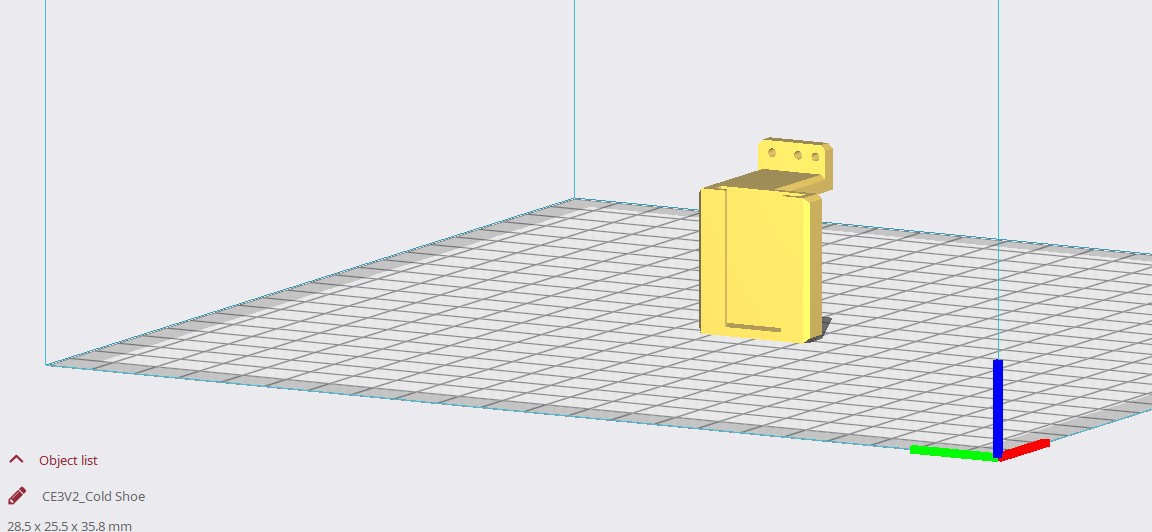
    Notable exceptions are the Battery Holder, RF Cover, Cold Shoe, Shutter button, Video Record Button, Button Enclosure, Power Toggle

    Printing settings 

    Cura Print settings for my Ender 3 V2 have been uploaded to the files list 

    Material - PLA (Black)

    Supports - Enabled, Type - Breakaway, Support Overhang Angle - 45 degrees 

    Wall Thickness - 8 Lines, Bottom Layers - 8, Top Layers 8 

    Total Print time @ 200um layer heights on my Ender 3 V2 was approximately 29hrs with the print configuration using magnetic screen and button covers and cold shoe, with rangefinder faceplate other configurations will be a bit different.  

    If you'd like the best surface finish use your printer's best setting, mine was 120um, however parts at 200um also are very nice. The total print time is fairly high if all outer parts are done at 120um

  • 2
    Removing the FED 5 Leica Thread Mount (Not Applicable on M-Mount Builds)

    This will be the first step, simply get a flat head screw driver and remove the screws on the FED 5 (they tend to be painted red so you can't miss em), before you do so though, beware there are retaining plates that the lens mount screws go into so when you remove the screws you'll probably see them drop out, don't worry we don't need them so set them aside. 

    We'll be using the removed mount in the next step to see how your printer is. 

  • 3
    The Fed 5 Rangefinder Module (Close Focus adjustment) - Optional Step

    While we are on the FED 5 we might as well prep the rangefinder. If you are going to assume close focus is perfect or just don't want to bother skip this.

    I found on my builds that both Rangefinder modules were off by about 20cm to 40cm at closest focusing distances, after that things were spot on. 

    Now we aren't going to adjust it on the old FED body but I found on both my rangefinder modules the amount of initial force needed to overcome the initial friction of a Cam module that hasn't been adjusted in decades was very high. High enough that I needed to remove the module from the 3D printed body. So this is really meant to save a headache later on. 

    Before we start examine the Cam, on one of mine the amount of shellac or adhesive used to fix the Cam in place was absurd I tried to turn it and it felt like I was going to damage the Cam arm before I broke the shellac. I'd need to dissolve a bunch of it off before I give that a go. If the Cam looks like there isn't enough shellac to coat a small desk then this is worth proceeding with if you care about close focus. 

    Grab a set of rubber coated pliers (use a rubber band on top of the pliers if you don't have a set, I don't) and apply a constant but controlled force until you notice the Cam has rotated a bit, be careful, it is possible to break the arm or damage another part of the Rangefinder doing this. We aren't looking to adjust it now so just get it to overcome that initial friction. 

    For a detailed look at the adjustment I'd recommend reading this page. https://jay.fedka.com/index_files/Page422.htm

View all 28 instructions

Enjoy this project?

Share

Discussions

Similar Projects

Does this project spark your interest?

Become a member to follow this project and never miss any updates