 manbir
download and setup qmk.
create a new keyboard:
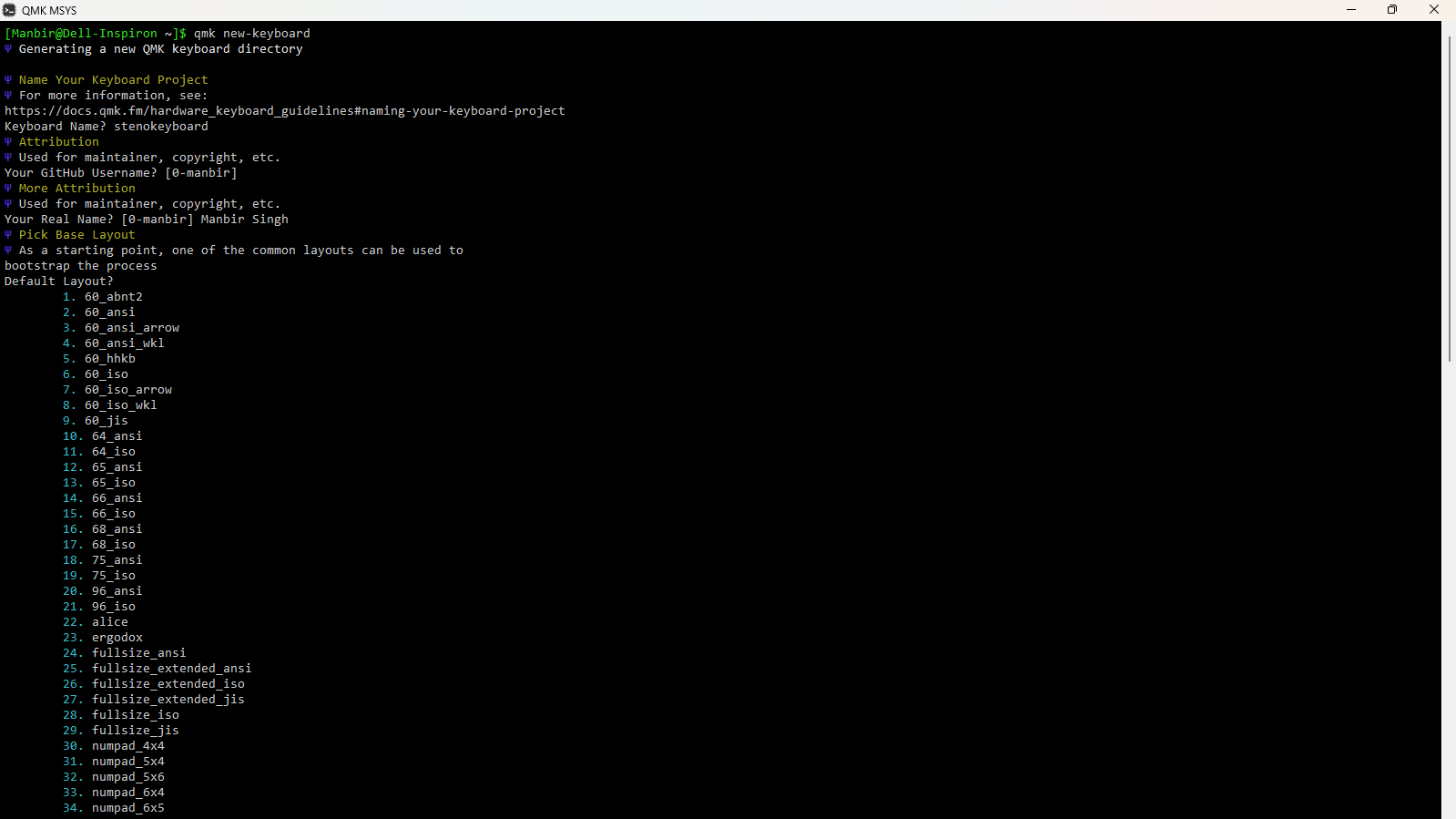
create a new keymap:
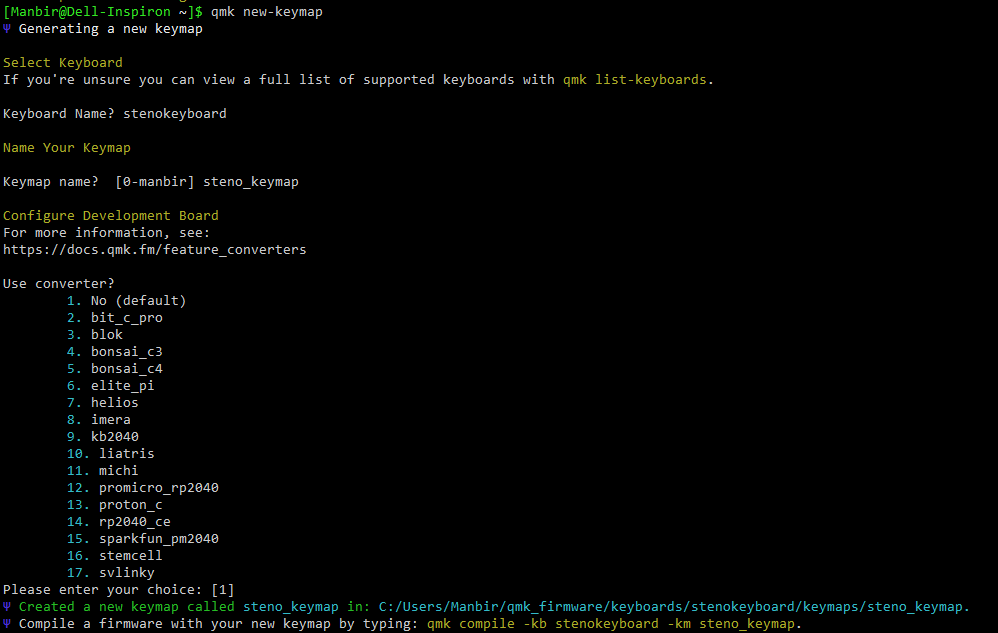
customize the keymap to fit your keyboard and its wiring. my files are attached below.
keyboard.json
{
  "manufacturer": "Manbir Singh",
  "keyboard_name": "stenokeyboard",
  "maintainer": "0-manbir",
  "development_board": "promicro",
  "diode_direction": "COL2ROW",
  "features": {
    "bootmagic": true,
    "extrakey": false,
    "mousekey": false,
    "nkro": false
  },
  "matrix_pins": {
    "cols": ["F7", "B1", "B3", "B2", "B6", "B5", "B4", "E6", "D7", "C6"],
    "rows": ["D1", "D0", "D4"]
  },
  "url": "",
  "usb": {
    "device_version": "1.0.0",
    "pid": "0x0000",
    "vid": "0xFEED"
  },
  "layouts": {
    "LAYOUT": {
      "layout": [
        { "matrix": [0, 0], "x": 0, "y": 0 },
        { "matrix": [0, 1], "x": 1, "y": 0 },
        { "matrix": [0, 2], "x": 2, "y": 0 },
        { "matrix": [0, 3], "x": 3, "y": 0 },
        { "matrix": [0, 4], "x": 4, "y": 0 },
        { "matrix": [0, 5], "x": 5, "y": 0 },
        { "matrix": [0, 6], "x": 6, "y": 0 },
        { "matrix": [0, 7], "x": 7, "y": 0 },
        { "matrix": [0, 8], "x": 8, "y": 0 },
        { "matrix": [0, 9], "x": 9, "y": 0 },

        { "matrix": [1, 0], "x": 0, "y": 1 },
        { "matrix": [1, 1], "x": 1, "y": 1 },
        { "matrix": [1, 2], "x": 2, "y": 1 },
        { "matrix": [1, 3], "x": 3, "y": 1 },
        { "matrix": [1, 4], "x": 4, "y": 1 },
        { "matrix": [1, 5], "x": 5, "y": 1 },
        { "matrix": [1, 6], "x": 6, "y": 1 },
        { "matrix": [1, 7], "x": 7, "y": 1 },
        { "matrix": [1, 8], "x": 8, "y": 1 },
        { "matrix": [1, 9], "x": 9, "y": 1 },

        { "matrix": [2, 3], "x": 3, "y": 2 },
        { "matrix": [2, 4], "x": 4, "y": 2 },
        { "matrix": [2, 5], "x": 5, "y": 2 },
        { "matrix": [2, 6], "x": 6, "y": 2 }
      ]
    }
  }
}
rules.mk
# Base
MCU = atmega32u4
BOOTLOADER = caterina

# Enable Steno
STENO_ENABLE = yes
STENO_PROTOCOL = geminipr

EXTRAKEY_ENABLE = no
MOUSEKEY_ENABLE = no
CONSOLE_ENABLE = no
COMMAND_ENABLE = no
NKRO_ENABLE = no
UNICODE_ENABLE = no
BACKLIGHT_ENABLE = no
AUDIO_ENABLE = no
keymap.c
// Copyright 2023 QMK
// SPDX-License-Identifier: GPL-2.0-or-later

#include QMK_KEYBOARD_H
#include "process_steno.h"

const uint16_t PROGMEM keymaps[][MATRIX_ROWS][MATRIX_COLS] = {
    [0] = LAYOUT(
        STN_S1, STN_TL, STN_PL, STN_HL, STN_ST1, STN_FR, STN_PR, STN_LR, STN_TR, STN_DR,
        STN_S2, STN_KL, STN_WL, STN_RL, STN_ST2, STN_RR, STN_BR, STN_GR, STN_SR, STN_ZR,
        STN_A, STN_O, STN_E, STN_U
    )
};
compile the firmware
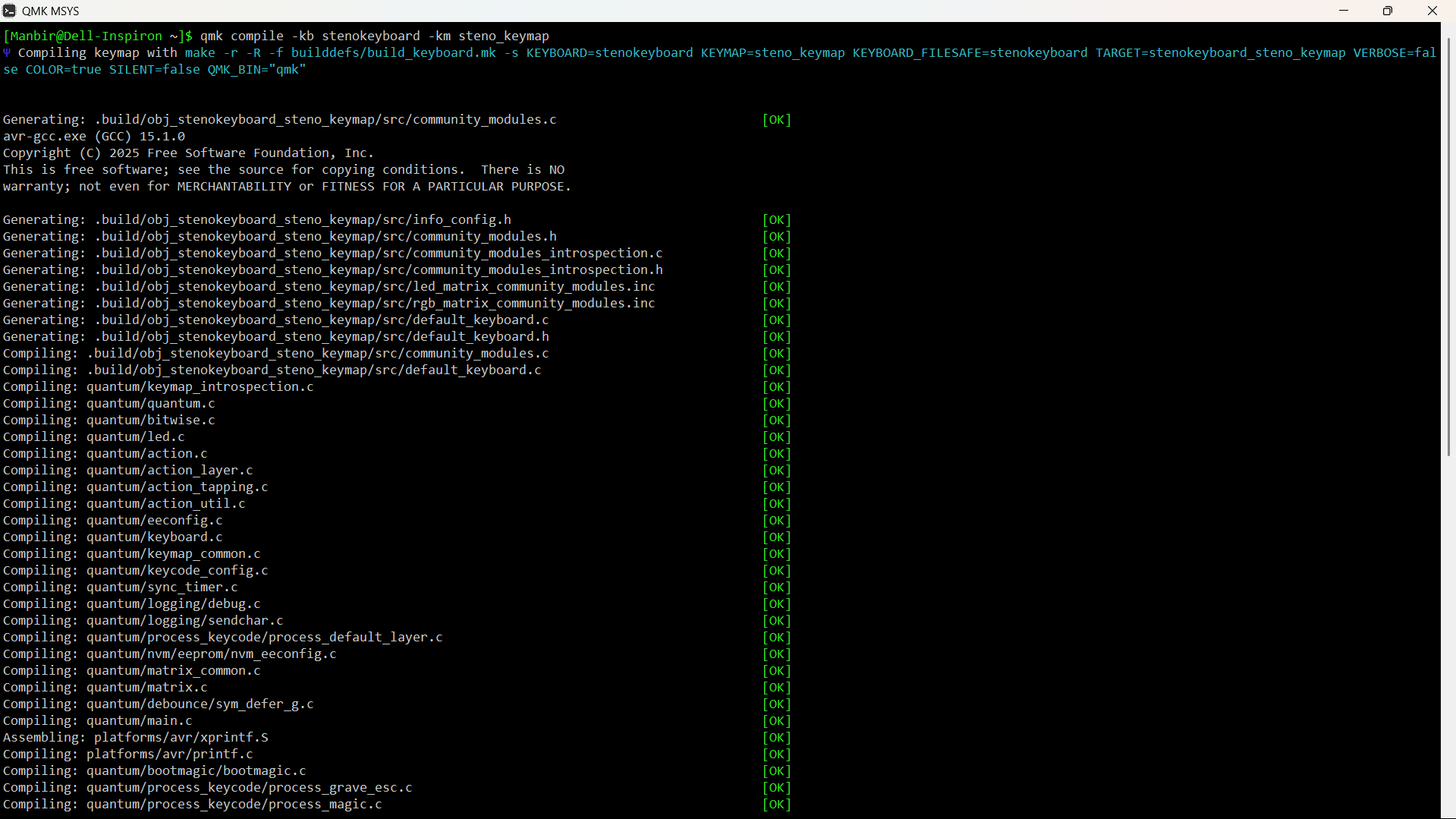
flash the firmware using AVRdude or QMK Toolbox

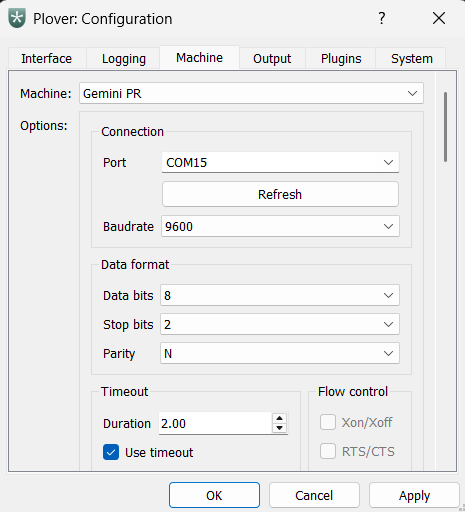
download and install Plover. set the machine to Gemini PR.
go to configure, and select the right port.
Discussions
Become a Hackaday.io Member
Create an account to leave a comment. Already have an account? Log In.