Close
0%
0%

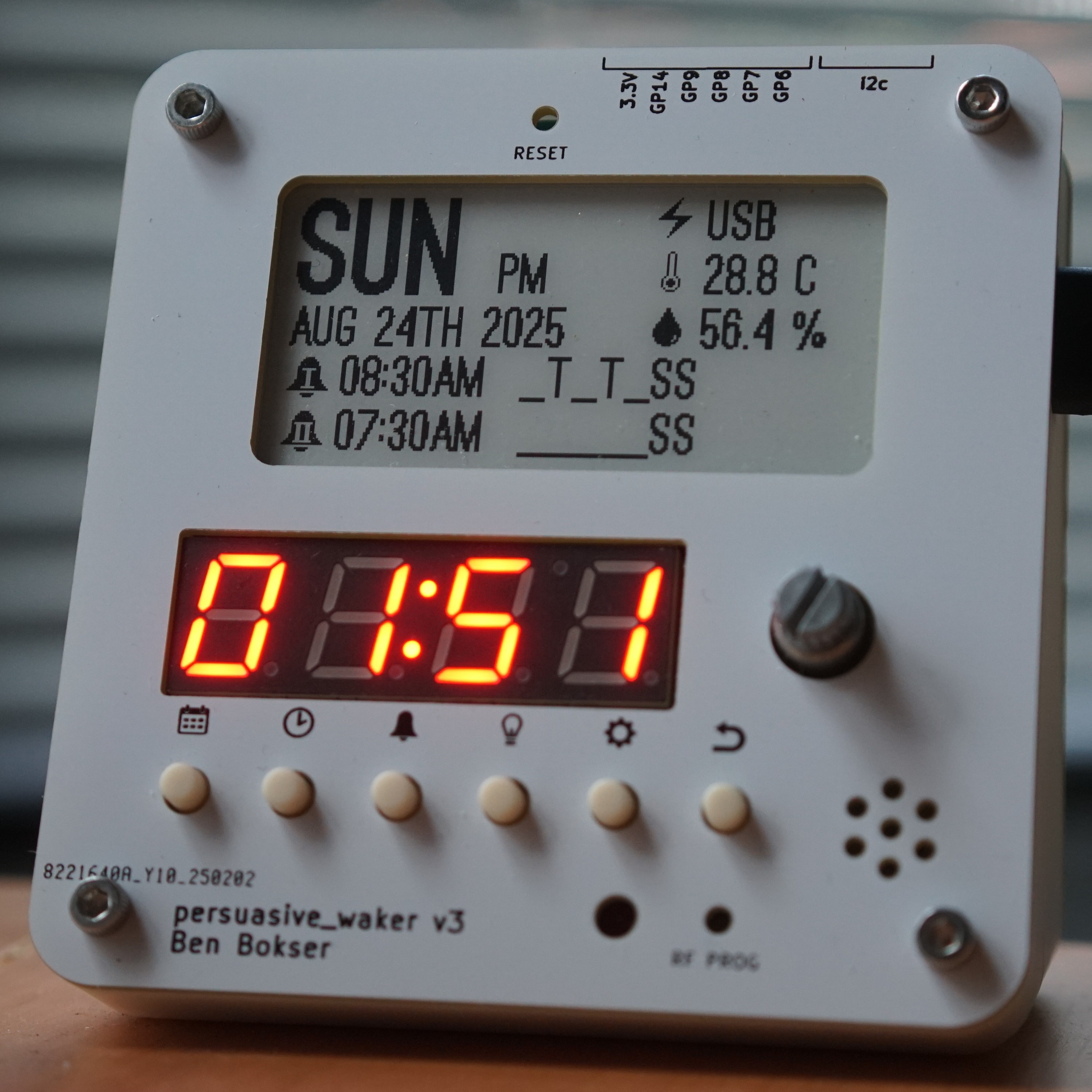
Anti-Snooze Alarm Clock

Alarm clock that must be remotely deactivated

Similar projects worth following
It has no snooze button and no off button.

It also has a backup battery in case it gets unplugged, and there’s no way to remove the battery without a hex key.

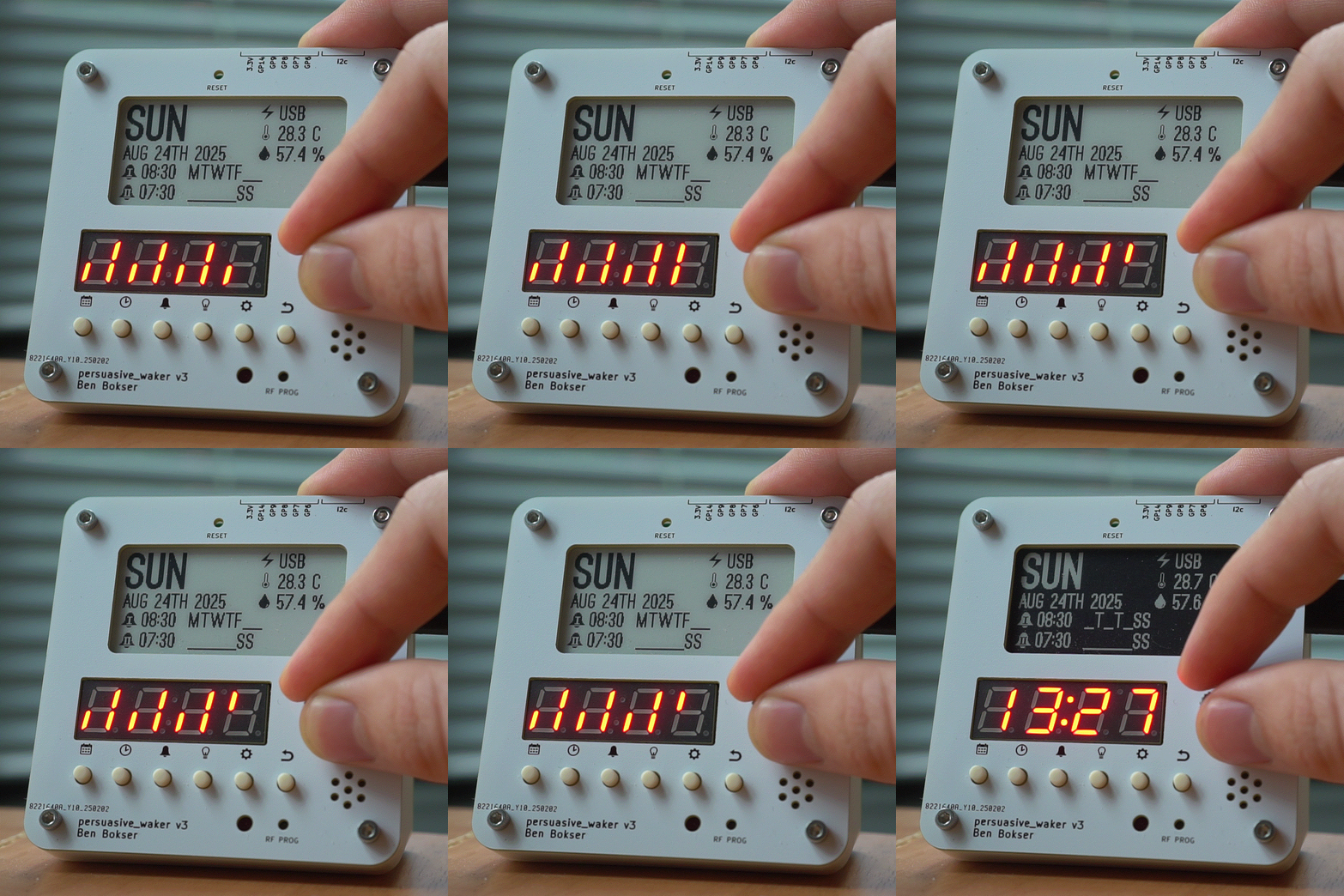
Actually deactivating the alarm requires hitting a remote key fob. The idea is to hide the key fob as far away from your bed as possible. Obviously this is more effective the larger your home is.

To close loopholes, you also can’t change the alarm or even the date or time without hitting the remote.

A quick list of features:

  • Time, date, and two alarms
  • Humidity and temperature display
  • LED brightness setting
  • Celsius vs Fahrenheit setting
  • STEMMA-QT/Qwiic breakout
  • 2.54mm pitch breakout with 3.3V, GND, 5x GPIOs, and 3x ADC

The microcontroller is an RP2040 and the code is written in CircuitPython. I found CircuitPython simultaneously really convenient and extremely limiting.

The github repo is here if you want to learn more. It’s fully open source. Electrical (KiCAD), mechanical (STEP), and software.
  • Firmware V3.1 Is Out!

    Ben Bokser08/23/2025 at 23:48 0 comments

    Based on feedback from users, I've added a couple of new features to the firmware.

    First off, you can now set exactly which days of the week an alarm corresponds to. (The old system only gave three options: weekends, weekdays, or every day).

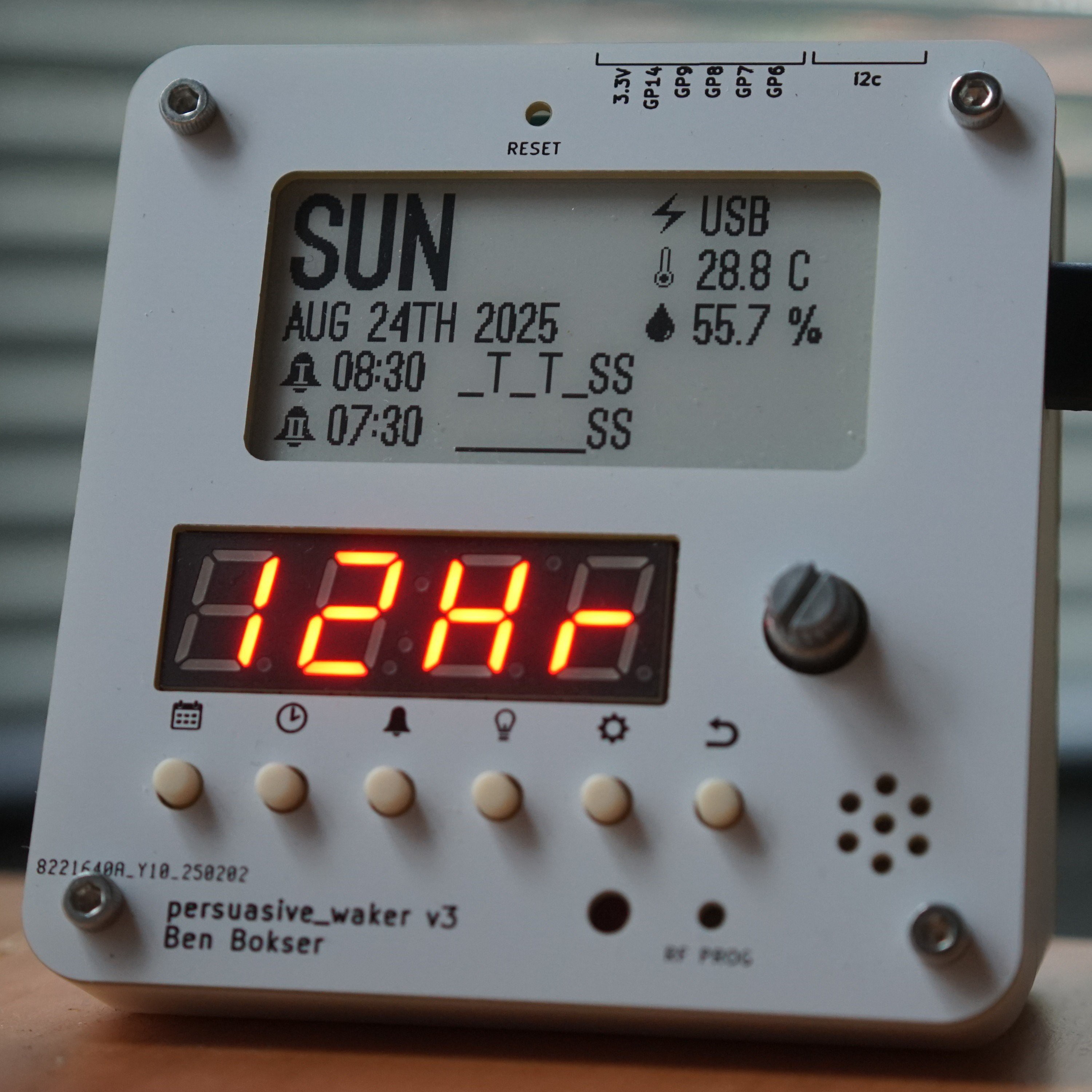
    Secondly, there is now an options dialogue to switch between 24-hour mode and 12-hour mode.

    As a result, the e-paper display's font sizes had to be decreased to squeeze more information in.

    Instructions for upgrading your firmware are here.

View project log

Enjoy this project?

Share

Discussions

Does this project spark your interest?

Become a member to follow this project and never miss any updates