0%
0%
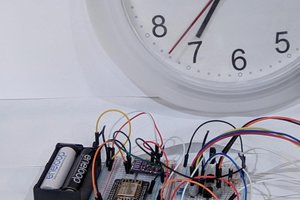
GPS Sundial
Solar panel + GPS to mimic an ancient sundial
 Vladimir Gorshenin
Become a Hackaday.io member
Already have an account? Log in.
Just one more thing
To make the experience fit your profile, pick a username and tell us what interests you.
Pick an awesome username

hackaday.io/

Your profile's URL: hackaday.io/username. Max 25 alphanumeric characters.
Pick a few interests
Projects that share your interests
People that share your interests
 victor-chew
 jareklupinski
 Suvrat Mishra
 MicroHex