 mingo.zhang
Local Wi-Fi streaming mirrors a desktop window or selected area to this tiny screen in real time. Not a cinema-size projector, but a pocket “mini TV”: watch your favorite clips or full films, photo slideshows, and album art in the most delightful way.
On Computer
a. Disable Windows Defender (Real-time Protection OFF)
b. Download ScreenShotSender (Windows only)
c. Run ScreenShotSender.exe
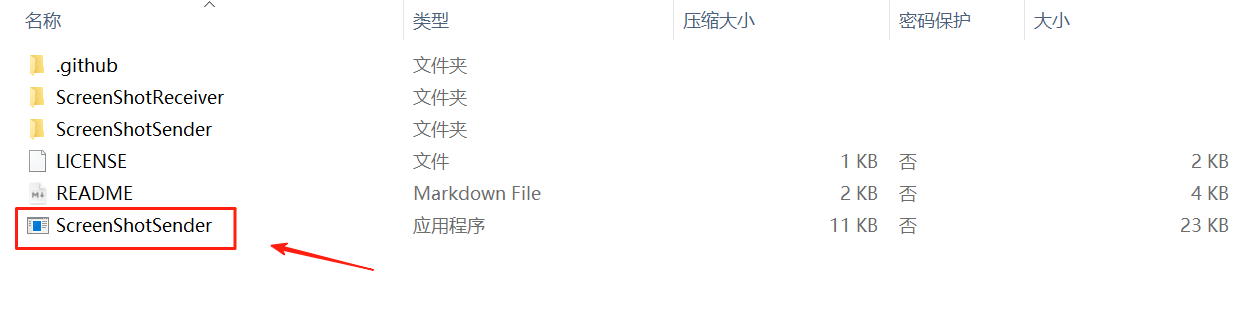
d. Enter MeowKit’s IP address, then configure:
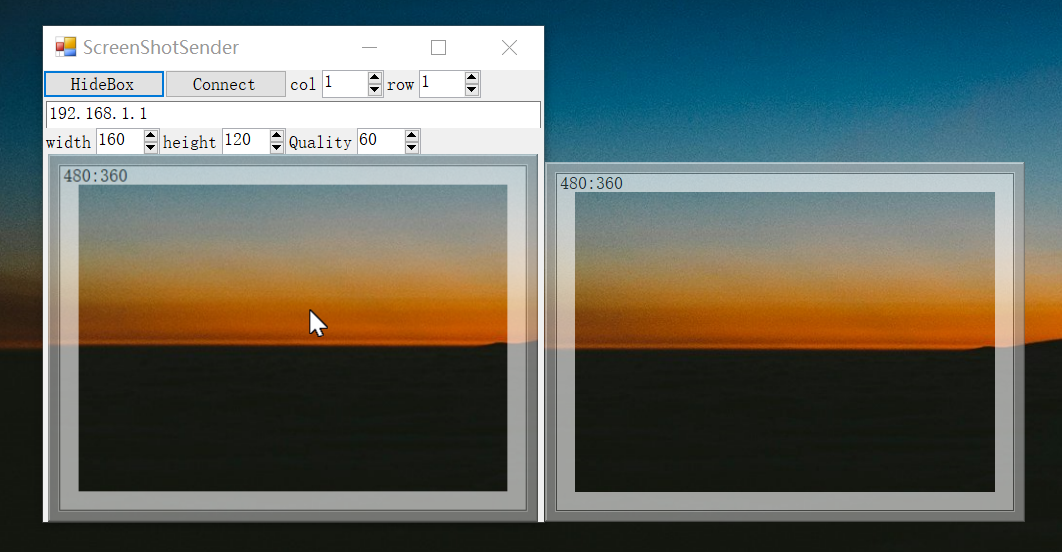
- Width = 320
- Height = 240
- Quality = 60
- Box area (optional)
e. Click Connect, and the live screen will show up on MeowKit.
On MeowKit
a. Finish Wi-Fi setup and exit Settings.
b. Tap the Retro-TV icon → shows Connect to WiFi...
c. Once connected, it displays your IP Address (e.g., 10.0.1.135).
d. Press and hold the B button for 2 seconds to exit
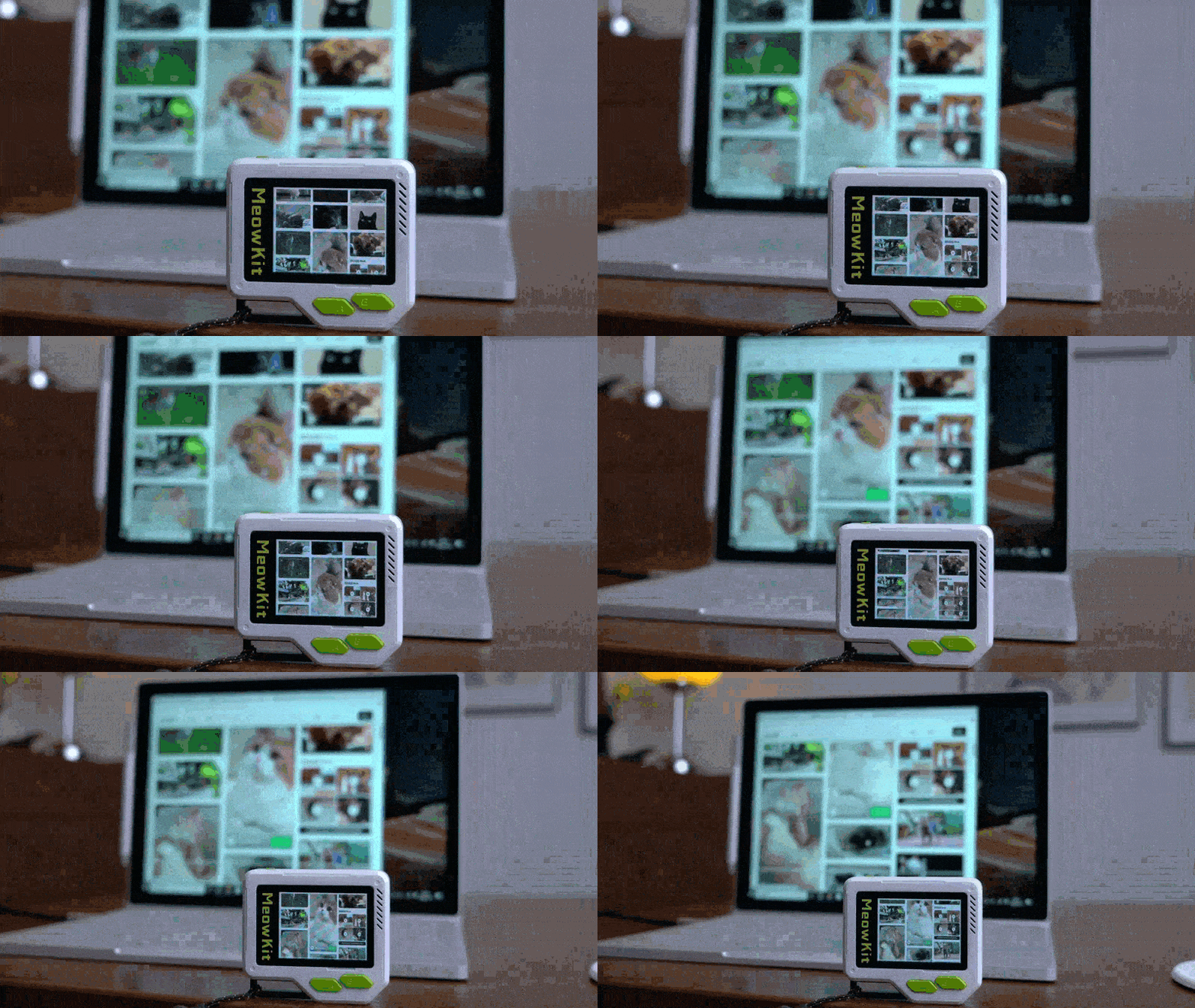
It’s now reborn as an adorable wireless‑casting mini Retro-TV.
Discussions
Become a Hackaday.io Member
Create an account to leave a comment. Already have an account? Log In.