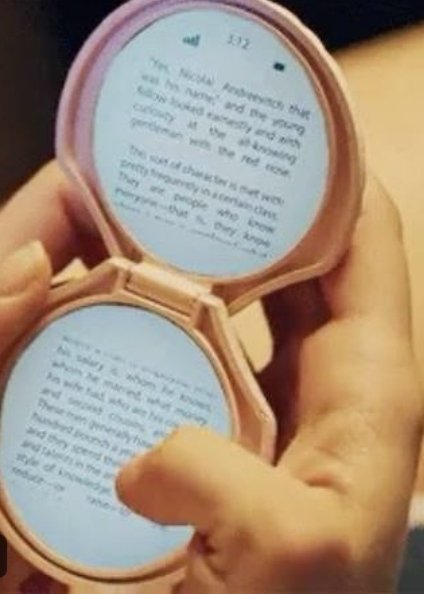
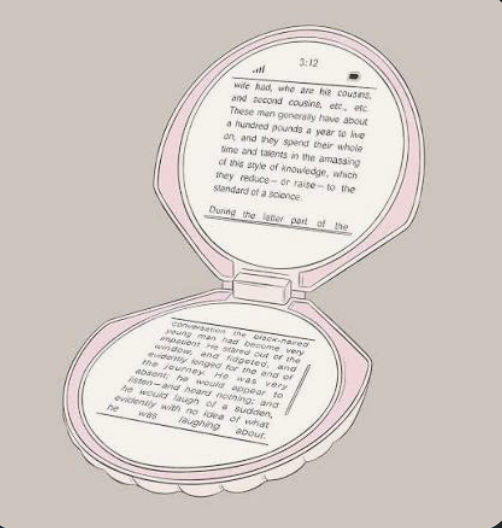
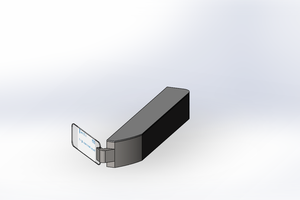
ShellPhone is a working replica of the strange little clamshell e-reader glimpsed briefly in the 2014 horror film *It Follows* — a device with two round, mirror-like screens that's on screen for only a few seconds, but has stuck with me since the first watch. This project turns that fictional prop into a real, functional piece of hardware.
Beyond replicating the prop, ShellPhone is also an exploration of alternative computing interfaces that prioritize readability and power efficiency over traditional high-refresh displays. E-paper's unique characteristics — ultra-low power consumption, high contrast readability, and deliberate refresh rates — make it a compelling foundation for a slower, more focused class of portable device.
## Design Philosophy
The monochrome, slow-refreshing nature of e-paper creates an interaction paradigm that encourages thoughtful, deliberate use rather than the rapid, attention-fragmenting work
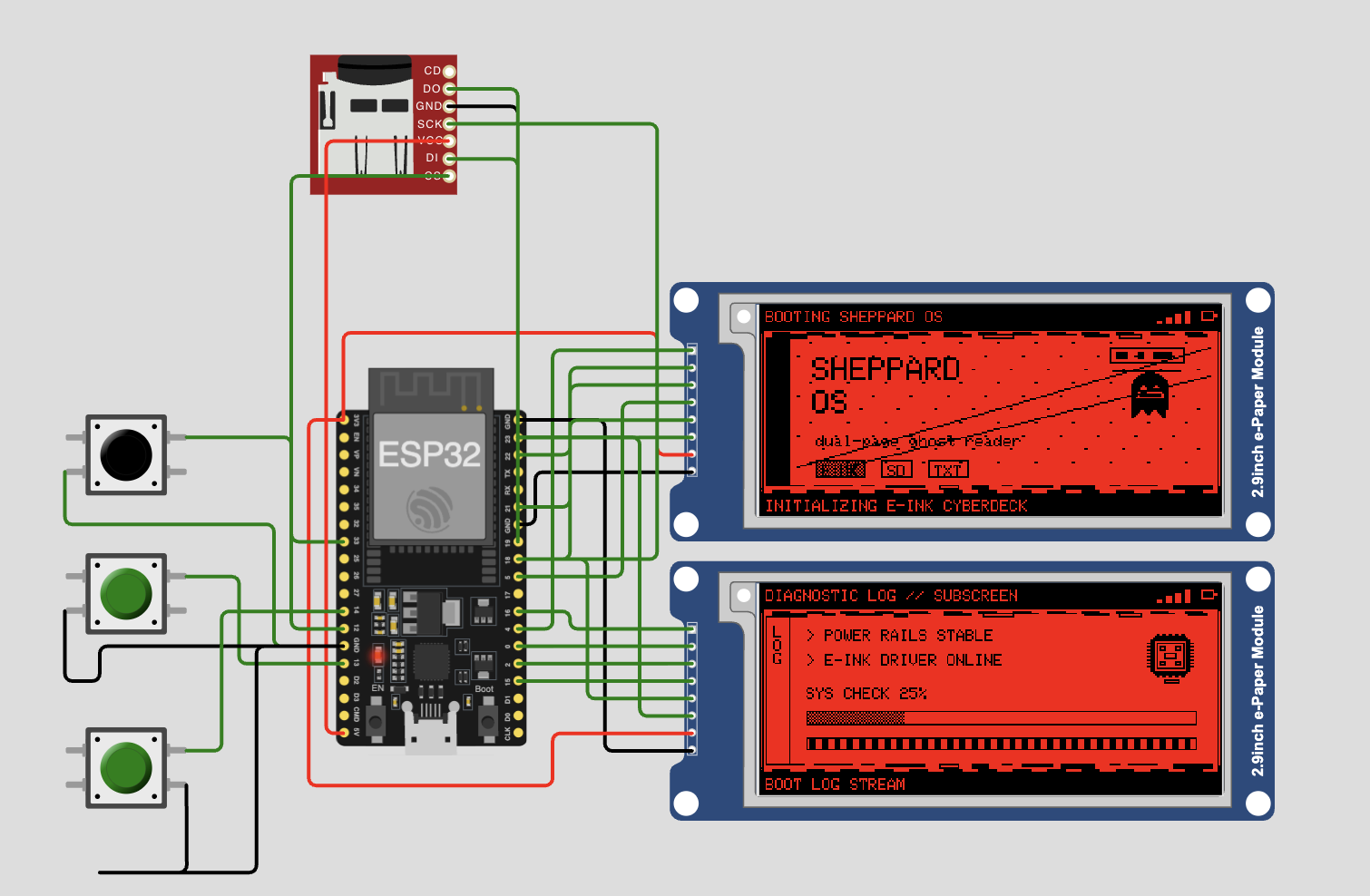
Before committing to the custom round PCBs, the entire UI was built and tested in simulation first — two virtual e-paper displays, button navigation, page-turn logic, and even a fake boot sequence, all running on a simulated ESP32. This let the software architecture get worked out before any board space or fabrication cost was on the line.
From there, the project moved to a breadboard prototype: a standard ESP32 dev board wired to two physical e-paper displays, used purely to validate that the real hardware could do what the simulation promised.
## Key challenge: driving two e-paper displays from one ESP32
Both displays share the same SPI bus, which meant getting independent chip-select (CS) lines right for each panel was critical — without careful CS management, the two displays would contend for the bus and fail to update reliably. Getting the timing and wiring dialed in took a fair amount of trial and error, but once solved, it unlocked reliable independent updates on both screens simultaneously.
With that working, the rest of the UI — file index, home screen, page rendering — came together quickly on the breadboard setup.
## Milestone: first real hardware boot
Seeing "SHELL:READER" actually render on physical e-ink for the first time — after weeks of only seeing it in simulation — confirmed the core software and multi-display driving approach both work as designed.
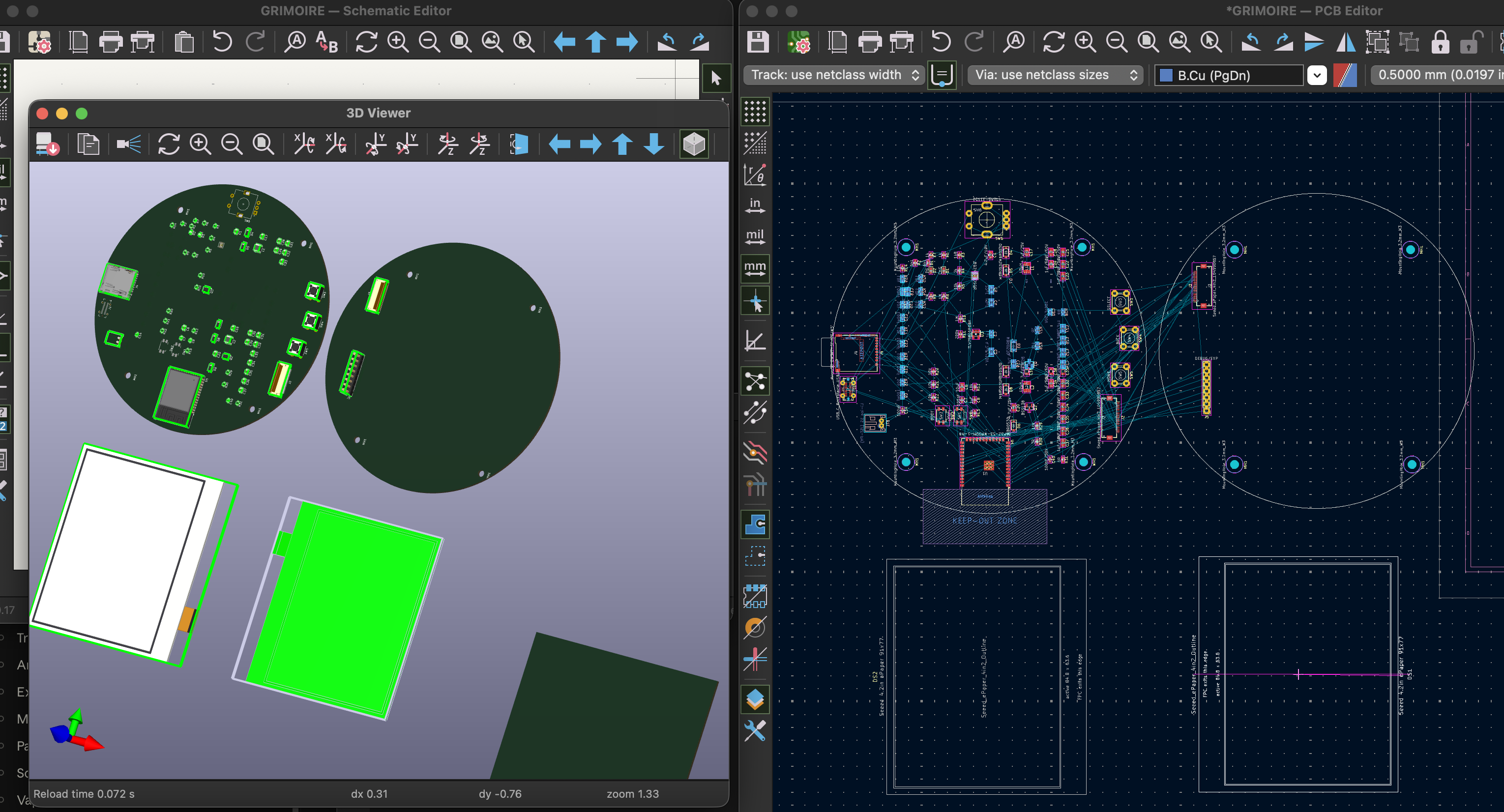
**Next step:** the custom round PCBs are heading to fabrication now that the software and dual-display approach are validated on standard hardware. Big thanks to [PCBWay](https://www.pcbway.com) for sponsoring fabrication on this one — odd-shaped, round boards aren't trivial to produce, and having a manufacturing partner who can actually turn them around has been key to getting this off of a breadboard and into real hardware.
┌─────────────┐ ┌─────────────┐ │ │ │ │ │ Left Screen │ │Right Screen │ │ (400x300) │ │ (400x300) │ │ │ │ │ └─────────────┘ └─────────────┘ Hinge in the middle
new thing
okay so i scrapped the old news.... time to start over from the ashes.
So i went and looked at pocketMage and got some ideas about software. Still a long road ahead but this is the current stuff. working on gettting the protoype wired up but so far this all builds at least lol... nothing works til you see it working
if anyone has any cool ideas id love to hear them.
also feel free to yell at me about my stupid code
ShellPrototype/ ├── src/ # Main application source code │ ├── main_simple.cpp # Simplified working main application │ ├── main.cpp # Full-featured main (work in progress) │ ├── globals.cpp # Global variables and state │ ├── HOME.cpp # Home screen application │ ├── TXT.cpp # Text editor application │ ├── SETTINGS.cpp # Settings application │ ├── TASKS.cpp # Task manager application │ ├── USB.cpp # USB functionality │ ├── LEXICON.cpp # Dictionary/reference application │ ├── CALENDAR.cpp # Calendar application │ ├── sysFunc.cpp # System utility functions │ ├── einkFunc.cpp # E-paper display functions │ ├── ShellPhone.cpp # Main application coordinator │ └── assets.c # Graphics assets and bitmaps ├── tests/ # Component test files │ ├── test_clamshell_display.cpp # Dual display clamshell demo │ ├── test_i2c_scan.cpp # I2C device detection │ ├── test_keypad.cpp # Keypad functionality test │ ├── test_touch.cpp # Touch sensor test │ ├── test_rtc.cpp # Real-time clock test │ ├── test_sdcard.cpp # SD card functionality test │ └── test_battery.cpp # Battery monitoring test ├── include/ # Header files │ ├── config.h # Pin definitions and configuration │ ├── globals.h # Global variable declarations │ ├── assets.h ...