Close
0%
0%

8‑Key Macro pad with 3.5 inch LCD

The 8-key macro pad with screen isn’t just another macro pad — it's a visual, scriptable, dynamic control deck you build and own.

Similar projects worth following
The Idea: Make It Tactile Again!

What if a macro pad had real, mechanical keys — the kind your fingers can trust — but still showed icons and dynamic feedback like a Stream Deck?

That became my goal: the perfect fusion of display and feel.

Each key would be visually clear, physically satisfying, infinitely customizable.

⚙️ The Build

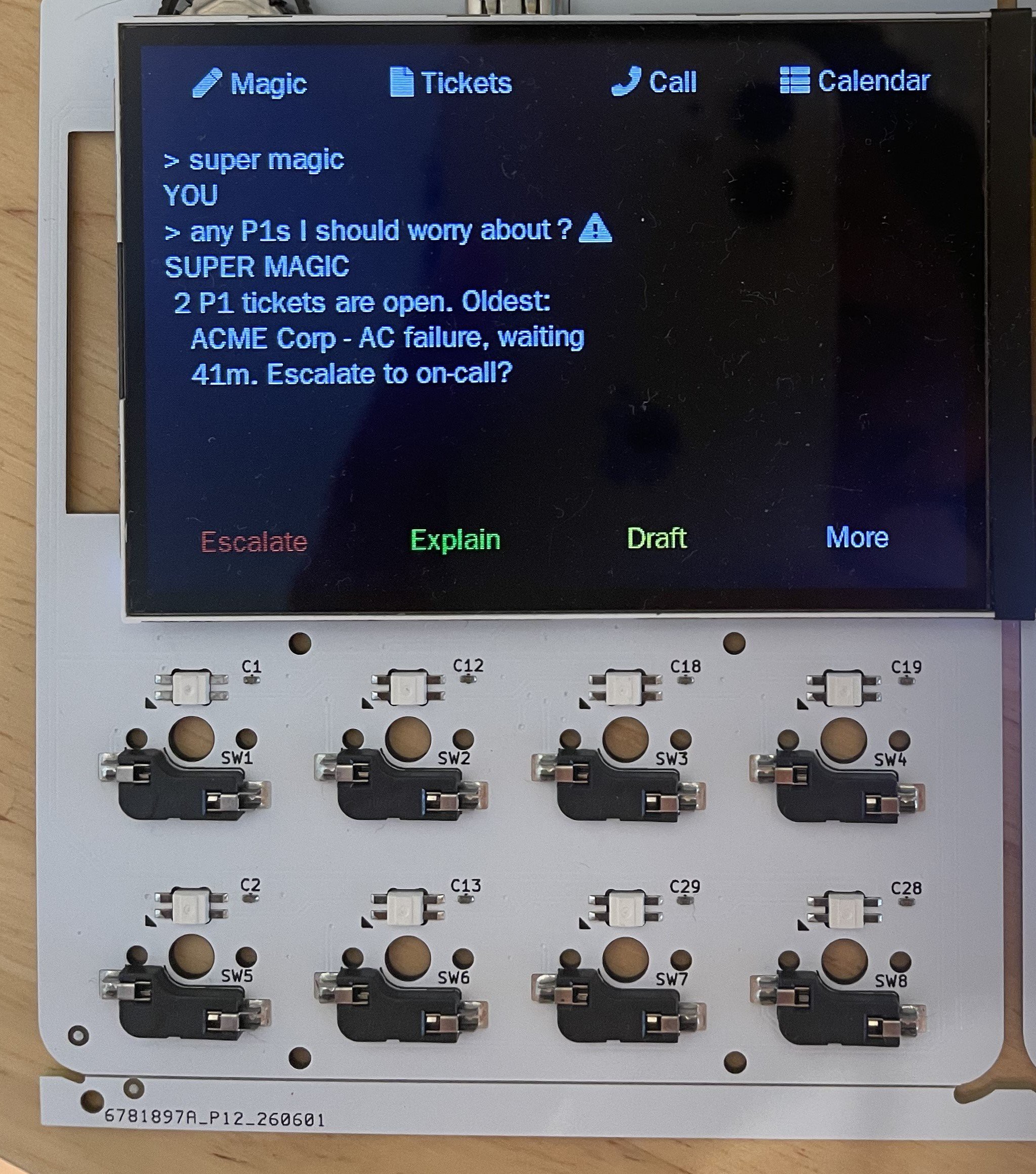
The 8-Key MacroPad is powered by an ESP32-S2 and features:

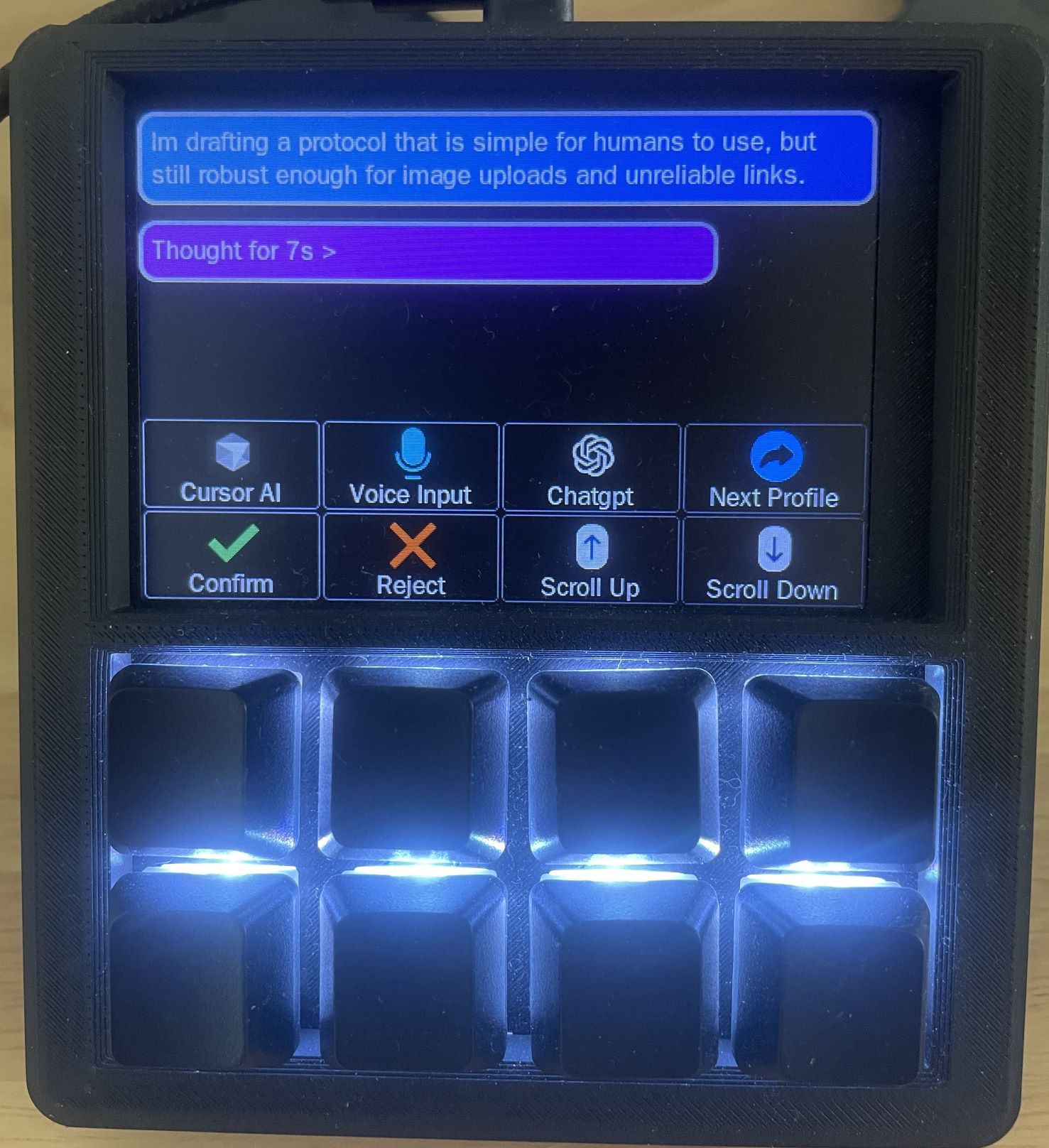
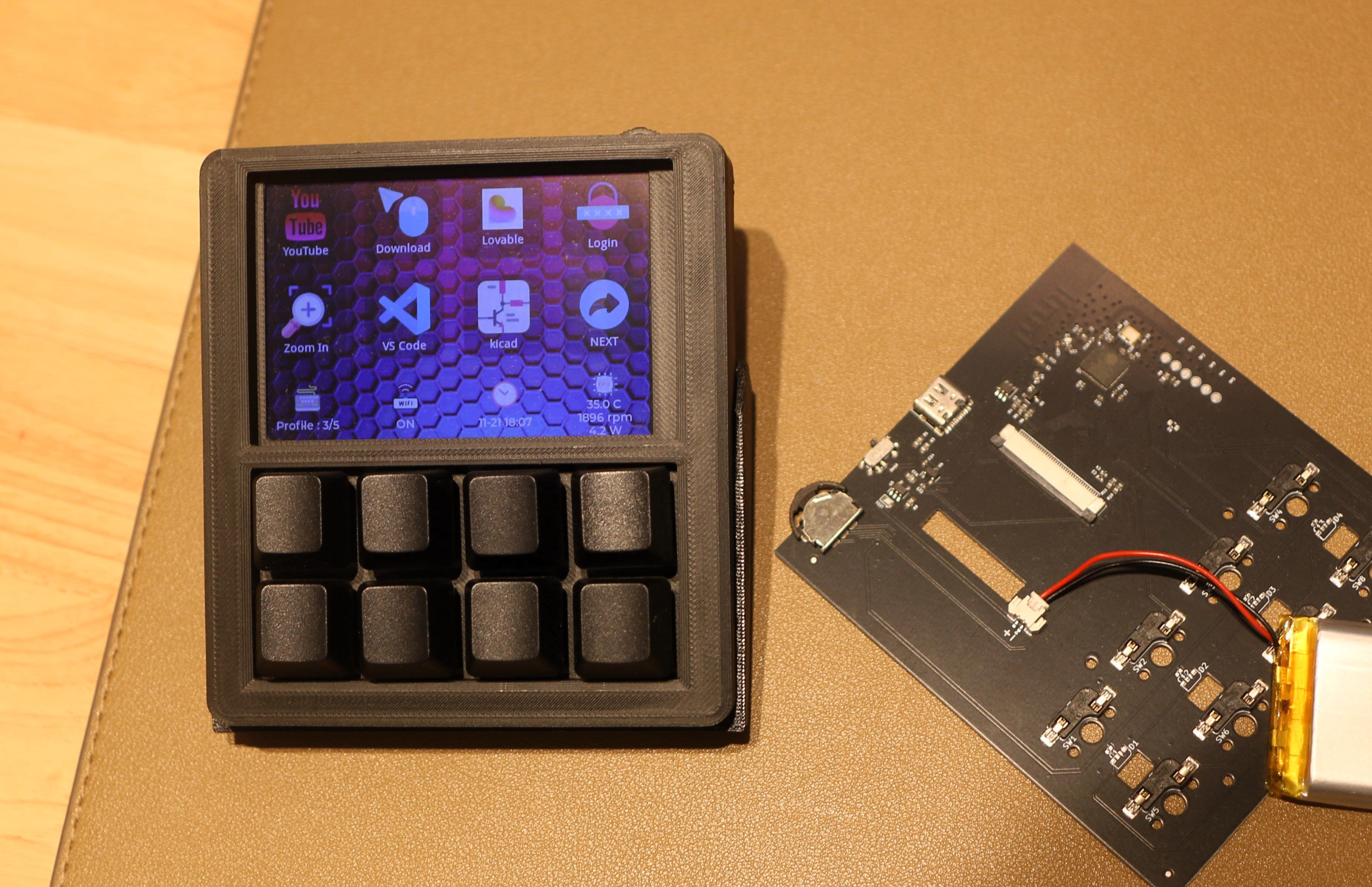
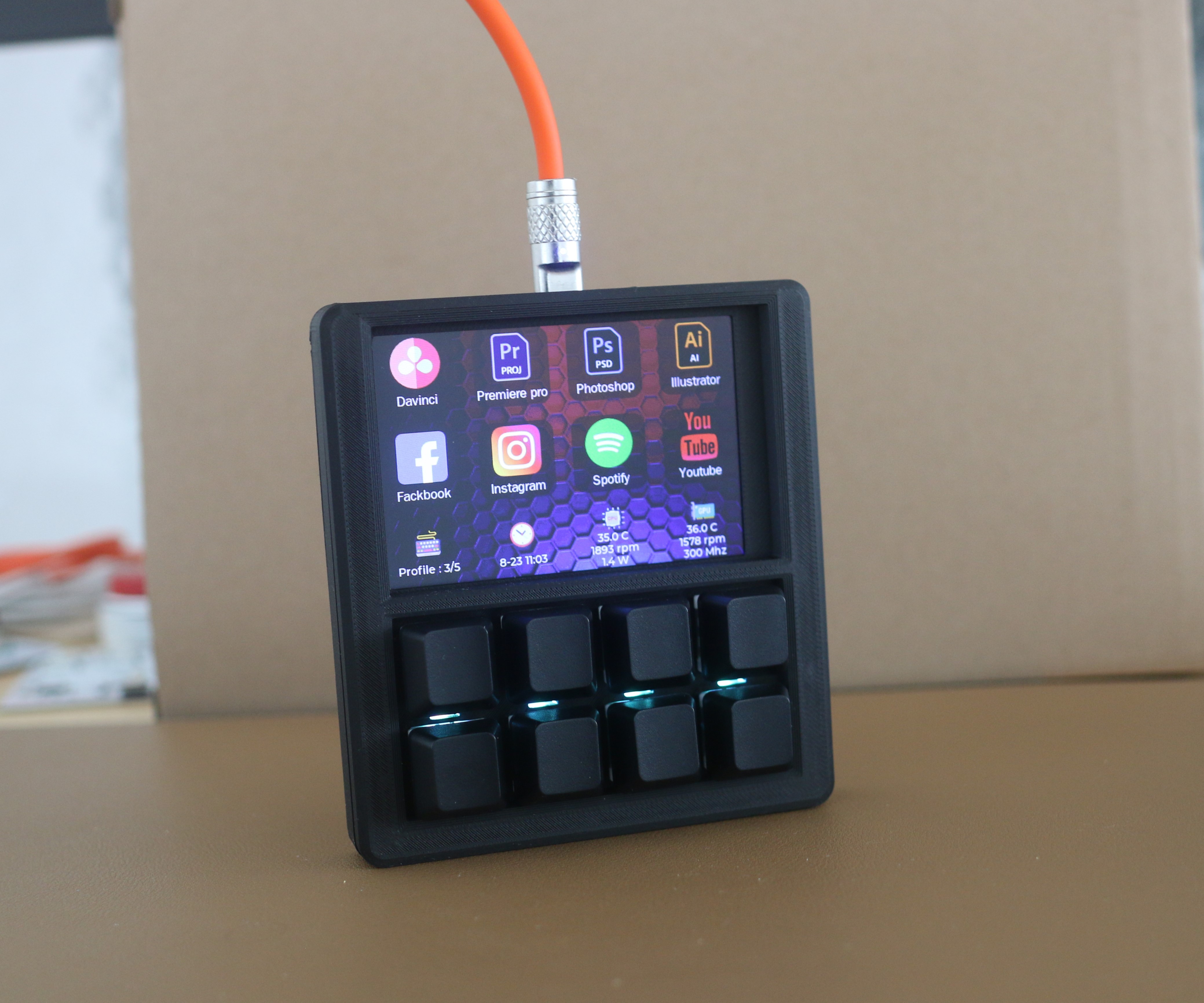
  • 🖥️ 3.5″ 480×320 LCD Display — draws real icons and text for each key

  • ⌨️ 8 Hot-Swappable Mechanical Keys — customizable switches for your preferred feel

  • 🔄 5 Profile Slots — instantly switch between layouts

  • 🧩 Script & Macro Engine — automate your daily routine

  • 🌈 RGB Backlighting — functional and beautiful

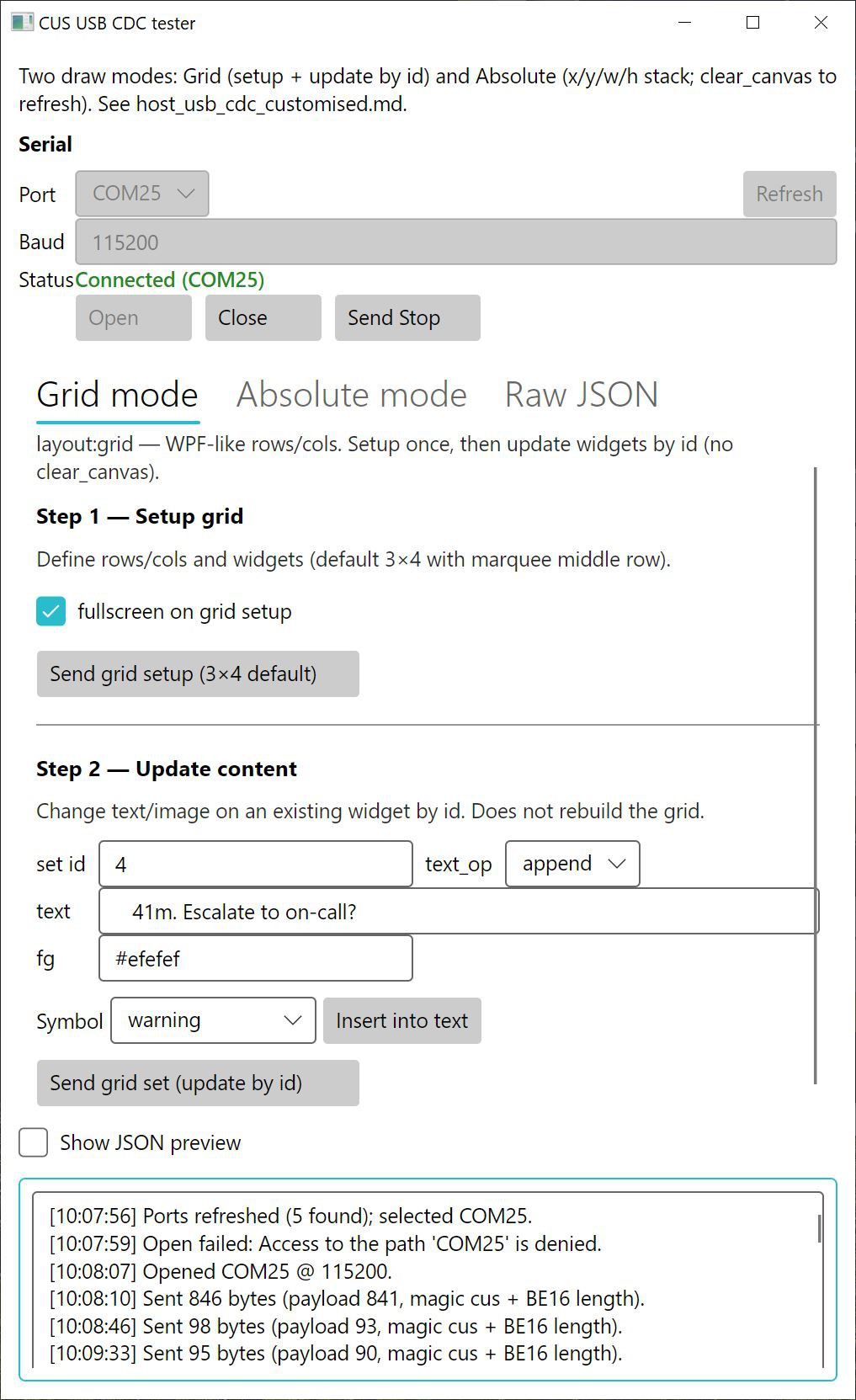
  • 🪟 Config App — what you see on screen is what you get on the pad

It connects as a standard HID device, so no special drivers are needed. Just plug and start creating

💡 What You Can Do With It

  • 🚀 Launch apps, build scripts, or developer tools

  • 🎮 Control OBS, audio mixers, or lighting rigs

  • 🧠 Run local logic or show real-time stats (CPU, time, network)

  • 🎨 Switch creative tools or brush presets in Photoshop, Blender, etc.

Each key is both a button and a display — your workflow, visualized and personalized.

🚀 DIY Macro pad vs. Stream Deck: Why It Wins

  • 🛰️ Wireless & Plug-and-Play – No drivers, no software  (when key configured work in HID mode)

  • 💻 HID Mode – Works even at boot.

  • Ultra-Fast ESP-NOW – Low-latency, reliable.

  • 🖥️ 3.5" Full Display – Bigger, vibrant screen.

  • ⌨️ Mechanical Keys – Satisfying tactile feedback.

  • 🛠️ Open Script Support – Automate anything.

  • 🏗️ 3D Printable Cases – Customize colors & style.

  • 🌐 Key Presets Community – Share and download key presets.

  • 💰 Affordable – High-end features, lower price.

Follow this project to get updates on firmware and new features. 

Comment with your use case or suggestions!  

Firmware will be updated regularly based on feedback.
housing-bottom.STL

Standard Tesselated Geometry - 120.98 kB - 10/16/2025 at 14:23

Download

housing-top.STL

Standard Tesselated Geometry - 106.23 kB - 10/16/2025 at 14:23

Download

key-holder-for-3d-print.STL

Standard Tesselated Geometry - 44.81 kB - 10/16/2025 at 14:23

Download

screen-cover-for-3d-print.STL

Standard Tesselated Geometry - 45.20 kB - 10/16/2025 at 14:23

Download

tilt-stand.STL

Standard Tesselated Geometry - 40.32 kB - 10/16/2025 at 14:23

Download

  • 1 × 3.5 inch TFT 480x320 resolution and 8 bit parallel interface - much faster than SPI interface
  • 1 × ESP32S2 MCU - where the firmware runs
  • 1 × 3-dir-tact Used to change profile (layout of the key)
  • 1 × Crystal 40M 3225
  • 1 × AMS1117-3.3

View all 10 components

  • Expanding script commands

    SHU YANG12/02/2025 at 02:45 0 comments

    Three new script commands have been added, used respectively for:

    • Controlling the delay between the execution of each script line

    • Setting the delay between characters when sending a string

    • Specifying the delay between a single key press and release

     This enables us to adjust the keycode output speed, effectively simulating human typing behavior.

    See [Script Usage Guide](https://www.eezbotfun.com/en/wiki/script-usage-guide)

  • 2.4G Wireless Supported

    SHU YANG11/21/2025 at 11:27 0 comments

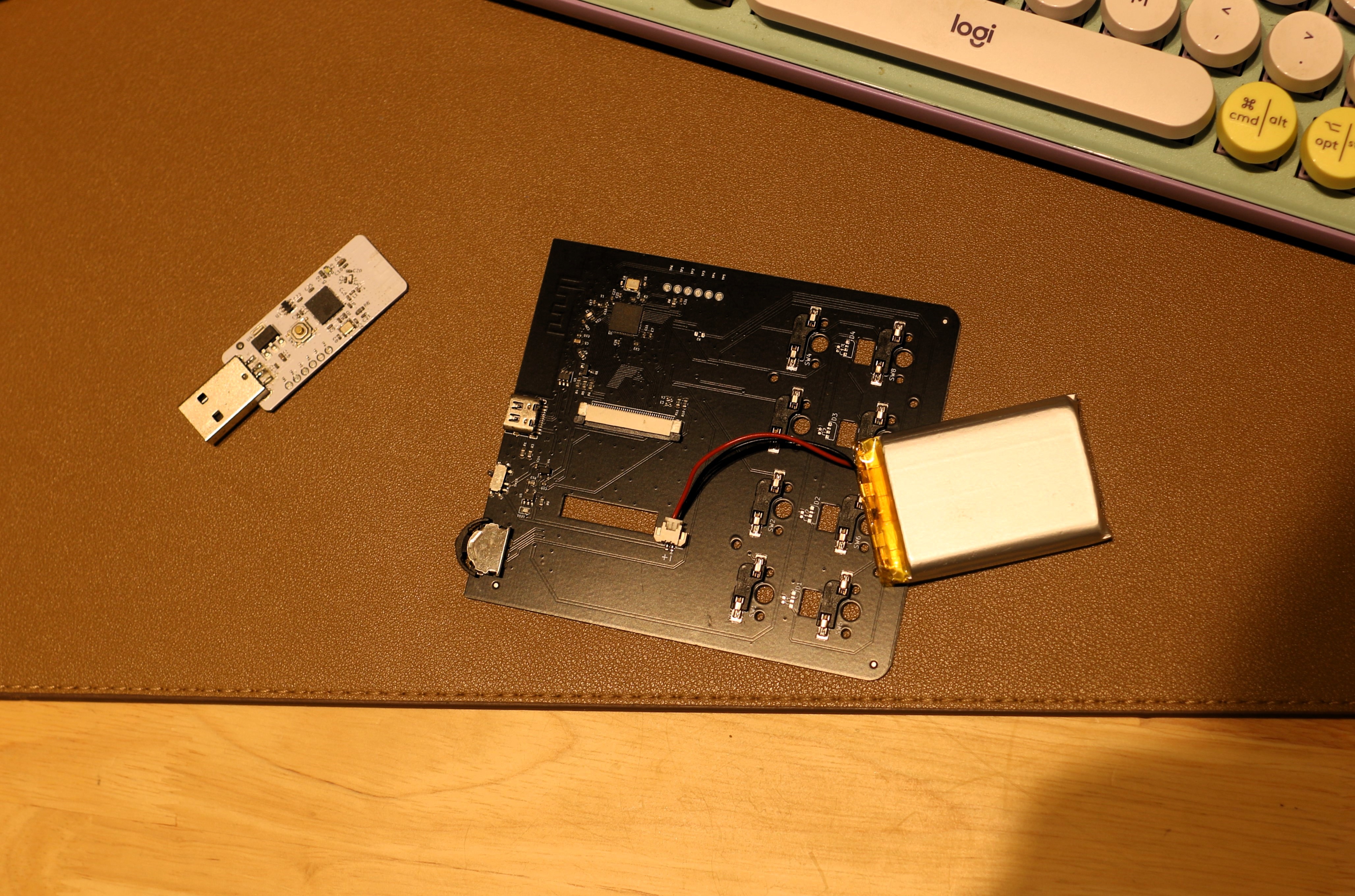
    To keep my desk cleaner, I added wireless functionality to my Macro Pad. My design goal was to make it truly plug-and-play without relying on any background software, so we went with a 2.4 GHz receiver solution. 

    The receiver presents itself as a USB HID device to the computer, while communicating with the keyboard over Wi-Fi, enabling a clean, cable-free, and seamless user experience.

    It works right out of the box — no drivers and no tedious Bluetooth pairing needed.

    The macropad communicates with the receiver over ESP-NOW, delivering impressively fast and responsive performance. I’m really happy with how well it works.

    Since it doesn’t rely on any background software, I can use it to enter my password wirelessly and log in as soon as my computer starts.

    Cool, right?

  • Config App Updated

    SHU YANG11/09/2025 at 09:01 0 comments

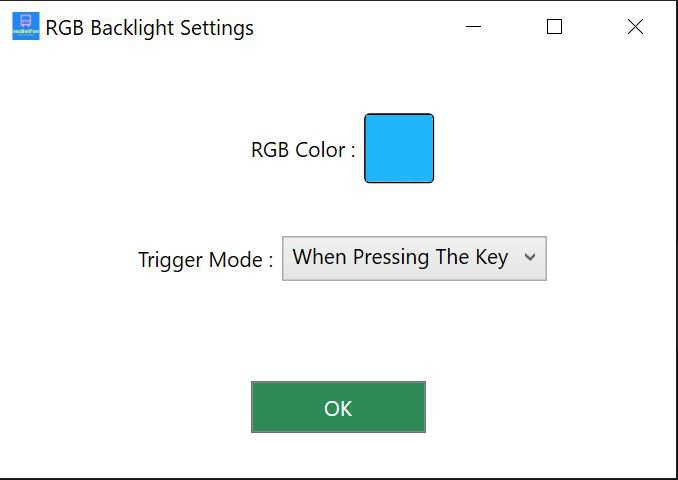
    1. Add RGB backlight settings, support 5 mode: always on / when pressing / breath / flowing / always off

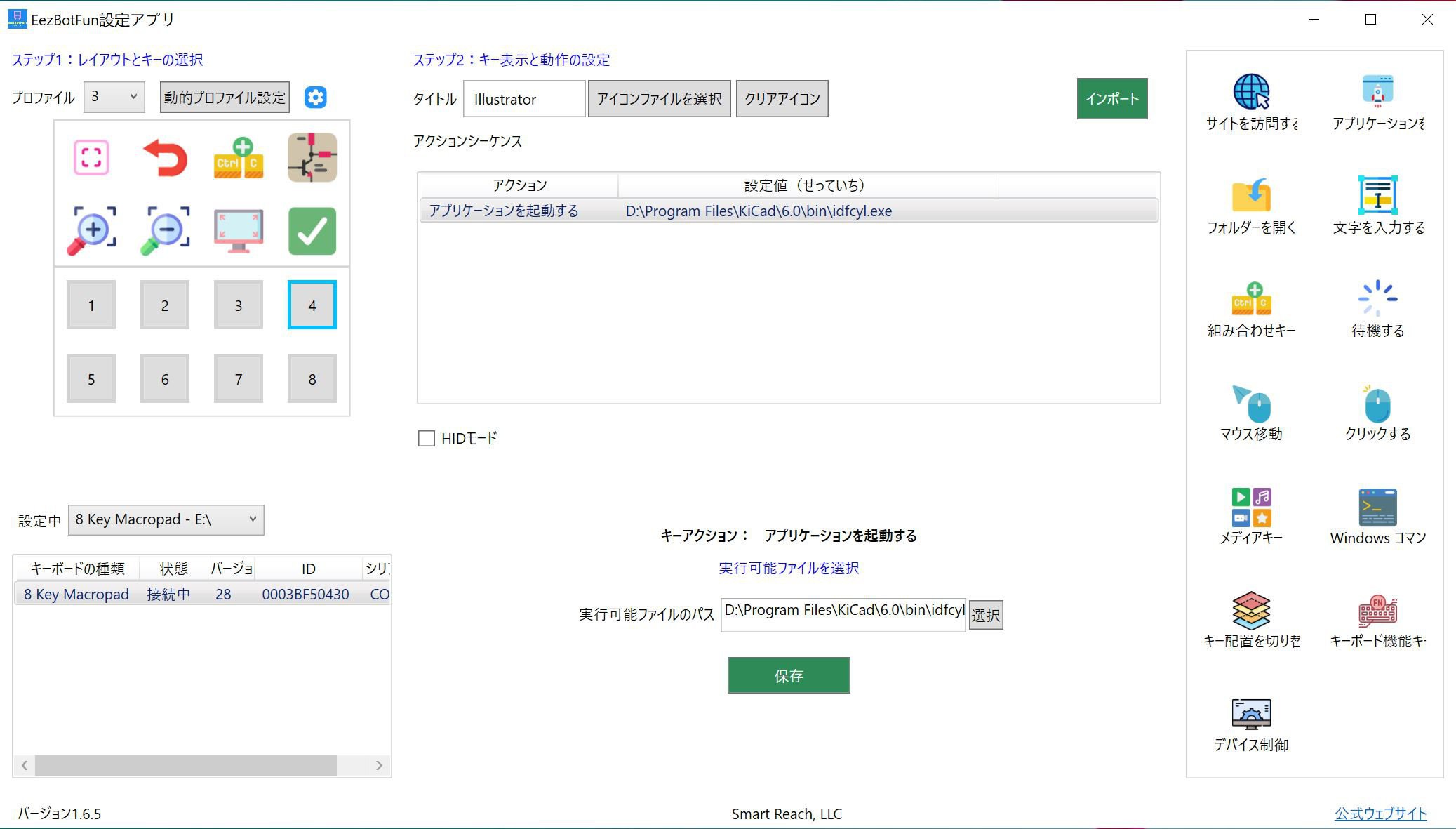
    2. Support Japanese language

    Japanese language support

  • Switched to Transparent PETG for a Vintage Look

    SHU YANG11/07/2025 at 15:06 0 comments

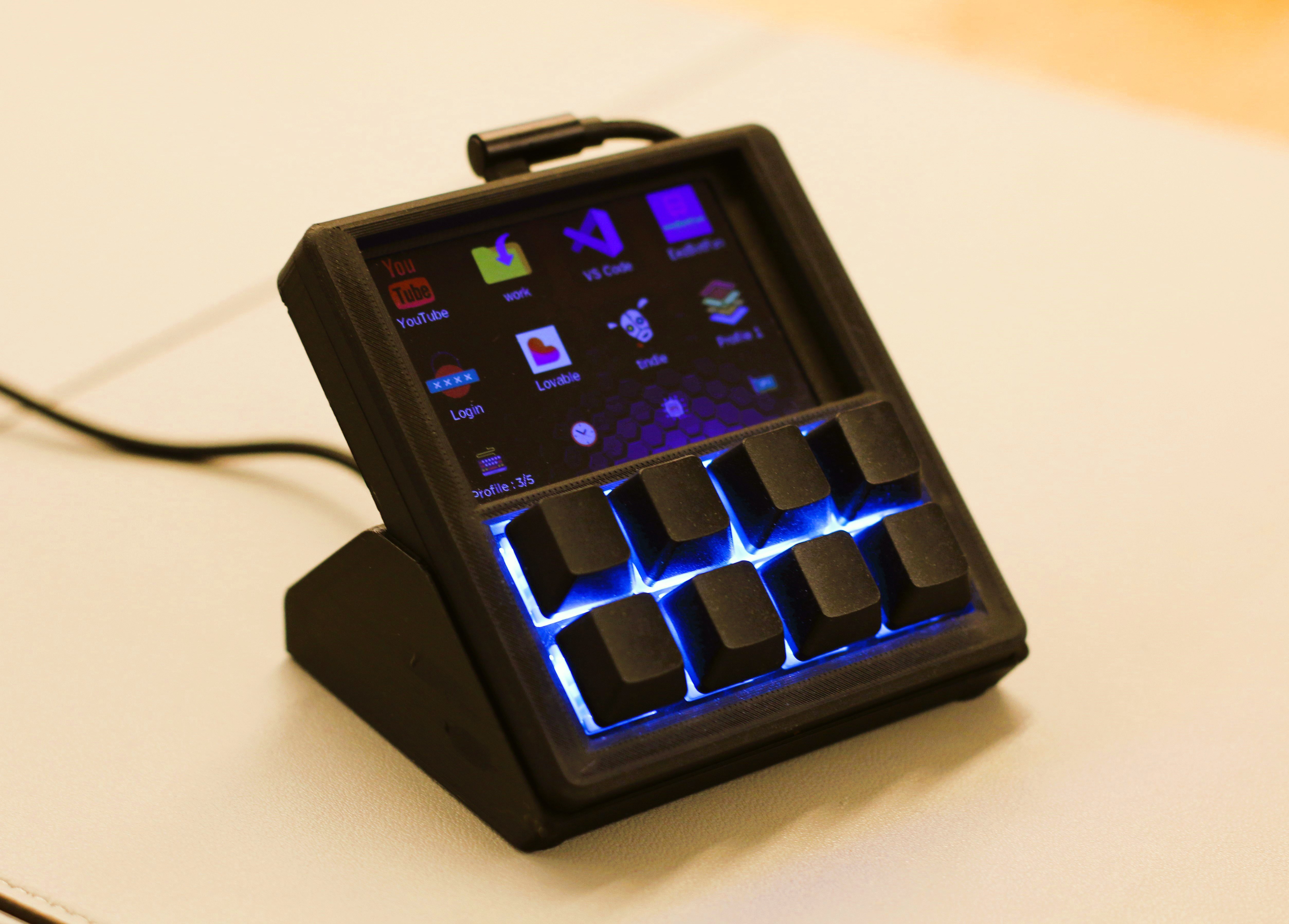
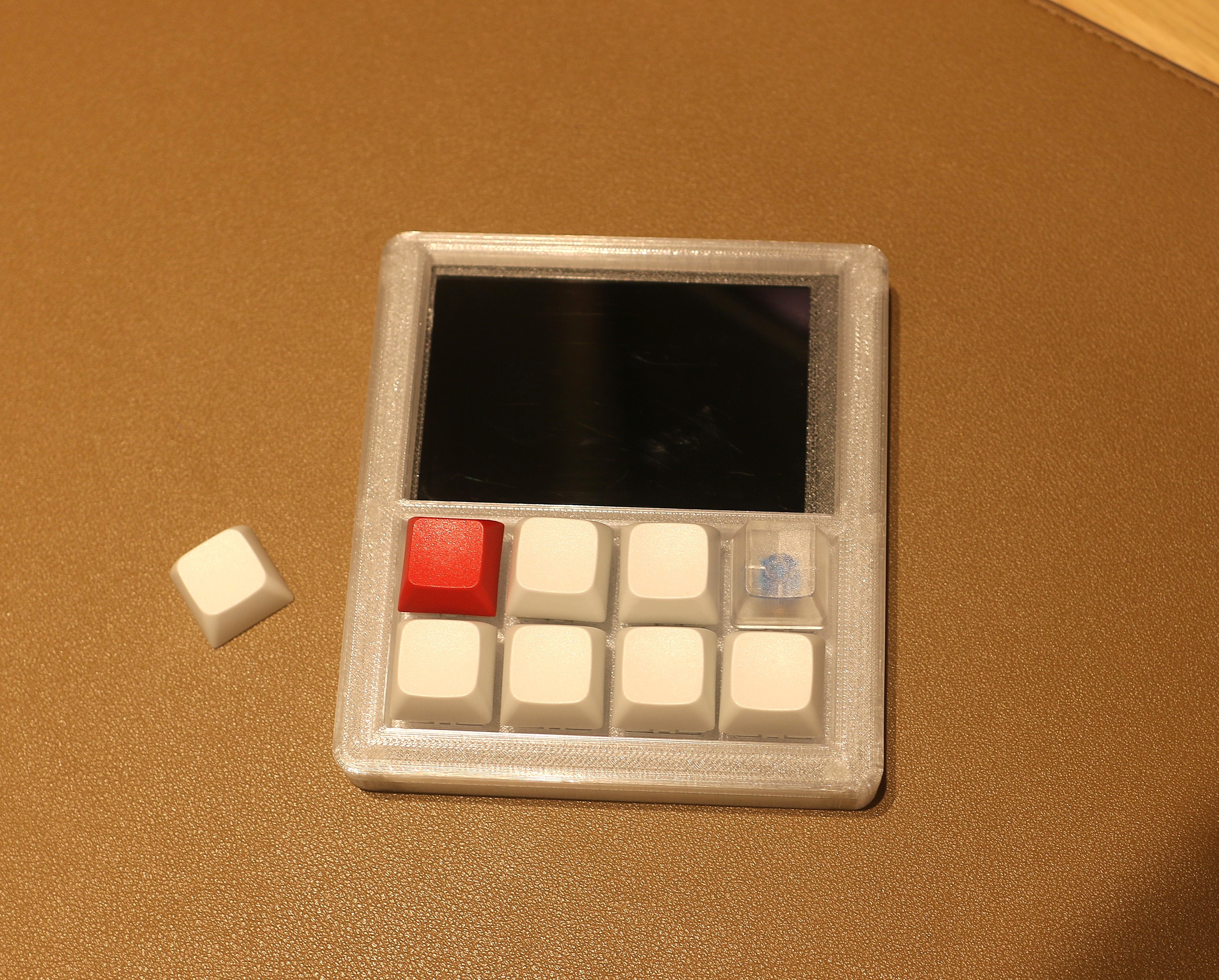
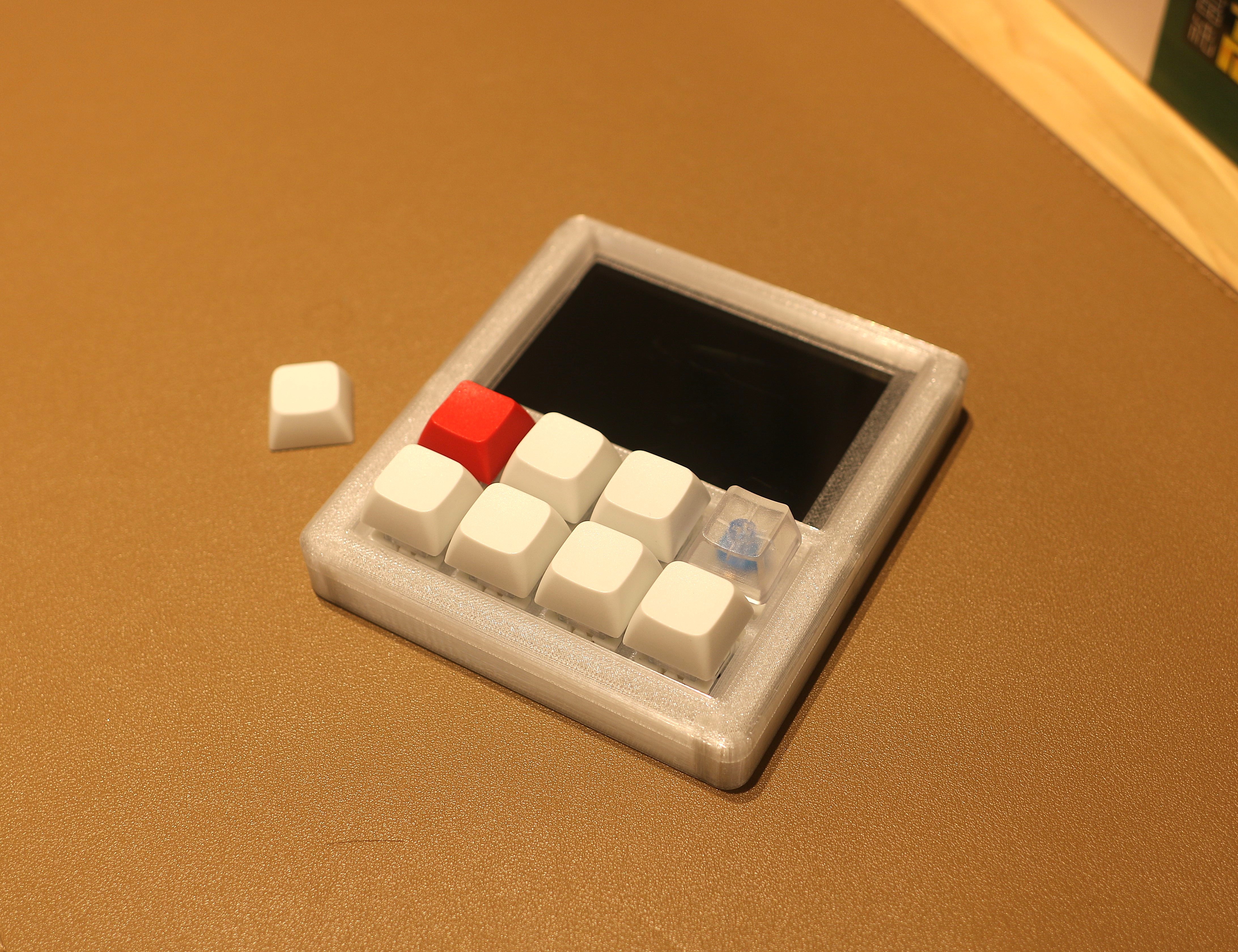
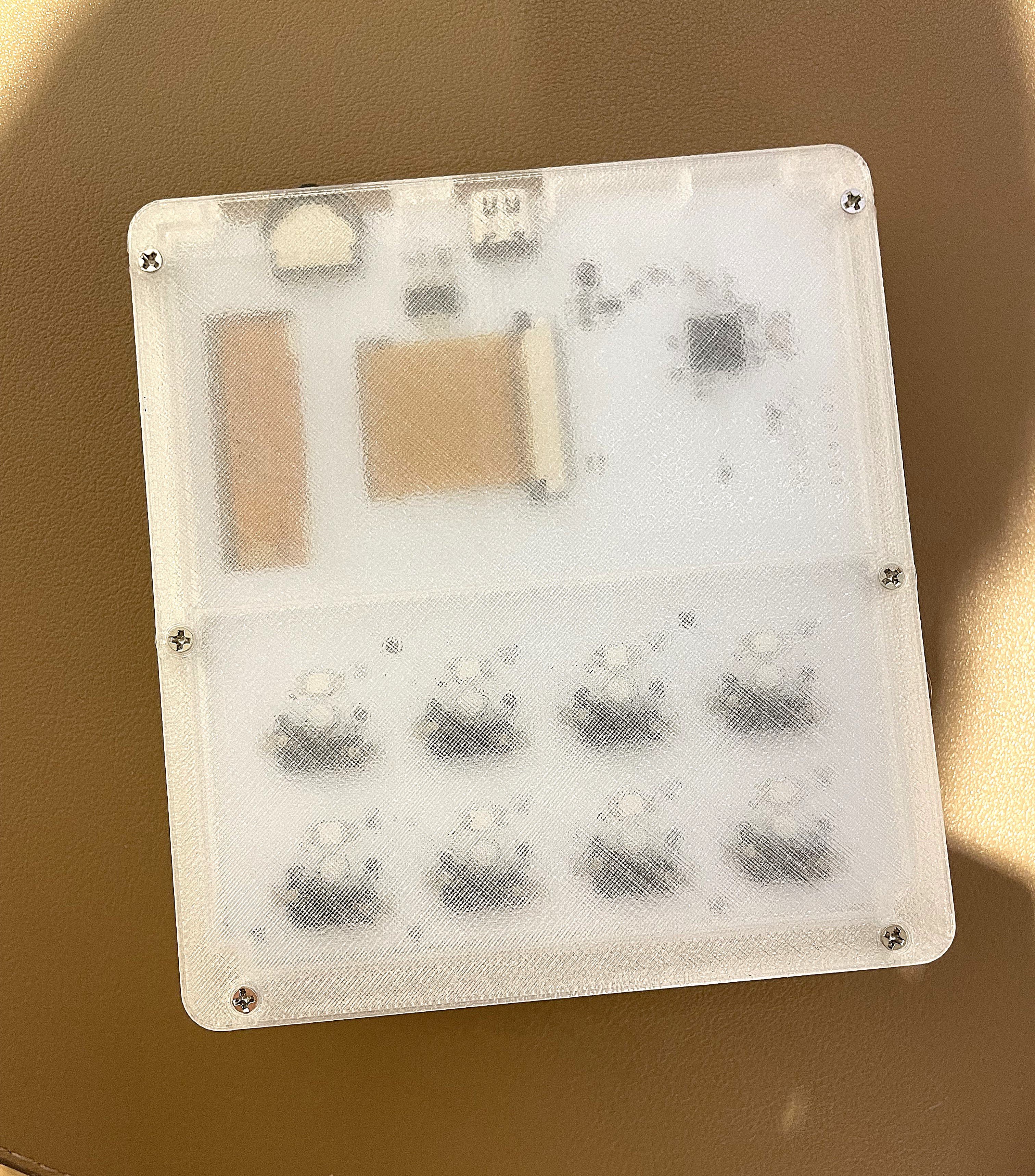
    Just made a small but impactful change — I reprinted the case using transparent PETG, and it completely transformed the vibe.

    The slight gloss and depth from the material give it a retro, vintage instrument feel — kind of like old game boy gear with tinted plastic covers. The internal glow from the RGB backlight also looks way cooler now.

    No redesigns this time, just a material swap, but it really brings the build to life.
    Sometimes a filament change is all it takes. 😄

    front view 1
    front view 2
    back side

  • 3D printing case

    SHU YANG10/16/2025 at 14:30 0 comments

    I designed a 3D printing case for the macro pad and I am quite happy with the look.

    I used PLA MATTE and printed by a Bambu Lab A1 using 0.16 layer height which improve the quality and just increased a little bit print time, so I think it's a good trade off. 

View all 5 project logs

  • 1
    How to assemble 8 key macro pad with the 3D printed case

View all instructions

Enjoy this project?

Share

Discussions

Torsten C. wrote 10/23/2025 at 22:53 point

Thanks for sharing this project — also the configuration tool looks great!
I noticed the app is currently available only for Windows.
Would you consider open-sourcing the configuration software so the community could help make it cross-platform — for example, as a Linux or Electron-based version?

  Are you sure? yes | no

SHU YANG wrote 10/25/2025 at 05:04 point

Thank you for you interest. For cross platform configuration, I have implemented a web version based on JavaScript and Web Serial API. It is fully open source and I will upload it to the github repo this week. 

  Are you sure? yes | no

Similar Projects

Does this project spark your interest?

Become a member to follow this project and never miss any updates