 SHU YANG
Full LCD & RGB Control Is Now Open to Third-Party Applications
One of the goals of this project has always been to make the macropad more than just a programmable keyboard. The display and RGB lighting should be part of your application, not just something configured once and forgotten.
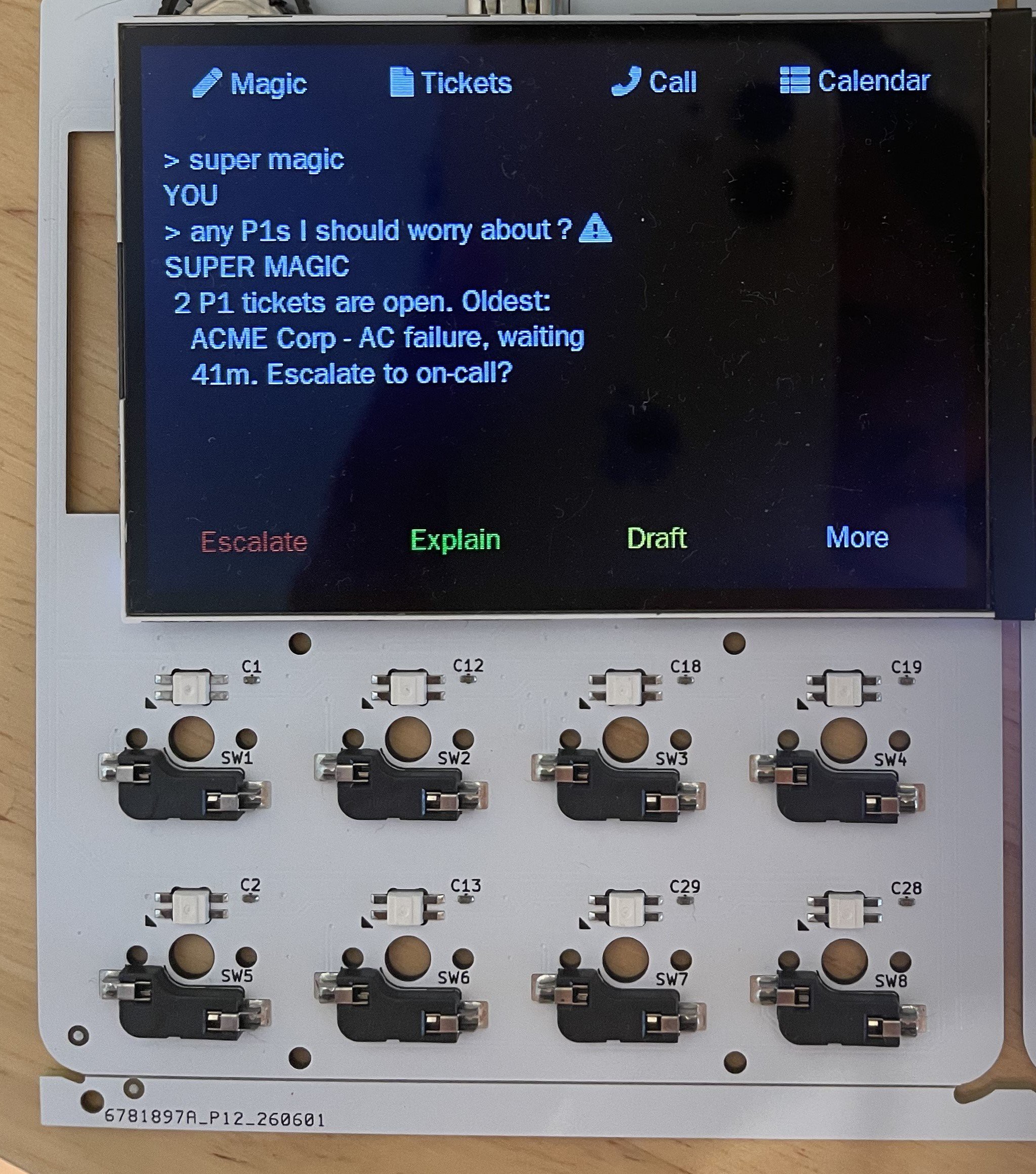
With our latest firmware and communication protocol, third-party applications can now fully control both the 3.5" LCD and the RGB backlight in real time.
What Can You Control?
Applications can now:
- Draw completely custom content on the LCD
- Display text, icons, images, or status information
- Update the screen dynamically while your application is running
- Change RGB colors at any time
- Synchronize lighting effects with application events
- Combine display updates and RGB effects for richer user feedback
Instead of being limited to predefined layouts, your software can decide exactly what appears on the macropad.
A Few Ideas
This opens the door to many interesting integrations:
- AI assistants displaying responses or progress
- Build systems showing compilation status
- Music players with album art and playback controls
- OBS or streaming status indicators
- Home automation dashboards
- PC monitoring with warning colors
- Stock or cryptocurrency tickers
- Game telemetry and health indicators
Imagine your application turning the backlight red when something fails, green when a task completes, while simultaneously updating the LCD with detailed information.
Designed for Developers
The protocol is intentionally simple.
Your application communicates with the Configurator through our IPC interface, making it easy to integrate from virtually any programming language.
Whether you're writing in Python, C#, C++, JavaScript, Go, or Rust, you can send commands to update the display and control the RGB lighting without modifying the firmware.
E
xample Project
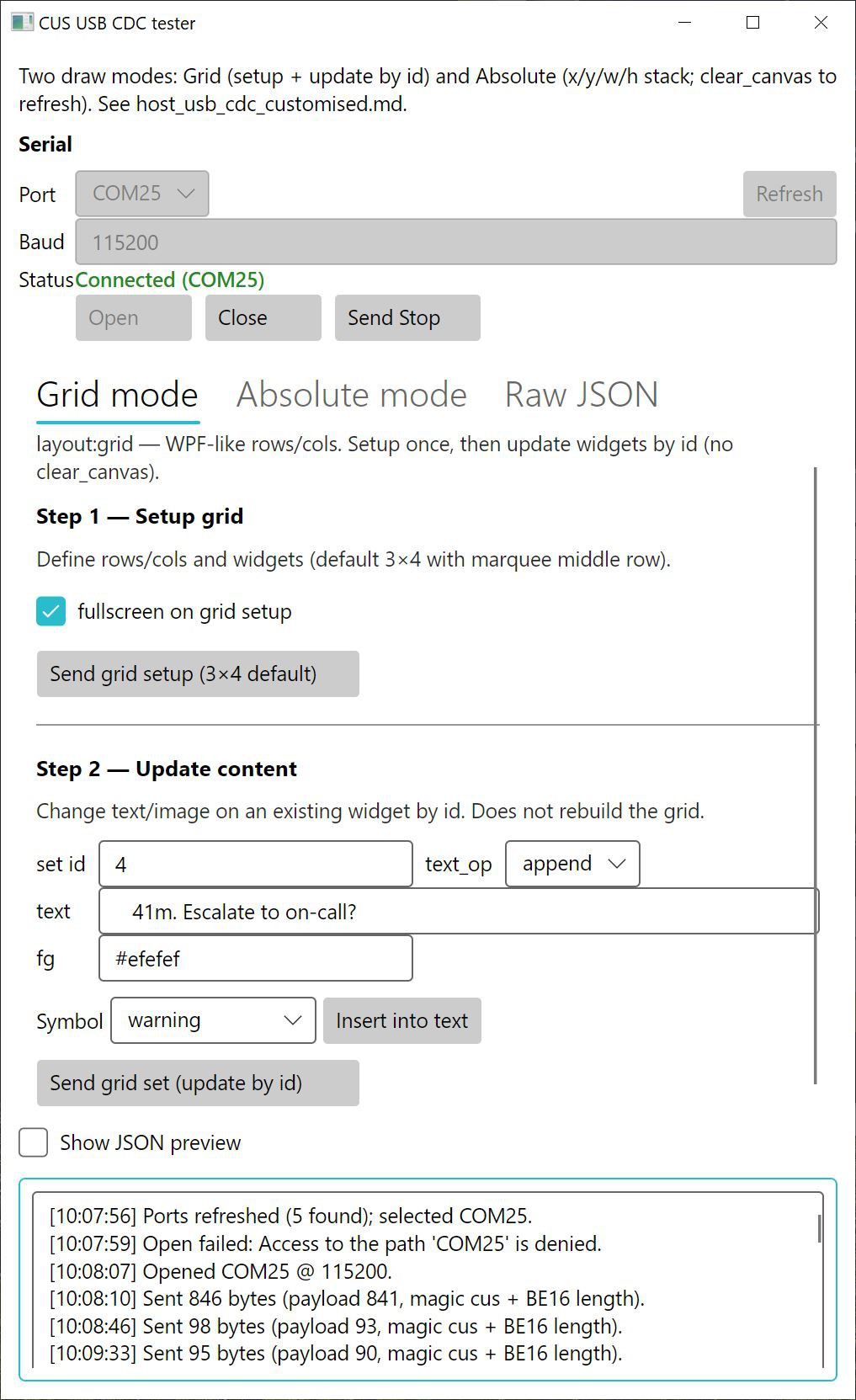
We've published a complete example demonstrating how to:
- Send custom images to the LCD
- Display dynamic text
- Control RGB lighting
- Build your own desktop integration
The source code and protocol documentation are available here:
We're excited to see what the community builds with this. If you create something interesting, let us know—we'd love to feature community integrations in future project logs.
Discussions
Become a Hackaday.io Member
Create an account to leave a comment. Already have an account? Log In.