 diddy
diddyNew version adds a powerful clone pc option (rapid deploy).
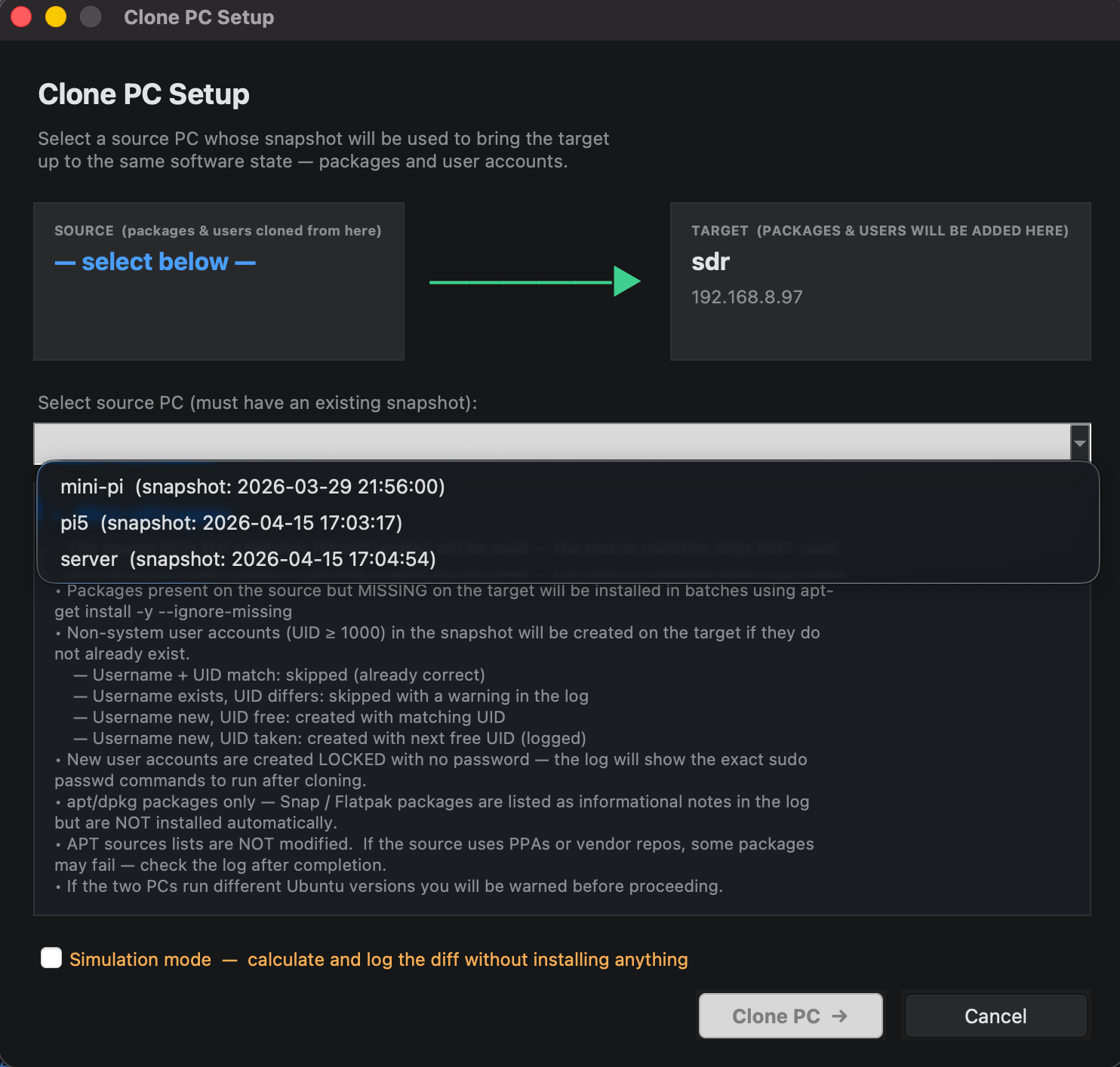
uses a snapshot from a pc in the list view (that a user can select) and will clone the same software onto a selected pc, No disk level copying or hard drive partition cloning. just users, groups and software lists.
Can clone from :-
Pi → x86
x86 → Pi
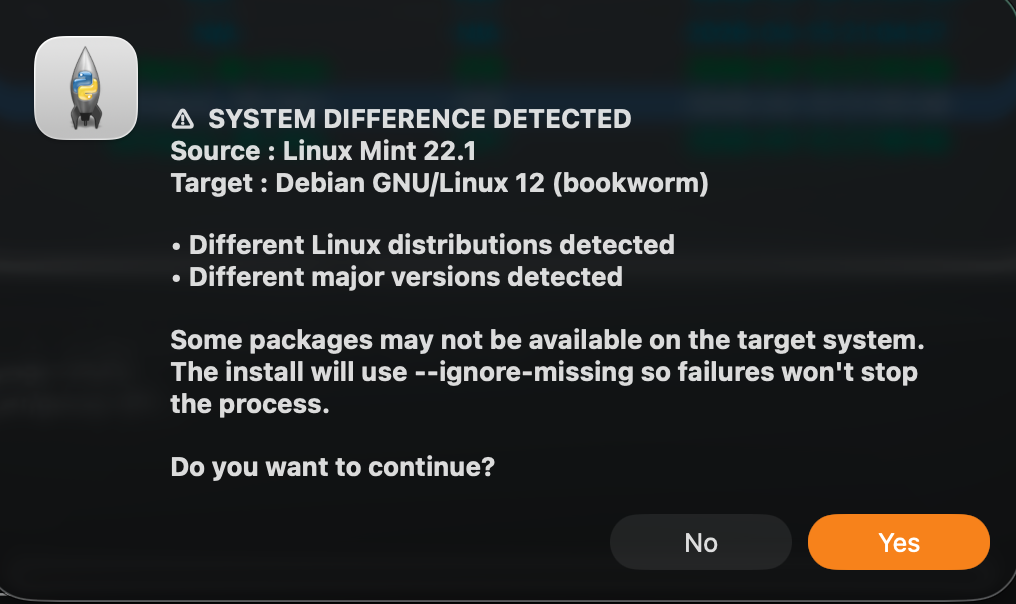
Ubuntu → Debian
Old Debian → new Debian
will also create users and groups also but new users will not have a password set until a user logs in on the target pc.
Attempts to match the UID as well, if the UID is taken, will map to the next UID.
very easy way to take a new pc just added to the network up to a configured pc (with a snapshot).
Extensively tested in simulation but should work for real.
A weeks serious coding and adding in guarding to get woking.
I even had to re-write the snapshot generation code, so existing users of this tool may want to re snapshot your managed pcs before moving onto cloning a pc.
What it does not do is copy config files or different configurations from the default installed software, there are too many variables to cater for with this approach. this tool is a get a new pc to 95% of the way there and then its up to the administrator to configure afterwards.
This tool will NOT clone users Home directories as it could take hours to copy multiple GB of data across.
Download from :-
https://github.com/diddy-boy/Remote-Linux-Manager

Discussions
Become a Hackaday.io Member
Create an account to leave a comment. Already have an account? Log In.