 Martijn
To further customize your reading experience, I have added the functionality to choose the type of idle screen you want. By default, when the device enters stand-by or is manually shut down, the screens remain the same, except for a small notification in the lower-left corner indicating whether the device is in deep sleep or fully off.
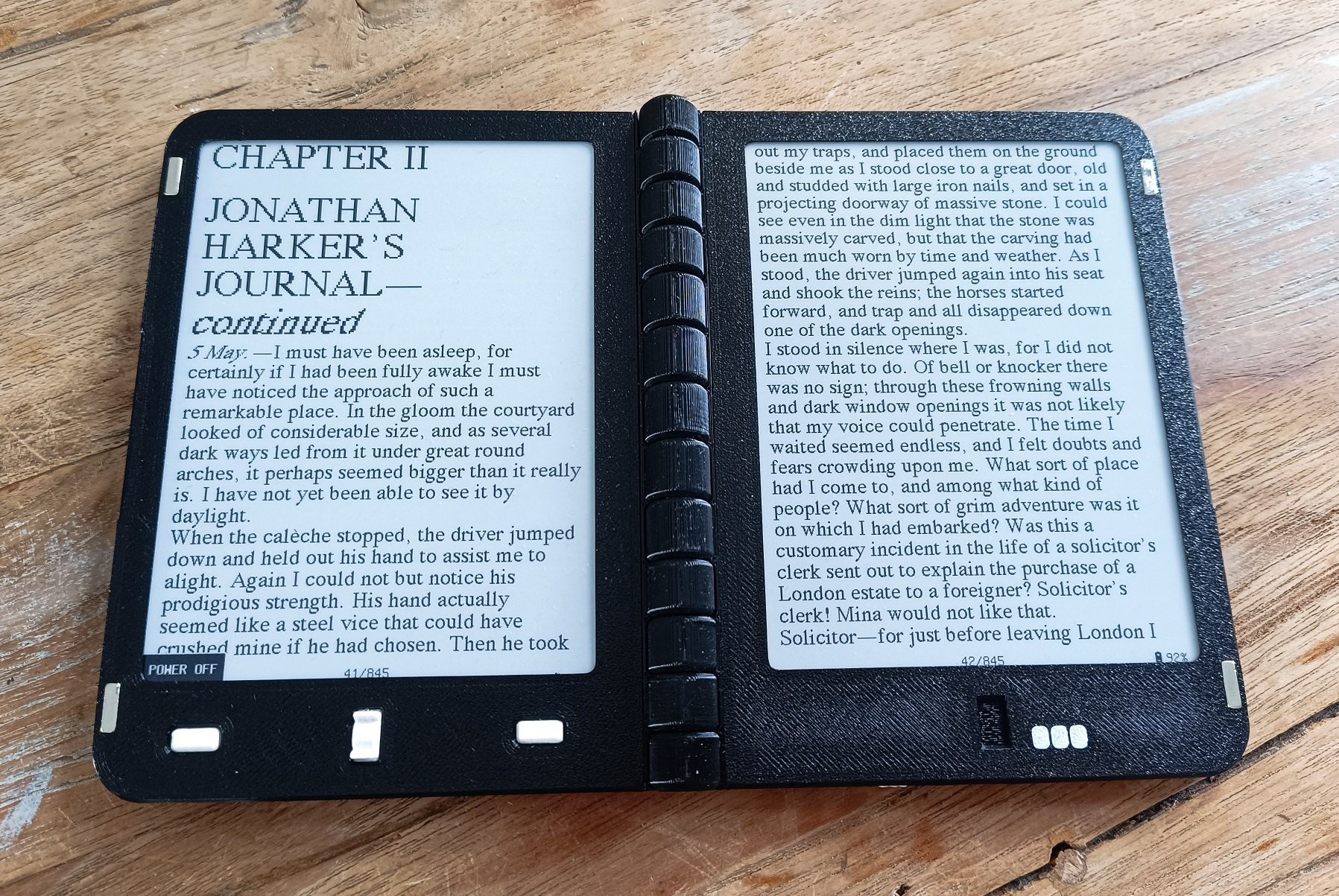
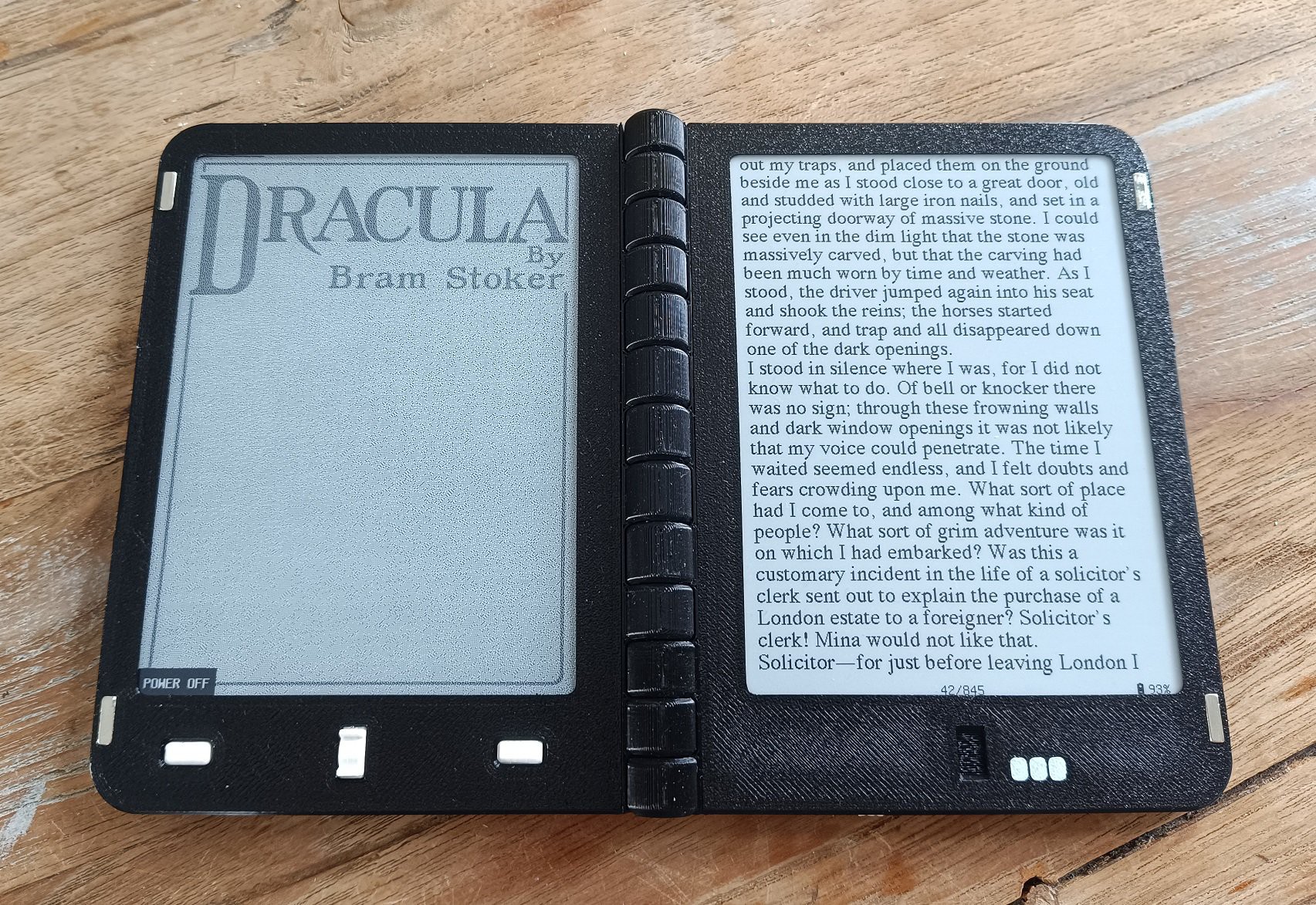
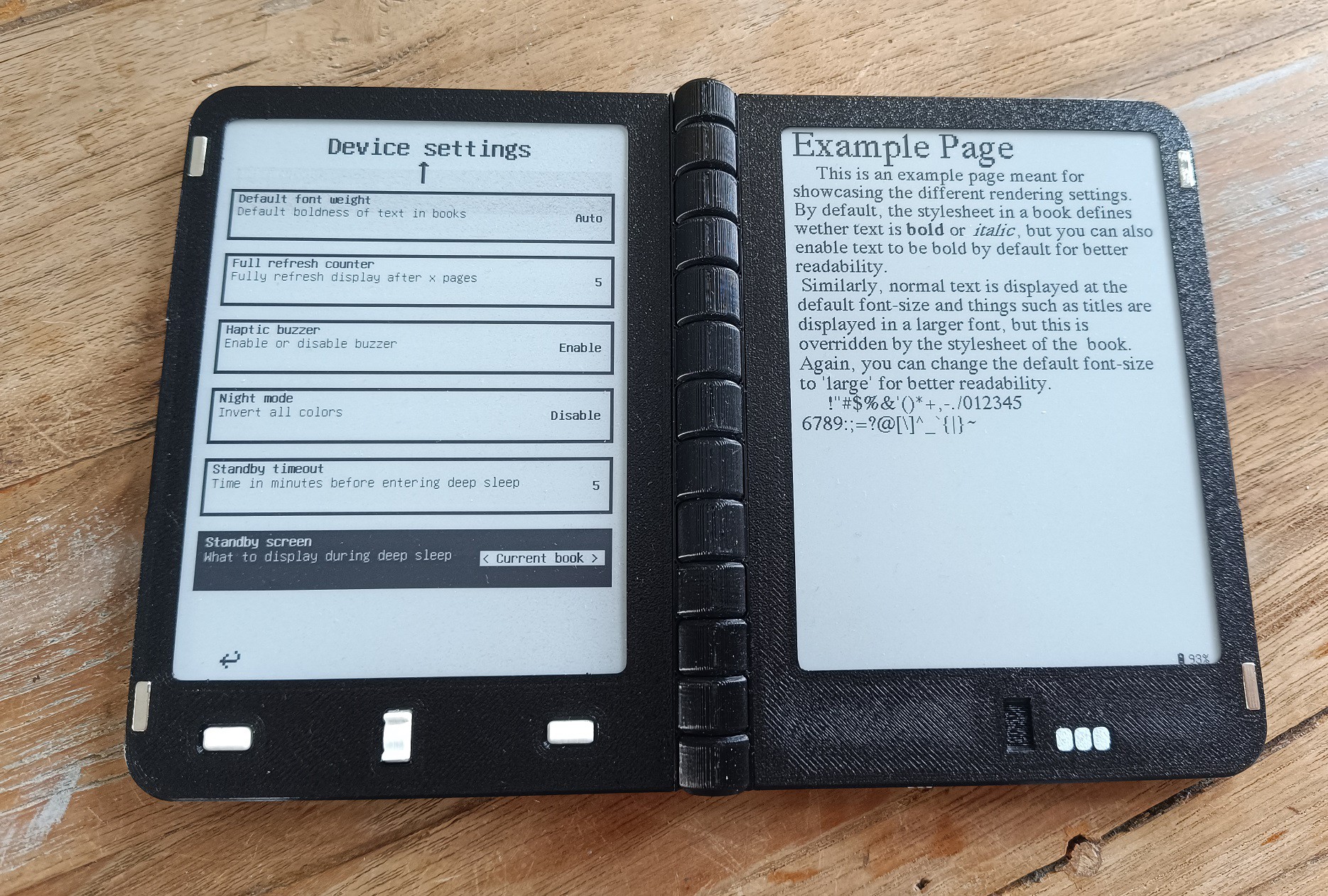
Now, in the settings menu there is a new setting, called standby screen, which can be set to 'none', 'current book', or 'custom'. When set to none, the previous behavior remains. When set to current book, the cover of the book that you're currently reading is displayed:
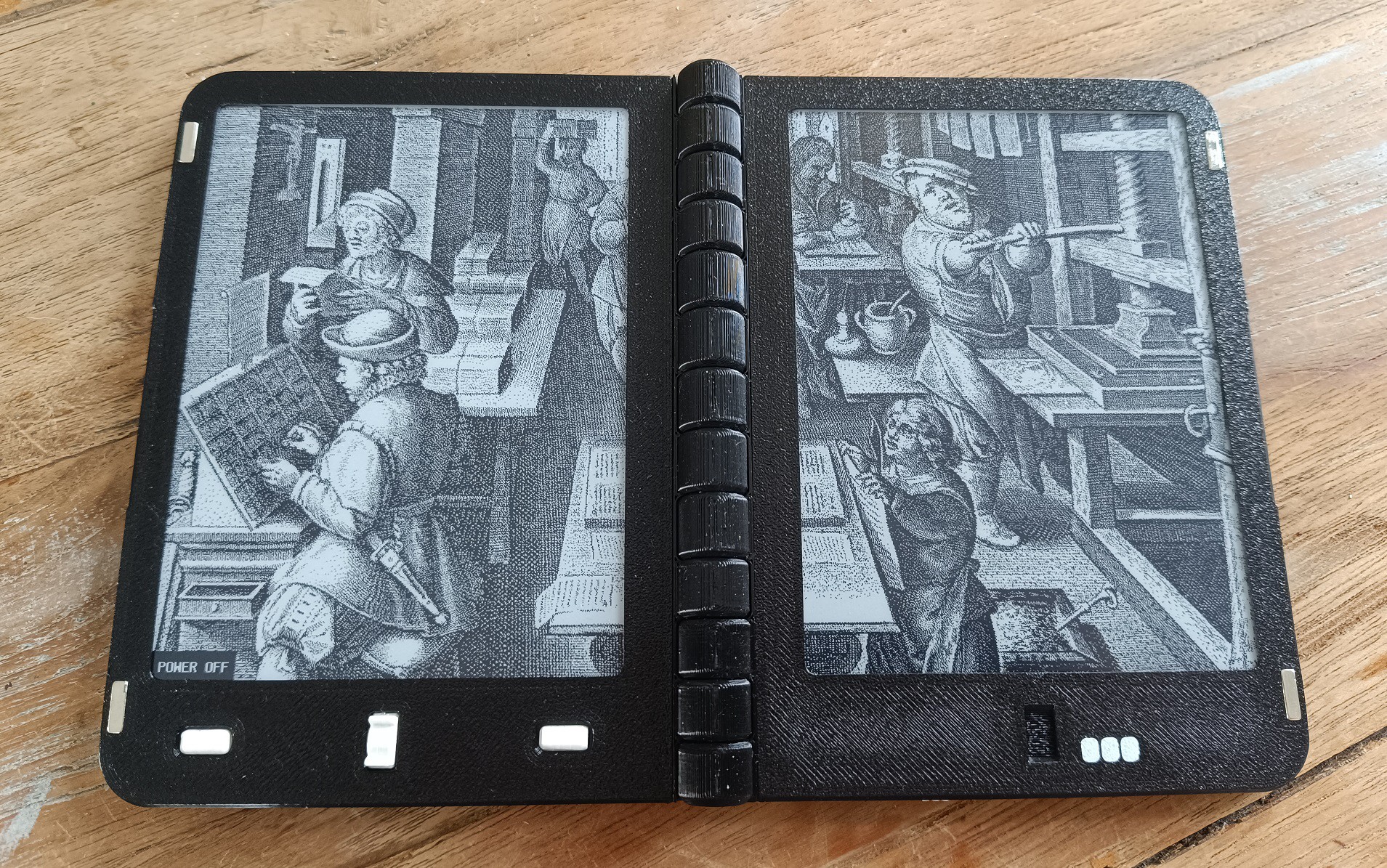
And finally, when set to custom, two images are displayed on both screens. These images are stored on the SD card, and can be easily changed by uploading new images through the usb port:
Discussions
Become a Hackaday.io Member
Create an account to leave a comment. Already have an account? Log In.