 Martijn
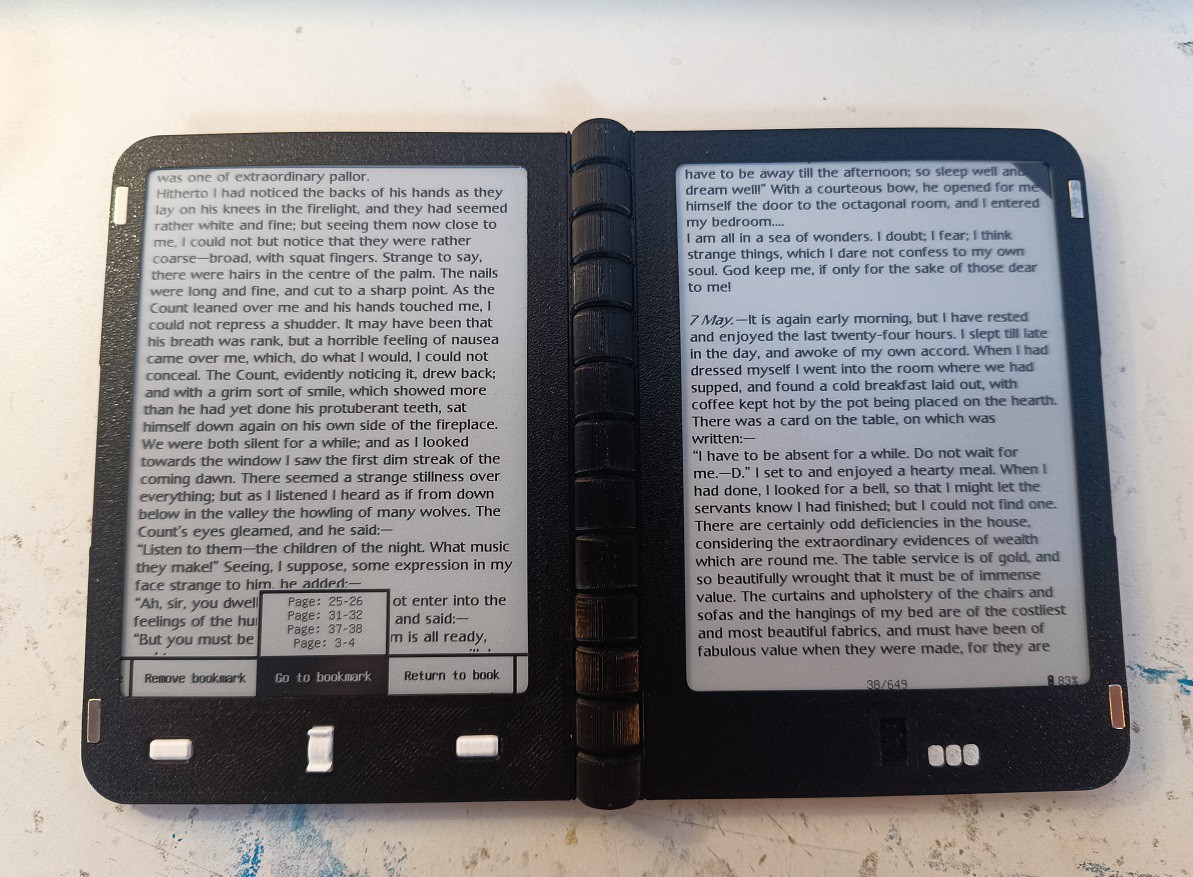
When reading with the Diptyx E-reader, you can add a bookmark to the current page by pressing the down button. This shows a black triangle in the top-right (like folding the corner of a page in a real book), and you can quickly jump to a bookmark in the quickmenu.
There is an issue with this however: When changing the rendering settings (font, font size, line-spacing, etc.), the layout of the book changes, and the book must be re-indexed. This changes what text is displayed on which page, meaning the bookmarks are now useless!
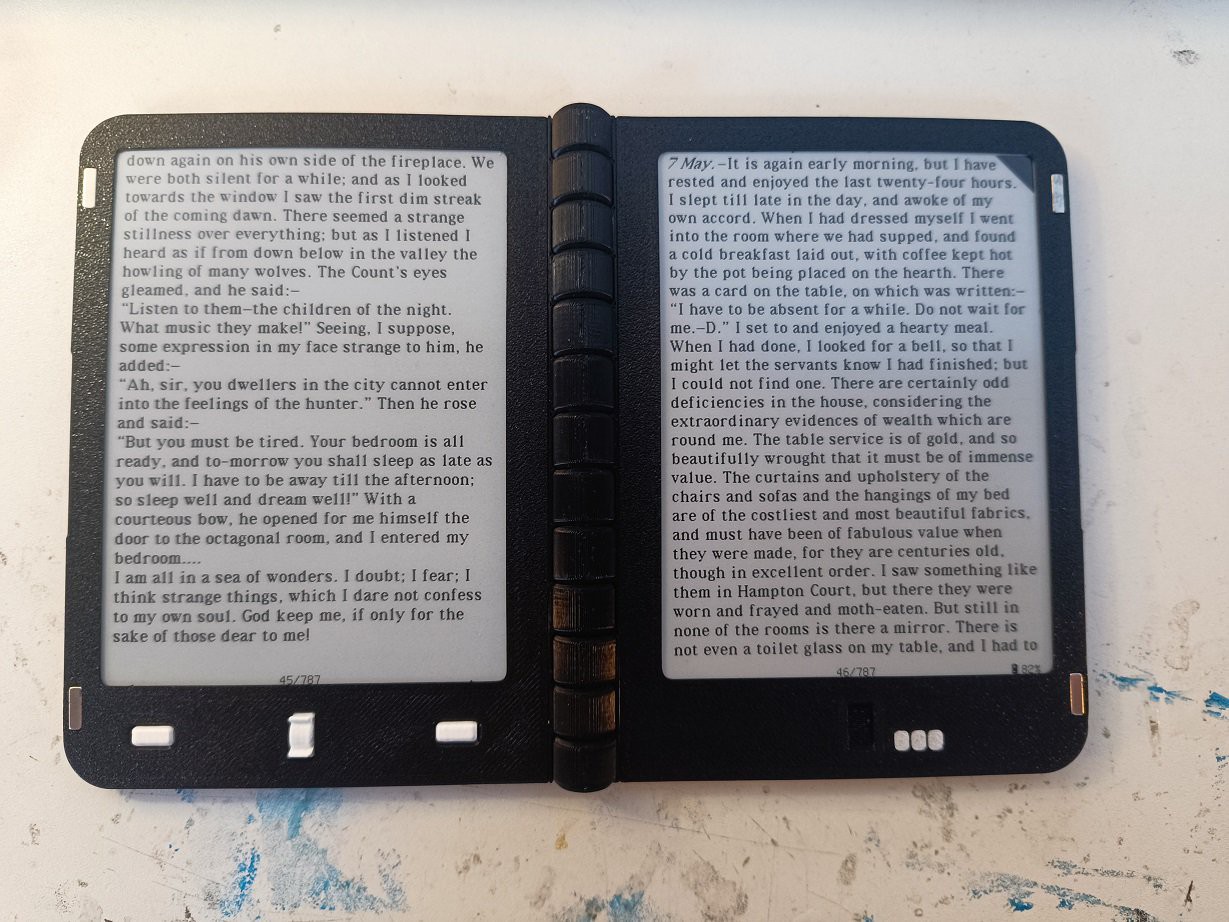
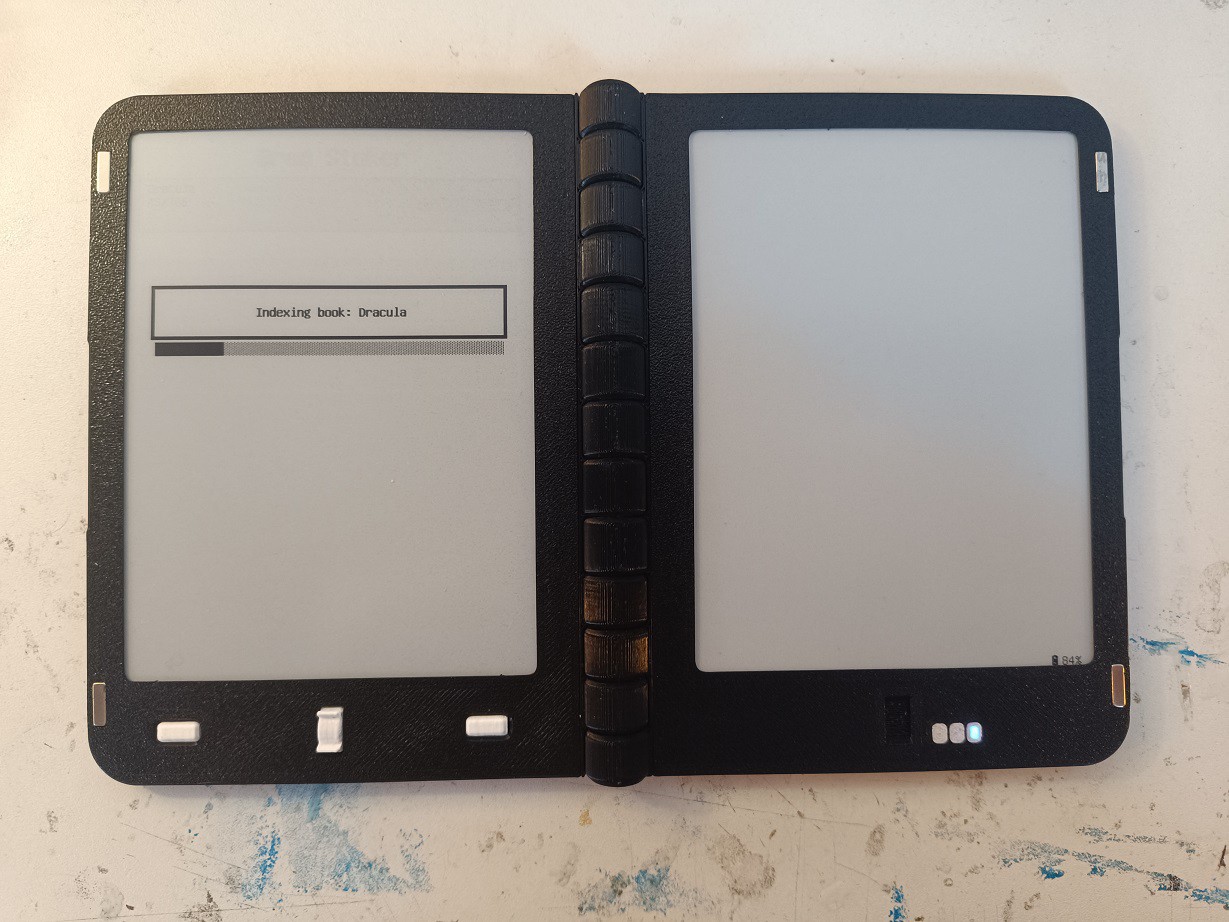
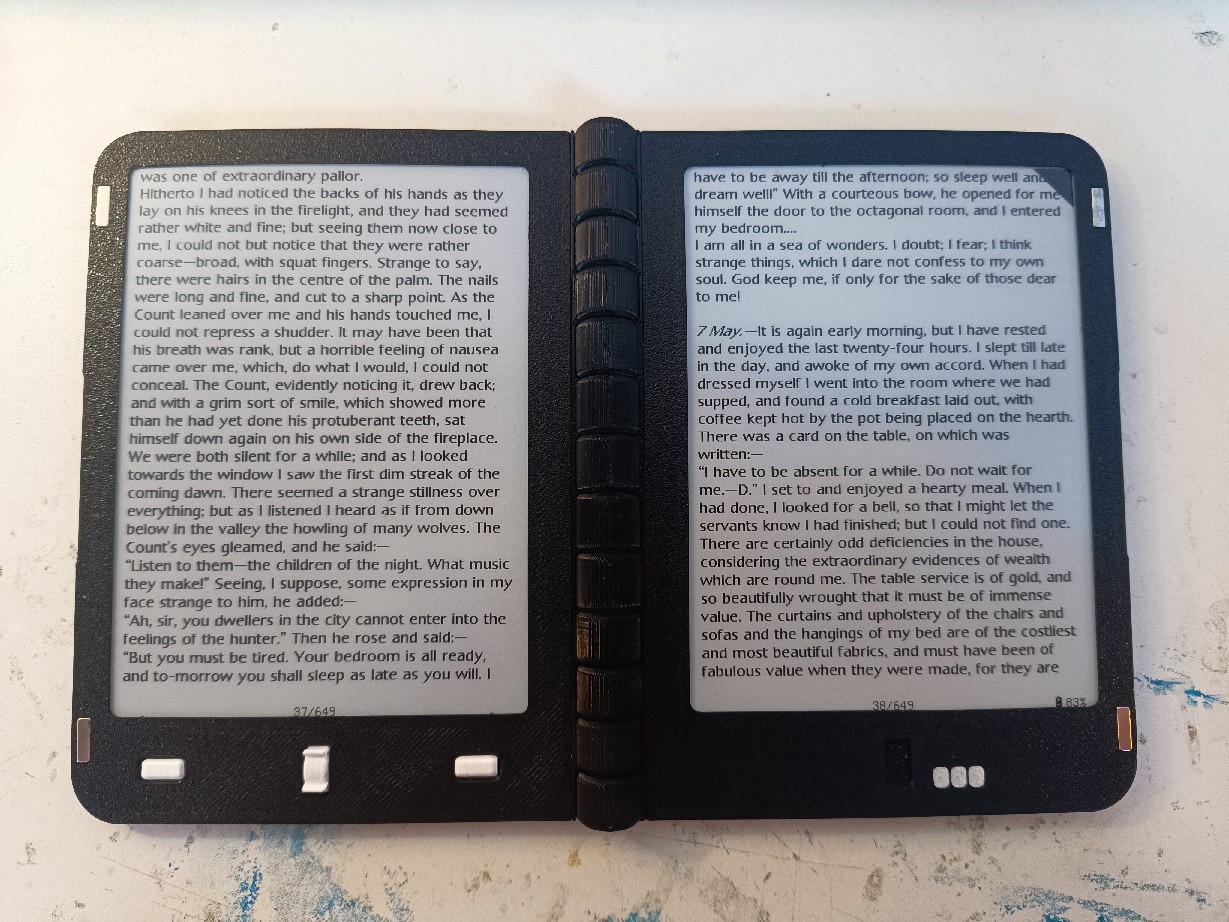
In the latest software update, this has now been resolved. Instead of only saving the pagenumber of each bookmark, we now also store the chapter in which the bookmark is present, and the index of the first html element on the page that the bookmark points to. Now, when re-indexing the book after changing the render settings, the book indexing routine will check for every html element that it comes accross if the bookmark is present there, and change the pagenumber of the bookmark accordingly.
There can always be a slight discrepancy, as the contents of each page is slightly different when changing the render-settings, but even in the worst case the bookmark likely won't be off by more than a page after re-indexing.
Discussions
Become a Hackaday.io Member
Create an account to leave a comment. Already have an account? Log In.