 SB Components
Beginner-Friendly, No-Code Interface

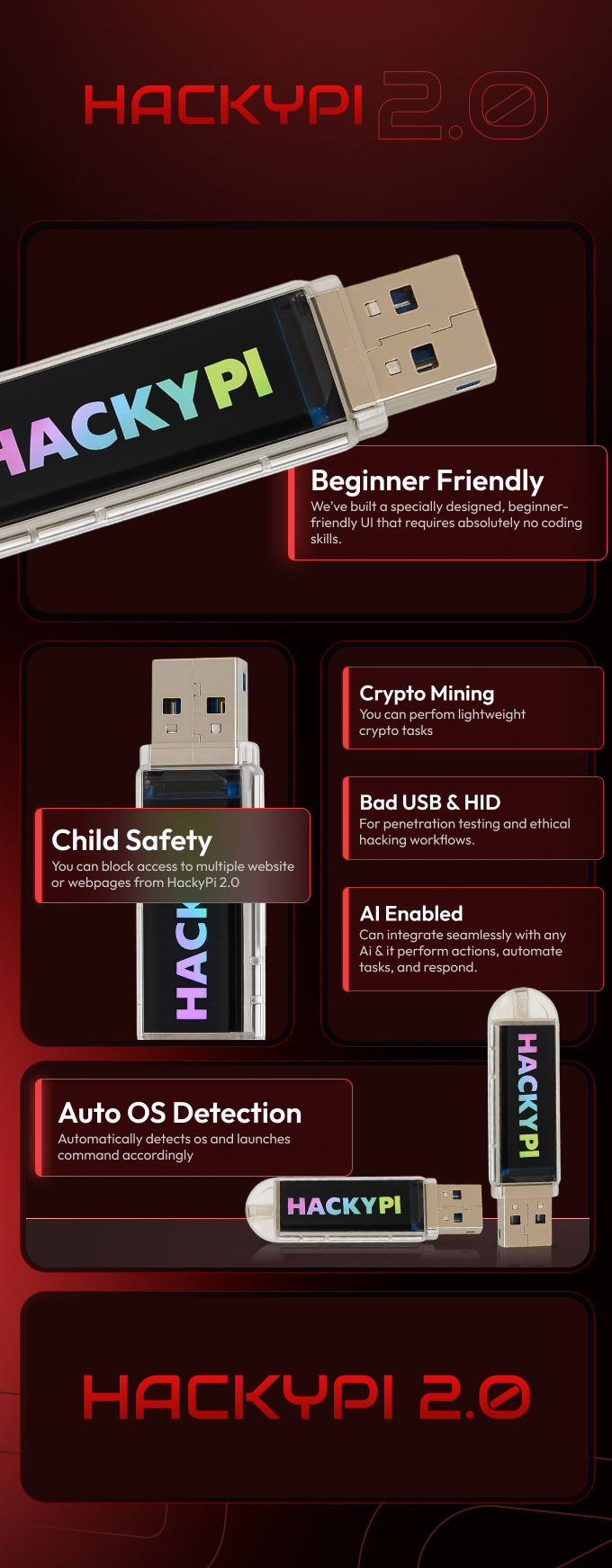
HackyPi 2.0 is designed so anyone can use it — even if you have zero technical background. Our new UI makes the entire experience simple, visual, and effortless.
Here’s what makes it truly beginner-friendly:
No Coding Required You don’t need to write a single line of code to use any feature of HackyPi 2.0. Everything is handled through a clean, intuitive interface built for non-technical users.
UI Designed for Beginners & Non-Tech Users The interface layout is specially crafted for people who are new to hacking tools, automation, or scripting. Clear buttons, simple menus, and guided controls make navigation easy for everyone.
Drop-Box Style File Export Exporting payloads, images, or files is as simple as dragging and dropping. The UI includes a built-in drop-box area where you can move your files and instantly export them without dealing with commands.
Access Every Feature Visually All core and advanced features — BadUSB, HID simulation, AI integration, child-safety controls, crypto tools, remote access, and more — are accessible directly from the UI through simple clickable controls.
No Feature Limitations for Beginners Even if you don’t know coding, you still get full access to every capability of HackyPi 2.0. Nothing is locked behind technical skills, and nothing requires manual scripting.
Perfect for First-Time Users Whether you're exploring ethical hacking, automation, or just curious about smart USB tools for the first time, HackyPi 2.0 makes the entire experience smooth and frustration-free.

🚀 Choose Your Version


🚀 What’s New in HackyPi 2.0
🖱️ Mouse Jiggler Mode

HackyPi 2.0 also includes a Mouse Jiggler feature, which gently moves the cursor at regular intervals whenever the device is plugged into a laptop. This prevents the system from going idle and keeps the screen awake during long processes, presentations, downloads, or testing sessions. It’s a simple but extremely helpful tool in environments where inactivity timers are common, as it keeps the device active without requiring any manual interaction.

Child Safety & Website Protection

HackyPi 2.0 also includes a powerful Child Safety / Protection Mode designed to help parents, guardians, and administrators create a safe browsing environment.
Here’s how it works:

Blocks Access to Websites Instantly When HackyPi is plugged into a computer and Child Safety Mode is enabled, it can block access to any website or multiple websites at the same time.
Works on Webpages, Categories, and URLs You can block full domains, individual webpages, or even categories like social media, adult content, gaming sites, etc.
Automatic Redirection to a Blank Page Whenever the restricted user tries to open a blocked website, they are automatically redirected to a blank page instead of seeing the webpage.
Customizable Blocking Message A message appears alerting the user that access has been blocked. Example: “Your access has been restricted. Child Safety Mode is active.” This message can be fully customized by the admin.

Only the Admin Can Restore Access The person who programmed HackyPi (the admin or parent) is the only one who can resume access to the blocked sites. No other user can bypass it or change the settings.
Safe, Controlled Browsing for Kids & Teens This feature ensures that children or other users can only browse safe content while the admin stays fully in control.
Seamless and Invisible to the User The user won’t see any tools or apps running. Everything works quietly in the background, triggered by HackyPi’s configuration.
BadUSB & HID Simulation – Smart Device Interaction
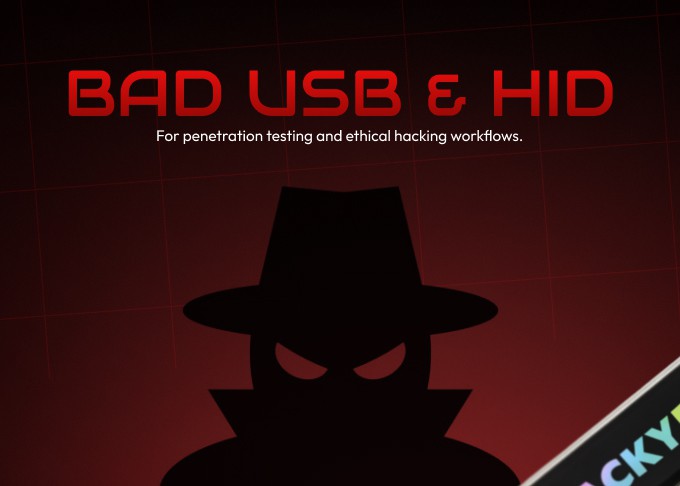
HackyPi 2.0 includes powerful BadUSB functionality and HID (Human Interface Device) simulation, allowing it to interact with any computer the moment it is plugged in.

Identifies as a Trusted USB Device Instead of acting like a normal storage drive, HackyPi 2.0 intelligently presents itself as a keyboard or input device, giving it the ability to perform automated actions.
HID Simulation for Fast Actions It can simulate keyboard and mouse input with high accuracy — typing commands, navigating through the system, opening windows, and performing tasks just like a real user would, but much faster.
Automated Workflows This makes it ideal for running predefined actions such as opening terminals, performing quick tasks, accessing files, or launching specific tools when connected.
Cross-Platform Compatibility Combined with auto OS detection, HackyPi adapts its behavior automatically depending on whether it’s plugged into Windows, macOS, or Linux.
🖥️ Automatic OS Detection & Full System Control (For Authorized Use)
When HackyPi 2.0 is plugged into a computer, it instantly detects the operating system — whether it’s Windows, macOS, or Linux. Once you give the command to begin an action, HackyPi automatically opens a terminal window on the connected system. From there, you gain complete, authorized control of your own device. If you know basic terminal commands, you can access files, change settings, run scripts, manage directories, and even extract data directly from the system. This makes HackyPi 2.0 a powerful tool for automation, testing, demonstrations, and advanced system interactions.
🤖 AI Control & Smart Integration![]()

HackyPi 2.0 is also fully AI-enabled, giving you the power to automate actions and create intelligent workflows with ease.
🔗 Integrates With Any AI Online You can connect HackyPi 2.0 with any AI platform available on the internet — whether it's a chatbot, automation AI, or a custom model you’re working with.
🧠 AI-Controlled Actions Once integrated, the AI can trigger actions on HackyPi such as running tasks, generating scripts, controlling features, or performing system operations.
📡 Hands-Free Automation Simply describe what you want to the AI, and it can configure HackyPi automatically without needing any manual coding.
🌐 Unlimited Possibilities From smart automation to voice-controlled tasks to AI-generated workflows — HackyPi becomes even more powerful when paired with your preferred AI.


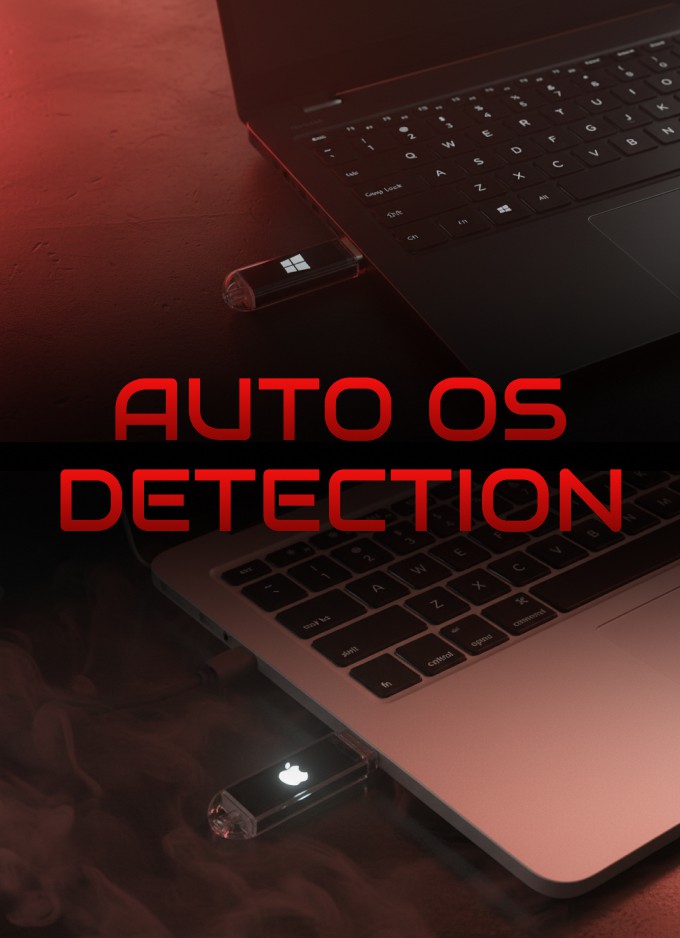
🖥️ Auto OS Detection
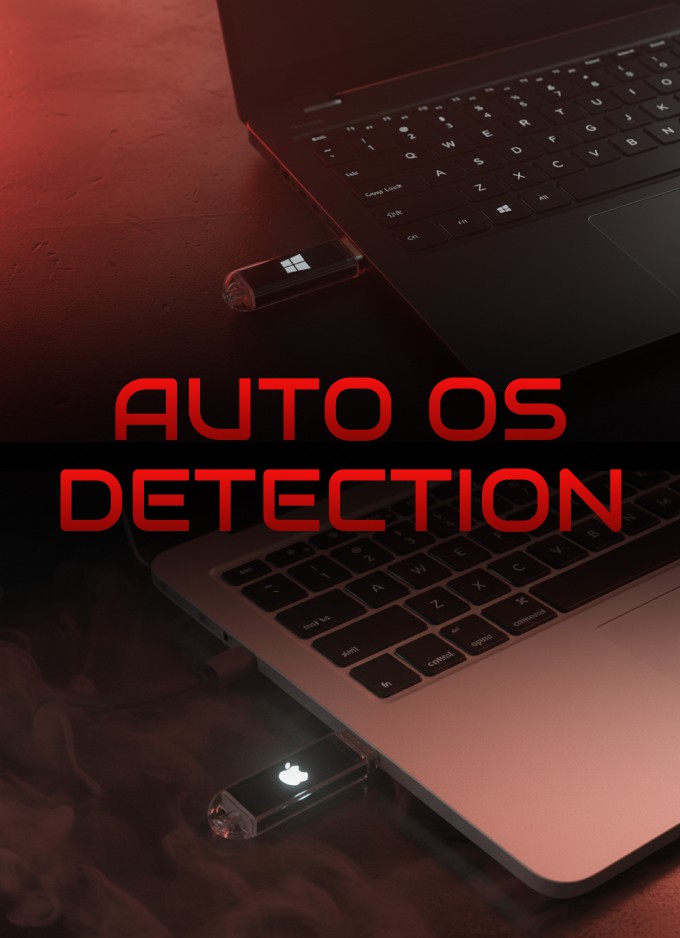
HackyPi 2.0 comes with a powerful Auto OS Detection system that makes using it seamless across any device.
🔍 Automatically Detects Any Operating System
The moment HackyPi is plugged in, it instantly identifies whether the computer is running Windows, macOS, or Linux.
⚙️ Launches the Right Commands Automatically Based on the detected OS, HackyPi automatically triggers the correct command set or workflow — no manual selection or setup required.

🧠 Smart, Adaptive Behavior Each operating system has different shortcuts, terminals, and command structures. HackyPi adjusts to them instantly, ensuring everything runs smoothly.
🚀 Zero Configuration Needed Users don’t need to choose or change anything. Just plug it in, and HackyPi handles the rest on its own.

