 Mikhail Belkin

Software usage:
The library is a part of registerHeap repo.
- It is based on my stm32 lib. In linux download folders stm32 and st7920 or clone registerHeap repo.
- Choose NSS port and pin in ST7920_GPIO, ST7920_CS macros in st7920.h.
- Include st7920.h. Call dispInit() function, then.
- You can render your pbm array with dispImage(pbm).
- Build the project with makefile in st7920 folder.
Also there is function of setting line writeLine(int lineNumber, uint8_t* line).
Hardware:
In my variant there was a lot of useful jumpers, who reduces required wires.
- Connect JP5 and JP6 to power up backlight from VCC-GND pins through 30Ohm R11.
- Connect JP2 in S position to activate SPI interface (pulls down PSB pin).
Thats'why you need only 5 wires instead of 8.
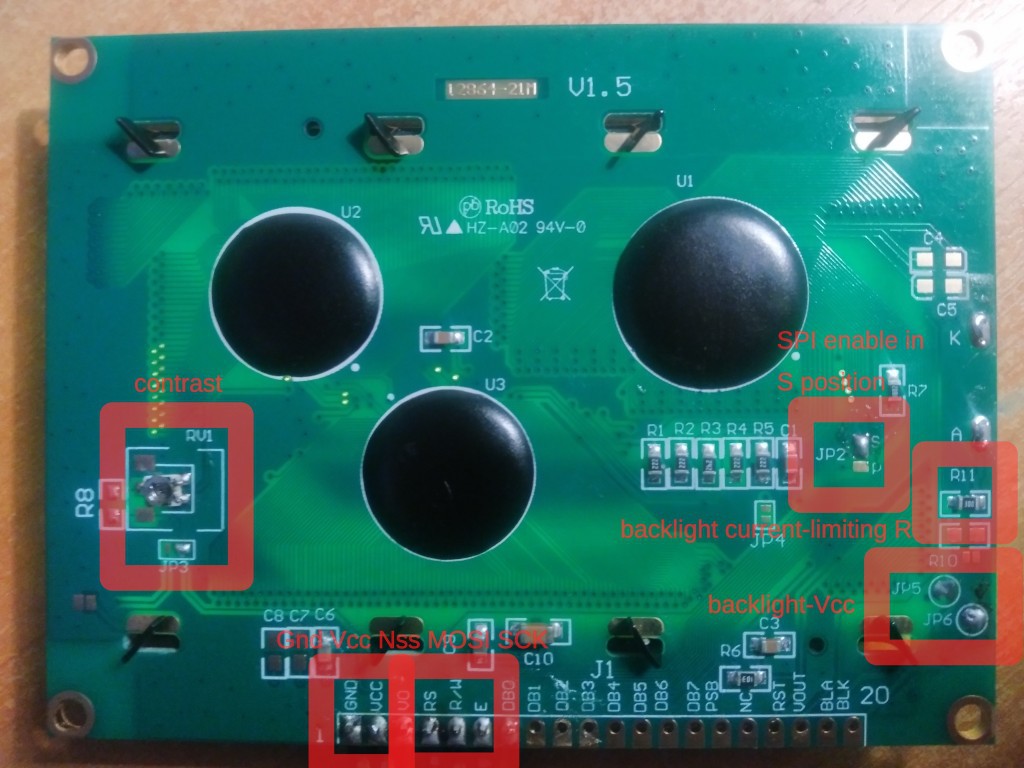
The interface Is SPI1 of stm32. The pins are: NSS-GPIOA0, SCK-GPIOA5, MOSI-GPIOA7. While NSS pin is software, you may replace it.
Adding your picture:
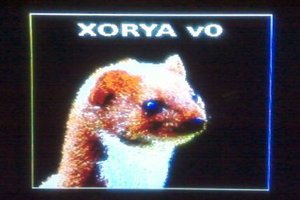
Unfortunately there isn't one command to make a picture from your photo.
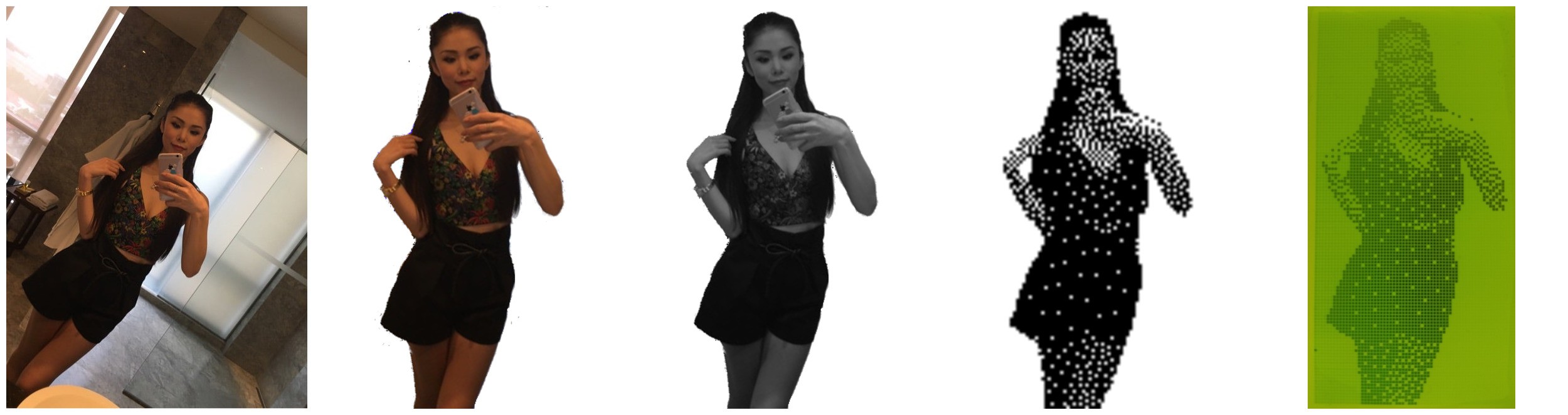
- First, crop the image in 2:1 aspect ratio and, optionally, delete the background in gimp. For cropping nomacs image wiever is esiest variant.
- Resize your image to 128x64. For not coming back to gimp, mirage image viewer can do it instead.
- Futher you need to have imageMagick and netPbm packages in linux.
- Convert your jpeg/png to grayscale binary with the commad:
convert img.png img.pgm
- Add halftone imitation in your binary image. Convert from grayscale to halftone binary:
pamditherbw -value 0.2 img.pgm | pamtopnm > img.pnmValue is the threshold. Closer to 0 values is lighter, to 1 darker.
Convert halftone image to native st7920 format, pbm header:
convert img.pnm img.pbm
convert -format pbm img.pbm img.h
Correct your header while changing the name from ImageMagick to appropriate. And deleting first 10 bytes in array with header (from 0x50 to 0x0a).
Include your img.h and put the array in the dispImage(img) function.
Interface speed:
While datasheet mentioned nanoseconds respond to the SPI data line. In the real life it works only on 100kHz (when i dreamed about megahertz interface). To say it more accurate, the SPI clock frequency is 144kHz with APB1 clock 36MHz divided by 256 with SPI baud rate divider, interface crashes on 281k. I'm expected it, because driver clock is 540 kHz, consequently write GDRAM speed will be lower.
So, this interface speed is enough to update full screen unnoticeably, but will cause some problems for viewing animations. Even so, the interface is credible and quick enough for chinese driver.
 Profe Tolocka
 deʃhipu
 SHAOS
SHAOS
 Guido - IW5ALZ