Close
0%
0%

A Terminal-Style Phone For The Geek

A DIY, terminal-first cellular communication device designed as a personal network terminal rather than a modern smartphone.

Similar projects worth following
This project is about building a simple cellular device from scratch that works like a computer terminal. Instead of apps, touchscreens, and constant notifications, everything happens through a text-based interface with physical buttons, and nothing runs unless I tell it to. There’s no multitasking, no background processes, and no app system, which makes the device easy to understand and easy to debug. By cutting out extra features, the system only needs to handle input, cellular communication, and clear text output. The hardware is intentionally simple: a keyboard for input, a microcontroller as the brain, a cellular modem for network access, and a text display for output. It’s not meant to replace a smartphone—just to explore a more hands-on, intentional way to build and use a phone.

Terminal-Style Cellular Device

A DIY, terminal-first cellular device built as a personal network terminal, not a modern smartphone.

Why This Exists

Modern phones hide communication behind apps, notifications, and layers of software that are hard to see or control. Instead of helping you understand what’s going on, they focus on keeping your attention.

This project treats cellular connectivity as what it really is:

A network interface.

No apps.
No touchscreen.
No background processes.

Just typed commands, clear responses, and full visibility into the system.

Read more »
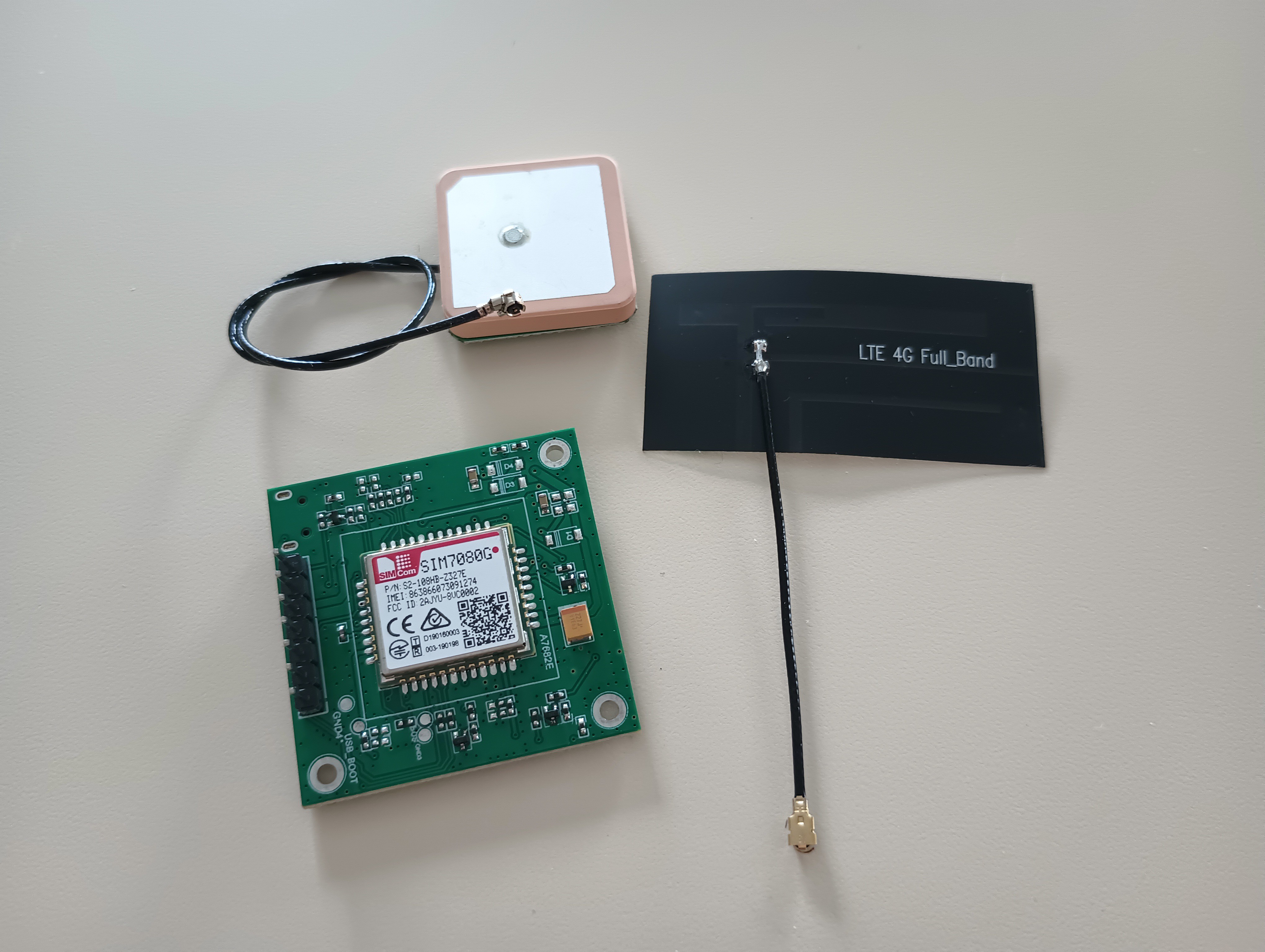
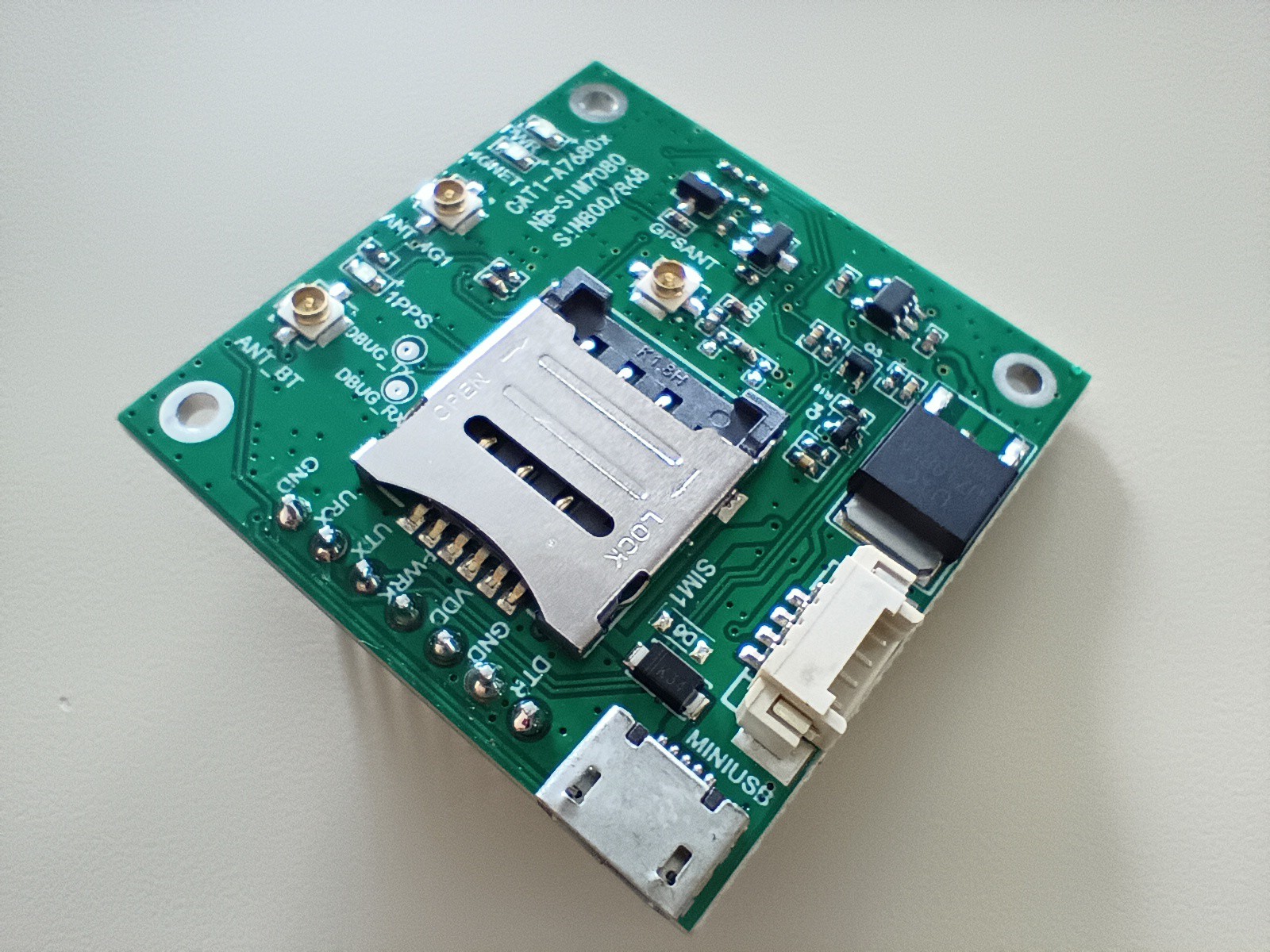
  • 1 × SIM7080G Module To communicate with LTE-M network
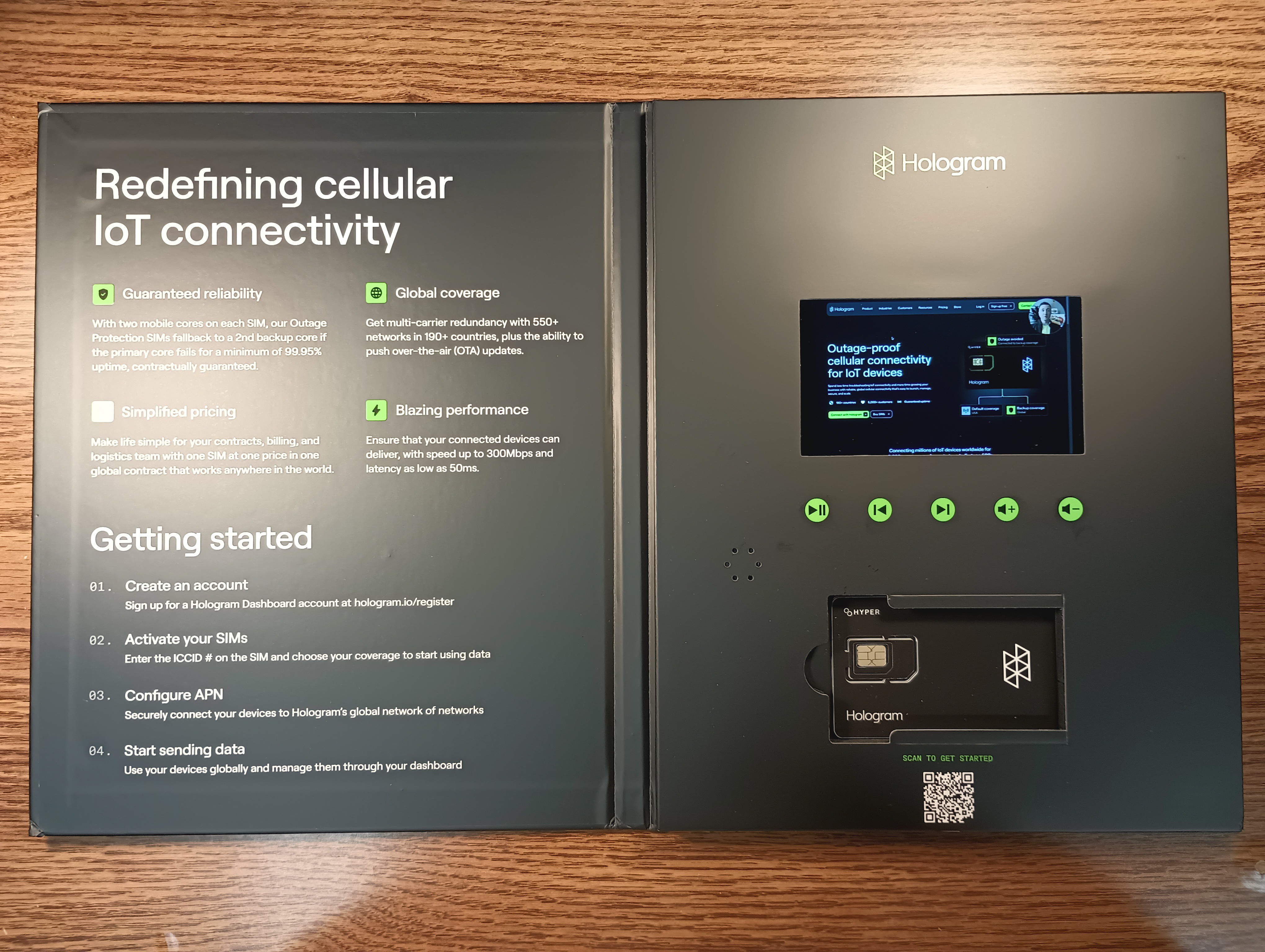
  • 1 × Hologram SIM Card SIM card for the SIM7080G module

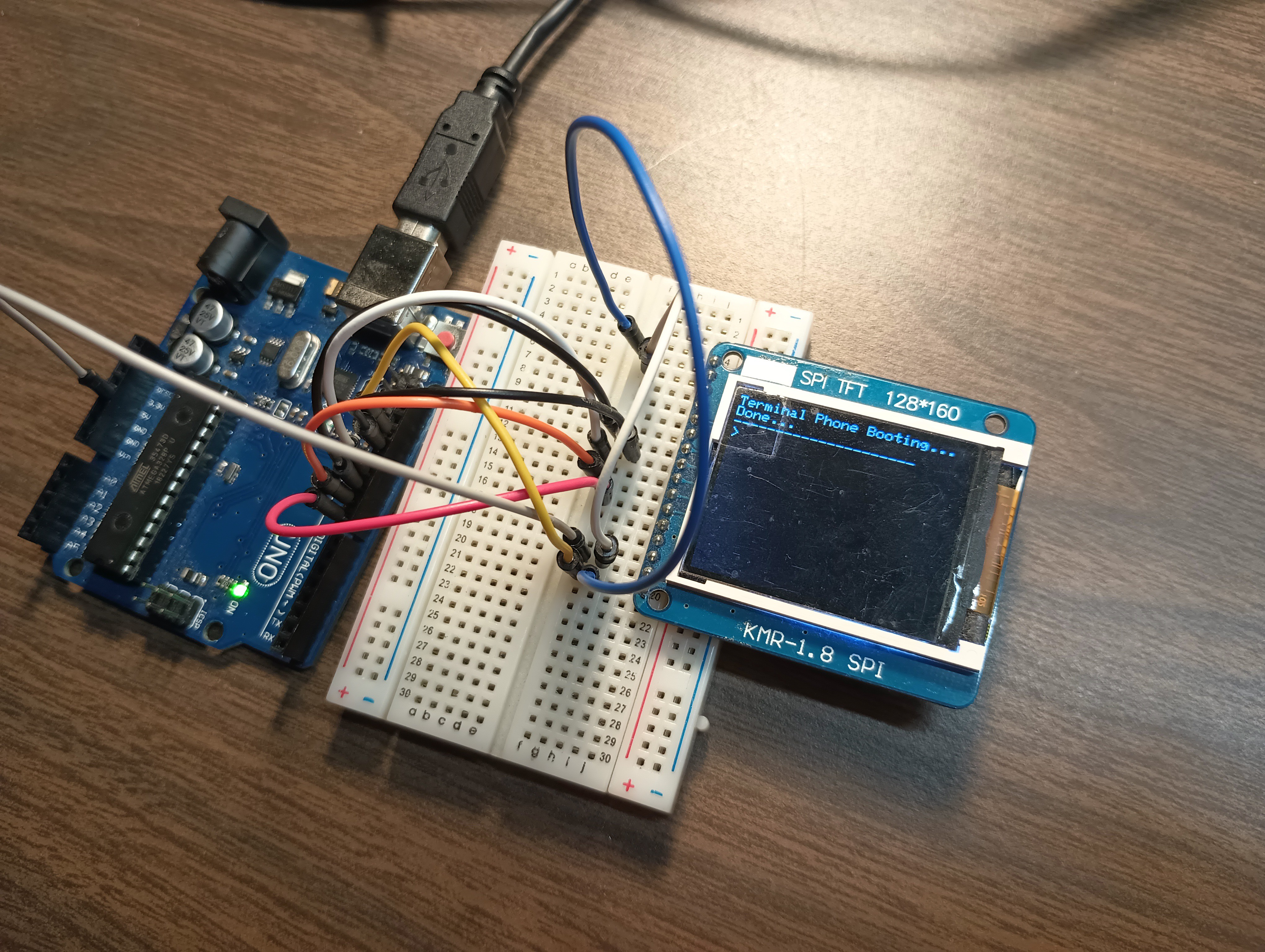
  • Terminal on an Arduino with TFT Display

    Bolan Xu5 hours ago 0 comments

    Now that I have a basic framework for sending and receiving messages to a web chat interface, time to work the hardware (my personal favorite part of this)!

    By the way all code and files are in my GitHub: https://github.com/bolanxu/Terminal-Style-Cellular-Device

    The Setup

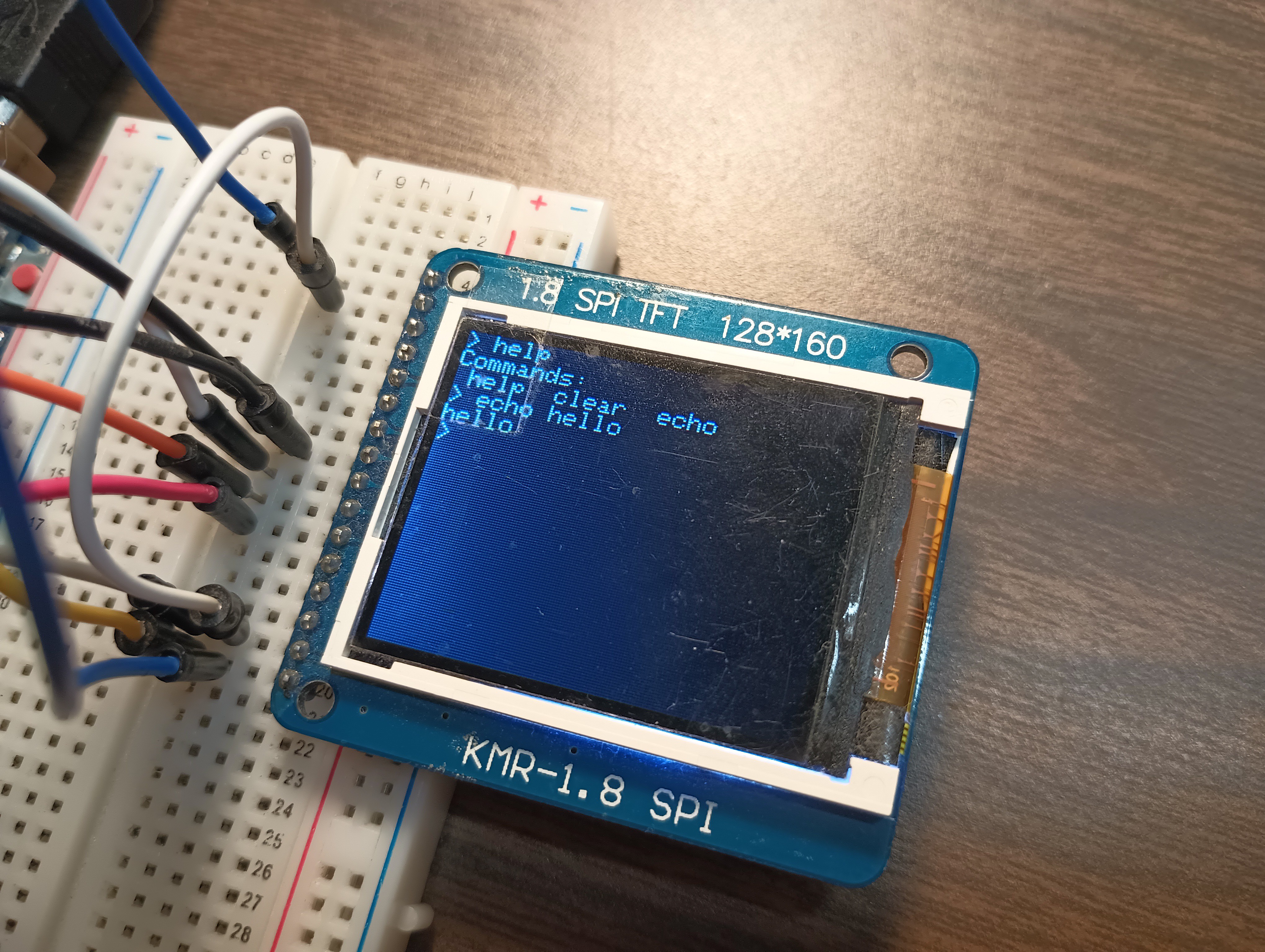
    1.8" Color TFT LCD display connected to Arduino UNO which receives text input from the serial port.

    Here's some images:

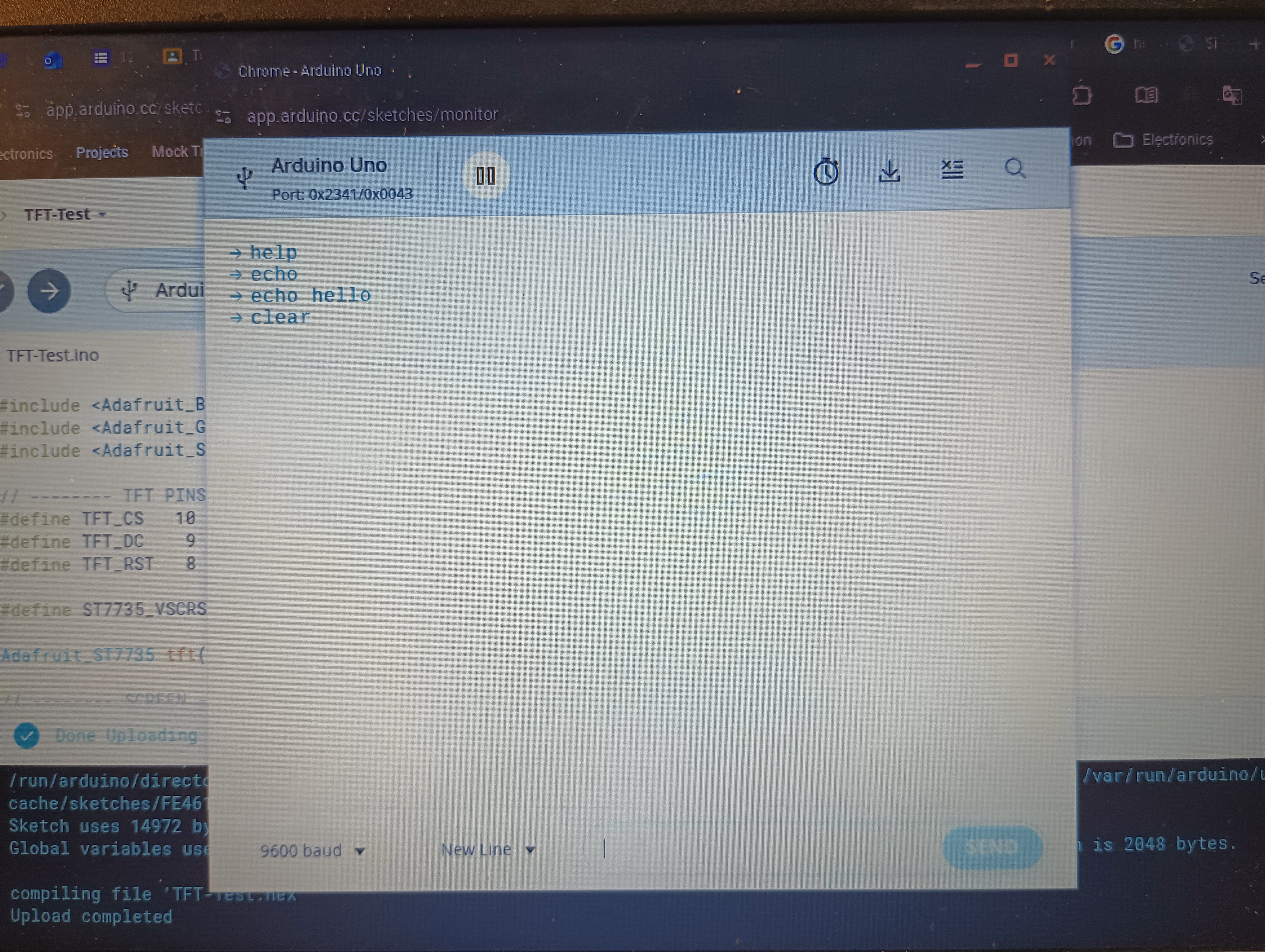
    So now when I type some commands into the serial port, they run on my terminal. I only have three commands right now: help, clear, and echo.

    It really feels cool!

    Next Steps

    • Right now I am using serial port for text input. I am trying now to prototype a matrix keyboard to test text input.
    • The UNO has limited really resources, especially RAM. This means that refreshing a 128x160 TFT display can cause some flashing and lag. I'm deciding to move to ESP32 or similar microcontroller with more resources

    Thanks for reading! To stay updated follow this project and if you have any comments or questions feel free to comment below!

  • Web Two-way Communication with Modem

    Bolan Xu02/02/2026 at 01:57 0 comments

    After a few days of work (there was a problem with activating the SIM card), I have a fully functional web-based interface to communicate with my modem!

    How it works

    My setup:

    1. Arduino connected to SIM7080G modem module which allows communication of serial port with modem, through human readable chat format (not AT commands).
    2. A website hosted by Pythonanywhere of a simple chat interface
    3. The modem communicates with my website through HTTP GET and POST requests. 

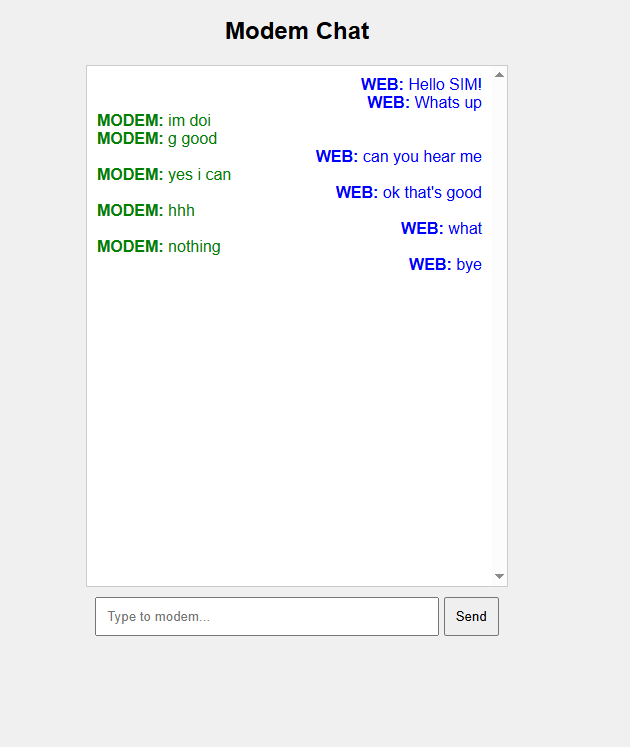
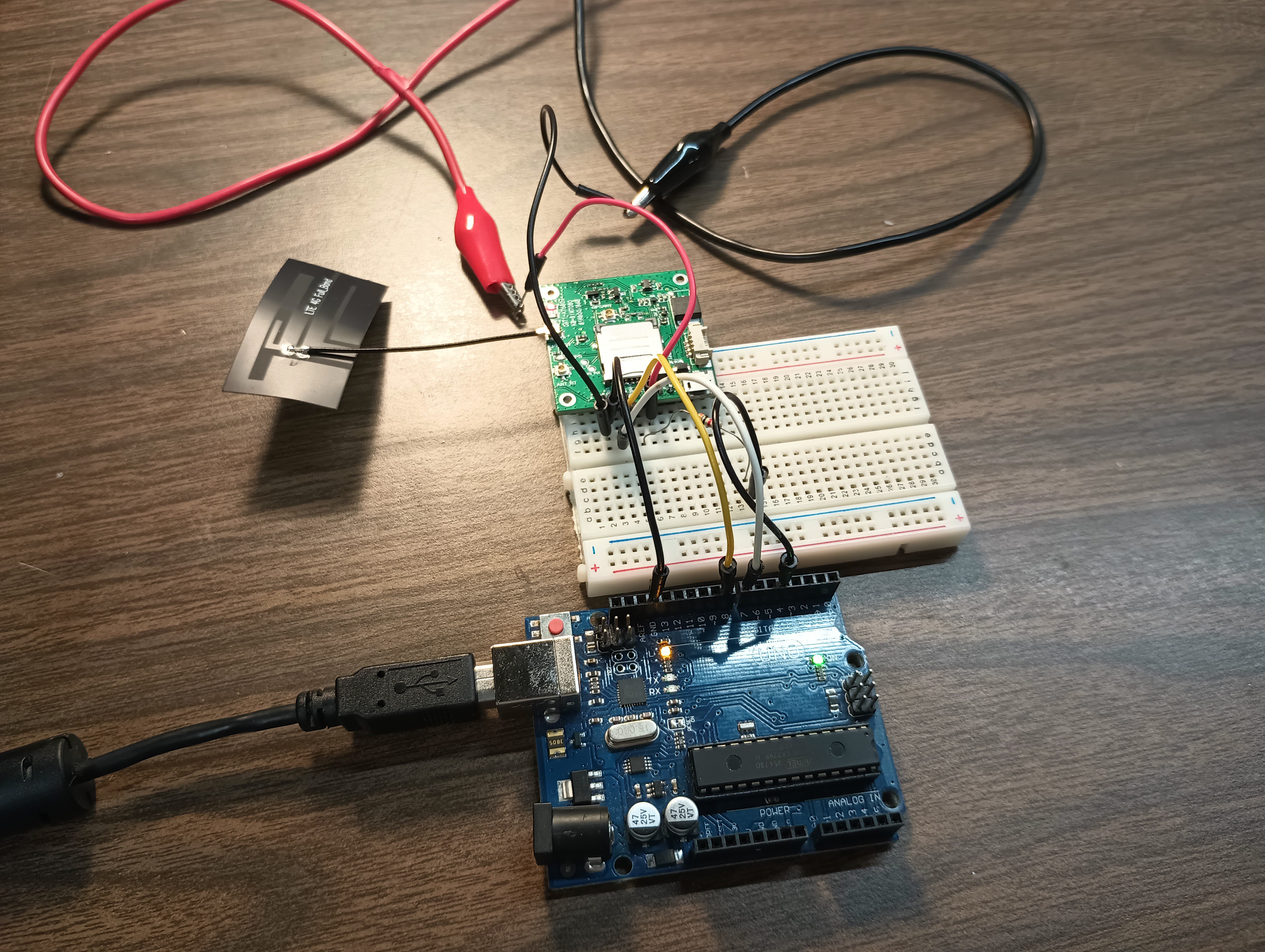
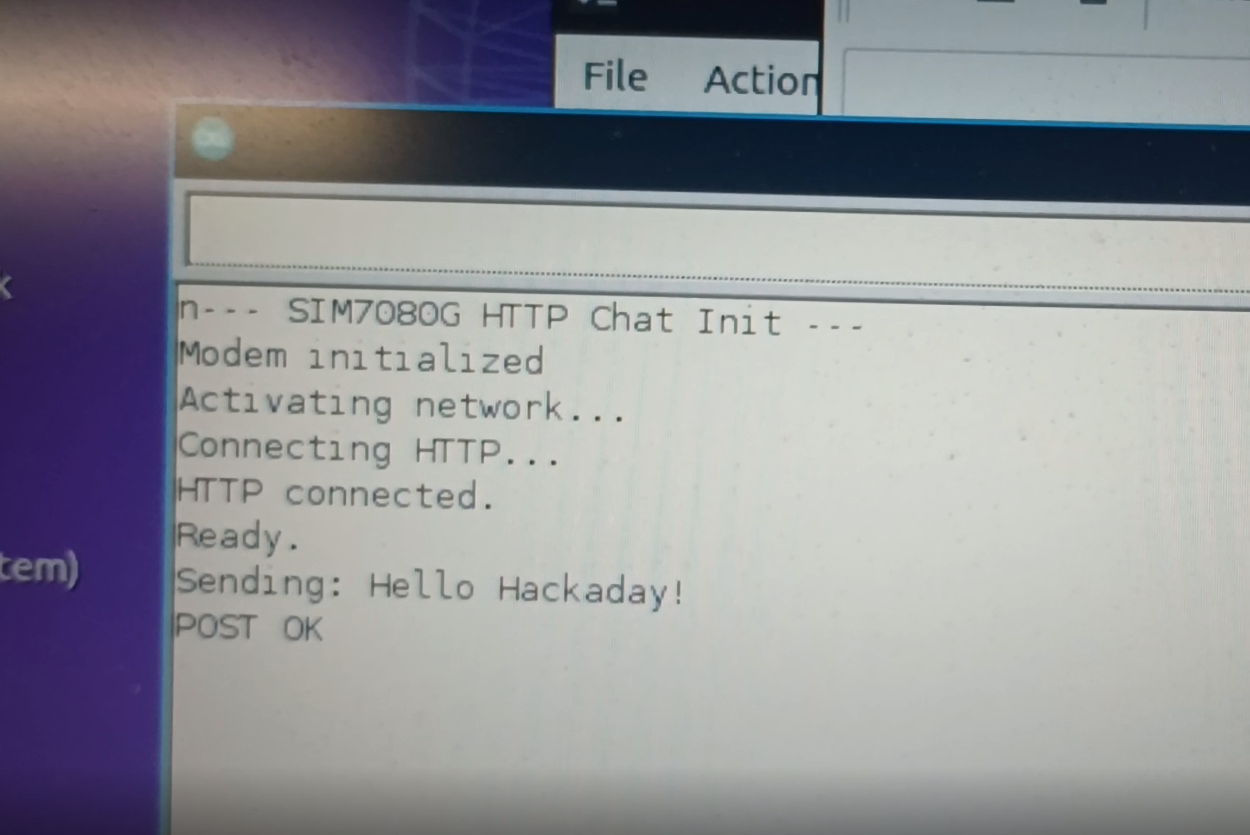
    Here are some images of the setup:

    This is the web interface:

    Here is the hardware setup

    Here is the serial port of arduino:

    Here is the link to the code: https://github.com/bolanxu/Terminal-Style-Cellular-Device. (Look at the Web-Based-Chat-Interface branch.)

    If you have any questions or comments please comment below!

  • SIM Modem Has Arrived!

    Bolan Xu01/27/2026 at 17:43 0 comments

    After a week of anticipation (AliExpress is slow 😅), the SIM7080G modem has finally arrived. Time to do some testing!

  • Deciding and Buying Components

    Bolan Xu01/20/2026 at 19:12 0 comments

    This week I ordered a SIM7080G from AliExpress and that is what I am going to use as my modem for this project.

    Last week I ordered a SIM card from Hologram , and it came in (thanks to Felix from Hologram customer services, I got it for free).

    Now I'm just waiting for the modem to arrive so I can start testing with some AT commands!

View all 4 project logs

Enjoy this project?

Share

Discussions

Similar Projects

Does this project spark your interest?

Become a member to follow this project and never miss any updates