 b.sverdlyuk
There's an old meme: if a device has a screen, it should run Doom. People have run it on fridges, ATMs, and pregnancy tests. Now it's Lilka's turn — a Ukrainian DIY console built on the ESP32-S3. Here's where to legally get the game, what a WAD is, and what runs — and what doesn't.
How to run Doom on Lilka
You need two files on the SD card:
- The firmware — grab
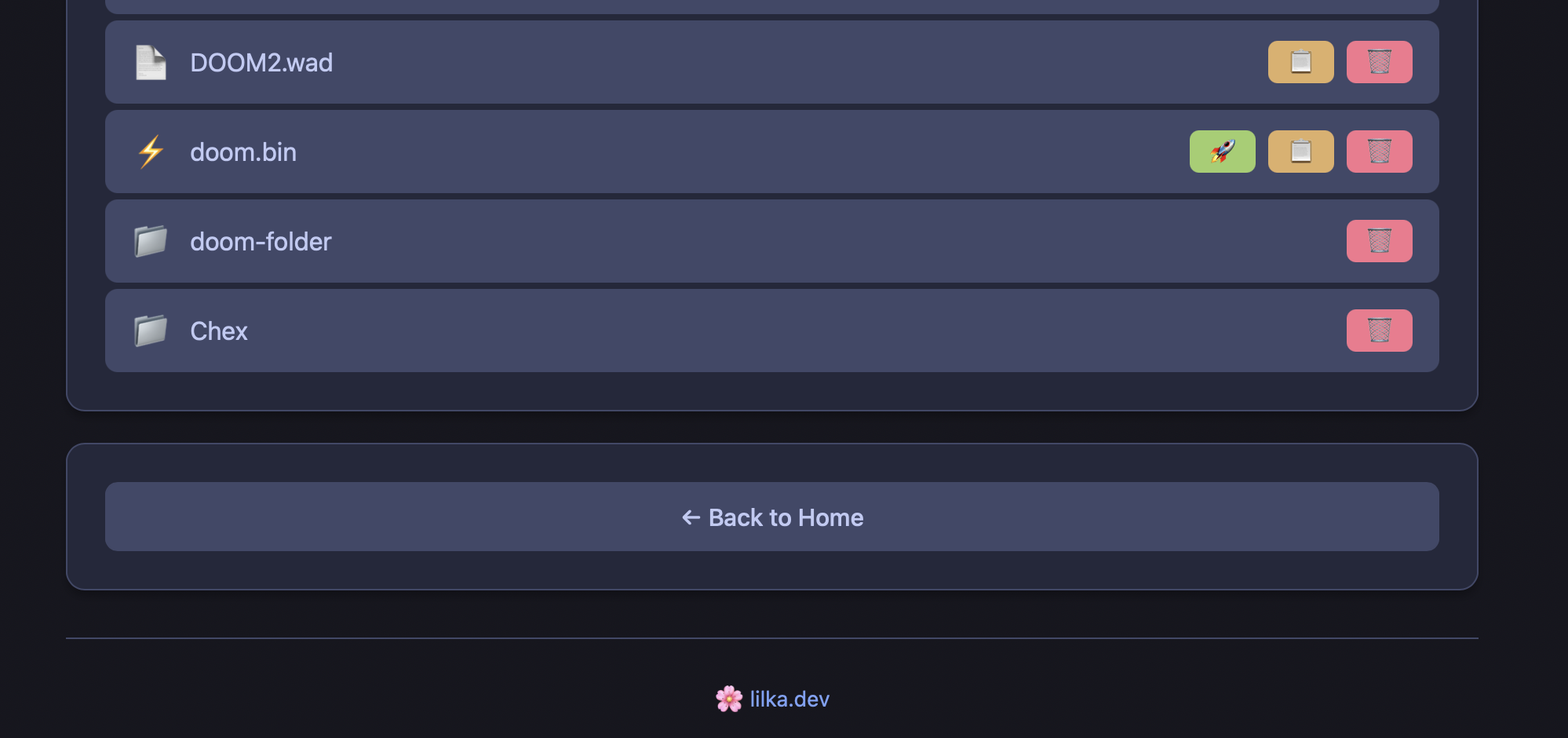
doom.binfrom the doom_port releases page. - The game — a WAD file (see below where to get one). It must go in the root of the SD card and must be named
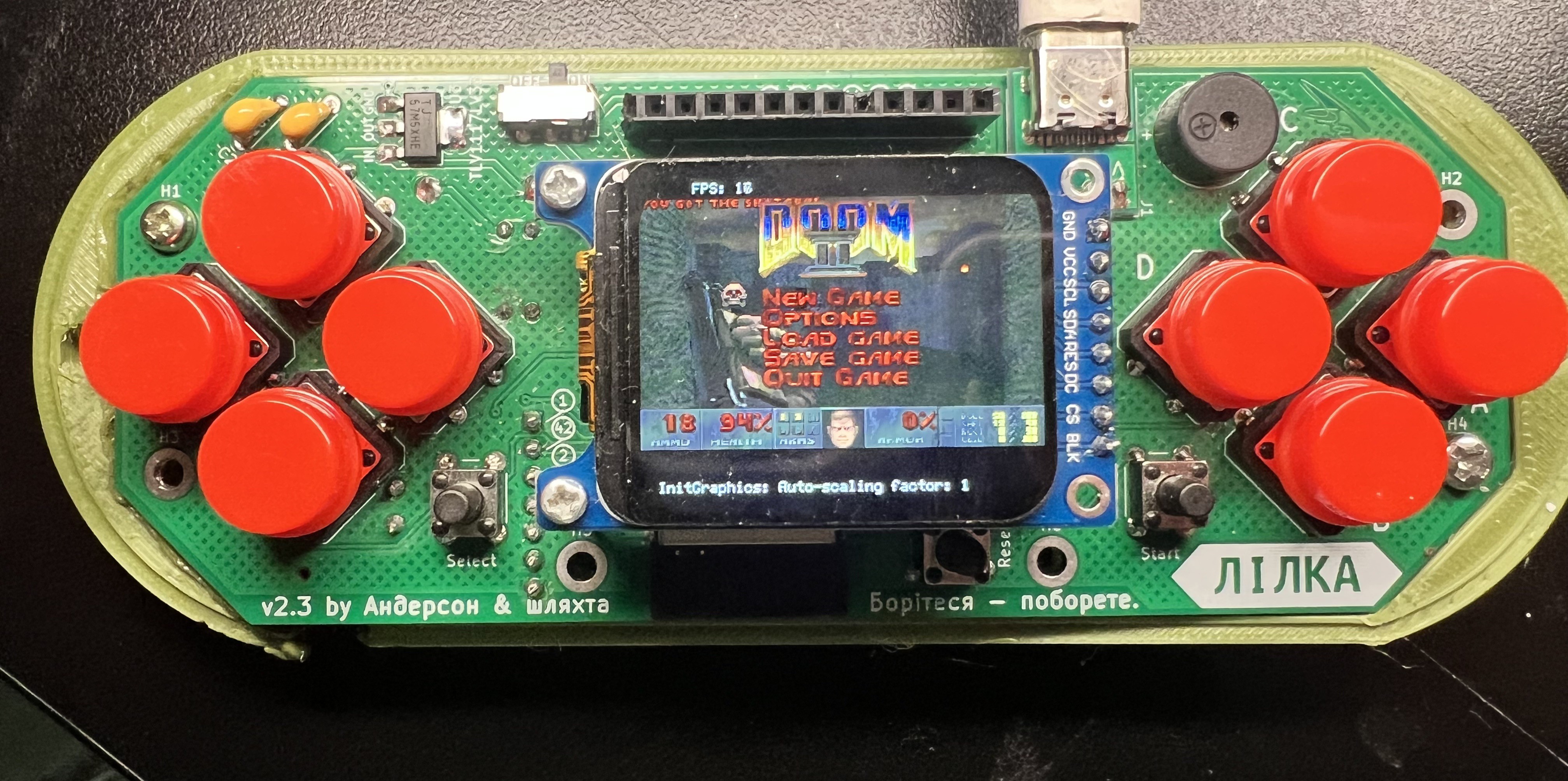
doom.wad(episode-based games: Doom 1, Freedoom Phase 1) ordoom2.wad(Doom II, Plutonia, Freedoom Phase 2) — other names won't be recognized. One WAD at a time: the port loads the firstdoom*.wadit finds.
You can copy both files with a card reader or over Wi-Fi via Keira Web Manager. Then launch doom.bin from the Keira menu on your Lilka — and rip and tear.
WAD, IWAD, PWAD
The engine is just a "player". The actual game — levels, monsters, textures, sounds — lives in a single .wad file (Where's All the Data). An IWAD is a complete game; a PWAD is an add-on that only works on top of one. So "getting Doom" means getting an IWAD.
Where to get games legally
- Doom Shareware (doom1.wad
) — the first episode, free since 1993
How to extract doom1.wad from the shareware archive. The official shareware release (doom19s.zip from /idgames) is a 1995 installer split for floppy disks, so you won't see the WAD file right away. The files DOOMS_19.1 and DOOMS_19.2 are two halves of a regular zip archive. Join them and unpack.
macOS / Linux (Terminal, in the folder with the files):
cat DOOMS_19.1 DOOMS_19.2 > dooms19.zip
unzip dooms19.zip
Windows (Command Prompt):
copy /b DOOMS_19.1+DOOMS_19.2 dooms19.zip
then unpack dooms19.zip with any archiver.
Among the extracted DOS files you'll find DOOM1.WAD (~4 MB) — that's the one we need. The rest (DOOM.EXE, SETUP.EXE, etc.) can be deleted. If you'd rather skip the hassle, the same WAD is available on the Internet Archive in plain form.
- Freedoom — a free community-made game on the Doom engine. Phase 1 is episode-based like Doom 1, Phase 2 is like Doom II.
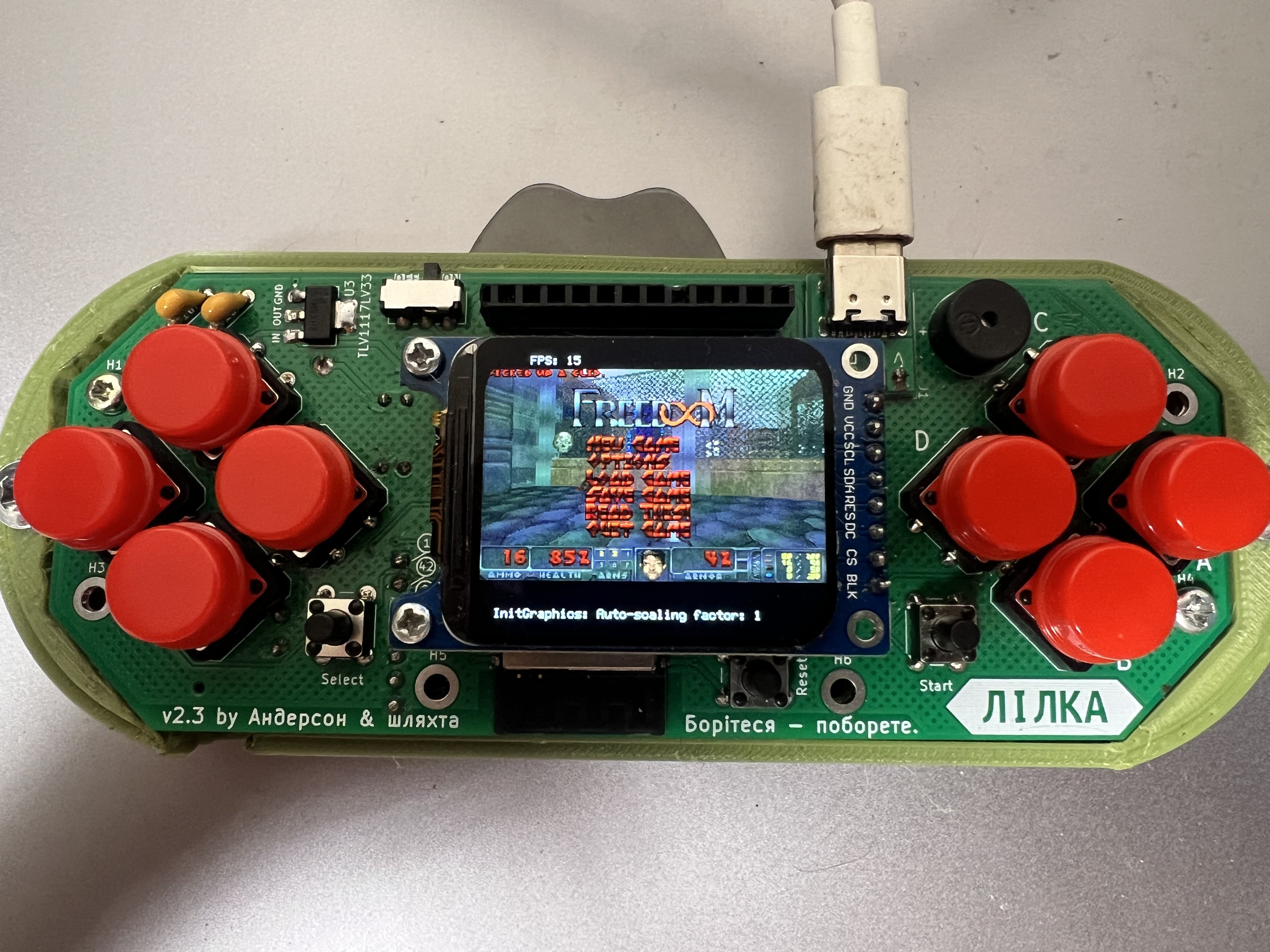
- DOOM + DOOM II on GOG or Steam — four classic games in one package: Doom, Doom II, and Final Doom (TNT + Plutonia).
When you buy DOOM + DOOM II on GOG, you get a Windows installer (setup_doom_plus_doom_ii_...exe). The easiest way on Windows is to just install the game: the WADs will be in the installation folder, with the classic DOS versions in the dosdoom\base\ subfolder.
You can also skip the installation — the innoextract utility pulls files out of the installer like from a regular archive:
- Windows: download innoextract.exe (or
winget install innoextract), then in Command Prompt, in the folder with the installer:
innoextract setup_doom_plus_doom_ii_....exe
- macOS / Linux:
brew install innoextract(or use your package manager), then the same command.
The extracted folders will appear next to the installer — look for the WADs in dosdoom/base/: the original DOOM.WAD and DOOM2.WAD are there, with Plutonia and TNT in the neighboring subfolders.
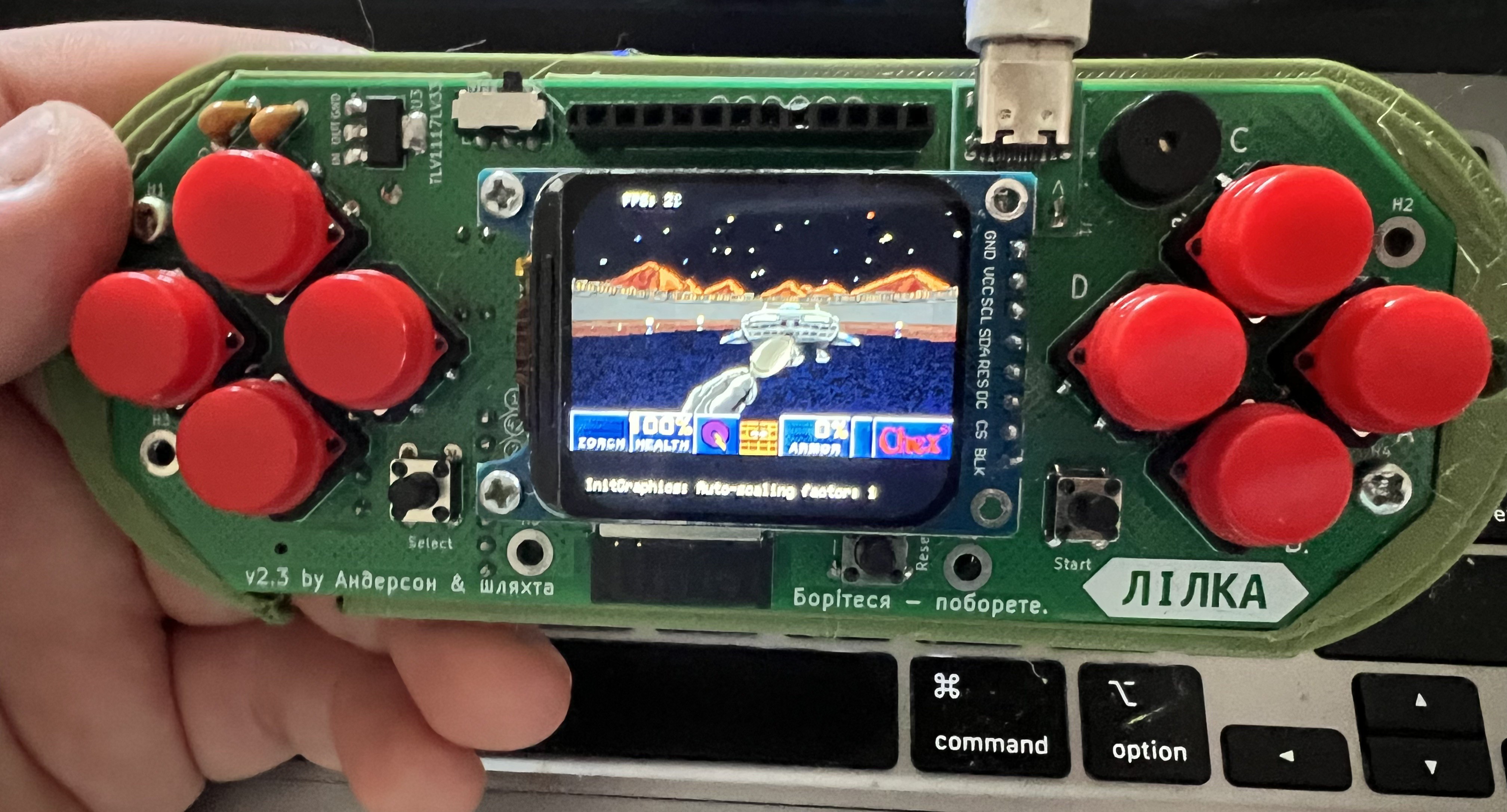
Chex Quest (1996) is probably the strangest game ever built on the Doom engine: a shooter given away for free in Chex cereal boxes as a promo. Instead of demons — slimy alien Flemoids; instead of guns — "zorchers" that don't kill enemies but teleport them back home: not a drop of blood, it's a kids' game after all. Underneath, though, it's a full-fledged Doom — and a cult classic today. Legally free; runs on Lilka. Grab the WAD from the Internet Archive and rename it to doom.wad.
What to do when something won't start
Your most valuable diagnostic tool is the serial log. Connect Lilka to your computer via USB and open serial.huhn.me in Chrome: click Connect, pick Lilka's port, set the speed to 115200 — nothing to install.
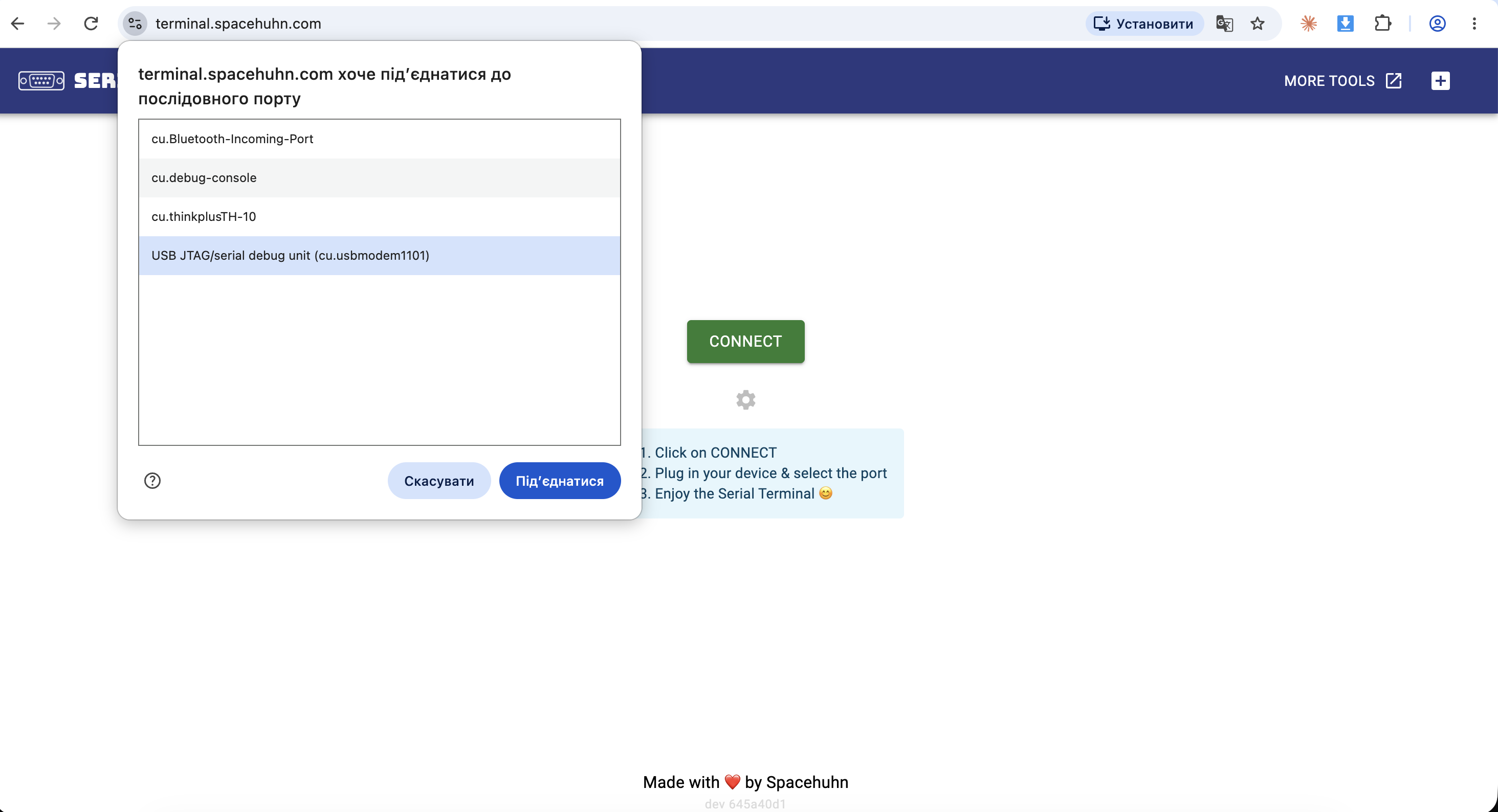
If you prefer a desktop app, the free CoolTerm (Mac/Win/Linux) does the same job; terminal fans can simply run screen /dev/tty.usbmodem* 115200 on macOS/Linux.
The log captures everything the engine is thinking during startup: how much memory it allocated, which WAD it found on the card, where it stumbled. Errors that never make it to Lilka's screen are fully visible here.
For example, I tried to trick the engine by renaming a Heretic WAD to doom.wad. It didn't fall for it — the engine checks the file's contents, not just the name, and politely replied in the log:
adding /sd/DOOM.wad
IWAD file with the doomgenericdoom binary.
This isn't going to work.
You probably want to use the doomgenericheretic binary.
"This isn't going to work, you want the heretic binary." Thirty years old, and still the politest error message around.
In place of a conclusion
The Doom engine is not one game — it's a whole world: it powered fantasy games with elves and wizards (Heretic, Hexen), a shooter-RPG with dialogues (Strife), a kids' game about cereal (Chex Quest), a Viking epic (REKKR) — and thousands of fan-made games and levels still being created today, thirty years on. The full list of IWAD games is on the Doom Wiki — grab one, experiment, and let Lilka show you what a 1993 engine can do. It runs Doom. And not only Doom.
Discussions
Become a Hackaday.io Member
Create an account to leave a comment. Already have an account? Log In.