 Daniel Baker
One of the annoying hurdles in this build has been physical orientation. Because of the USB-C port placement on the Razer Kishi, I had to mount the Raspberry Pi 5 with the USB ports on the right-hand side. This left me with a perfect view of... an upside-down Recalbox menu.
The Solution:
My search for a solution began with a few hours of googling with absolutely zero luck. Then I tried my luck with ChatGPT, and this is what it spat out:
The Pi 5 uses the KMS (Kernel Mode Setting) video stack, which means the OS (Recalbox) takes control of the display orientation much later in the boot process than the firmware-level commands in config.txt.
To fix this, you have to tell Recalbox's internal system manager how to handle the rotation at the software level.
The Fix:
- Access the Filesystem: I threw the SD Card into the nearest computer.
- Locate the Config: Navigate to
/recalbox/share/system/recalbox.conf. - The Magic Line: Add (or find and edit) the following line to the configuration:
system.kmsdrm.rotate=1(This rotated the screen 180 degrees for me) - Save and Reboot.
Results
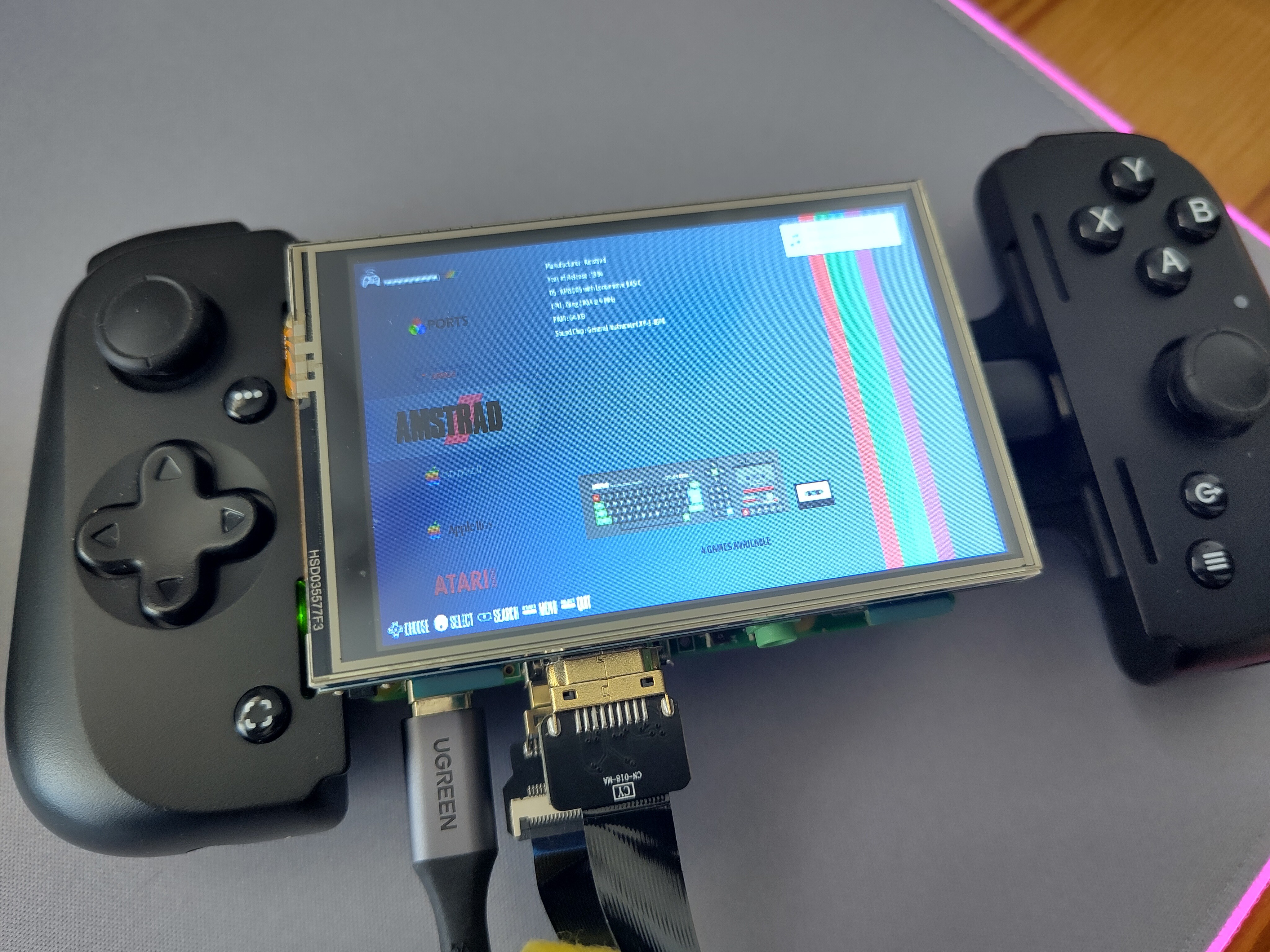
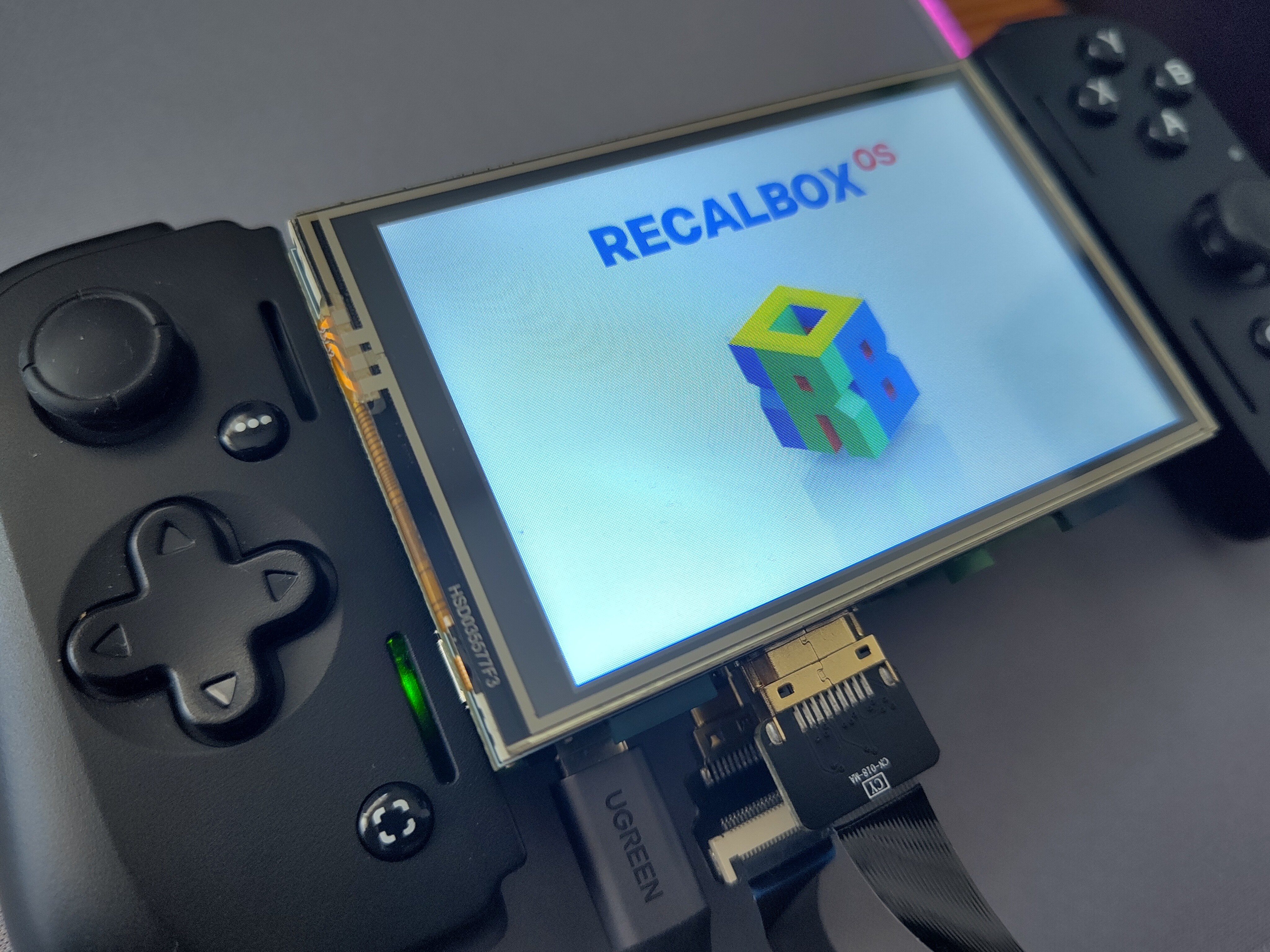
Success! The boot sequence still starts upside down (firmware), but as soon as the Recalbox splash hits, the KMS driver kicks in and flips the image to the correct orientation. I’ve not installed the drivers yet to enable touch screen, but I may ask for ChatGPTs help there, too.
Now that the screen is right-side up, it’s time to tackle the next big beast: Mobile Power.
Discussions
Become a Hackaday.io Member
Create an account to leave a comment. Already have an account? Log In.