 CHAOS.TANG
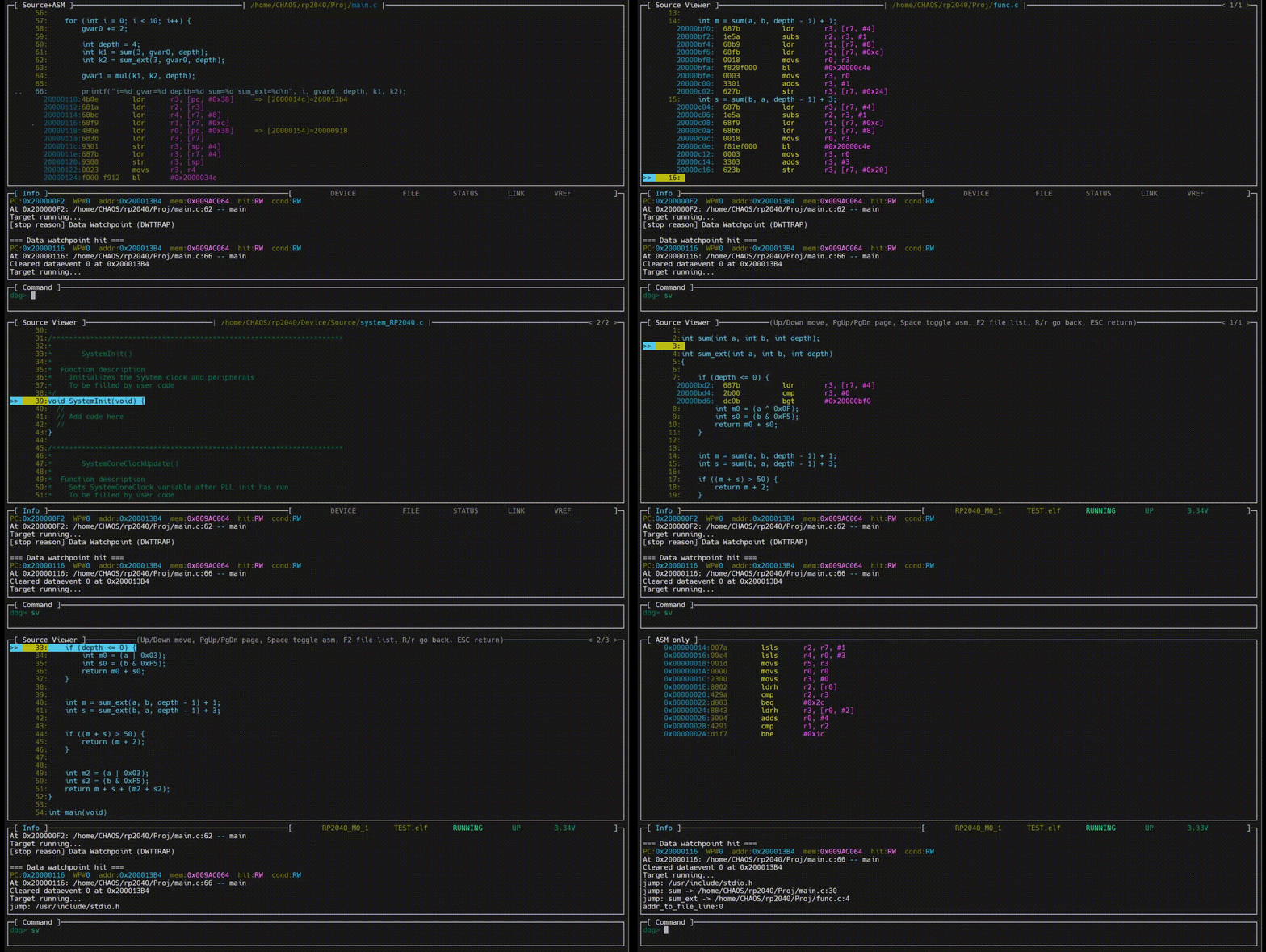
The following animated image demonstrates how to use the code viewer.
The code viewer provides two operating modes:
- viewing the source file associated with the current debugging context
- browsing all source files referenced by the ELF file.
The code viewer allows you to select and open specific source files. It supports opening header files included by C source files and enables direct function navigation.
Within the code viewer, the assembly code corresponding to C statements can be expanded and collapsed.
In addition, the code viewer provides an advanced state-preserving navigation feature. You can open multiple source files, navigate between them, and expand or collapse C statements. When navigating back to previously viewed files, all prior viewing states and operations are automatically restored.
You can also place breakpoints and perform Run-To operations directly within the code viewer.
Discussions
Become a Hackaday.io Member
Create an account to leave a comment. Already have an account? Log In.