 TechxArtisan

Pocket Input, Zero Fuss
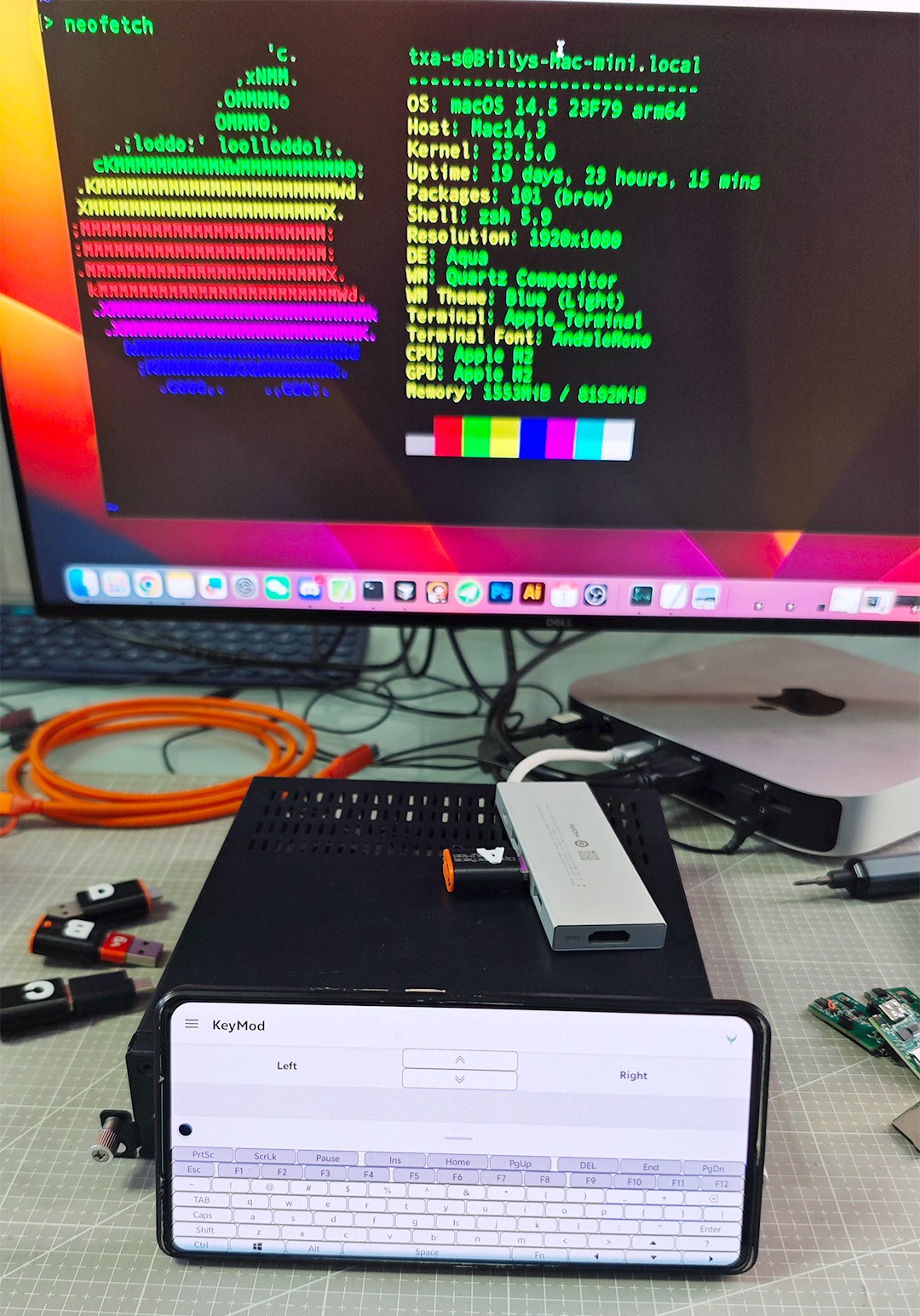
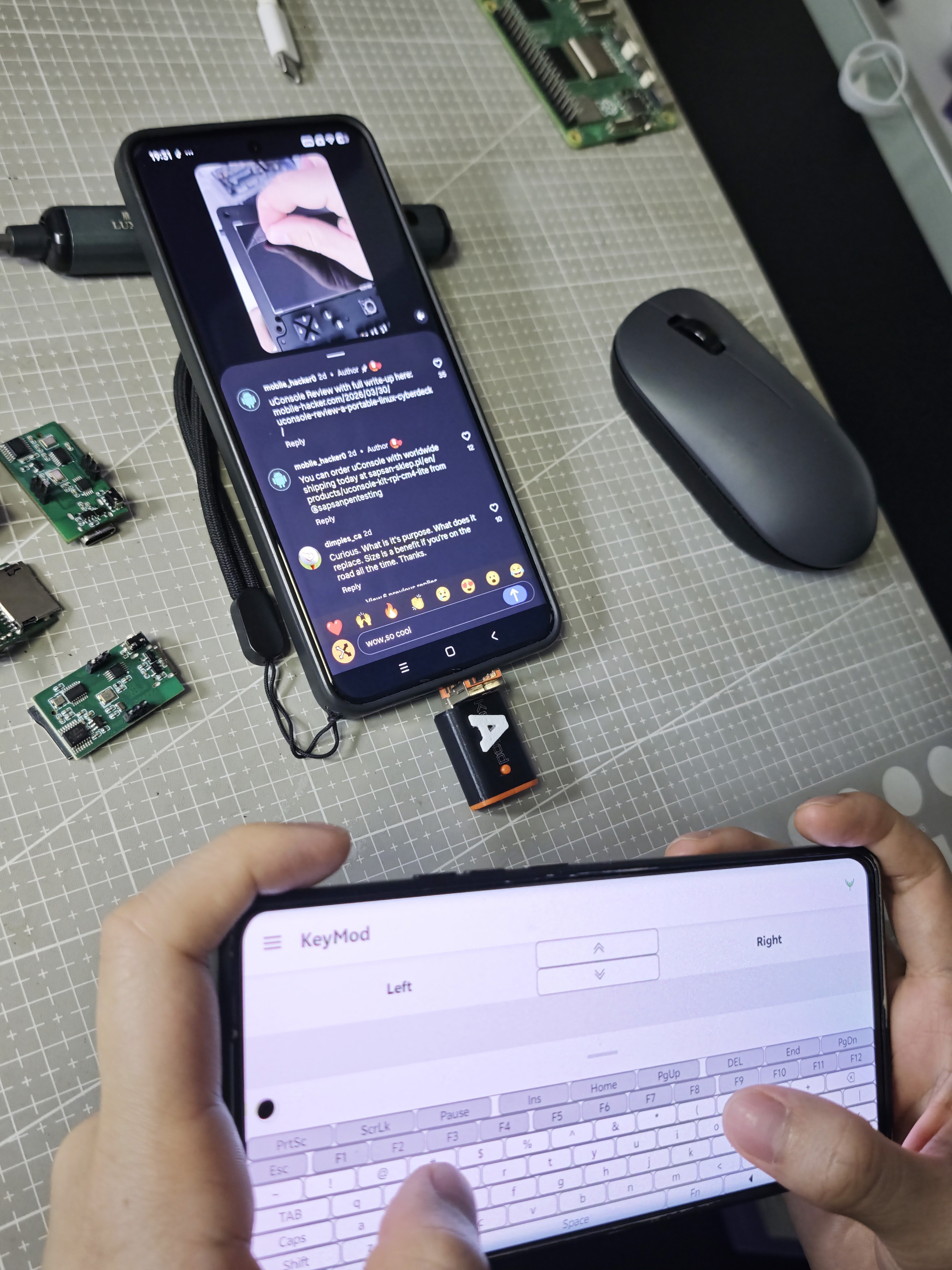
When you run into a device with video output but no convenient keyboard and mouse, you don’t want a complicated setup. You want input now. Openterface KeyMod is built for those moments. It turns the phone already in your pocket into a portable keyboard and trackpad, and delivers standard HID input to the target over USB or Bluetooth.
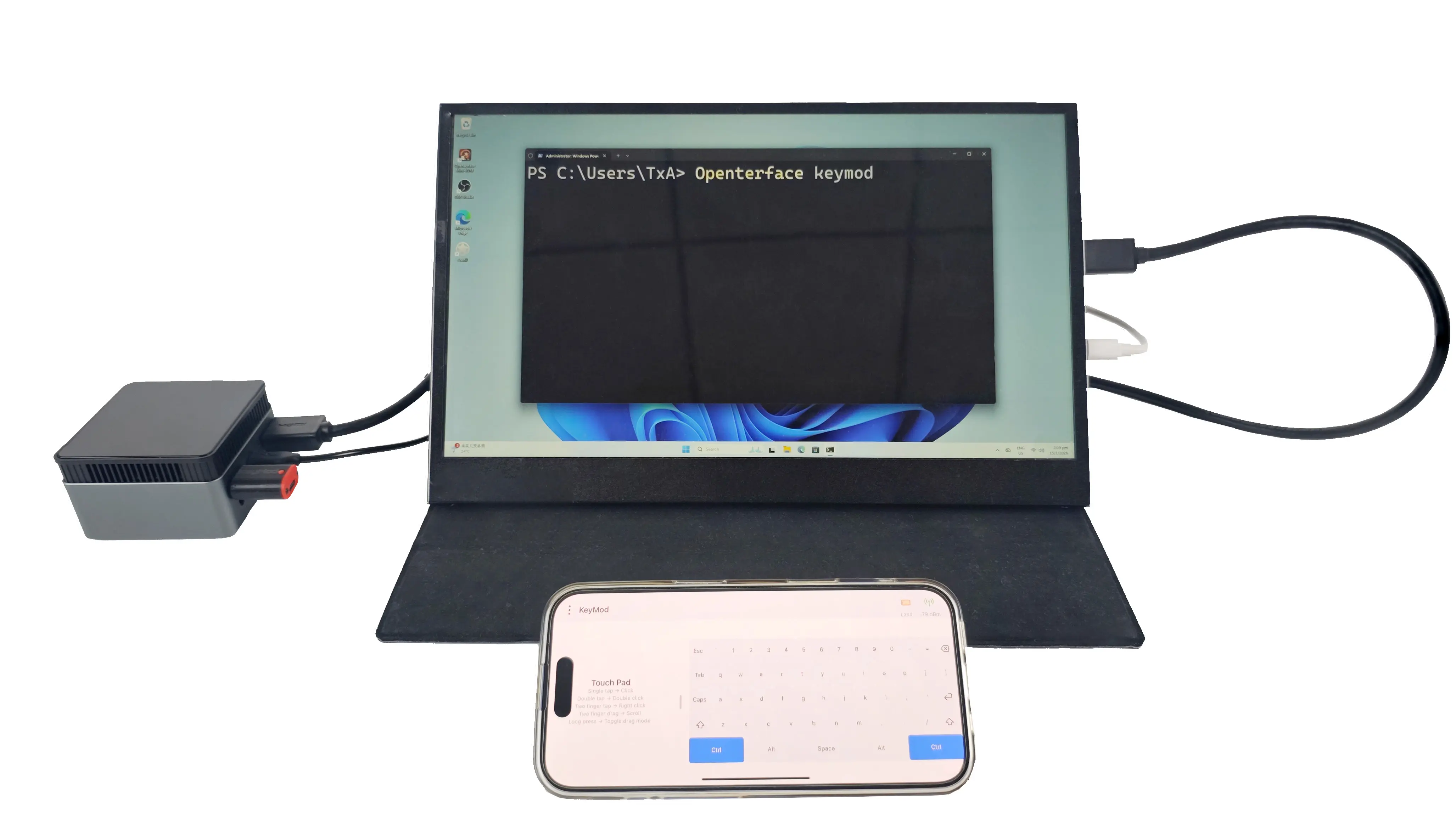
Use Your Phone as Your Keyboard and Trackpad
KeyMod is a compact, phone-driven HID emulator. To the target, it looks like a regular keyboard and mouse. That means you can type, click, and navigate without installing anything on the target device.
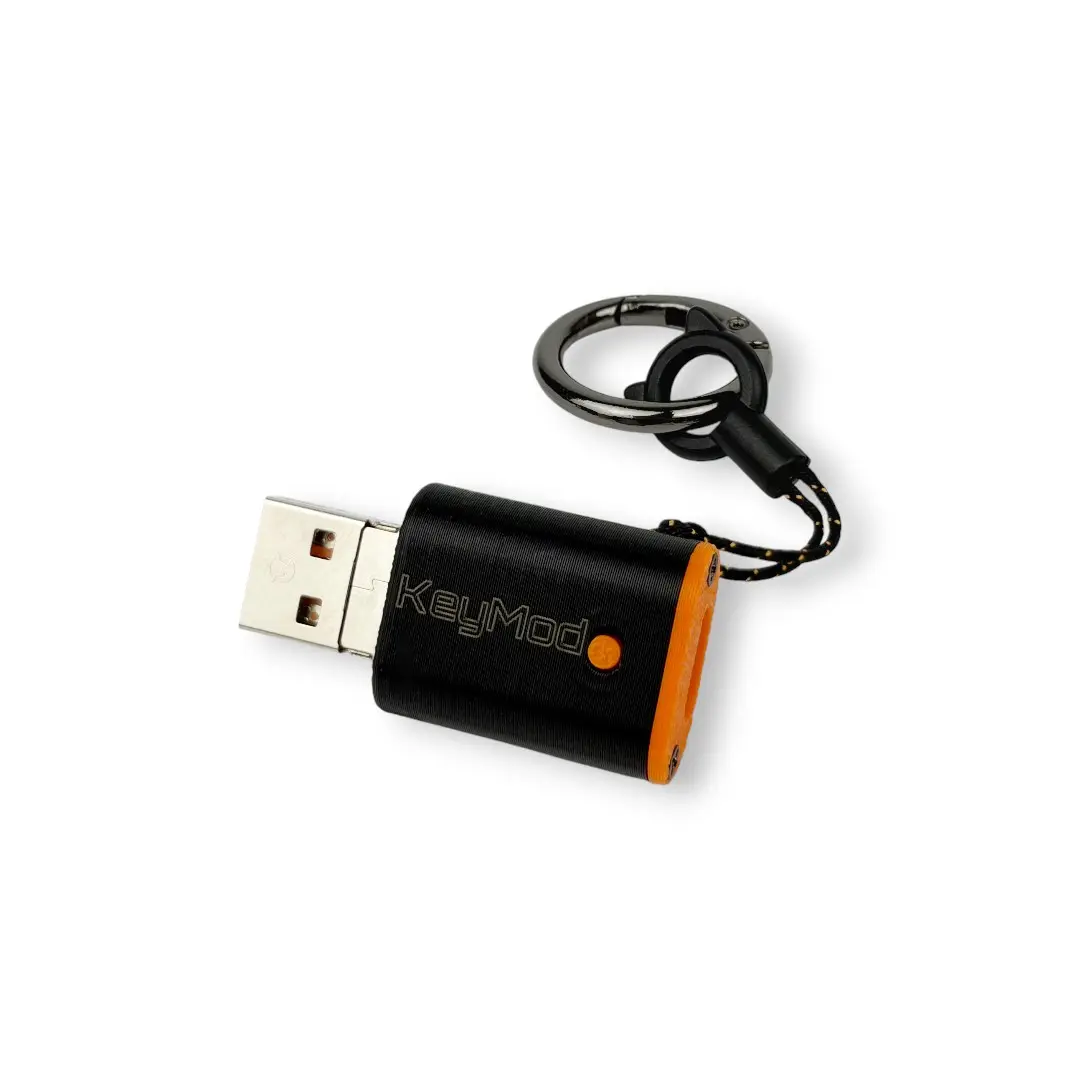
Where KeyMod Shines
KeyMod is designed for practical, on-the-go local control, especially when input access is inconvenient:
-
kiosks and digital signage players
-
set-top boxes and smart TV devices
-
mini PCs used as utility machines
-
lab rigs and test benches
-
on-site troubleshooting and demos
Plug In and Go
A quick workflow we validate on every prototype:
-
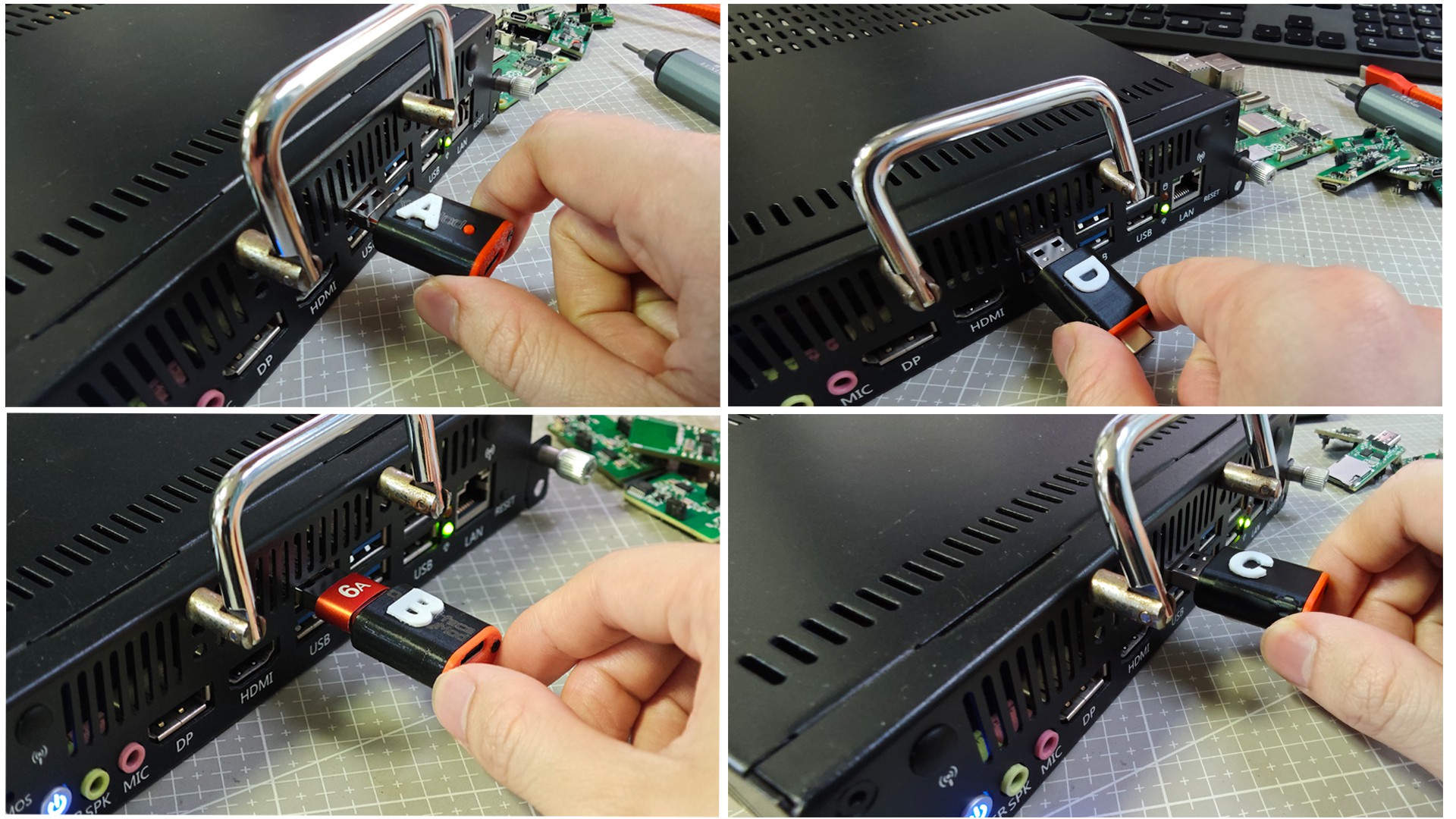
Connect KeyMod to the target via USB (or use Bluetooth when appropriate).
-
Open the KeyMod app on your phone.
-
Type, click, and navigate as if a keyboard and mouse were connected.
-
Switch a profile for hotkeys, shortcuts, or simple macro-style triggers.
Profiles Make It a Tool, Not a Toy
The real productivity gain comes from profiles. Instead of hunting for keys or retyping the same sequences, you can switch layouts for common tasks like setup, troubleshooting, or maintenance. We’re still refining what a “good” profile system looks like, and community feedback is a big part of that process.
Hardware Options in Development
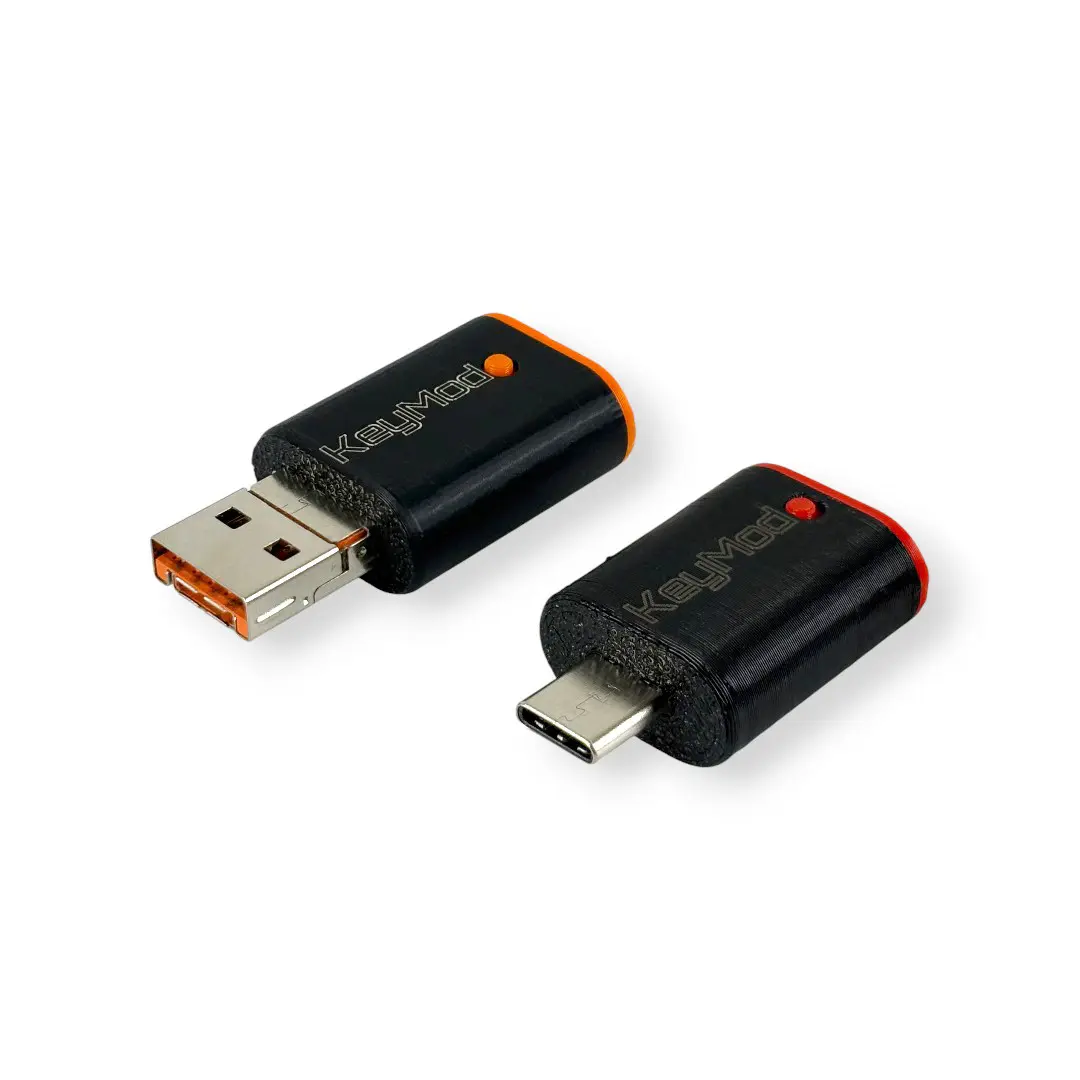
To keep KeyMod practical across different devices, we’re planning two connector variants:
-
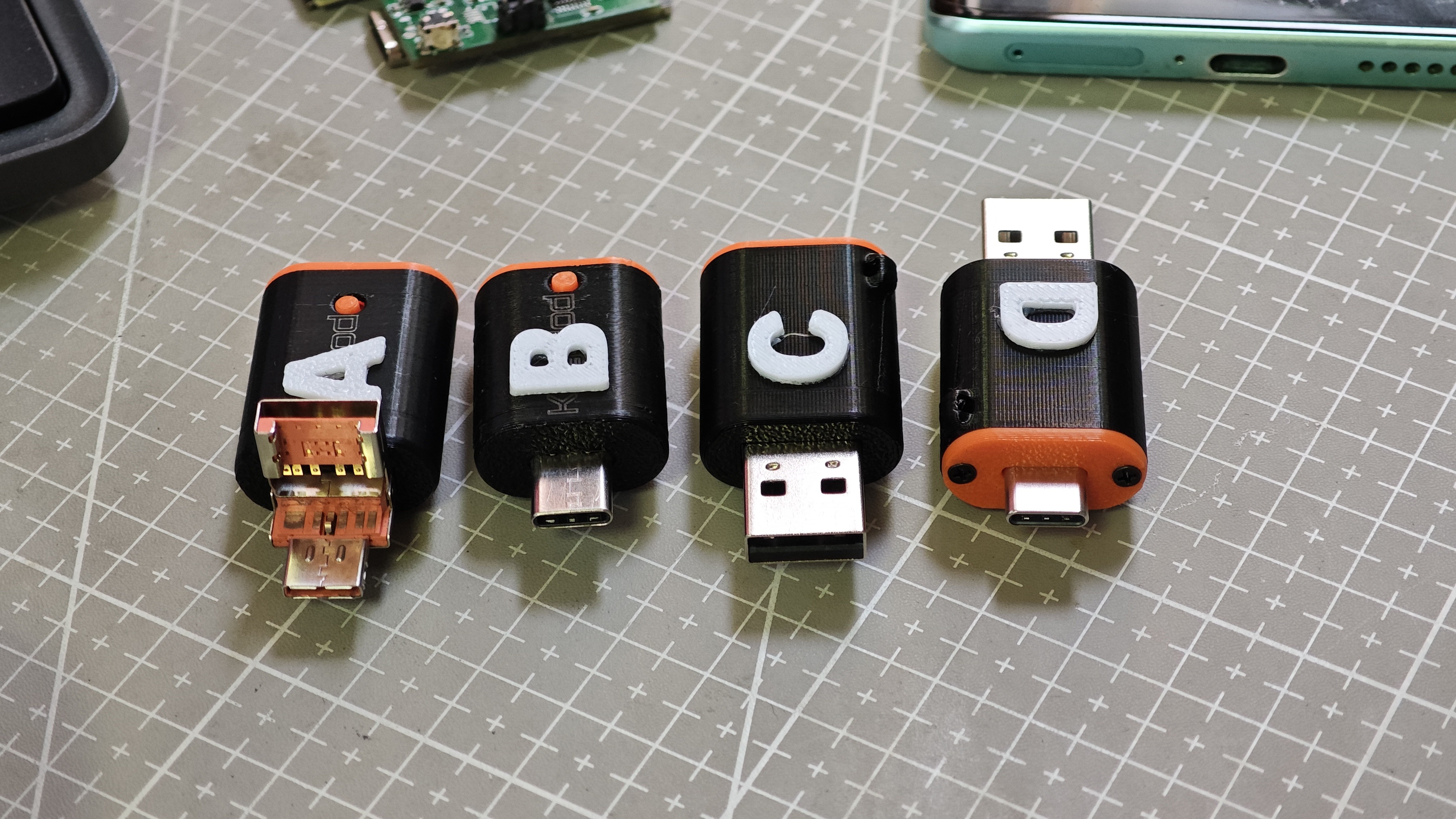
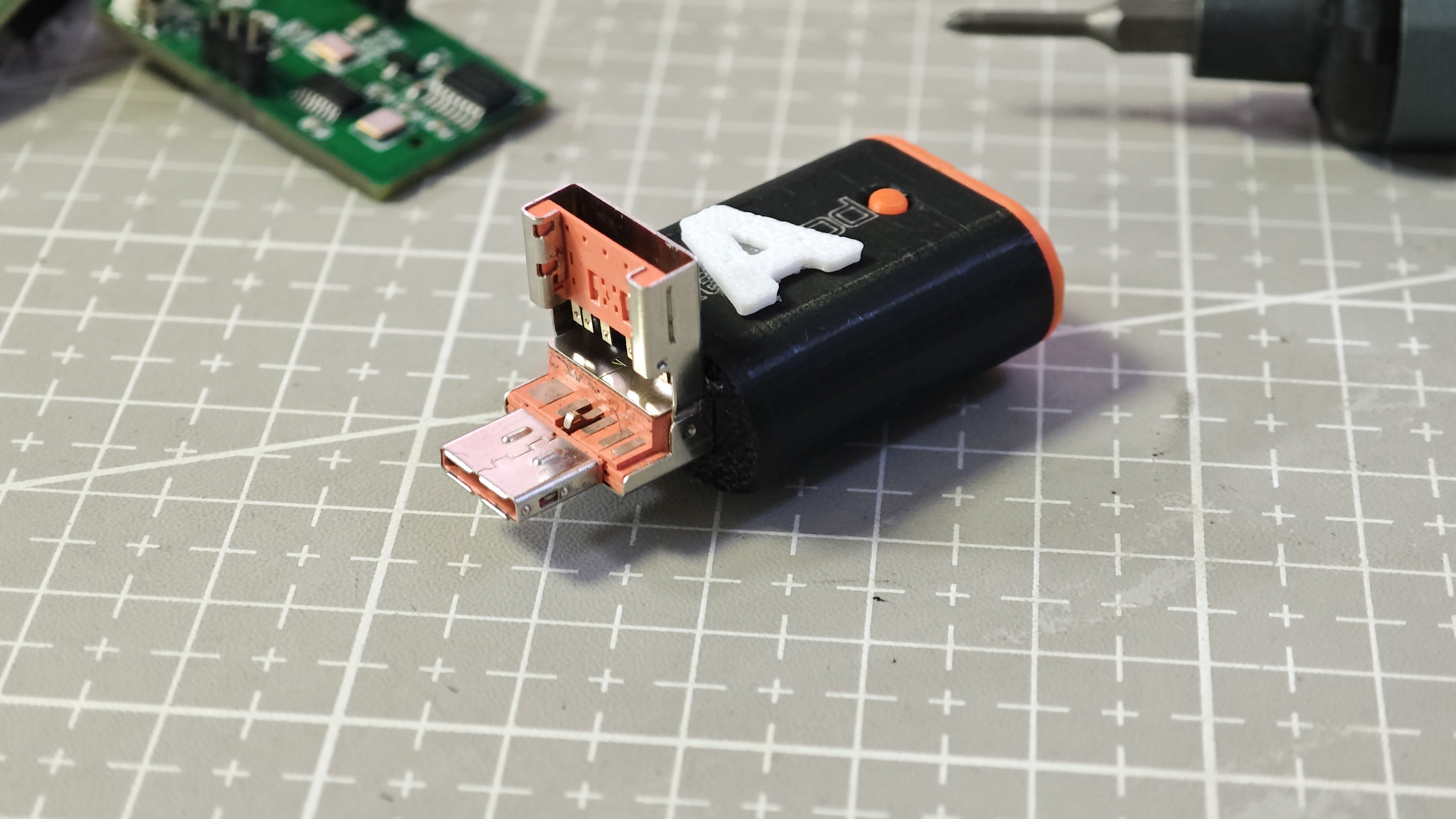
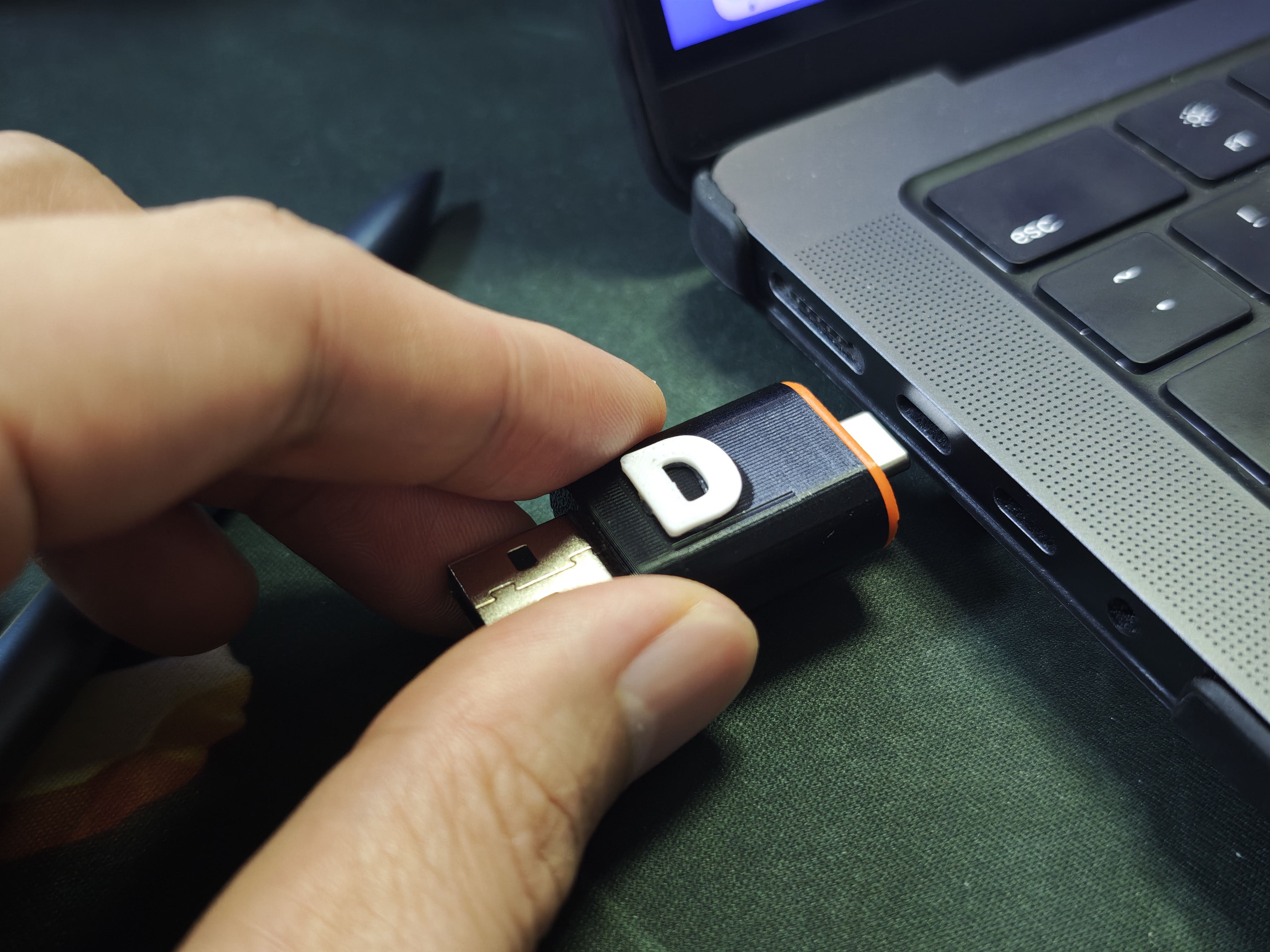
2-in-1 connector version: flip-up USB Type-A + USB Type-C for broad compatibility
-
USB Type-C version: dedicated Type-C plug for modern devices and cleaner cable routing
![]()
A Small Teaser: Voice-to-Input (Experimental)
AI is showing up everywhere in daily workflows. We’re exploring whether a pocket input tool can benefit from it too. One early direction is voice-to-input, where spoken phrases in different languages could be converted into text and typed on the target through HID. This is prototype-level exploration and will evolve based on real use cases.
Open Source Direction
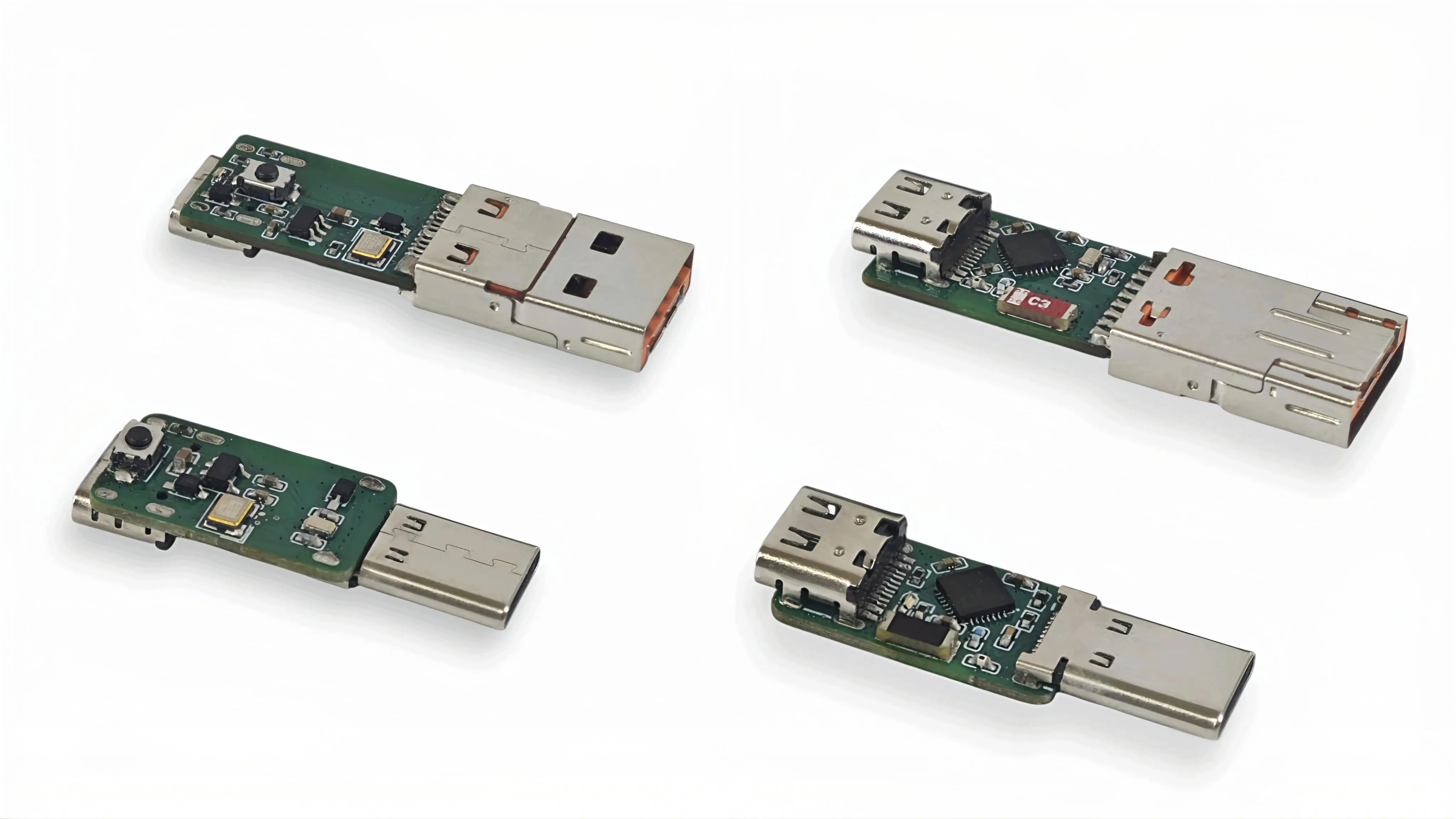
KeyMod is being developed as open hardware and open software. As the project evolves, we plan to publish schematics, PCB files, firmware, software, and BOM so the community can learn from it and build on it.
Follow Updates
Crowd Supply updates: https://www.crowdsupply.com/techxartisan/openterface-keymod
 Maciej Witkowiak
 zerokeyusb
 Jared Young
 JackyYuen