 cuprice

This project is for beginners who are learning circuits and programming. I’d be happy if you could kindly support it.
After completing this project, I discovered a similar concept posted on Hackaday 12 years ago. I'm humbled to have independently arrived at the same idea, and I hope my beginner's attempt contributes something new.
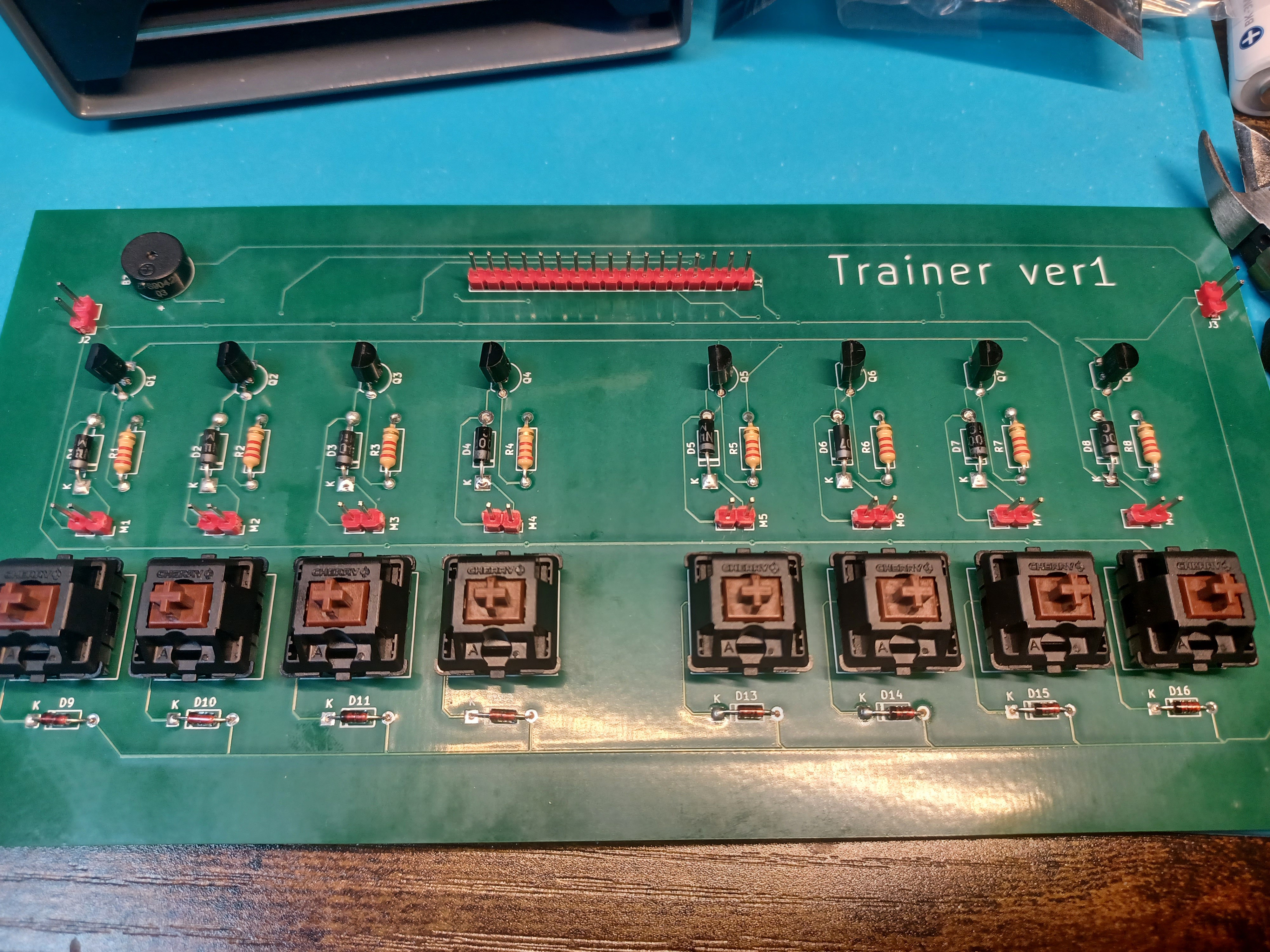
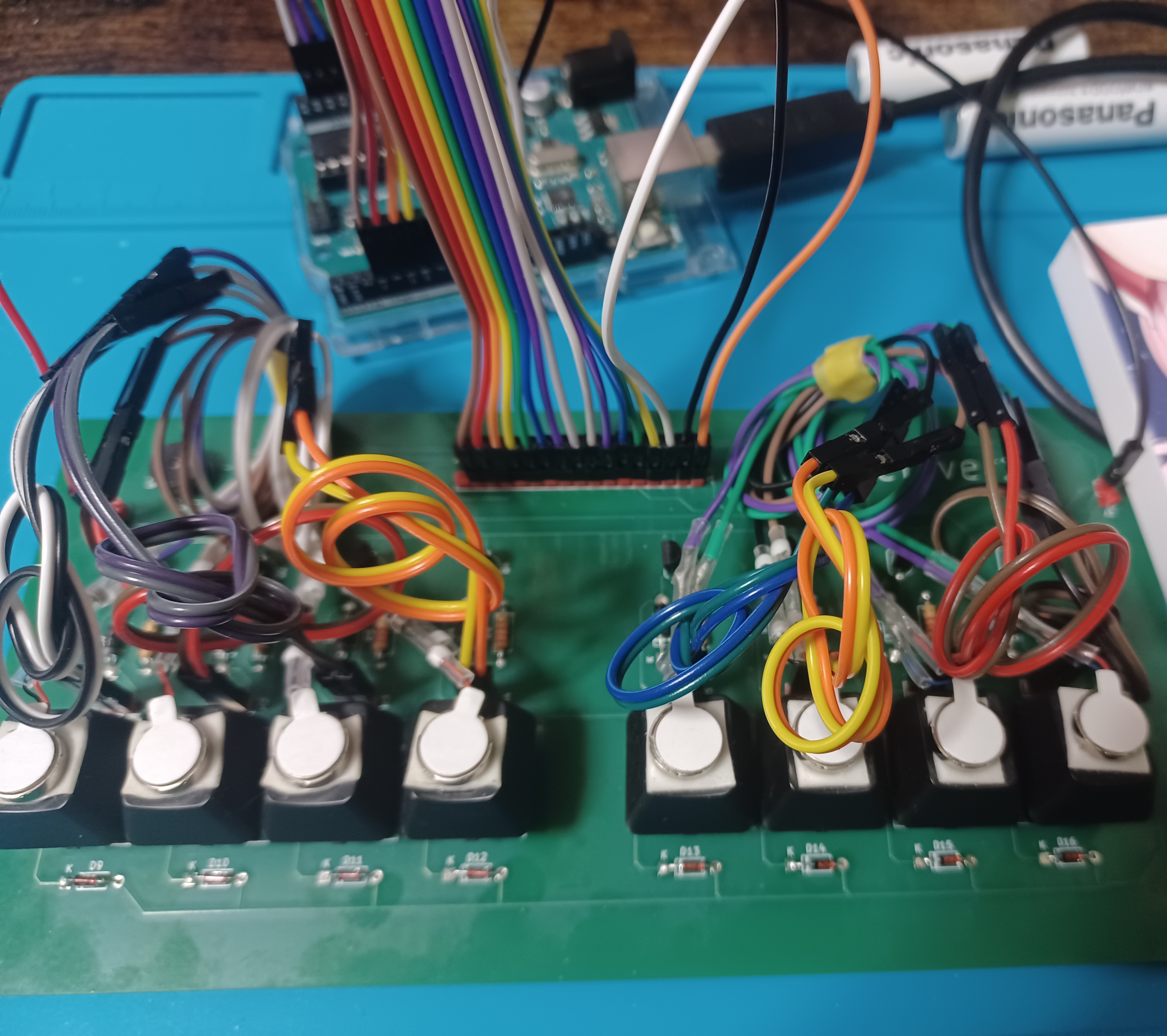
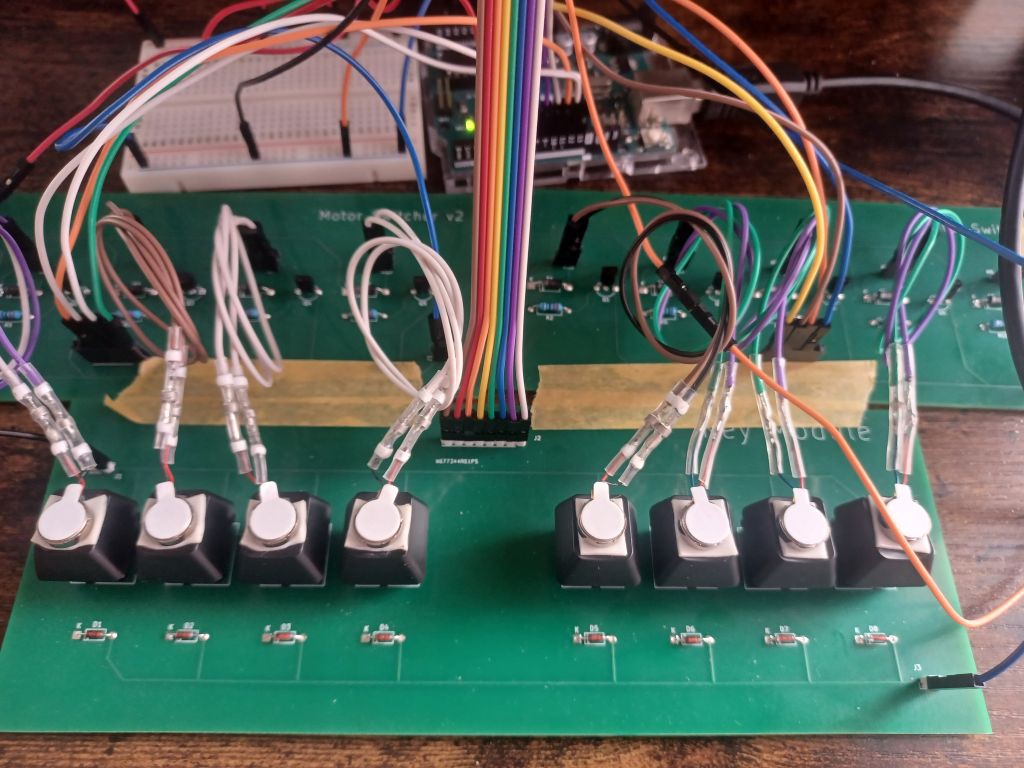
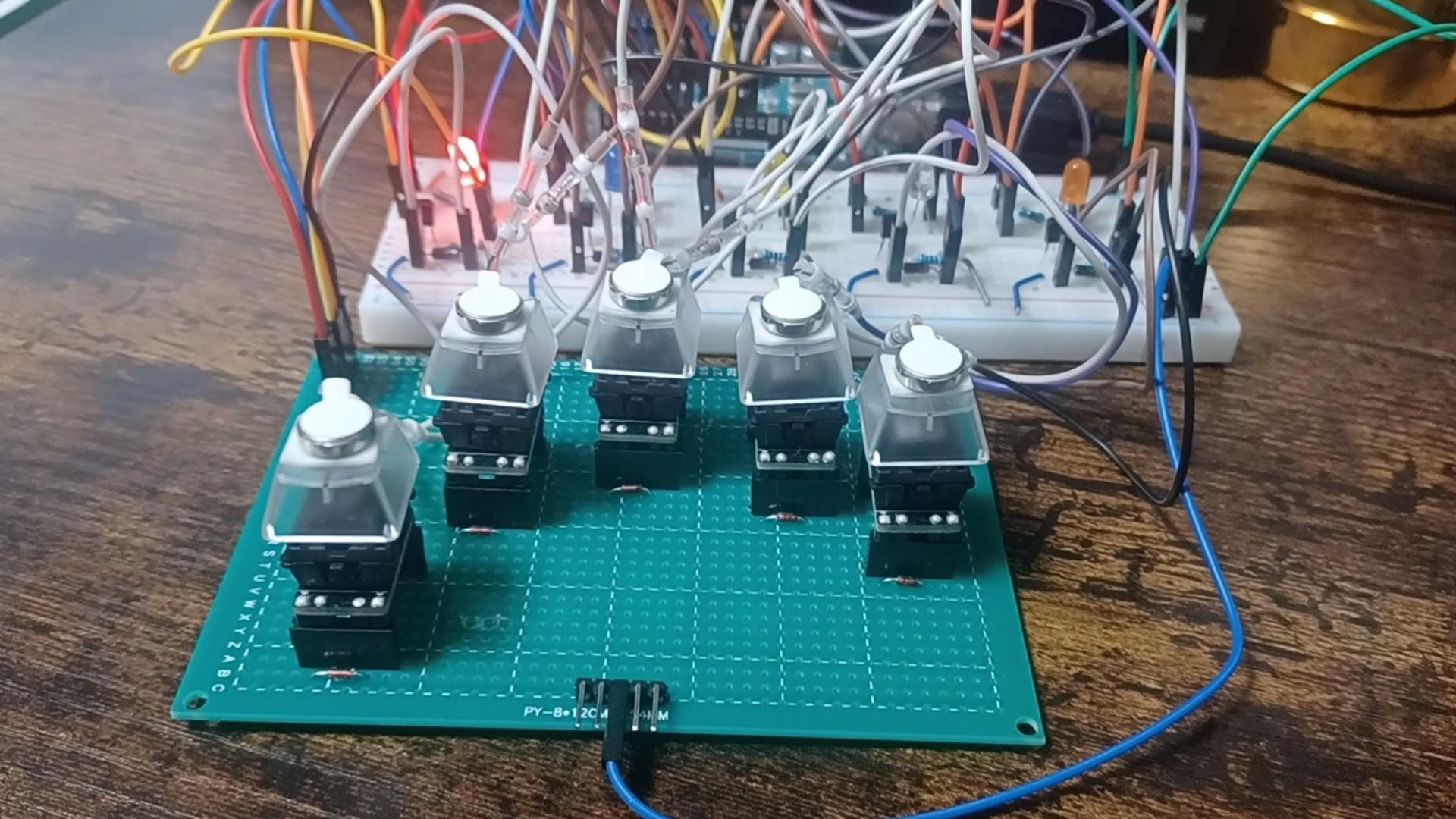
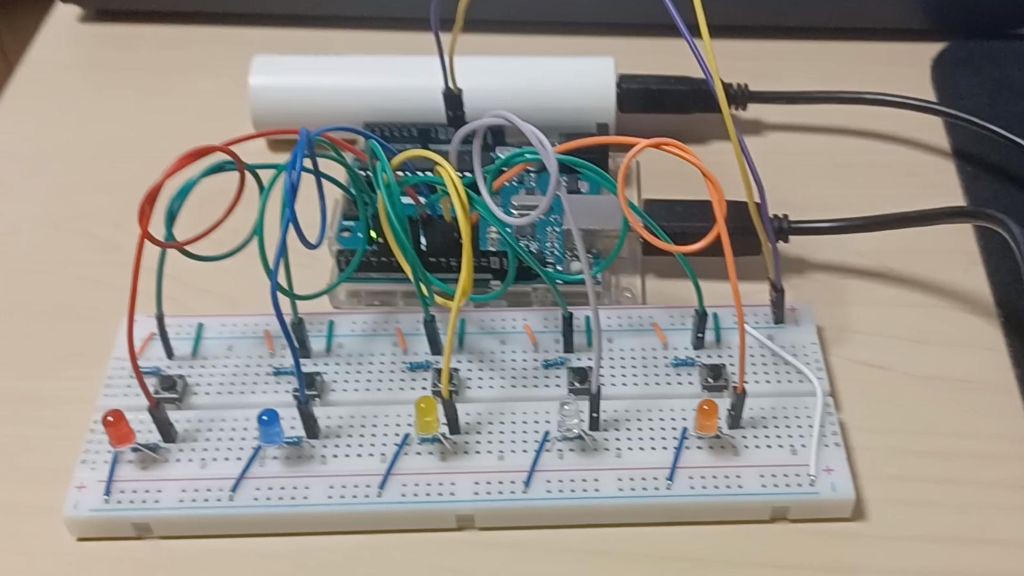
This is a keyboard I made while learning programming and circuits by myself. I am still a beginner, but I tried my best to build it.
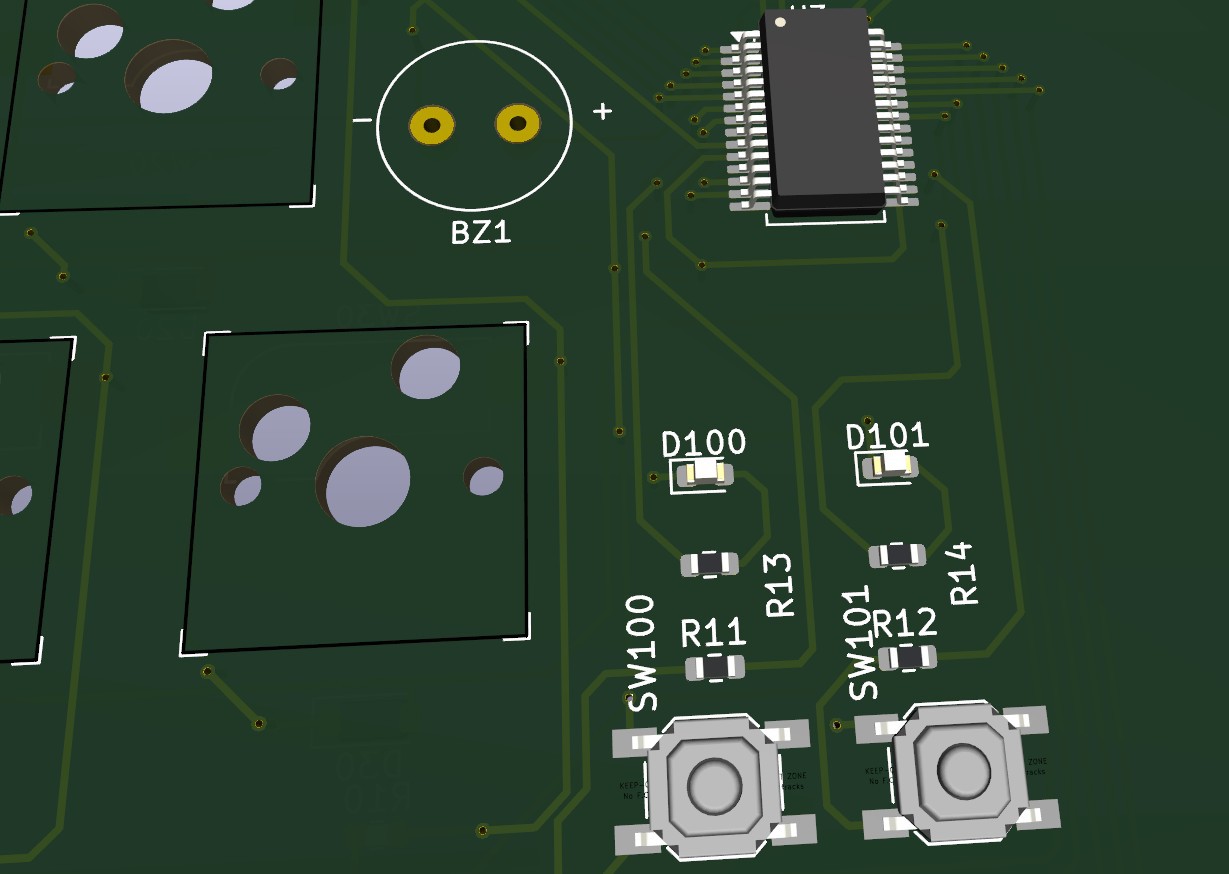
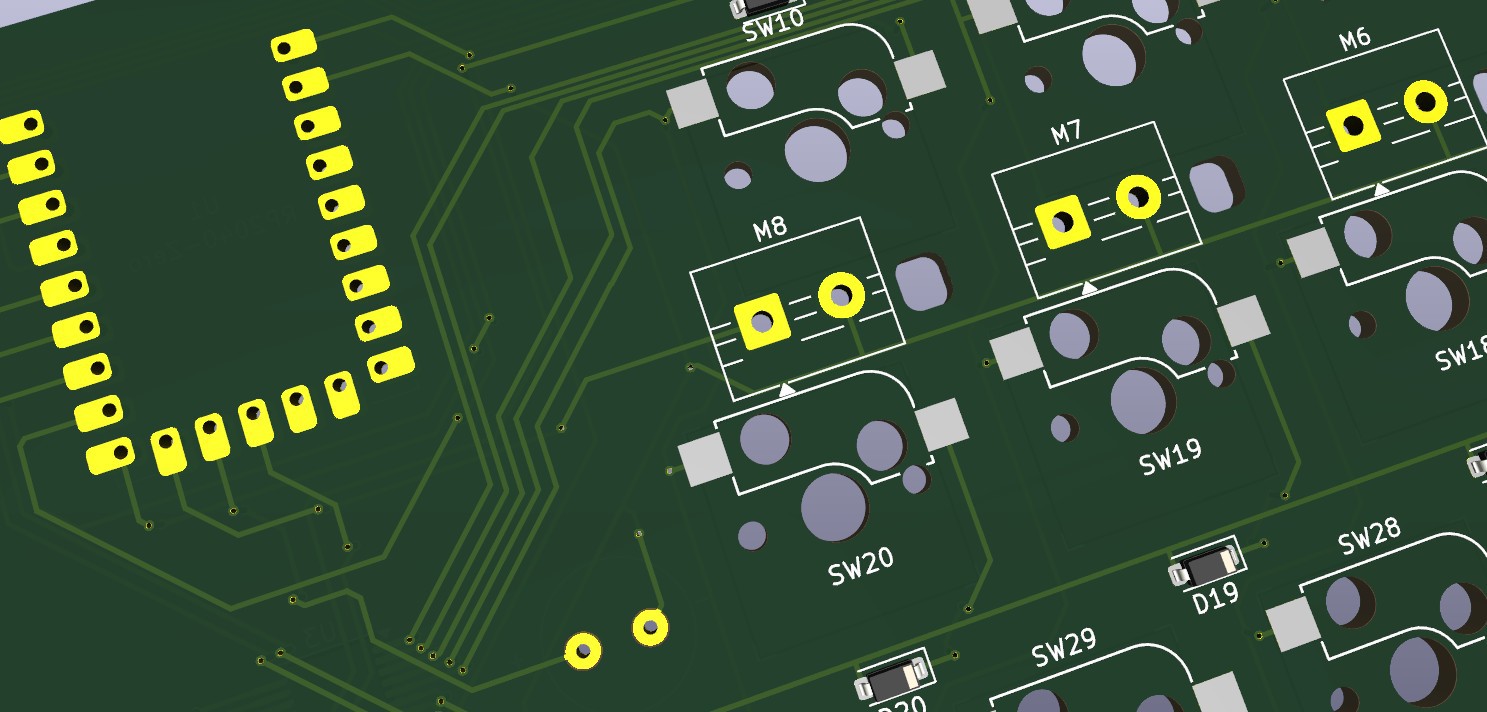
This is a practice keyboard layout with 30 keys, arranged in 10 columns and 3 rows. It includes a reset switch. It's compatible with Cherry MX switches. I've confirmed it works with the Arduino nano every, although it's not perfect. I haven't tested it with newer Arduino models. The circuit board was designed using KiCad 9.0. The board size is about 261.1mm × 81.5mm, and it's powered by USB through the Arduino nano every.
I changed the code to use three kinds of buzzer sounds to tell the user which row of keys to press. If the key is on the top row, the buzzer beeps three times. If the key is on the bottom row, it beeps one time. If the key is on the middle row, it beeps two times. For keys that do not have a vibration motor, the device changes the length of the vibration to show the position.
The firmware and source code are available on GitHub.
 David Boucher
 Timescale
 Pamungkas Sumasta
 Scott Clandinin