 Jaime Clot
The new USB I/O Bridge extends Quadium 4004 Workbench beyond software emulation, enabling real-time communication with external hardware through a standard USB Serial (CDC) connection.
Compatible devices include Arduino Leonardo, Arduino Mega, and virtually any USB CDC device implementing the Quadium USB protocol.
What can it do?
- Send CPU register / PC / ACC / carry to external hardware.
- Send ROM and RAM I/O port state.
- Receive nibbles from hardware into Quadium ROM ports.
The USB I/O Bridge makes it possible to build interactive demonstrations, educational projects, laboratory experiments, and custom peripherals using real hardware.
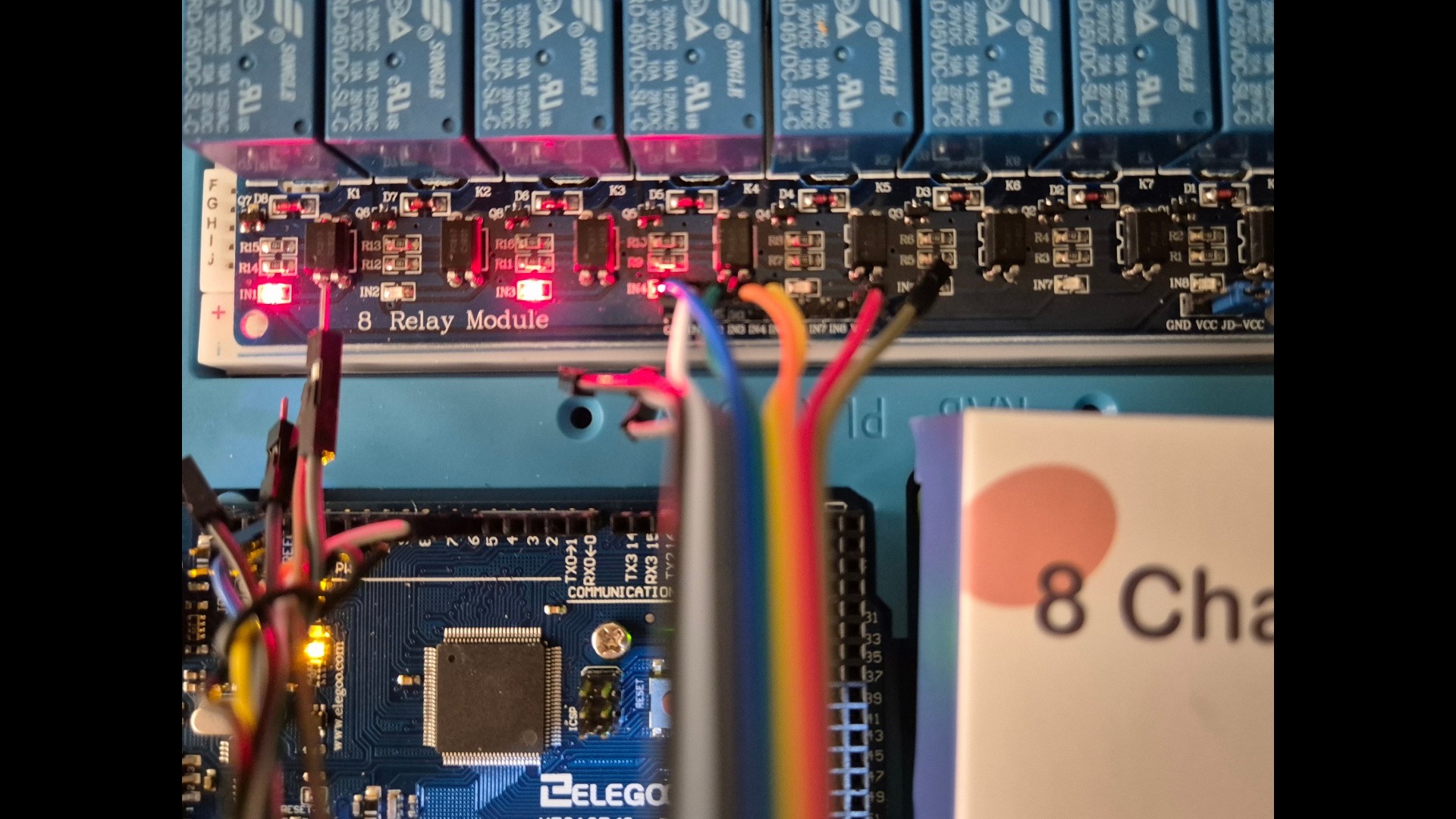
The protocol is lightweight, easy to implement, and designed specifically for the Intel 4004's 4-bit architecture.
Drive LEDs, read switches, control displays, or build your own expansion hardware. The USB I/O Bridge provides a simple and flexible way to connect Quadium with the real world.
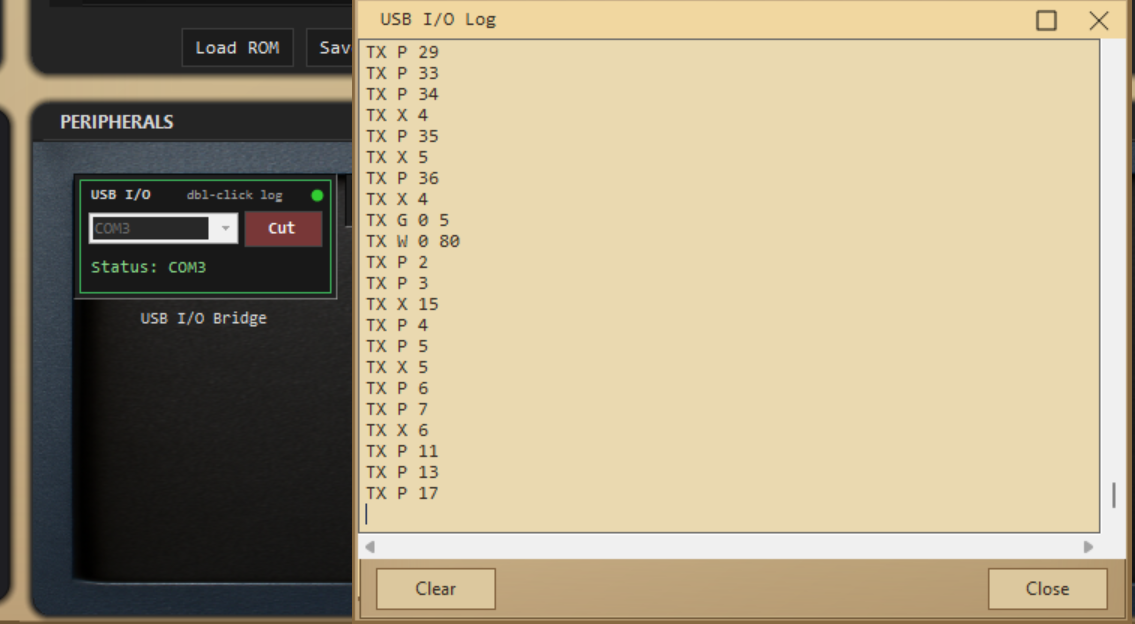
Quadium USB I/O — Protocol card
Link: USB serial · 115200 8N1 · ASCII · one command per line · ends with LF
Host → device (Quadium sends)
Line | Meaning |
|---|---|
R c n | ROM port chip |
A c n | RAM port chip |
S i b | 4003 shifter index |
P pc | Program counter |
X n | Accumulator nibble |
| Carry flag clear / set |
G i n | CPU register |
W p b | Register pair |
Q | Query: report current inputs now |
R…W: only on change. Q: on link / when asked.
Device → host (board sends)
Line | Meaning |
|---|---|
I c n | Inject nibble |
This feature is fully integrated and will be available at launch this coming November.
Thank you for being part of this journey. Watching this project grow has been incredible, and there is even more to come before the release.
Discussions
Become a Hackaday.io Member
Create an account to leave a comment. Already have an account? Log In.