 Keith
Keith

Both sections - the application 'client' and the windows management 'server' use a lot of foundation code. I don't have the time to port even the client side foundation code right now. I am not going to even try if I can't even create programs that can use it.
So I set out to write some demo code where both parts ran on the same machine, namely my Linux PC.
You do not need to wire a pair of hardware serial ports together, because Linux can create virtual communication links in software. You just tell the client and server sides to use them. When you want to run the client on an old or homebrew machine, tell them to use a hardware communication link like a USB comms port.
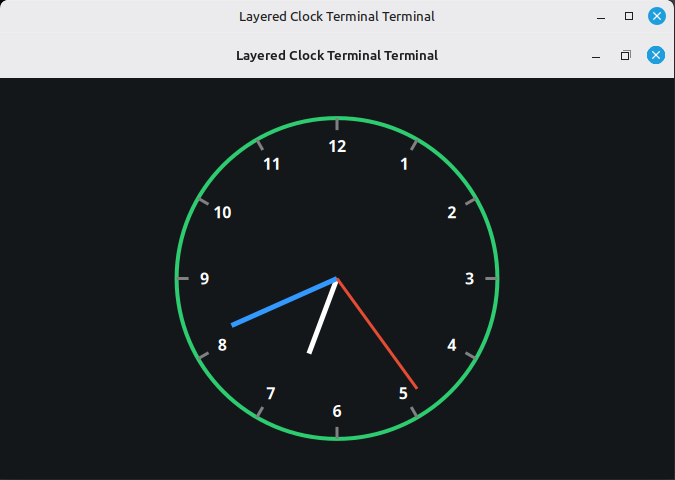
I asked Google AI for some starter code, drawing a clock. There is a program on Sun Workstations called xclock which does this.
I was pleasantly surprised that it did so, and worked almost immediately. There are some commands to set up the communications, the windows server, and the clock client, in that order.
I requested hour numbers and they went on with no problems.
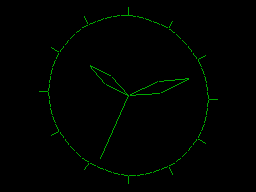
Here's something similar, from the Acorn Atom programming manual.
That was very quick work, so I decided to give it a bigger challenge, drawing a 3-D surface.
This took a bit more time, for various reasons.
- The virtual serial ports have virtually zero latency time. So either side can quickly fill up the other side's communication buffers and end up waiting forever for the other side to service a crashed buffer.
The solution to this is to have a 'ping' type function to check the other side is ready to receive. Not for every character, but for maybe a line at a time. - The AI was adding commands to the command handler that were not in the standard X-Windows command set. This can be used to reduce comms traffic, e.g. by sending one command to draw a quadrangle instead of four commands to draw the four lines.
I wanted to have the server to be client-independent, just handling the common command set. I asked for this, and the program worked perfectly:
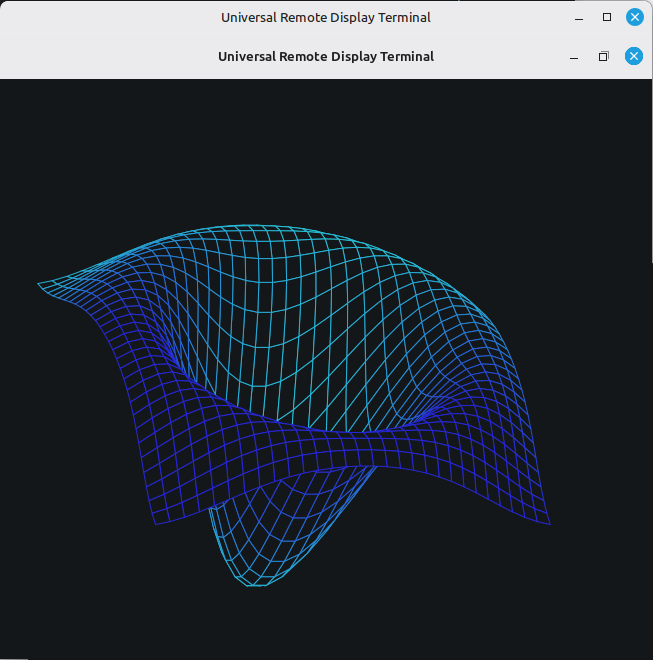
It is not very quick, but as an unexpected pleasant surprise it slowly rotates and is redrawn larger or smaller when the window is stretched.
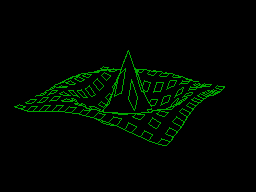
Here's something similar the Acorn Atom did earlier, around 1982. A lot slower, and no stretching windows.
Well, job done. I now have test code I can try porting to target machines.
Target machines
Many old machines can provide the serial port needed, but the real hurdle is the large amount of computing resources needed to run the X-Windows interface stack. Even just the client end. You have a lot of windowing messages to look out for and respond to. You need about 8 Megabytes of RAM and at least a 68000 processor.
The Applix 1616 has a 68000 but only half a megabyte of RAM. The 68000 memory space is 16 Megabytes, so only just enough room. Upgrading the RAM size would be challenging, needing more modern chips and therefore level shifter buffers as well.
Even then, a modern PC can emulate a 68K family CPU many times faster than the original, so having the original hardware is no longer needed. Unless you just want the satisfaction of giving your homebrew machine a colour graphics windowing terminal.
Alas there is no chance of getting an 8-bit 64K RAM machine doing any of this.