 Yurii
YuriiWith frames flowing, the rest came together as ms5_viewer.py: a small pure-Python-stdlib server
that does the WiFi handshake, reassembles the JPEG stream, and re-serves it over HTTP so any
browser, VLC, ffplay, or OBS can watch it. No installs, no dependencies, fully offline. Result:
1280×720 at ~25–30 fps — roughly 10× the official app, on the exact same hardware.
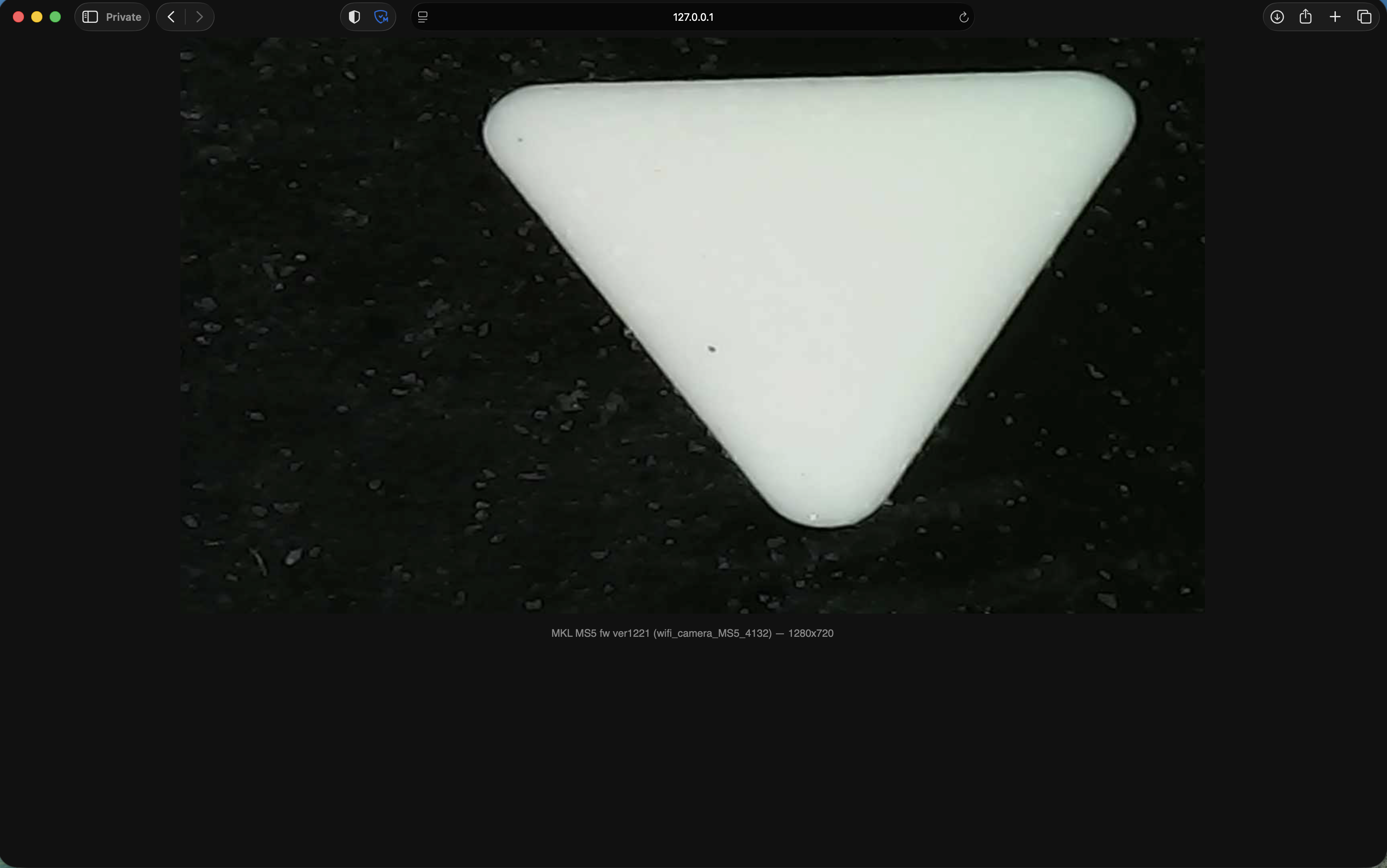
A few loose ends were worth chasing before calling it done:
- Resolution control. The protocol has real GetCameraConfig/SetCameraConfig commands, so I
decoded and tested them. Turns out the app's higher-resolution options were never real — anything
above 1280×720 is silently ignored by the camera, and it's already the hardware's ceiling. Lower
resolution (640×480) works but gives no speed benefit, and switching modes at runtime once wedged
the video encoder badly enough that only a power cycle recovered it. Documented, but deliberately
left unused in the shipped viewer — there's no upside and a real downside.
- An iPad PWA, tried and reverted. I added a home-screen-installable PWA so the viewer would
feel native on an iPad. Reverted it — the camera's WiFi access point only allows one connected
client at a time, which makes a casual "grab your device and connect" workflow unworkable
regardless of how the software presents itself.
- Stability pass. Once the stream was running for real, a few practical issues showed up under
load: a too-small UDP receive buffer dropping packets, a stall-recovery routine that blocked far
longer than it should have on reconnect, and a race that could return an error before the very
first frame arrived. All fixed; a follow-up security review of the final code found no
vulnerabilities.
Discussions
Become a Hackaday.io Member
Create an account to leave a comment. Already have an account? Log In.