 Arnov Sharma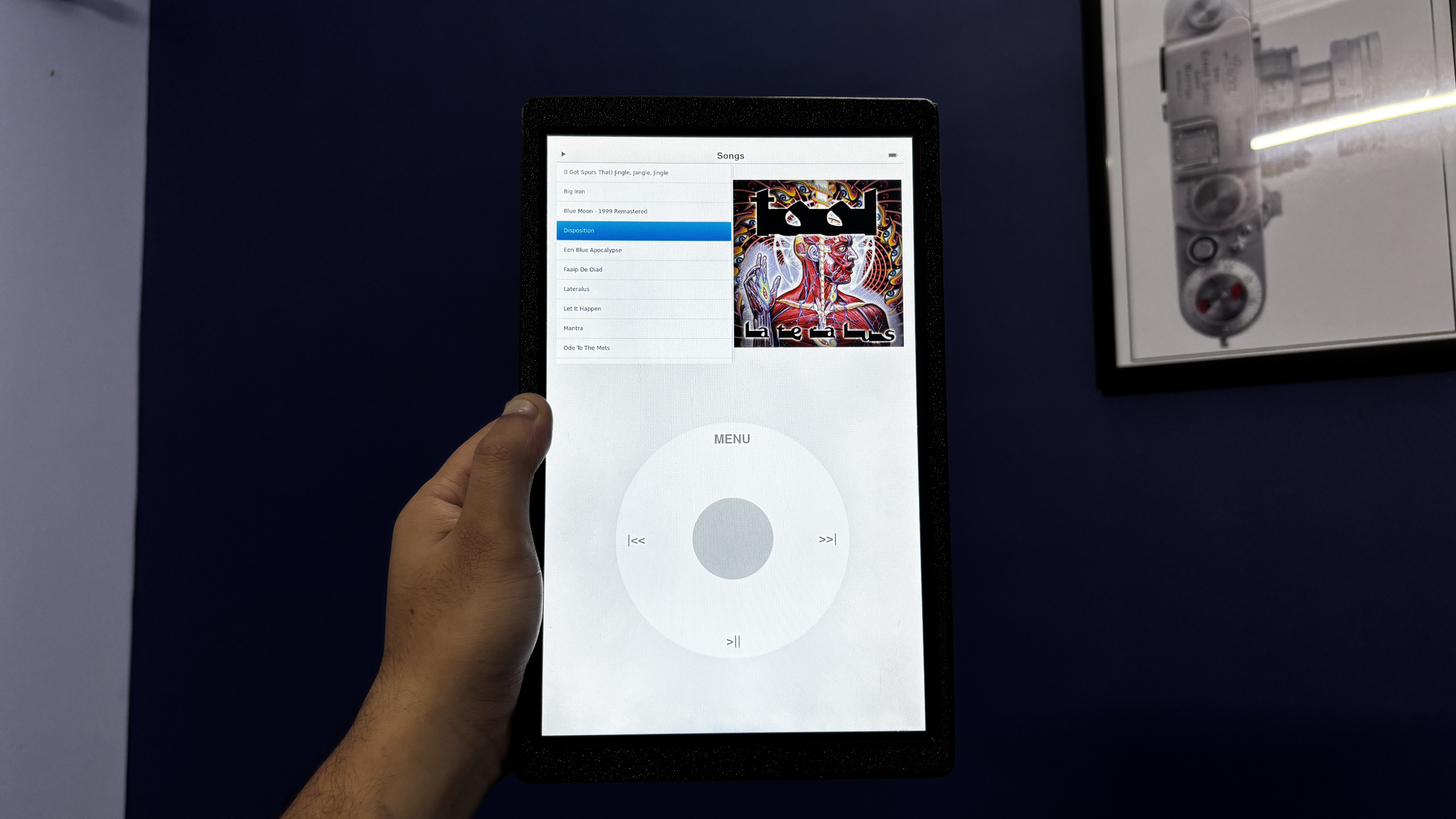
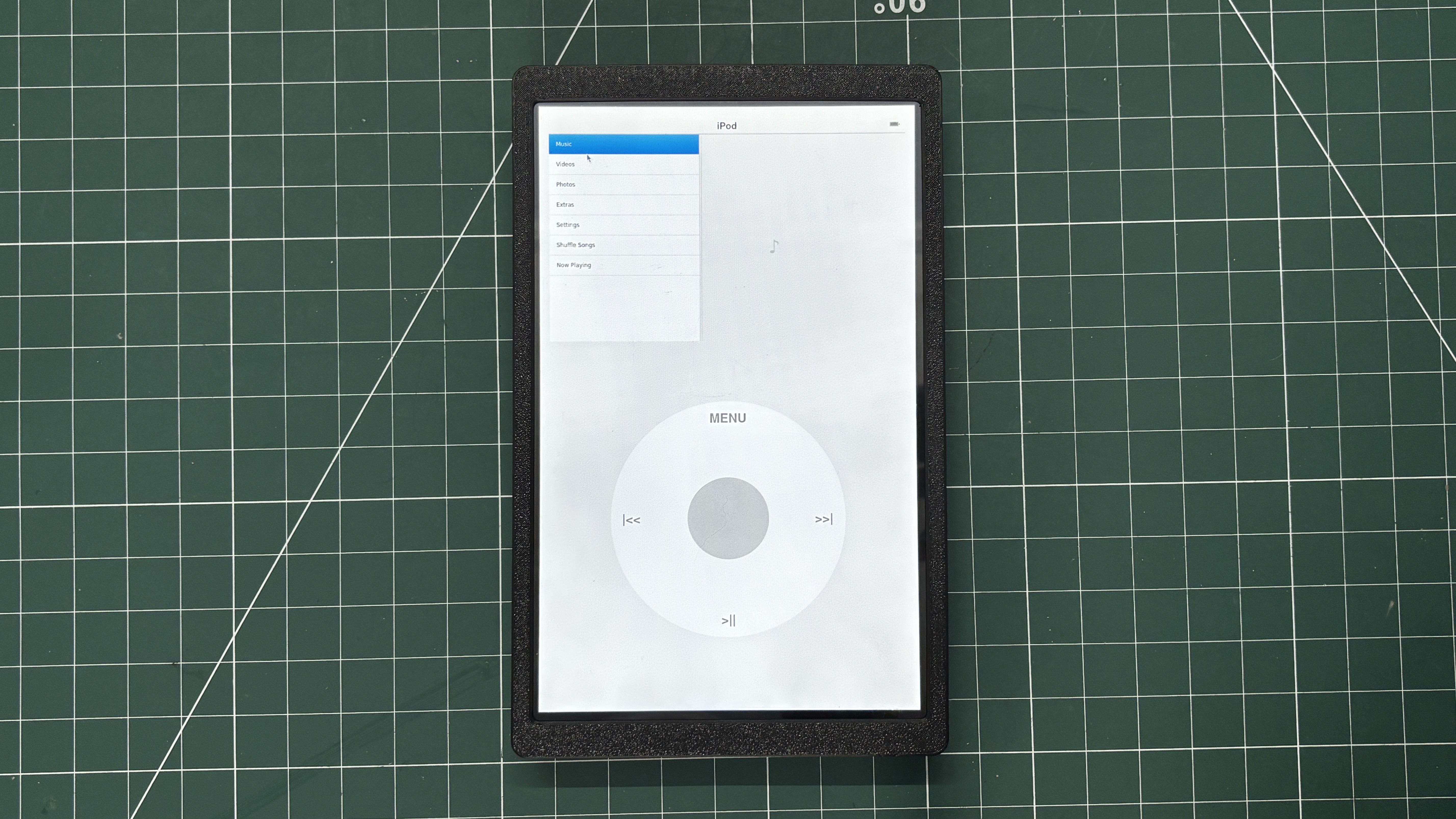
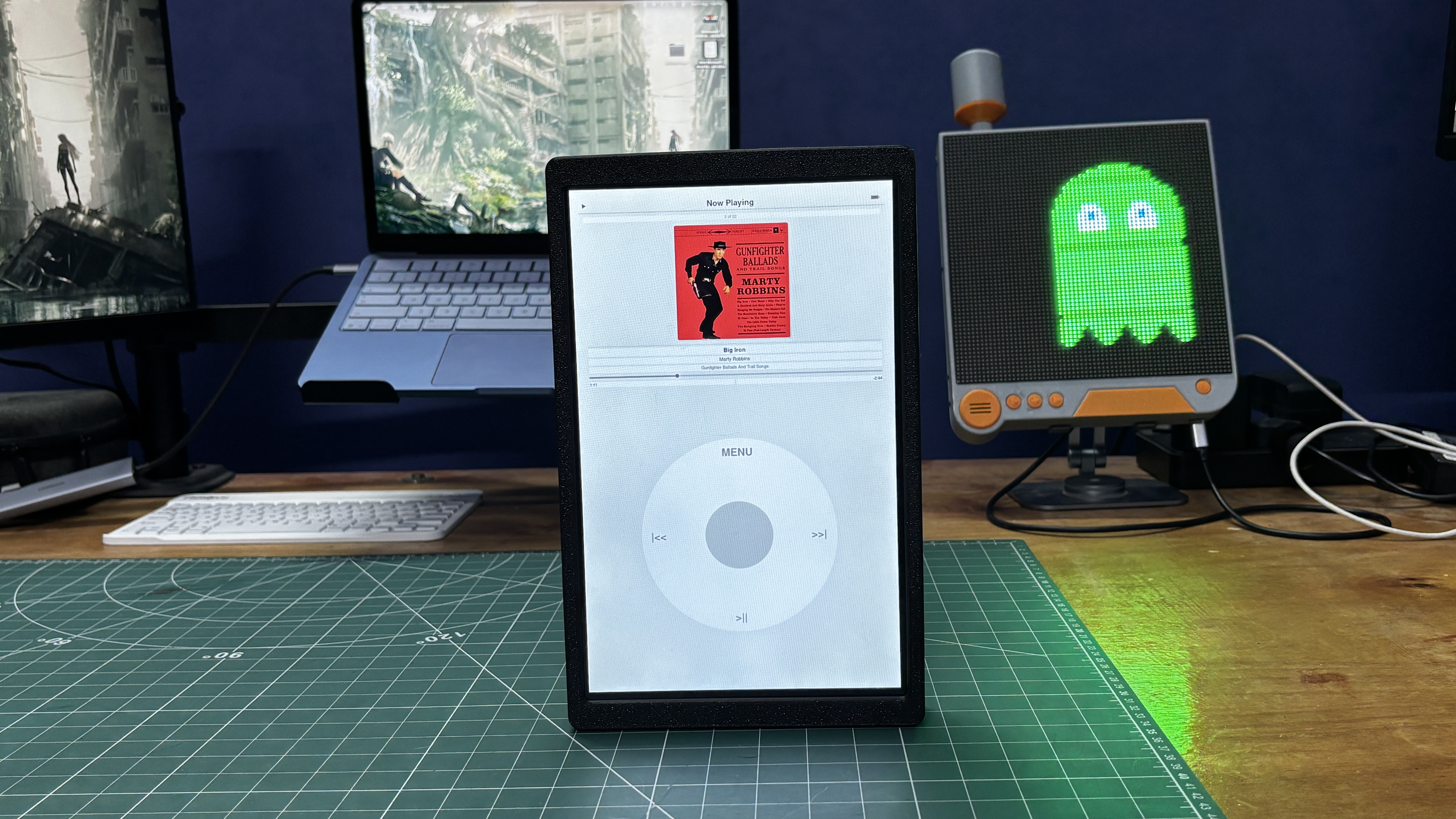
The 3rd-generation iPod Nano was one of those gadgets I always admired growing up. Its compact form factor, vibrant user interface, and the iconic click wheel made it one of the most recognizable portable music players of its time. Although I never got the chance to own one, the design always stuck with me.
Today, original iPod Nanos are becoming increasingly difficult to find in good condition. Many available units have worn-out batteries, cosmetic damage, or are simply too expensive to justify buying for a project.
Rather than restoring an old device, I decided to recreate the experience but with a giant twist.
At the heart of this build is a Raspberry Pi Compute Module 5 paired with a 10-inch Waveshare touchscreen. Instead of starting from scratch, I repurposed the hardware from my previous Absolute Linux Tablet project, giving it a completely new identity through a redesigned enclosure and custom software.
This article walks through the entire process of transforming that Linux tablet into a fully functional giant iPod Nano.
MATERIAL REQUIRED
These were the materials used in this project-
- Raspberry Pi CM5 4GB RAM with Evaluation Board
- NVME SSD (for OS)
- Waveshare 10.1 Inch DSI display for Raspberry Pi
- Power Management Circuit (Salvaged from Powerbank)
- LiPo cell 3.7V 10000mAh (Salvaged from power bank)
- 3D Printed Parts
- SPEAKER 4Ohms
- MAX98357A I2S Audio Amplifier
- M2 screws
IPOD 3rd GENERATION
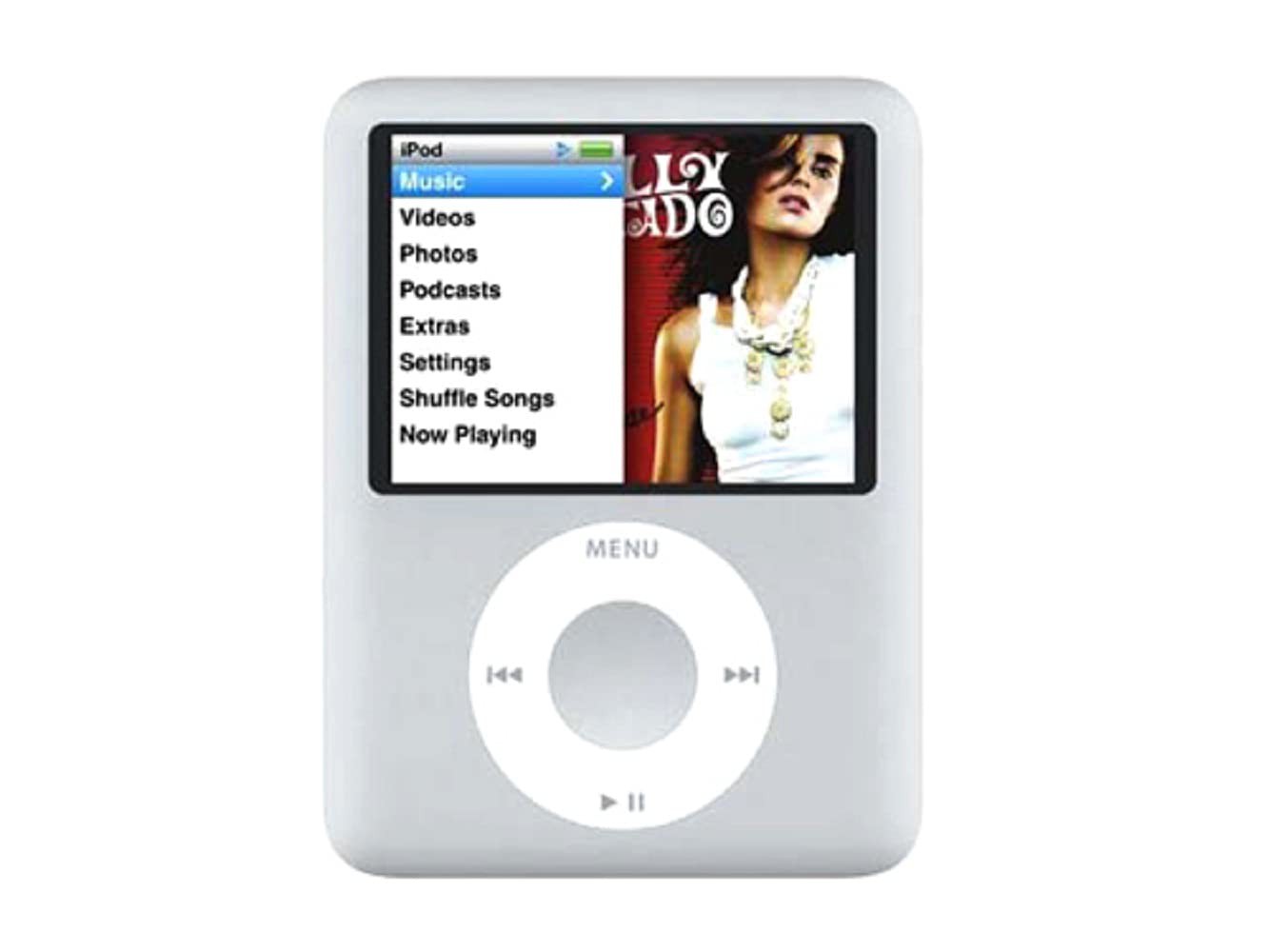
Released in 2007, the 3rd-generation iPod Nano marked a significant departure from its predecessors. Nicknamed the "fat Nano" due to its shorter and wider design, it featured a 2-inch QVGA color display with a resolution of 320 × 240 pixels, making it ideal for both music and video playback.
The device retained Apple's iconic Click Wheel, a touch-sensitive circular controller that combined rotational scrolling with five physical buttons, allowing users to navigate menus quickly with one hand. Available in 4 GB and 8 GB flash storage variants, the iPod Nano could store thousands of songs and supported popular audio formats such as MP3, AAC, WAV, AIFF, and Apple Lossless, along with H.264 and MPEG-4 video playback.
Powered by a rechargeable lithium-ion battery, Apple rated it for up to 24 hours of music playback and around 5 hours of video playback on a single charge. Its compact aluminum enclosure, bright display, and intuitive user interface made it one of the most recognizable portable media players of its era.
HARDWARE - RASPBERRY PI CM5
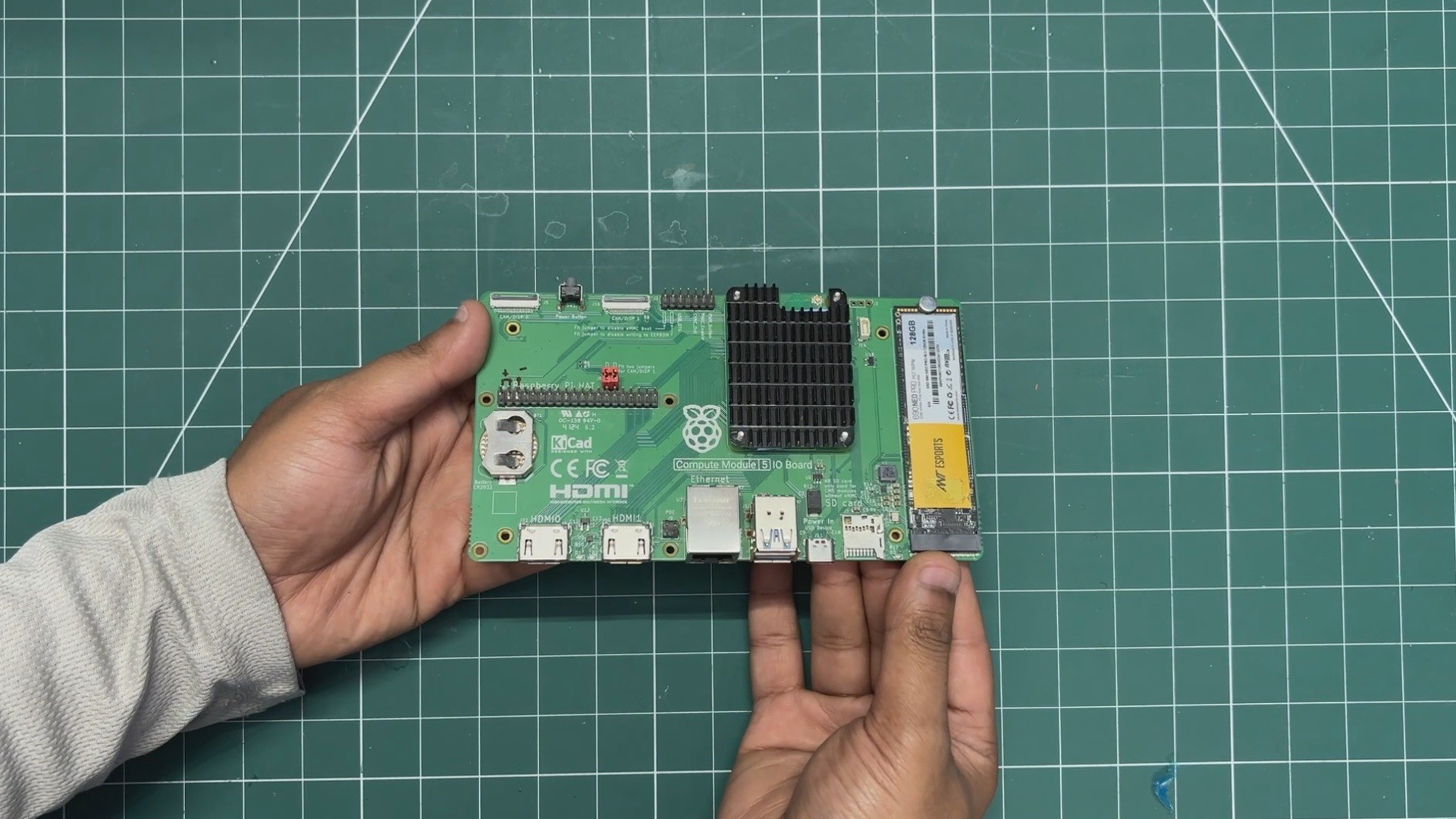
The brain of our project is the Raspberry Pi CM5, which is a more industrial-oriented version of the usual Raspberry Pi 5 in a module form factor. It uses the same Broadcom BCM2712 quad-core 64-bit Arm Cortex-A76 (Armv8) SoC running at 2.4 GHz, but in a much more compact package.
The CM5 sits on an evaluation board that breaks out USB ports, Ethernet, dual HDMI ports, GPIO headers, an SD card slot, and even an M.2 port for adding an NVMe SSD.
Here, we are using the 4GB variant, which comes with onboard 32GB eMMC storage.
For the operating system, I used the new Raspberry Pi OS based on Debian Trixie. The OS is installed on an NVMe SSD, which makes the system super fast. OS installation was done using Raspberry Pi Imager. We connected the SSD using an M.2-to-USB adapter and flashed the operating system directly onto the NVMe drive. Once the NVMe SSD was plugged into the CM5 board, the system booted directly from the SSD.
HARDWARE- WAVSHARE 10.1 INCH DSI SCREEN
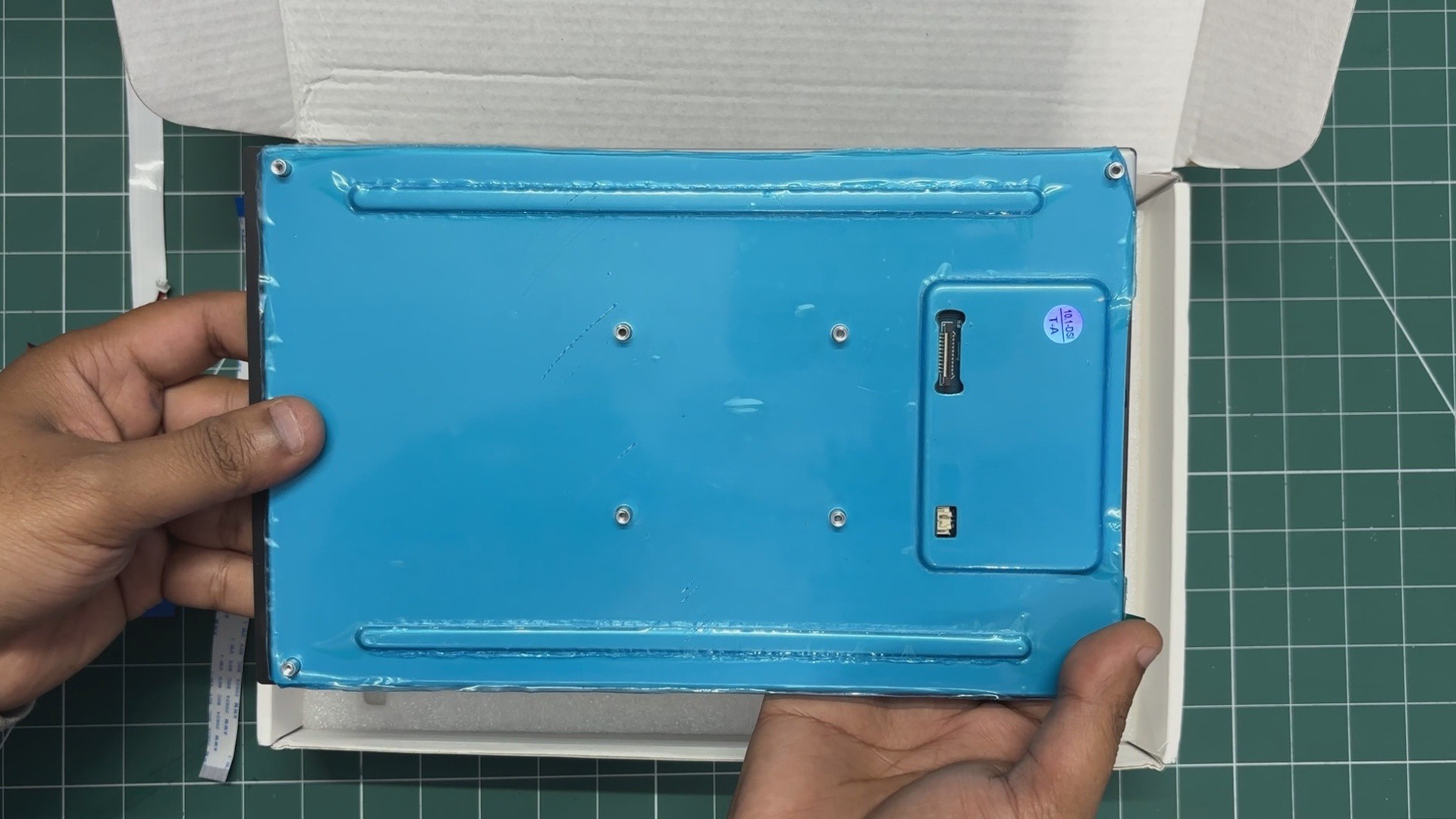
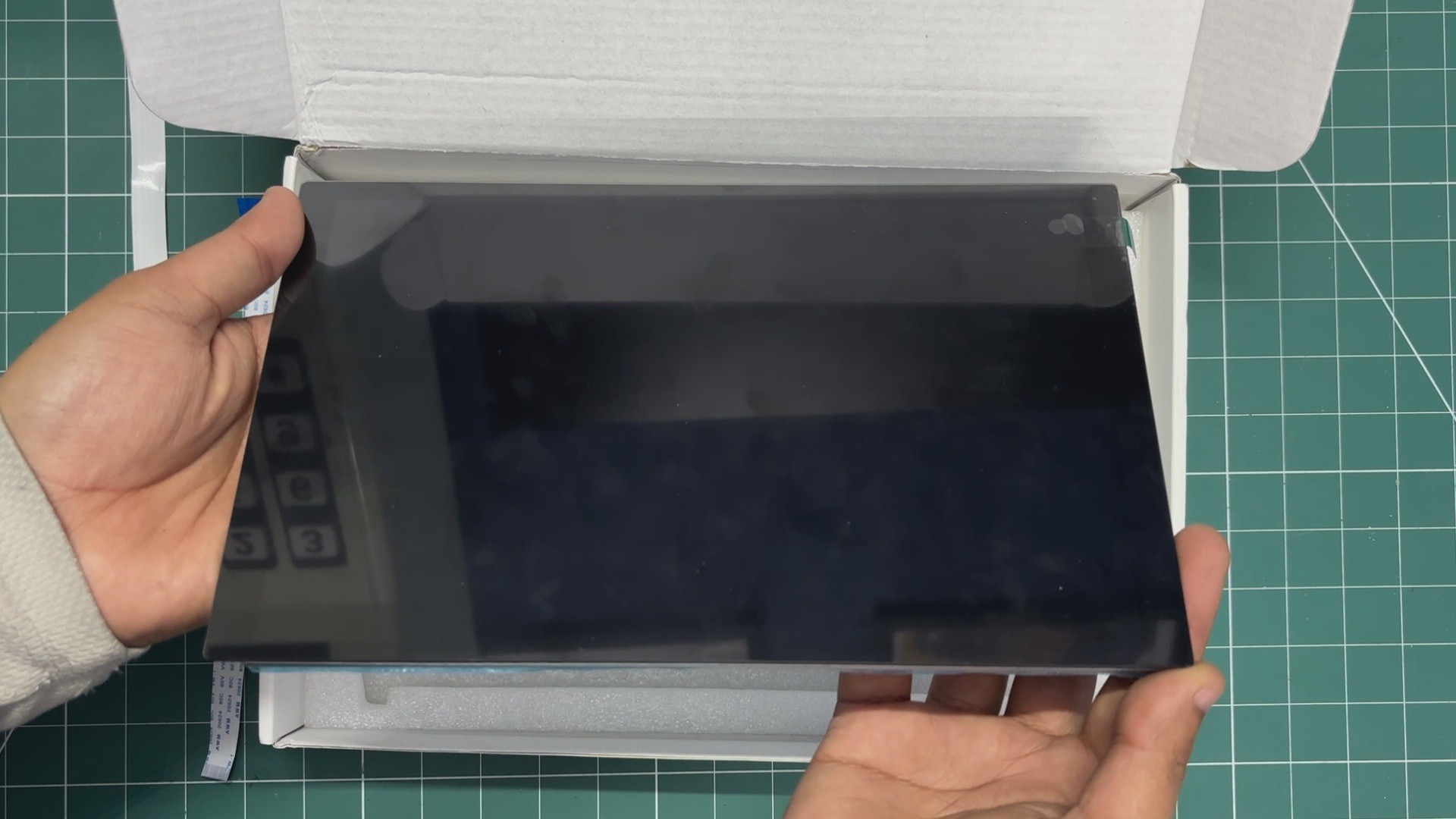
For the main display, I wanted something huge, not the average 7-inch size, but something larger.
Connectivity was also an important factor, as I wanted a DSI interface instead of HDMI.
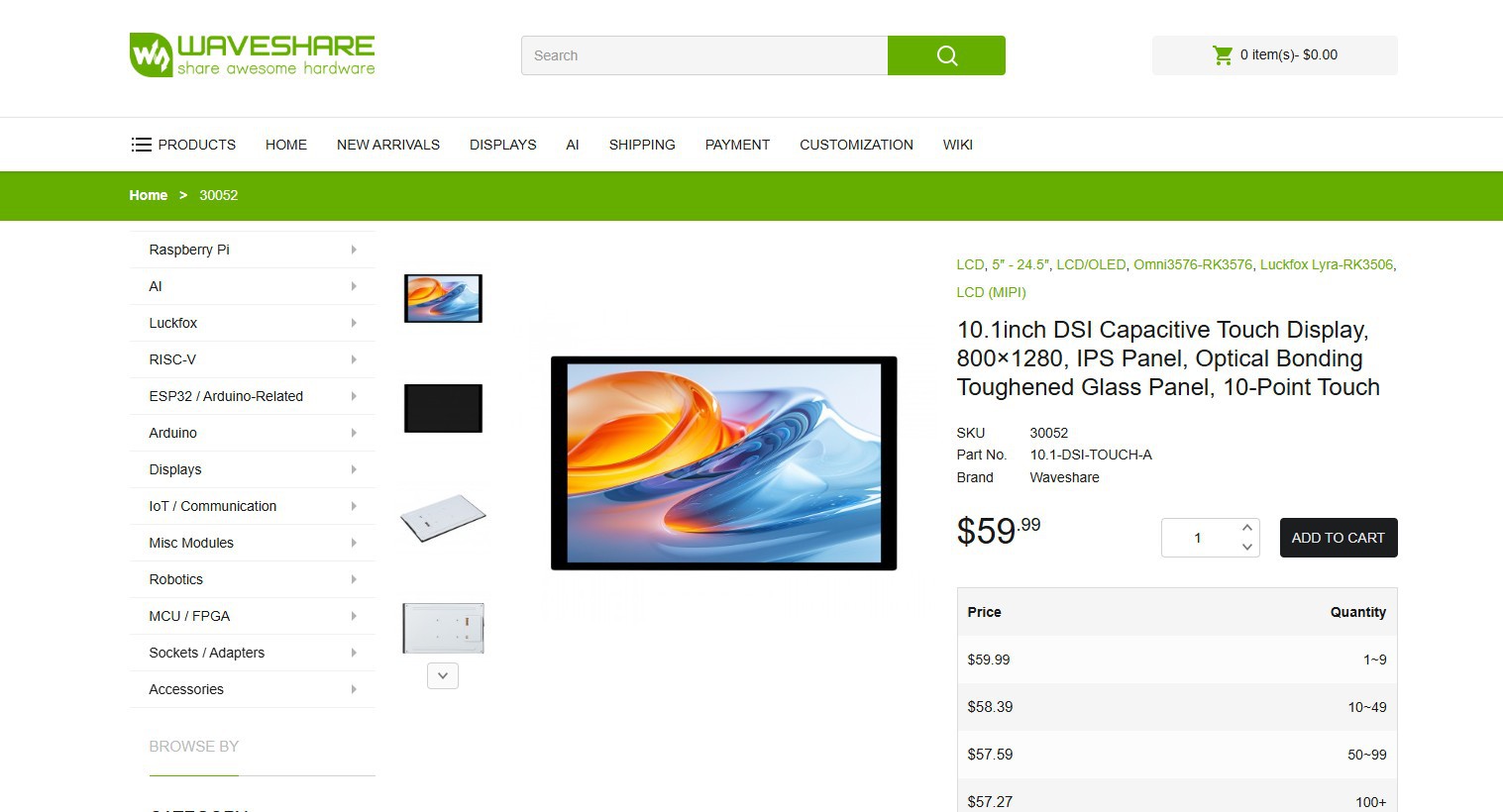
So, I selected Waveshare's 10.1-DSI-TOUCH-A display for this project. It is a portrait touchscreen LCD display with ten-point capacitive touch control. The display uses an IPS panel with a hardware resolution of 800×1280, which is perfect for our tablet application.
The LCD pairs with the Raspberry Pi through the DSI interface and supports a refresh rate of up to 60 Hz, which is more than enough for this application.
The kit comes with two FFC cables for pairing the display with a Raspberry Pi 5 or CM5, one FFC cable for pairing with a Raspberry Pi 4, a power cable, and a couple of PCB standoffs.
You can check out more about this display from its wiki page.
https://www.waveshare.com/10.1-dsi-touch-a.htm?&aff_id=Arnov
http://www.waveshare.com/wiki/10.1-DSI-TOUCH-A
WAVESHARE SERVICE
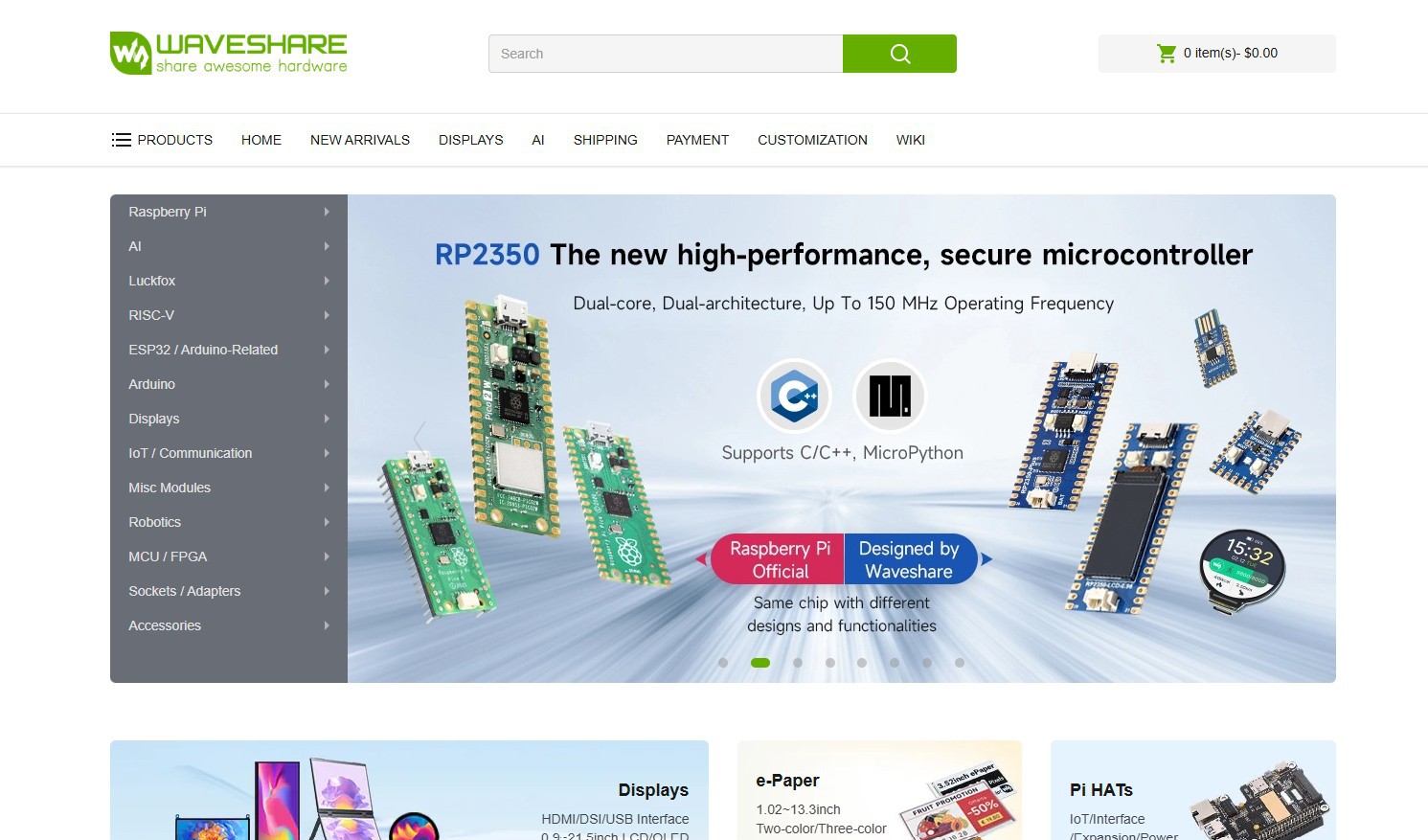
Special thanks to Waveshare for providing the hardware used in this project. The 10.1 Inch DSI screen and supporting accessories were supplied as review units for testing and evaluation.
Waveshare is a leading global provider of electronic components, modules, and development tools used across robotics, IoT, automation, education, and many other fields. With a strong focus on quality, reliability, and continuous innovation, Waveshare has earned the trust of engineers, designers, hobbyists, and makers worldwide.
Their extensive product lineup, from displays and HATs to expansion boards and embedded modules, makes them a go-to choice for both professional builds and DIY projects.