 Shubhan Mital
When the arm meets an obstacle on the line, it has three options, and it tries them in order:
- Go around (edge walk). The arm follows the edge of a safety zone drawn around the obstacle until it can rejoin the line on the other side. It's fast (about 1 ms to plan in our tests) and works well for a single object.
- Search for a route (A*). If walking around the edge would take the pen off the paper, a grid search finds another way around. It's slower (about 2.8 seconds on the same test), so it's only used as a backup.
- Lift over it. If there's no way around at all, the arm lifts the pen above the obstacle and puts it back down on the other side, leaving a small gap in the line. The arm never drags the pen through an obstacle.
Getting this right took a few rounds of bug hunting. We found that the A* search failed completely whenever the starting point sat inside an obstacle's safety zone. We also found that smoothing the final path could nudge it a fraction of a millimetre into the safety zone near sharp corners (up to about 0.45 mm). We fixed both, and added a final check that pushes any stray point back out. Our tests went from 7 safety-zone violations to 0, and we added a special case for when the obstacle covers the entire rest of the path, where the arm simply goes over.
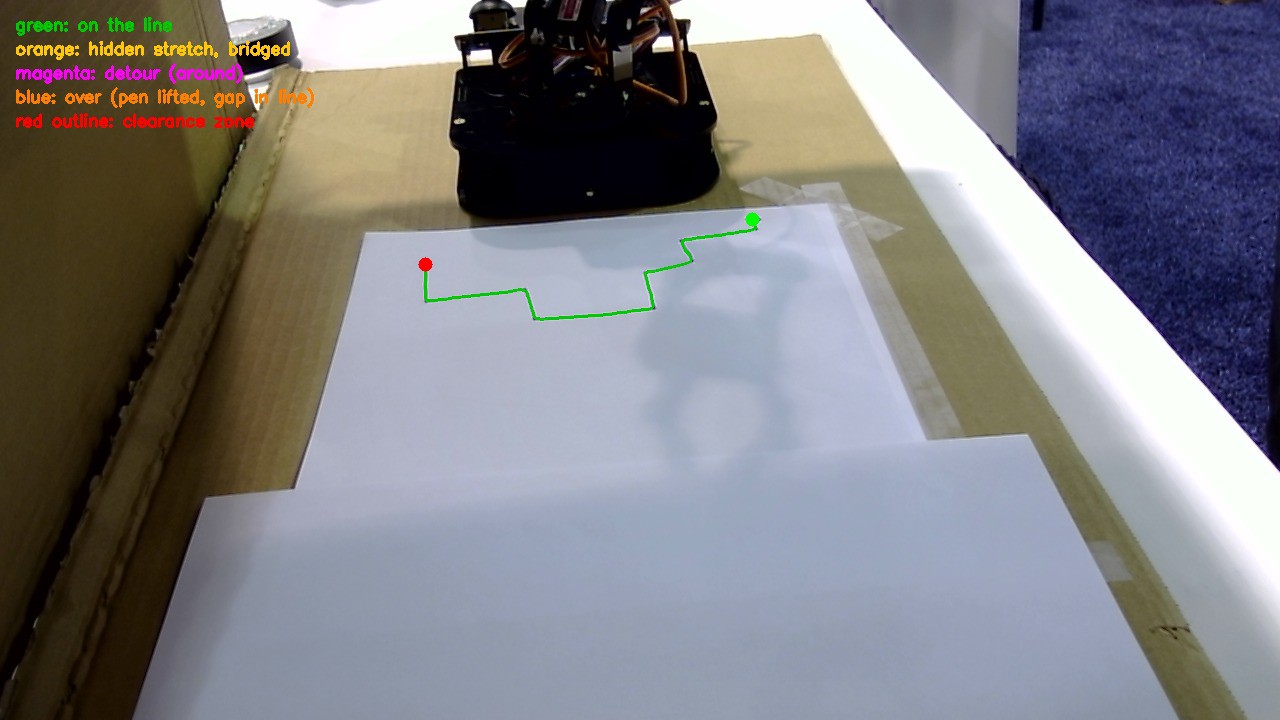
The path planner's colour legend: green = on the line, magenta = detour around, blue = lifted over, red outline = safety clearance zone.
Discussions
Become a Hackaday.io Member
Create an account to leave a comment. Already have an account? Log In.