 Tomek Szczęsny
Since I plan to build a custom wooden case and mount the computer under my desk, I needed a way to turn it on without the original laptop keyboard. I had to reverse-engineer the 26-pin keyboard ribbon cable to find the power button traces.
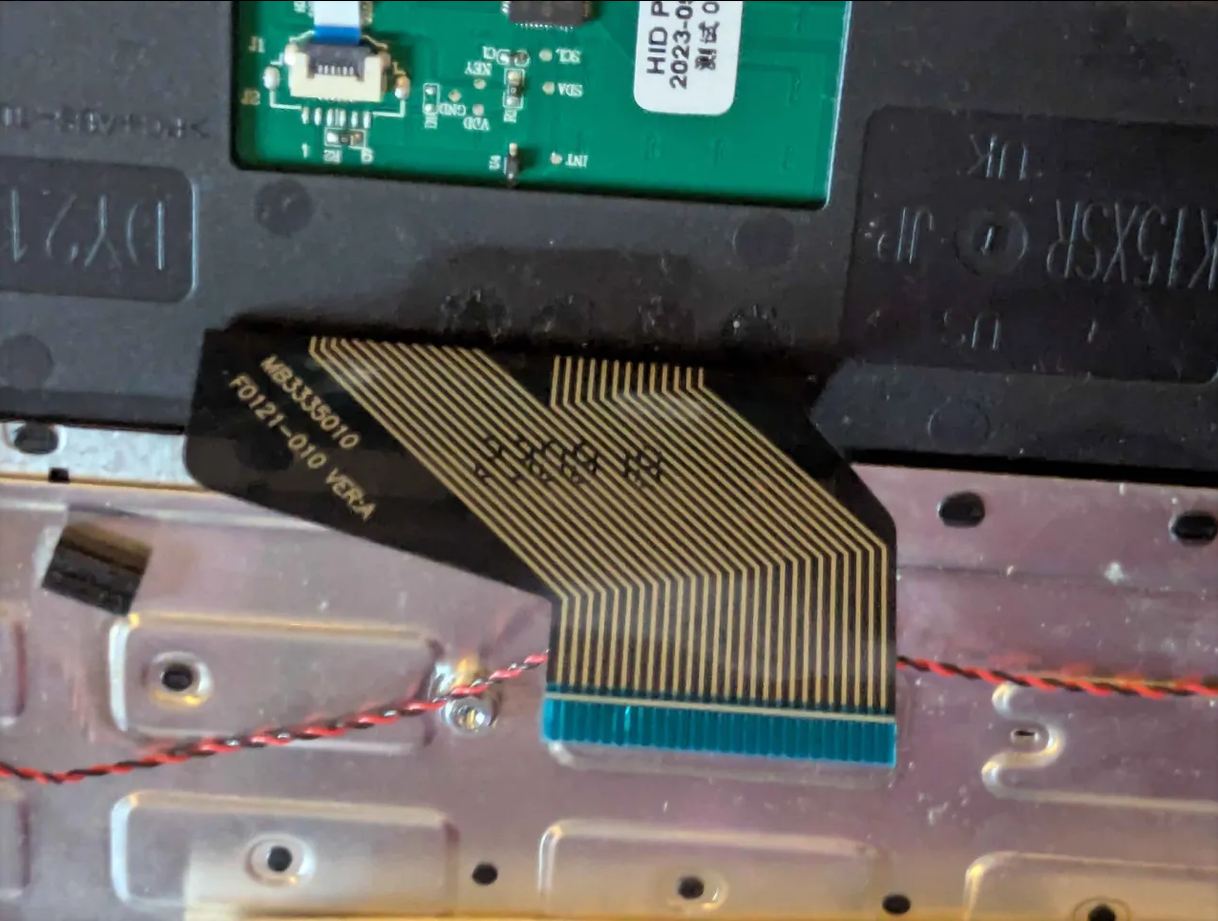
This became an interesting electronics riddle.
- At first, I used my digital multimeter (DMM) in standard "continuity beep" mode to scan the ribbon pins while pressing the power button.
- It failed. The meter did not beep at all.
- Why? Cheap laptop keyboards have poor membrane contacts. When you press a key, the resistance does not drop to 0 Ohms. Instead, it sits around 150 Ohms. Most standard multimeters only beep if the resistance is below 30 or 50 Ohms. They do not consider 150 Ohms a short circuit!
I switched my multimeter to Diode Test Mode with a fast screen refresh rate. This mode easily detects the voltage drop across a 150-Ohm resistance. Using this trick, I successfully located the power trigger on pins 1 and 2. With help of a breakout board, I will emulate this key with a larger button mounted on the case at the later stage of the project.
In the meantime, I have located a motherboard test point that acts as a power switch when shorted to GND, which I currently use for test launches.
Discussions
Become a Hackaday.io Member
Create an account to leave a comment. Already have an account? Log In.