 Inky Ganbold
What it is
epro2kicad is a single Python script that turns an EasyEDA Pro project export (.epro) into a KiCad board file plus a project scaffold, optionally zipped. KiCad does the PCB conversion itself. It already ships a native EasyEDA Pro importer, and epro2kicad drives that importer headlessly through the pcbnew Python module bundled with KiCad. The script uses only the Python standard library, so there is nothing to pip-install. MIT licensed.
$ python3 epro2kicad.py MyProject.epro --zip
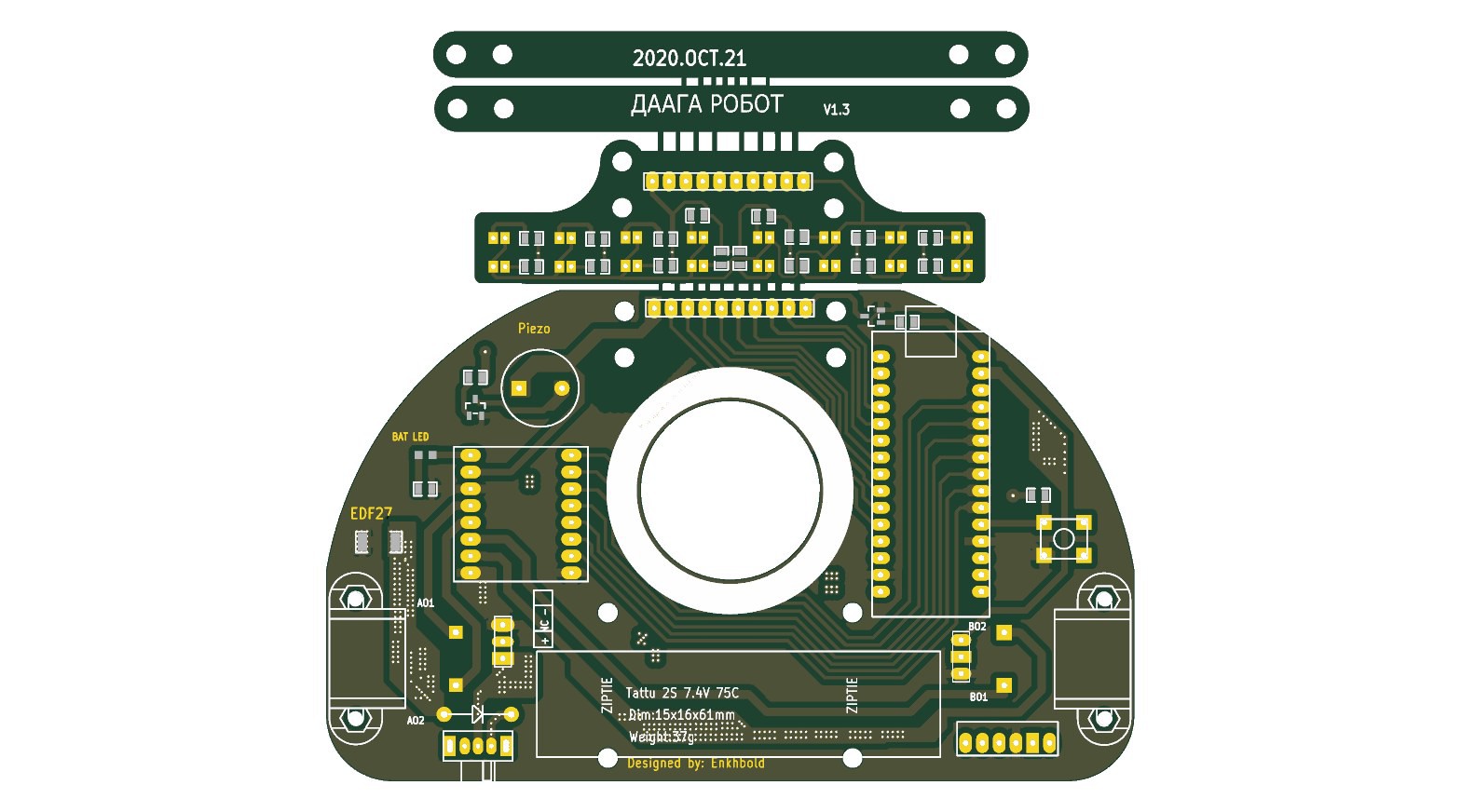
Daaga V1.3, converted with epro2kicad and rendered with kicad-cli (top side). This is the render in the repo.
Why
KiCad's EasyEDA Pro importer sits behind a GUI menu (File > Import Non-KiCad Project). Real exports trip that importer in a few ways, GUI or not, and one more problem shows up only when it runs headless:
- Some exports carry CR/LF line endings in their JSON Lines documents, and KiCad's parser crashes with
std::out_of_range: map::at. - Newer exports (EasyEDA editor 2.2+) moved design-rule values into an object keyed by sub-rule id. KiCad versions before 10.0.4 abort with
type must be number, but is array(KiCad issue #24303, which was reported on KiCad 10.0.1). - The same newer exports dropped the explicit
NETrecords. KiCad 9 only creates nets fromNETrecords, so every pad and track imports as<no net>. - When KiCad runs headless with more than one PCB in the project (a panel, a variant) and no PCB id given, it tries to open a chooser dialog and aborts with
std::bad_function_call.
How it works
Everything lives in epro2kicad.py, as three stages.
1. Normalize. An .epro is a zip of JSON Lines documents (.esch, .epcb, .esym, .efoo) plus project.json. The script repacks it into a temporary copy with clean \n line endings. For each .epcb (PCB) document, fix_epcb() rewrites new-format records into the legacy shape. It flattens object-keyed RULE values (the clearance matrix and the track-width rule). It also collects net names from VIA, LINE, ARC, POLY, FILL, POUR, PAD, PAD_NET and TEARDROP records and inserts the missing ["NET", name] records right after the header block, so they come before first use.
2. Convert. The script never imports pcbnew itself. If KICAD_PYTHON is set, it uses that interpreter as-is. Otherwise it tries the macOS KiCad.app paths and then the system Python, keeping the first one that can import pcbnew. It runs a short snippet there as a subprocess. The snippet creates a wx.App(), calls pcbnew.PCB_IO_MGR.Load(EASYEDAPRO, ...) with an explicit pcb_id, saves with PCB_IO_MGR.Save(KICAD_SEXP, ...), and prints a STATS line with footprint, track and net counts. Every PCB in the project is converted. The board-linked one becomes <project>.kicad_pcb, and panels are written under their own names.
3. Package. It writes a minimal .kicad_pro, copies your original .epro in for the schematic step, adds a README.txt, and with --zip archives the folder.
There is also a browser version at https://enkhbold470.github.io/epro2kicad/docs/. It is a JavaScript port of the normalize and package stages, so the file never leaves your machine, and its zip contains the repaired project as <name>_fixed.epro. It cannot produce a .kicad_pcb, because KiCad's C++ importer does not run in a browser, so you finish with one import step inside KiCad.
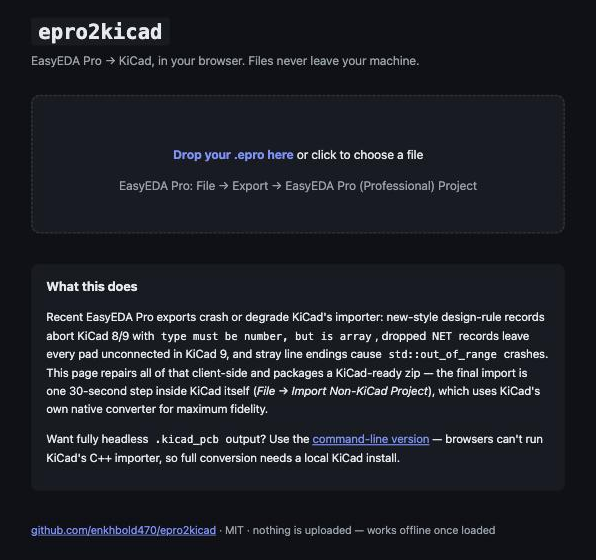
The browser version at enkhbold470.github.io/epro2kicad/docs.
Results
The repo ships a real test case, the .epro for Daaga V1.3. Daaga is a robot controller board I designed in 2020 (Arduino Nano, TB6612FNG dual motor driver, QRE1113 reflective sensors, HC-05 Bluetooth header). The v1.0.0 release notes record 45 footprints, 1068 tracks and 63 nets for it. The render in the repo was made with kicad-cli pcb render from the converted .kicad_pcb. Footprints, tracks, zones and the breakaway sensor panel all came through.
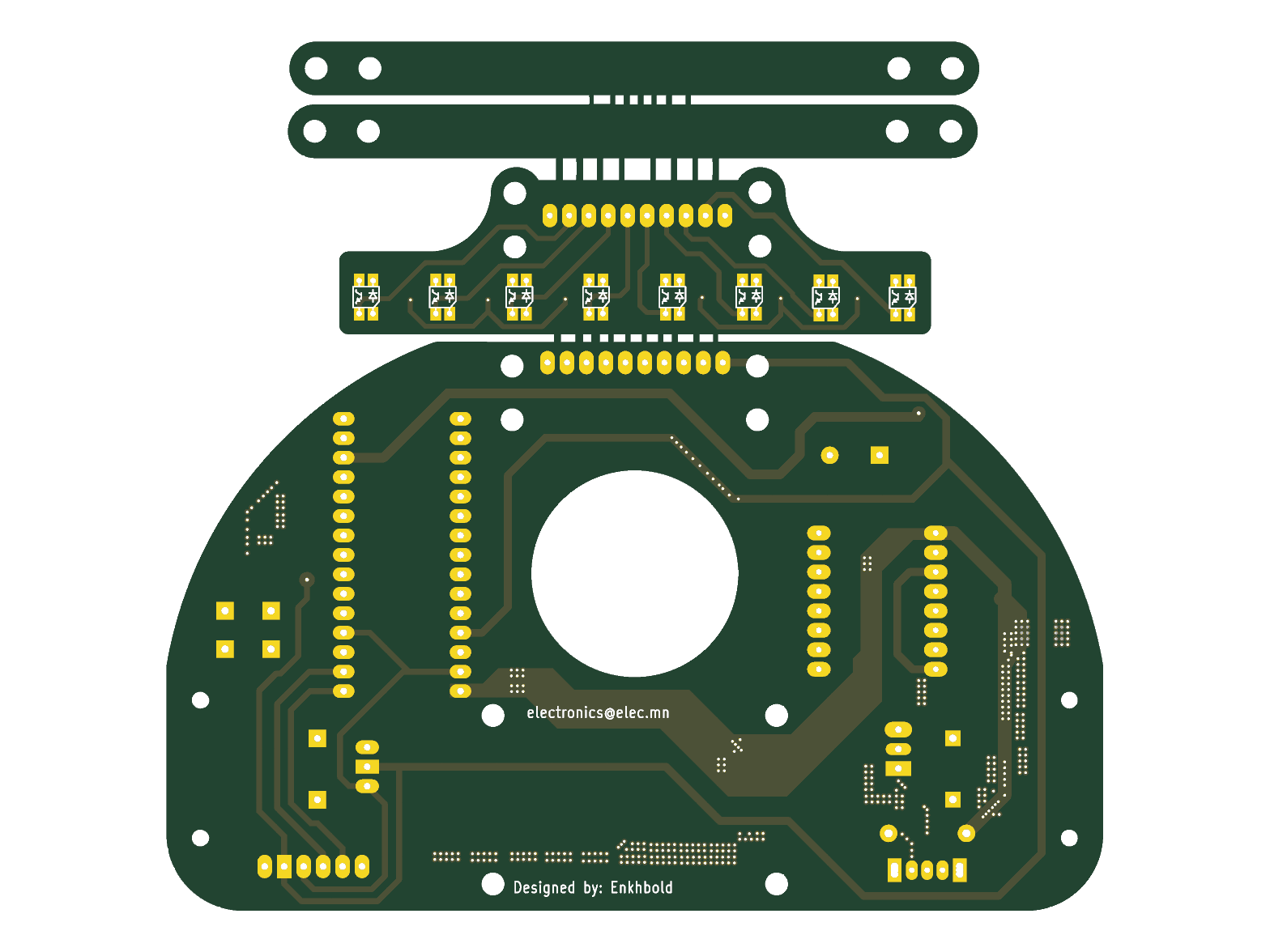
Bottom side of the same converted board, rendered with kicad-cli pcb render.
The only tested setup so far is macOS with KiCad 10.0.4. Linux should work, since pcbnew is on the system Python there. Windows is untested; set KICAD_PYTHON to KiCad's python.exe.
It does not convert schematics. KiCad's EasyEDA Pro schematic importer is GUI-only, with no headless API. The output includes the .epro and instructions for the one manual step (File > Import Non-KiCad Project > EasyEDA (JLCEDA) Pro Project), which takes about 30 seconds. The CLI bundles the original, unrepaired .epro. If KiCad's GUI import trips on it, run the file through the browser version and import the _fixed.epro it produces.
What I learned
- Use
PCB_IO_MGR.Save, notSaveBoard.SaveBoardtouches project settings and crashes outside a full KiCad session. - A
wx.App()has to exist before loading the board, even in a headless run. - Always pass an explicit
pcb_id. Without one, a multi-PCB project opens the chooser dialog, and headless KiCad aborts. - Newer EasyEDA Pro exports changed the format, and that took a second round of fixes. v1.0.0 (2 July 2026) handled line endings. A week later (script version 1.1.0, not yet tagged as a release) I added the
RULEandNETrepairs, multi-PCB support and the browser version. KiCad 10 creates nets on demand, and the script's notes say the new format only breaks KiCad's importer before 10.0.4. Rewriting to the legacy shape is meant to keep KiCad 8 and 9 working too; so far only 10.0.4 has been tested.
Links
- Source: https://github.com/enkhbold470/epro2kicad
- Browser version: https://enkhbold470.github.io/epro2kicad/docs/
- Example files: https://github.com/enkhbold470/epro2kicad/tree/main/examples
- KiCad issue #24303: https://gitlab.com/kicad/code/kicad/-/work_items/24303