Arnov Sharma

I was born in 1998, and my first introduction to Tetris was through those small monochrome LCD handhelds that came with 50, 100, sometimes even 999 built-in games. Most of them were pretty basic, but somehow you could spend hours playing them.
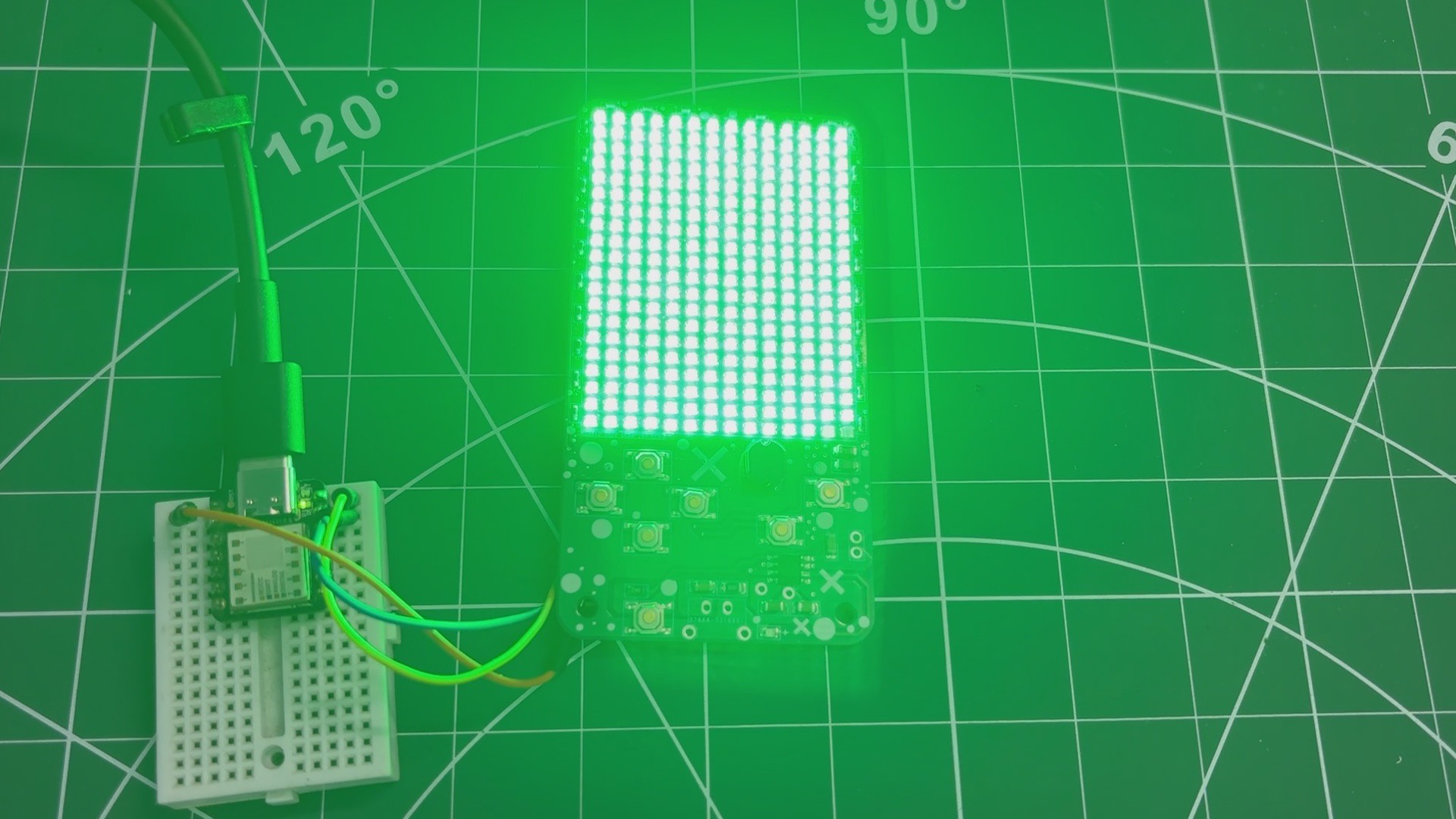
A few years ago, I decided to recreate that feeling using the kind of hardware I work with now. That project became MatTris, a small Tetris machine built using a WS2812B LED matrix and a Waveshare RP2040 Tiny.
You can check out the original project here: MatTris – Tetris on an LED Matrix.
I was pretty happy with how it turned out, but after using it for a while, I started thinking about the things I could have done differently. The enclosure was one of them. Also, having only Tetris on it felt like a bit of a missed opportunity.
So I decided to rebuild the whole thing.
For the new version, I wanted to keep the same basic idea but make it feel more like a small arcade console. I designed a completely new case, made some changes to the overall build and added a few more games that work with the same LED matrix.
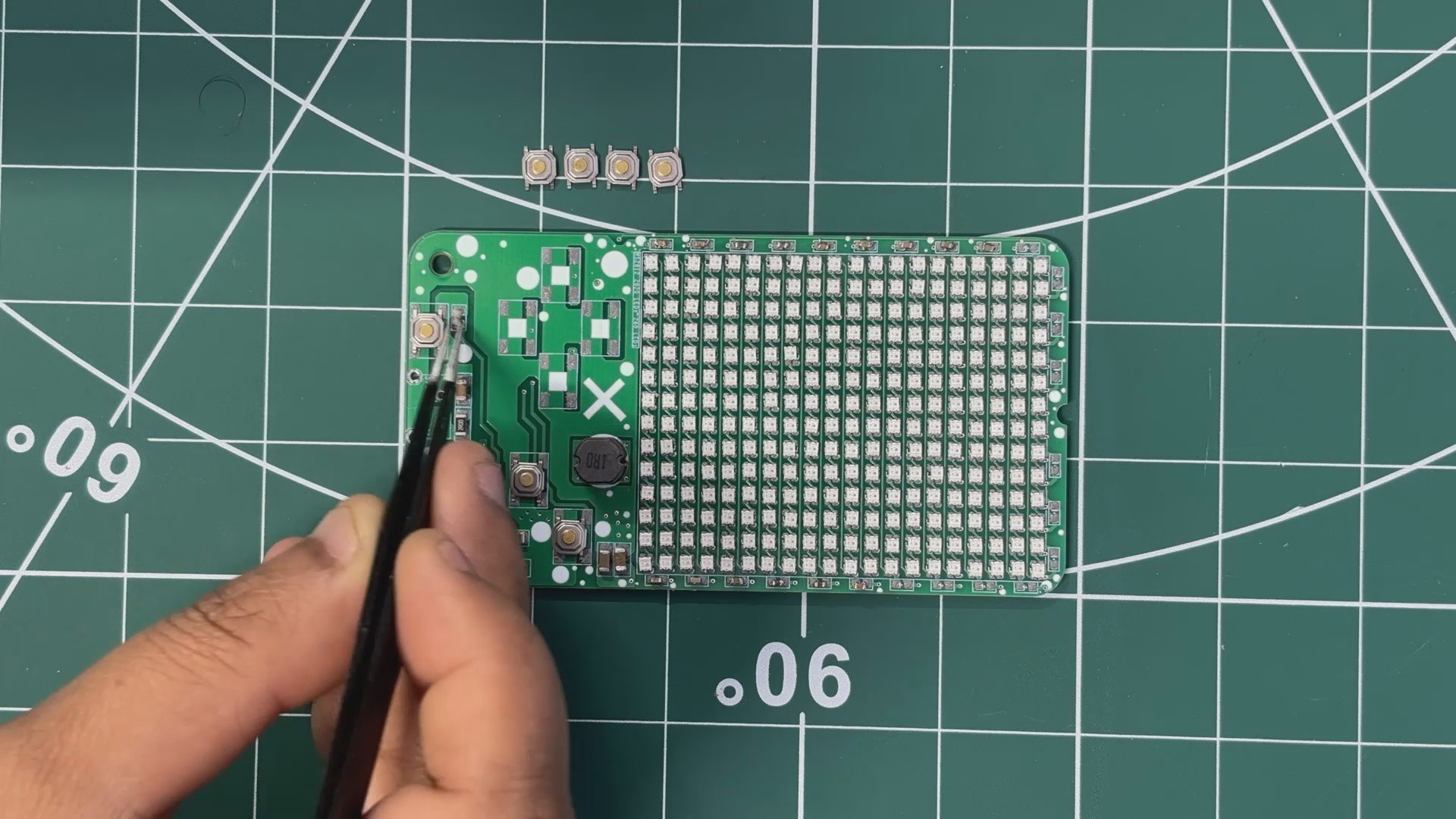
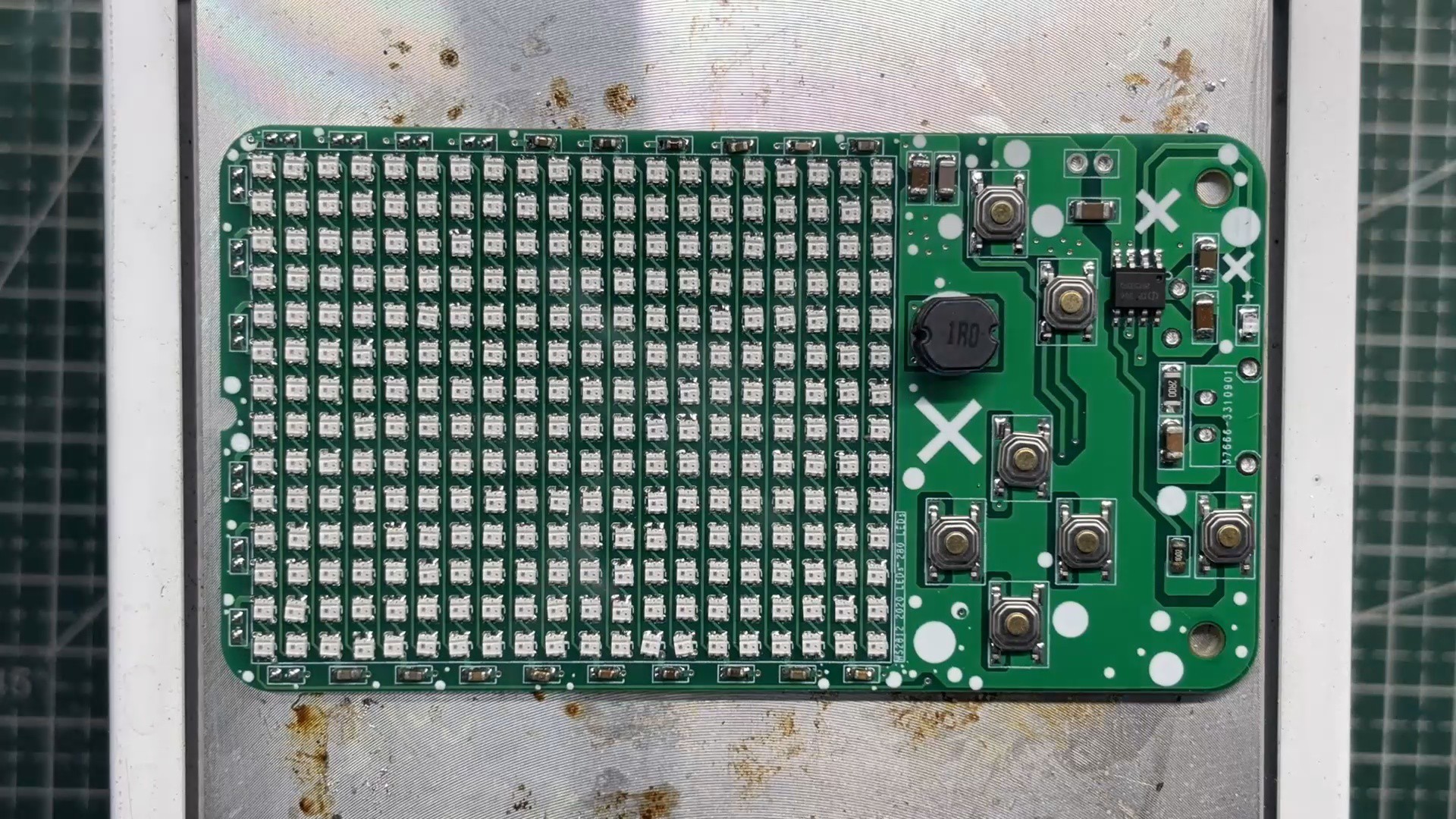
The electronics are still based around a WS2812B mini LED matrix and a Waveshare RP2040 Tiny. The custom PCB handles the LED matrix, buttons and power management, and the whole thing runs from a rechargeable LiPo battery.
The main challenge was actually getting different games to work on such a small display. With only a 14×20 matrix, you don't have a lot of space to work with, so I had to keep the games and controls simple while still making them fun to play.
This is basically the second version of the project, but with a lot more stuff packed into it.
So let's take a look at how I built the new MatTris Arcade
let's get started.
MATERIALS REQUIRED
The following materials were used in this project:
- Custom PCB (Provided by HQ NextPCB)
- RP2040 Tiny Waveshare board
- WS2812B 2020 Package LEDs
- 100 nF Capacitors 0603 Package
- 10 uF Capacitor 1206 Package
- IP5306
- 10 uH Inductor
- Indicator LED 0805 Package
- USB Type-C port
- Push Buttons 6x6 SMD
- 2 Ohms 1206 Package
- RP2040 Tiny Programmer
- 3D Printed Enclosure
Hardware
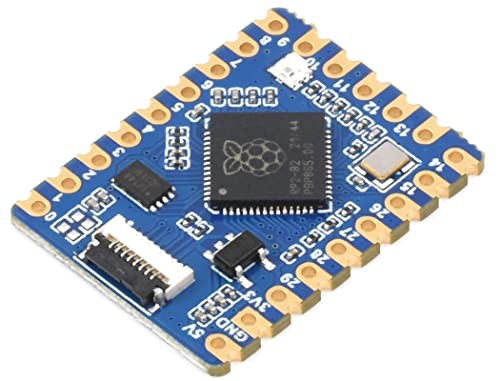
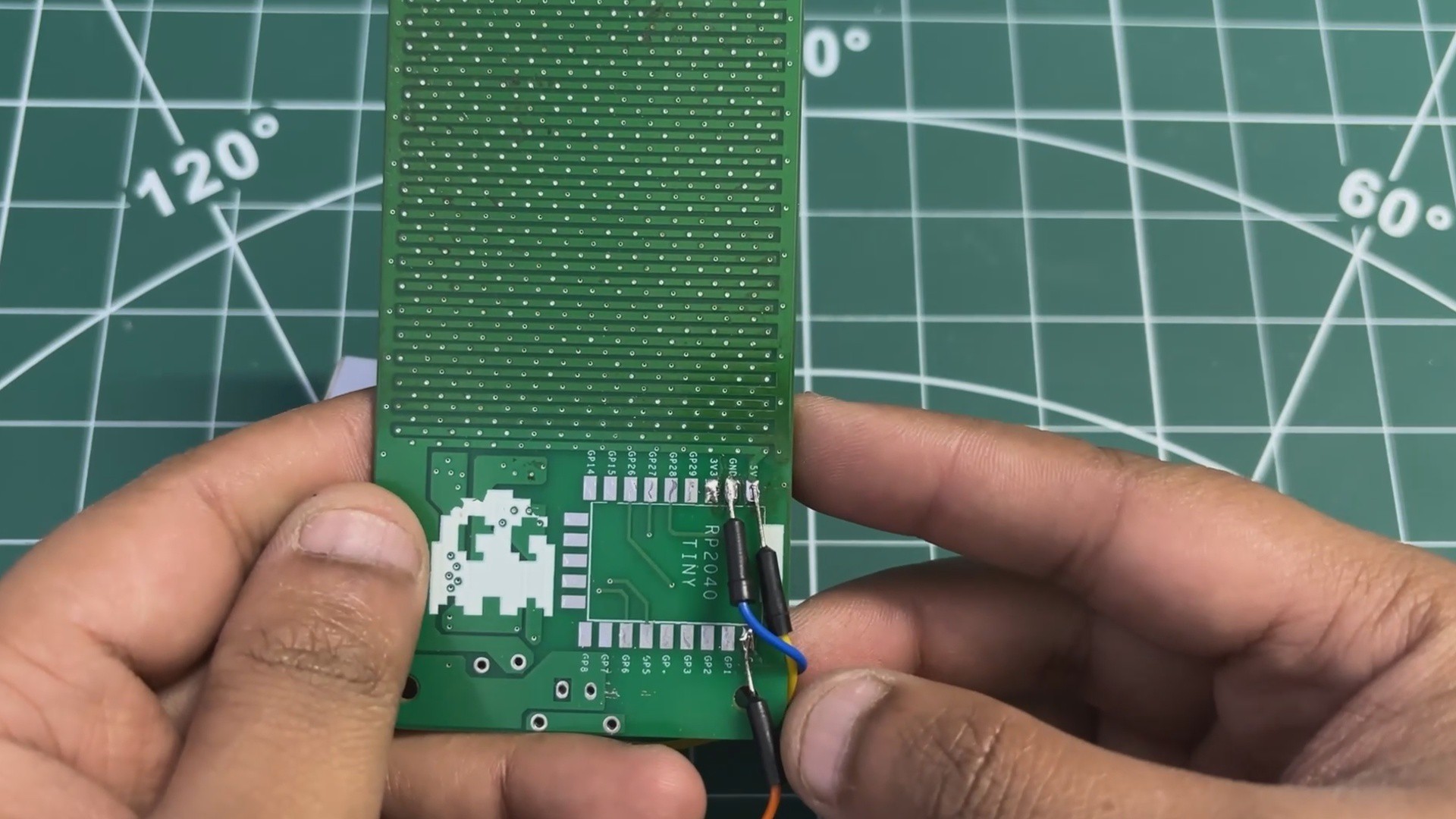
The main controller for the MatTris Arcade is the Waveshare RP2040 Tiny. I kept the same controller from the previous version because the RP2040 has more than enough processing power for these small games and it is also quite compact.
The RP2040 is based on the Raspberry Pi RP2040 dual-core ARM Cortex-M0+, running at up to 133 MHz. In this project, one of its cores isn't really being pushed that hard, but having the extra processing power does make things like the LED updates, button input and game logic pretty comfortable to handle.
The RP2040 Tiny also keeps the overall PCB small, which was important here because I wanted to leave as much space as possible for the 14 × 20 LED matrix.
The controller handles the WS2812B LEDs, reads all the game buttons and runs the complete game logic. The code and all six games are stored directly on the RP2040, so no phone or external device is needed while playing.
PCB DESIGN
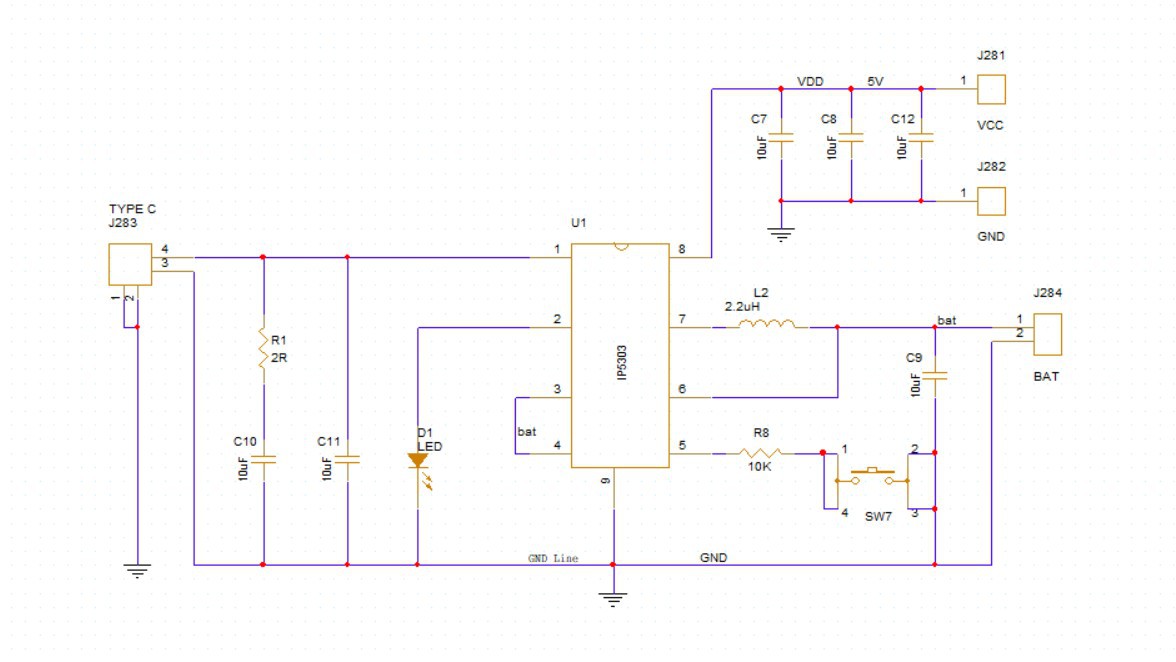
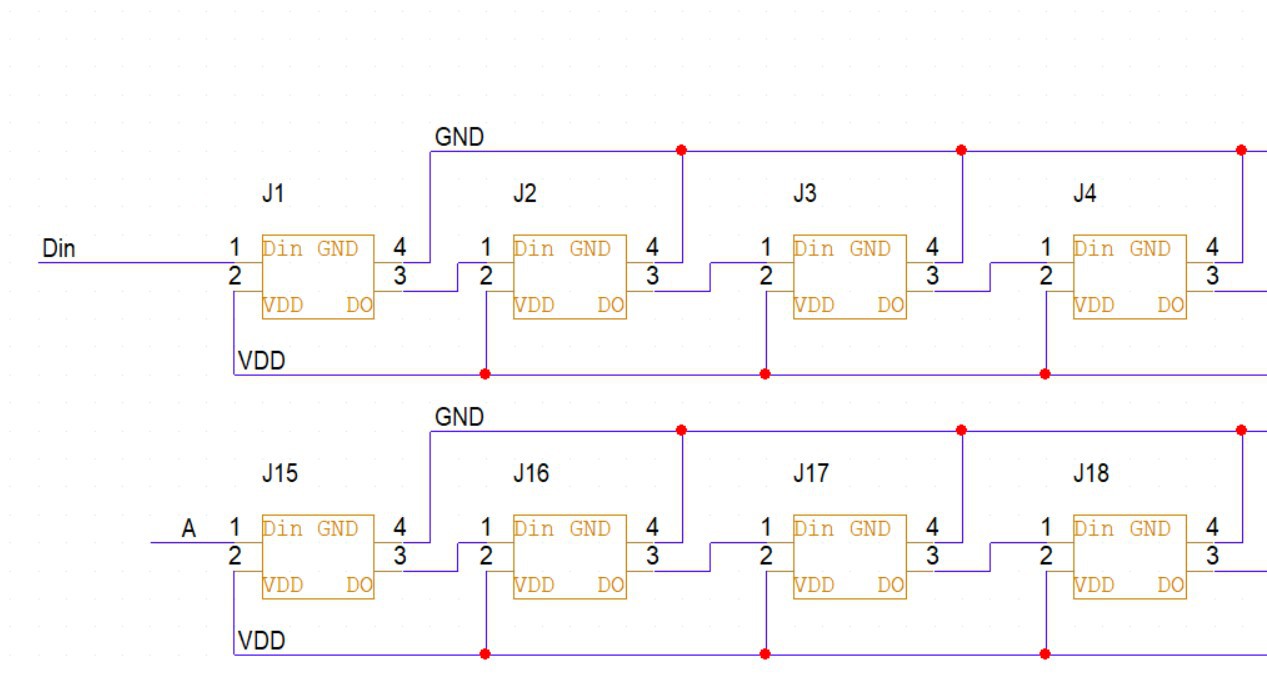
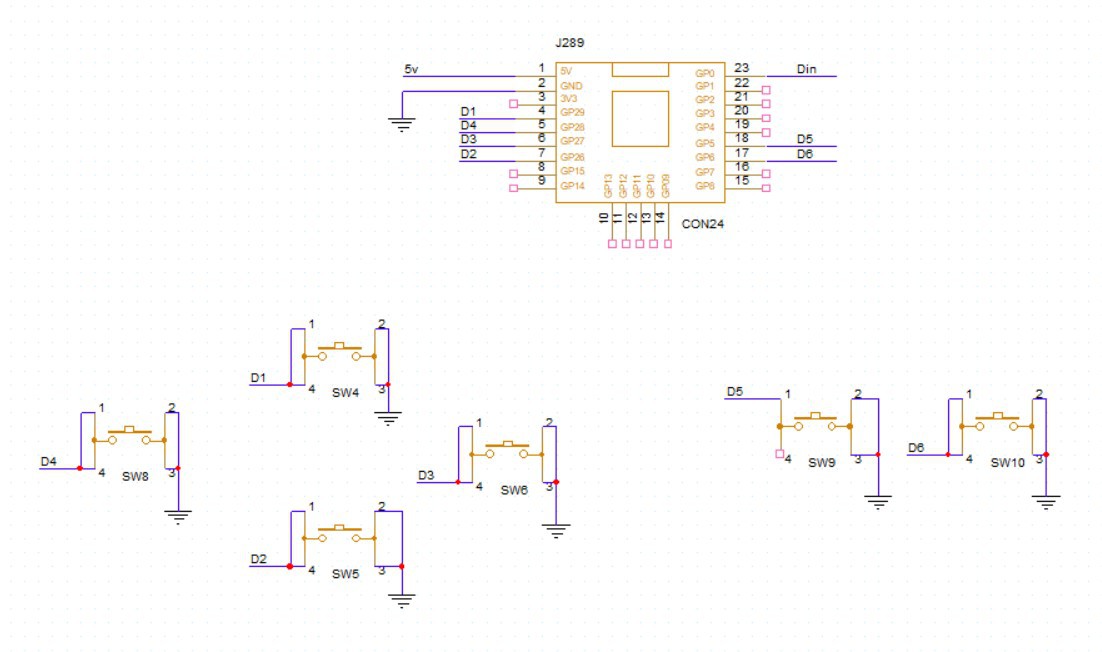
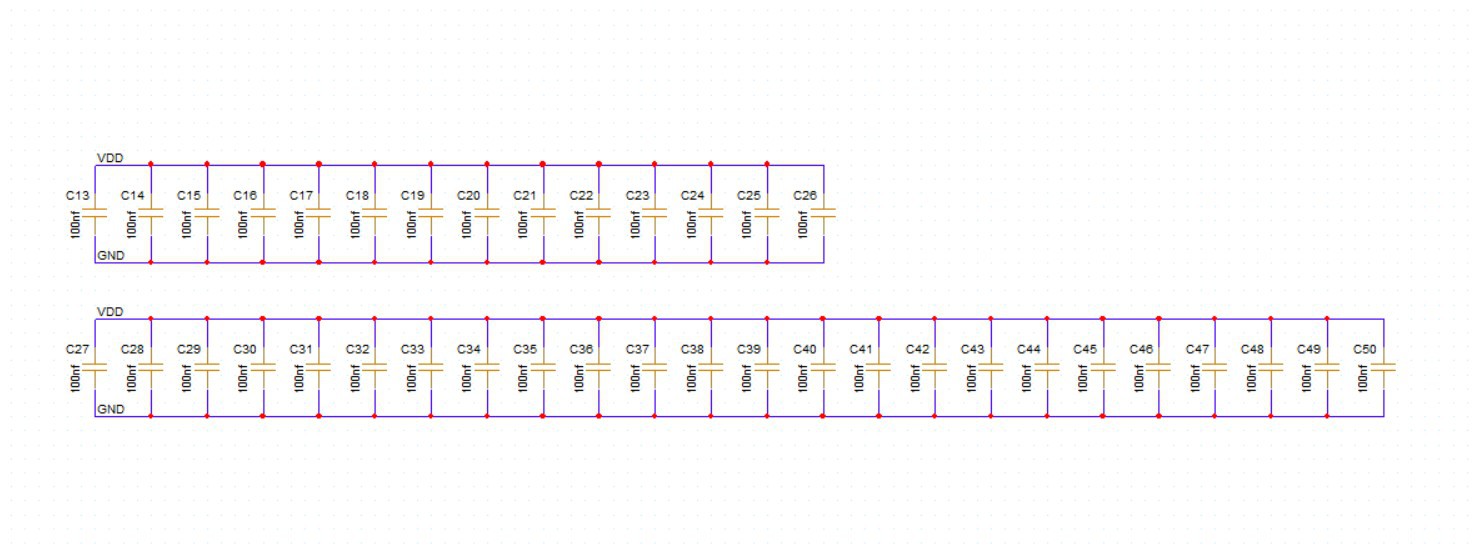
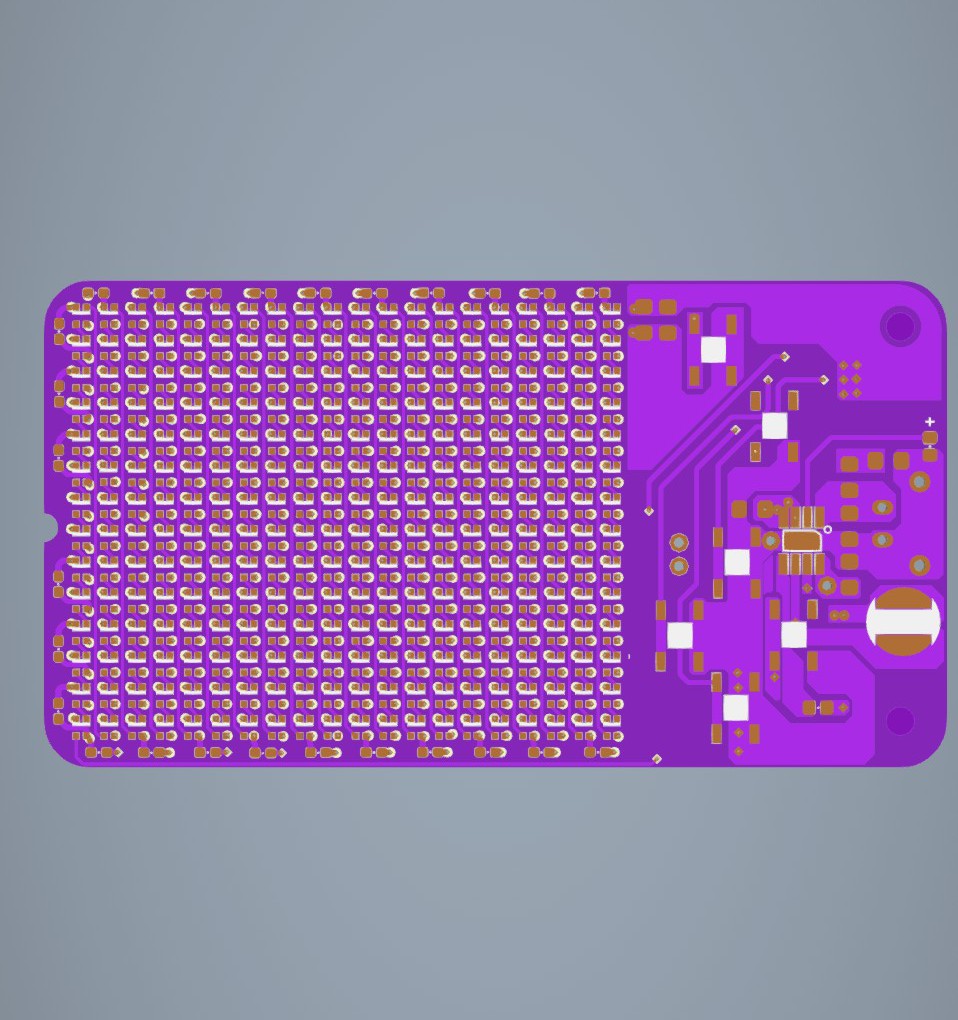
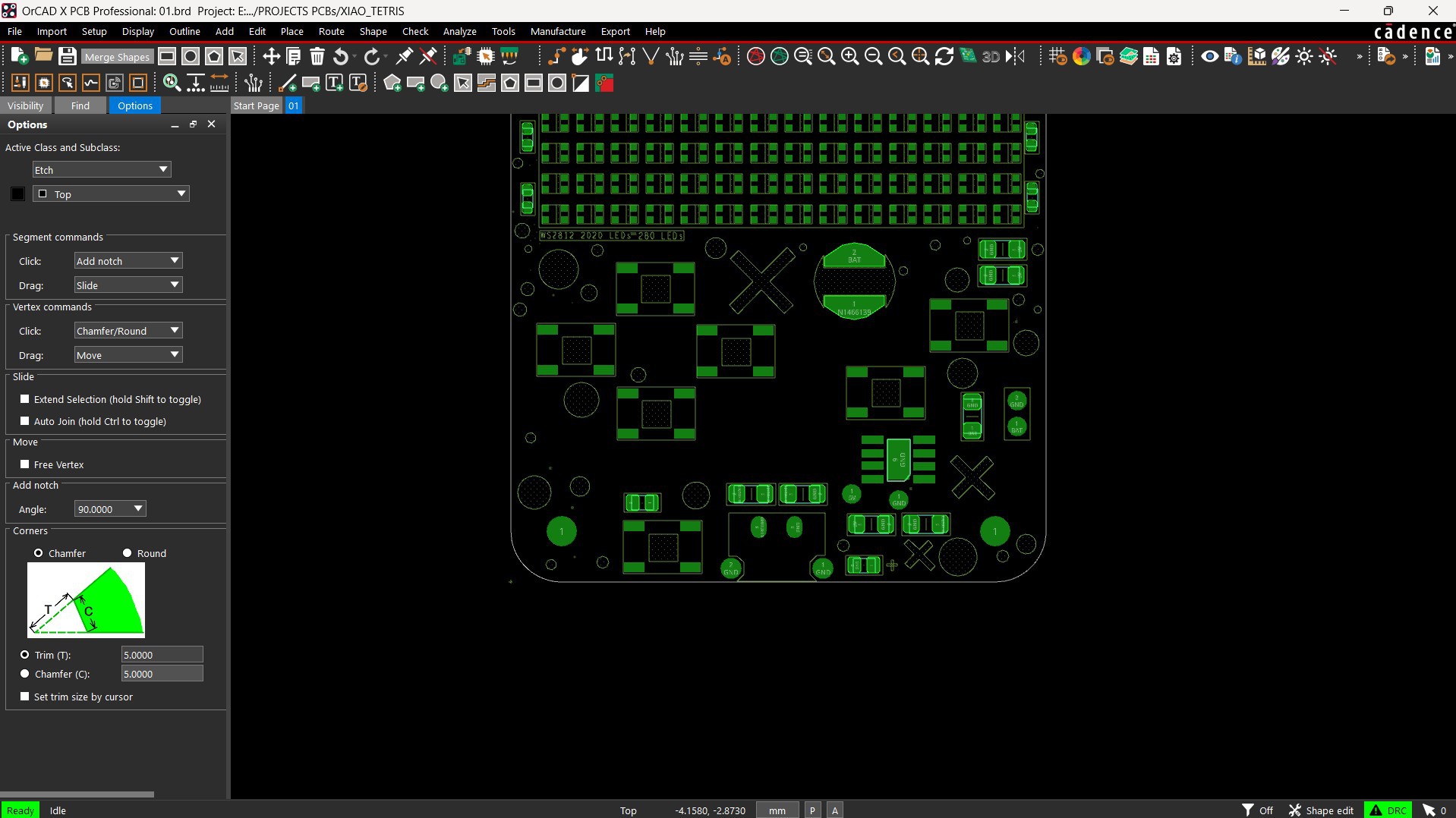
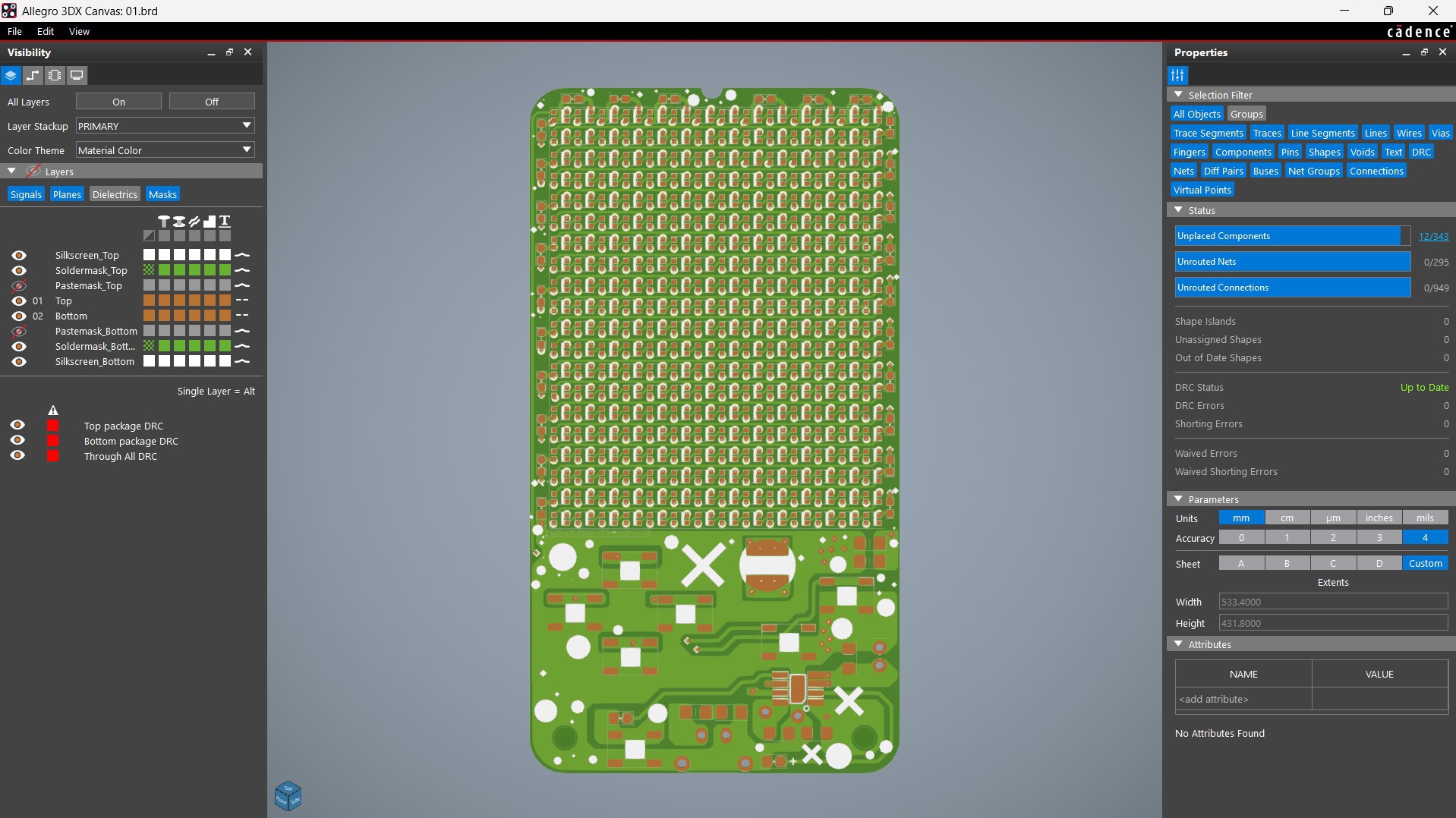
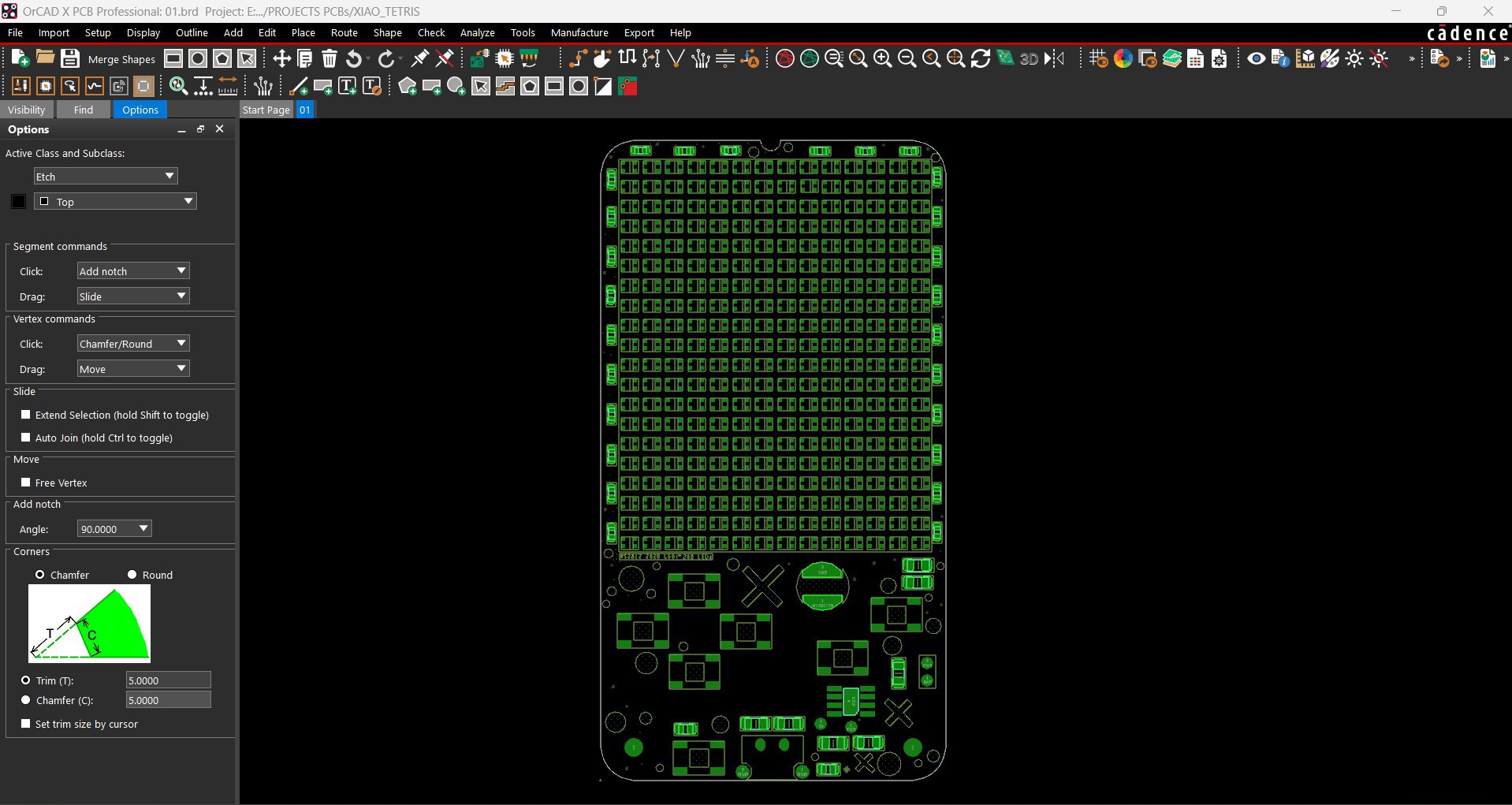
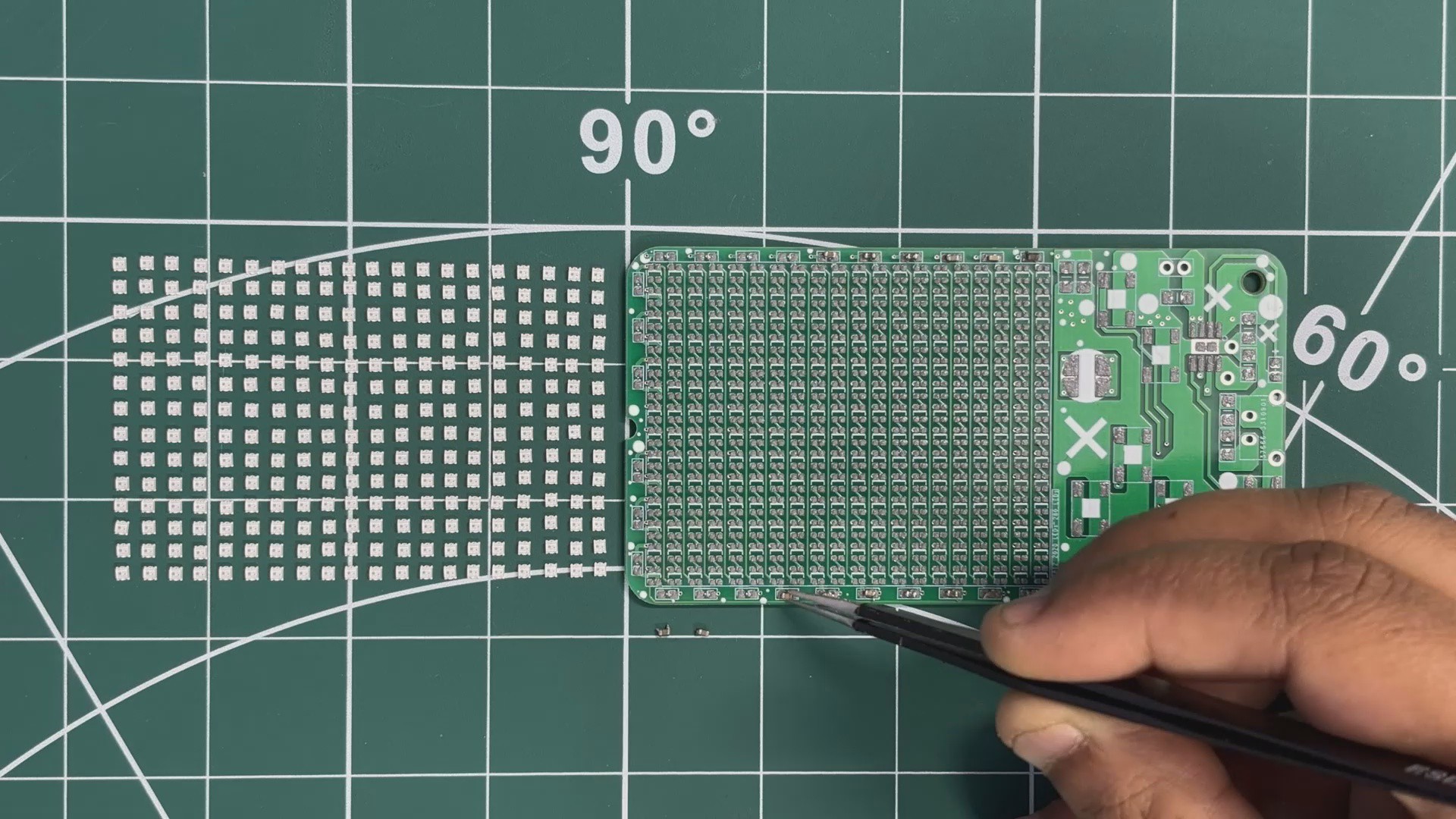
The PCB design process begins with preparing the schematic for the project. In our case, we had previously worked with WS2812B 2020 package LEDs. These LEDs are not the easiest to work with because of their small size, but that same compact form factor is exactly what makes them ideal for matrix-based projects.
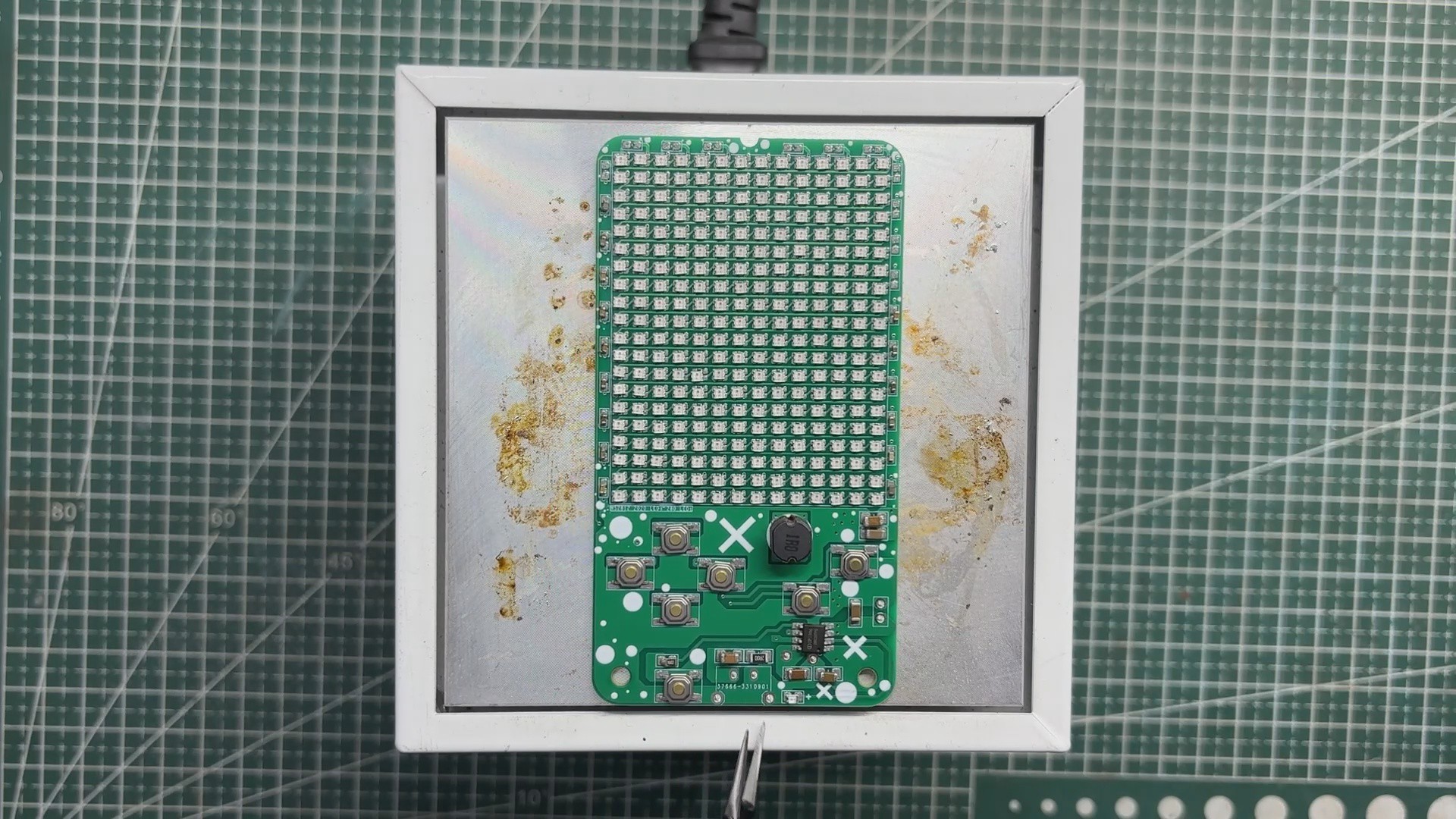
We reused the schematic from our earlier 8×8 Tiny Matrix project as a starting point. Instead of an 8×8 layout, we expanded the design to a 14×20 matrix by adding more LEDs.
We then added another section to the schematic for the RP2040 Tiny board, which was connected to six push buttons. All buttons are connected to GND and individual GPIO pins. When a button is pressed, it pulls the corresponding GPIO pin low, and the microcontroller registers this as a button press.
We used the Waveshare's RP2040 Tiny, which is an RP2040-based SMD development board designed to be mounted directly onto...
Read more »