 Max.K
Max.K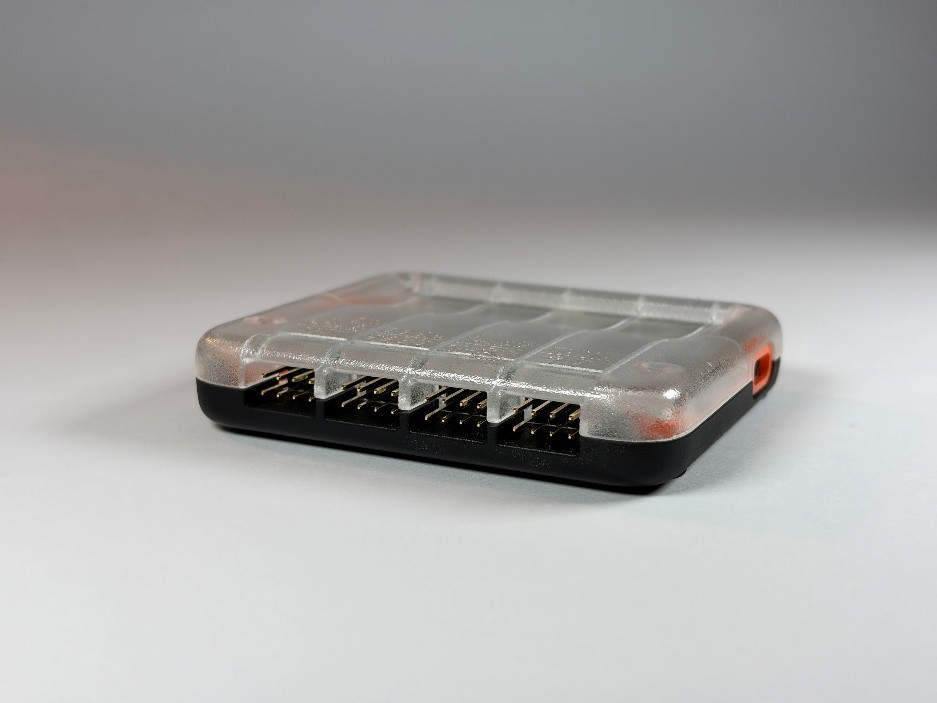
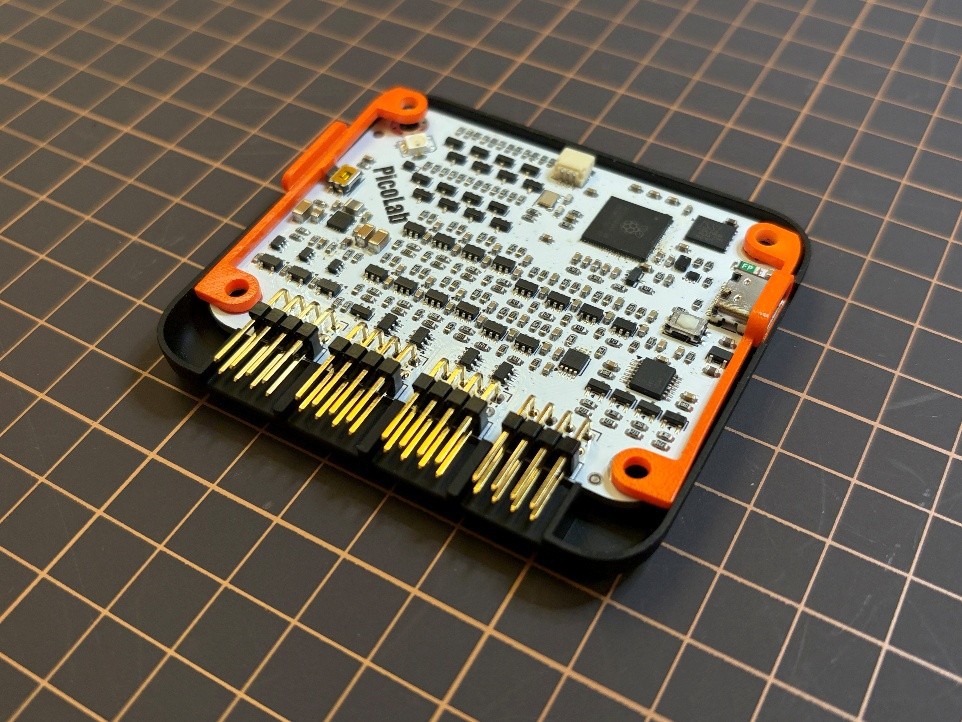
For the PCB’s enclosure, I went with a 3D-printed design. There is a top and a bottom shell, as well as two little brackets for the boot button and a ring around the USB-C port. The 3D-printed parts, as well as the PCB in the middle, are held together by four M3 screws.
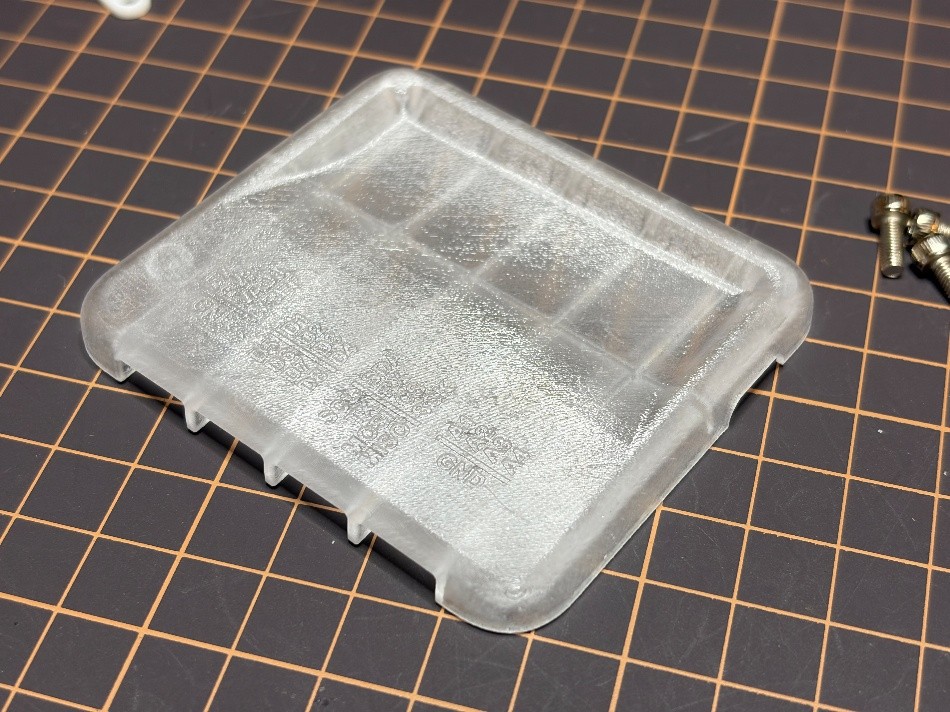
Instead of 3D-printing the parts myself, this time I went with JLC’s 3D-printing service. This was mostly because I don’t own a resin printer, and the pin labels are too small to be legible on an FDM print. Also, I love transparent electronics, so I went with a black lower half, a transparent top half, and colored brackets. I sanded and spray-painted the parts myself. This gave the transparent part a frosted-glass look, which was exactly what I was aiming for. Only the pin labels are not very easy to read. For a commercial product, the labels would probably have to be UV-printed. One downside of the resin prints is that it’s quite difficult to tap threads into them without the threads turning into dust. Heated inserts are also not an option, since the resin is not a thermoplastic and will just char. In the end, the tapped threads work, but only once or twice.
Discussions
Become a Hackaday.io Member
Create an account to leave a comment. Already have an account? Log In.