 Mark Wilson

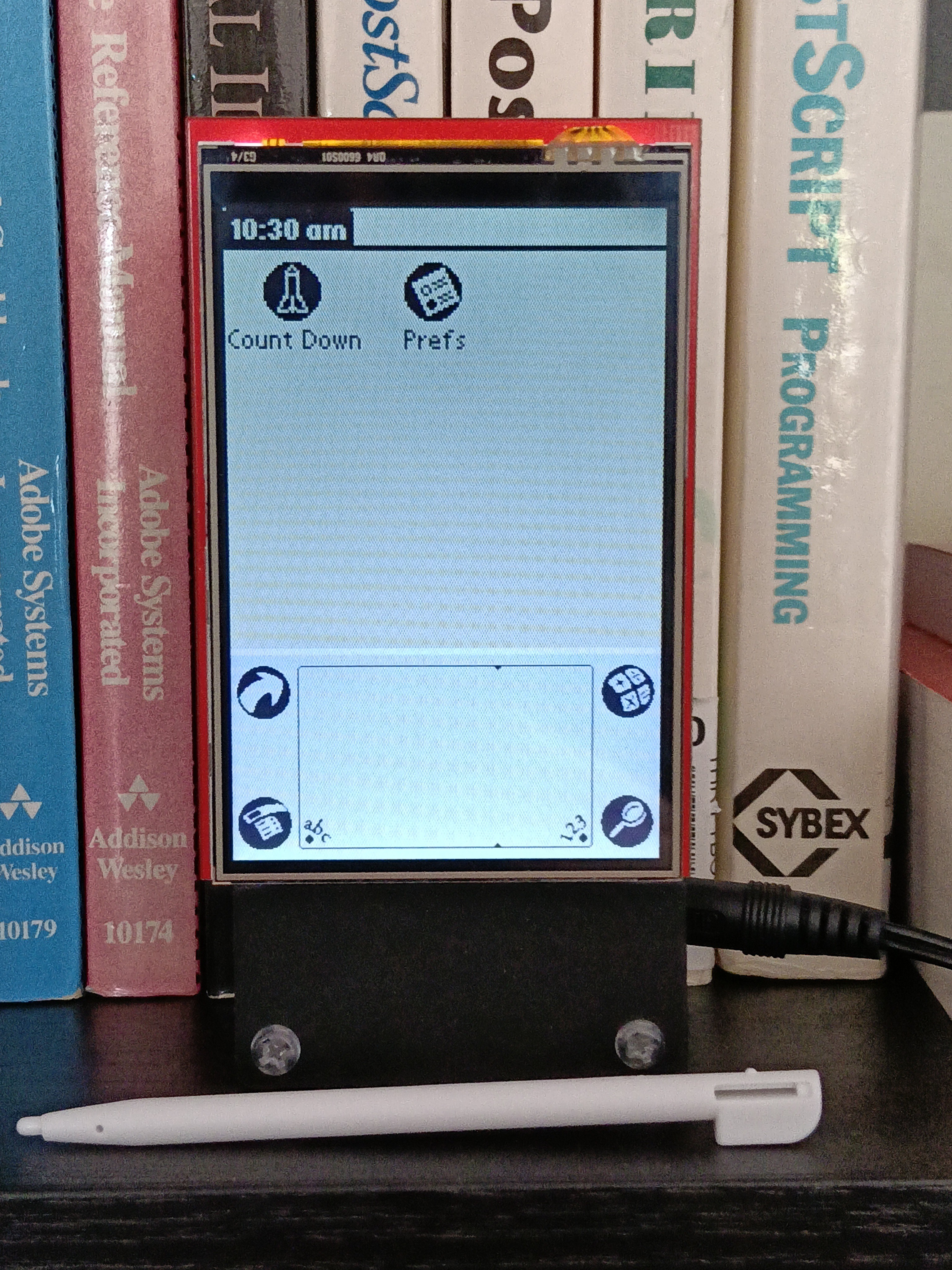
It has enough of the look and feel of a Palm to achieve my goal.
Simulation not emulation.
The LCD is 320x480 so the Palm's 160x160 screen fits nicely with a scale factor of x2. The Graffiti area is proportionately a little taller. The apps form has just my program ("Count Down") and a Prefs app. The latter sets the date, time and calibrates the resistive touch ("Digitizer"):
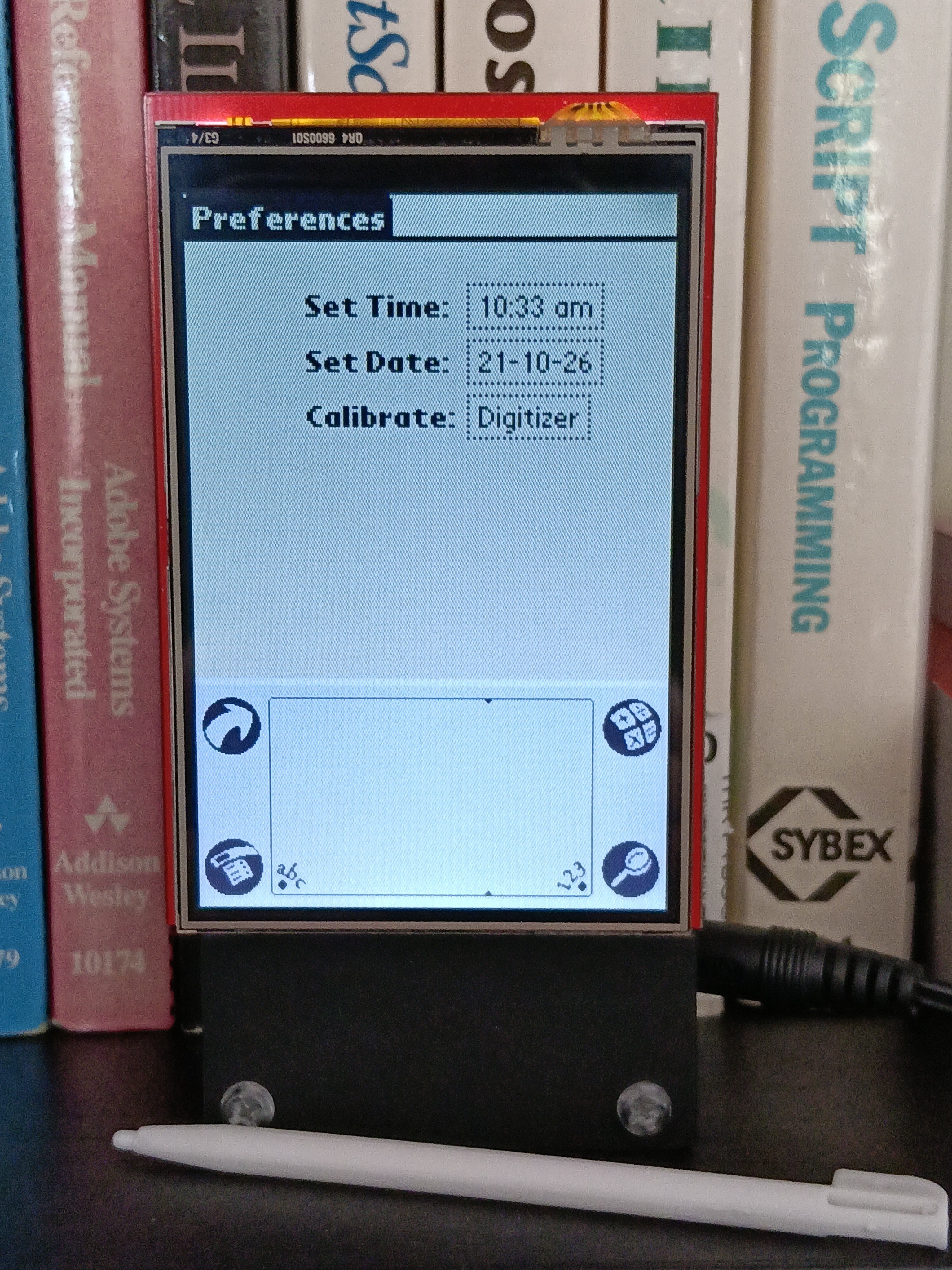
The Calc and Find buttons do nothing. The App button just returns to the apps screen. Menus aren't implemented – the Menu button just brings up an About box, if applicable.
I couldn't get "Applications", "Calculator" etc labels to look decent at this resolution so omitted them.
Countdown shows days, hours, minutes and seconds counting up from, or down to, up to four events
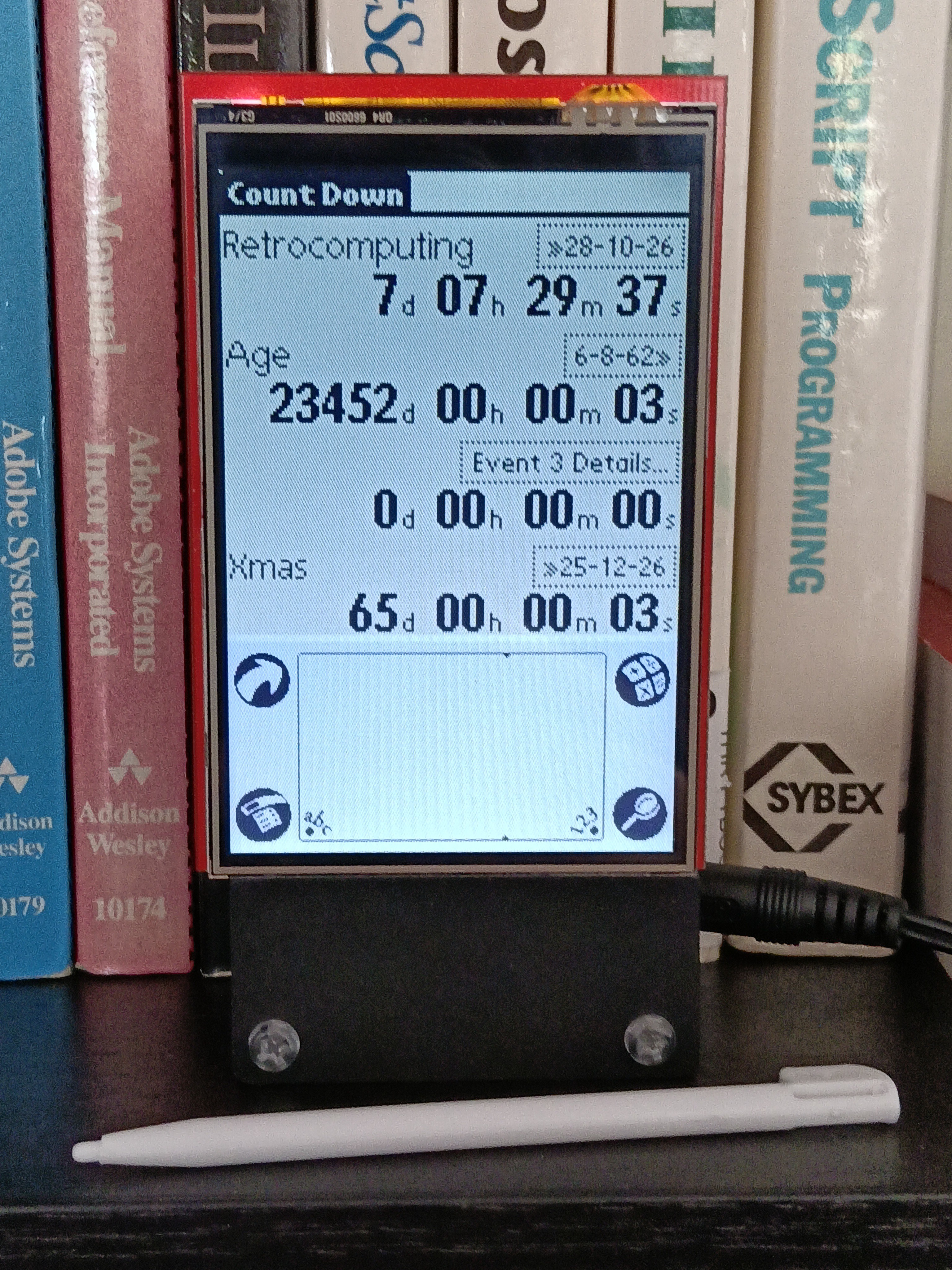
Clicking on an event control brings up a details form:
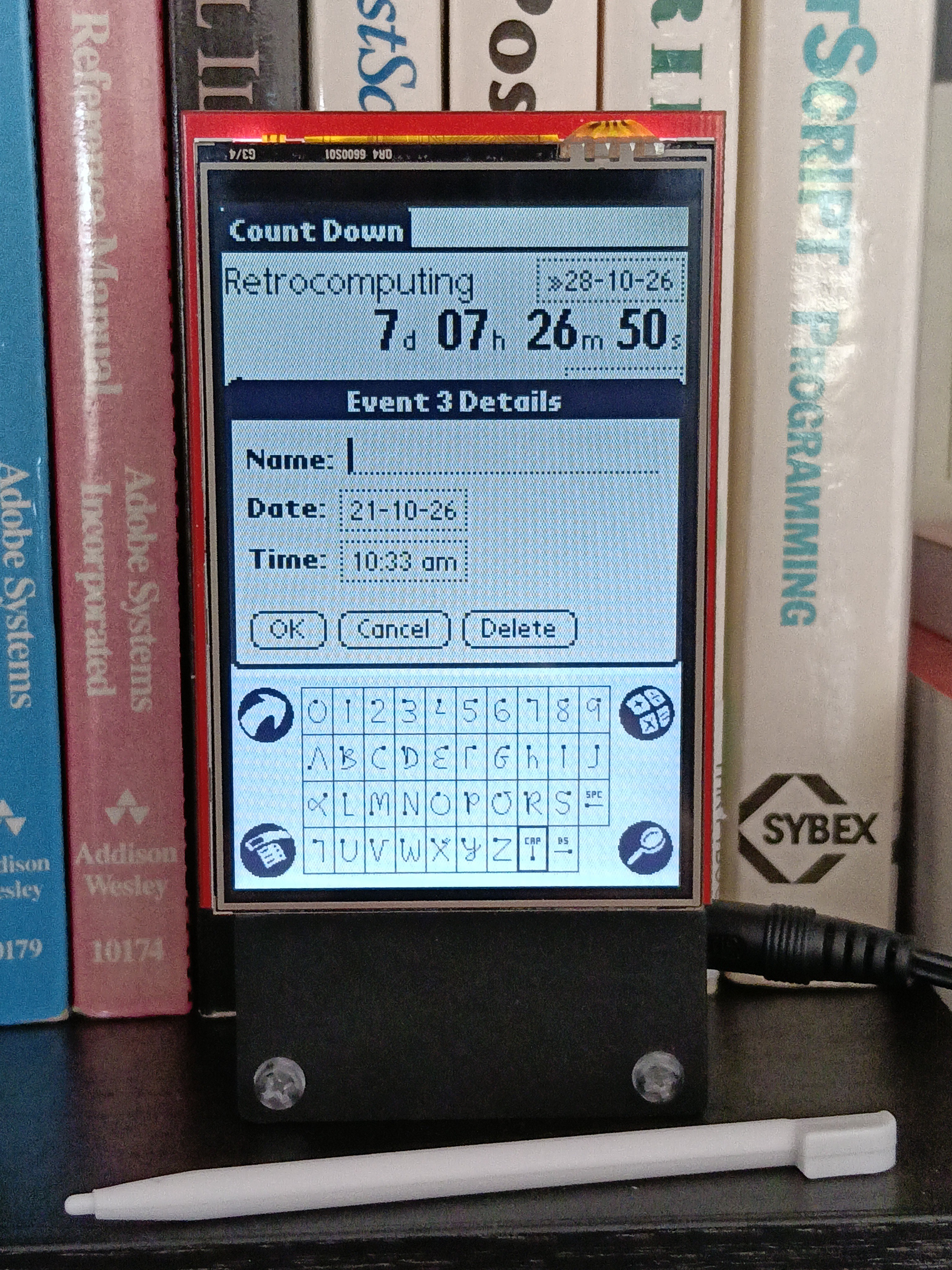
There is no Graffiti support! Instead the event name is entered using a small keyboard (optionally) labelled with Graffiti glyphs as a homage. Text entry is basic – append and backspace only.
The event date is entered via a small "standard" form.
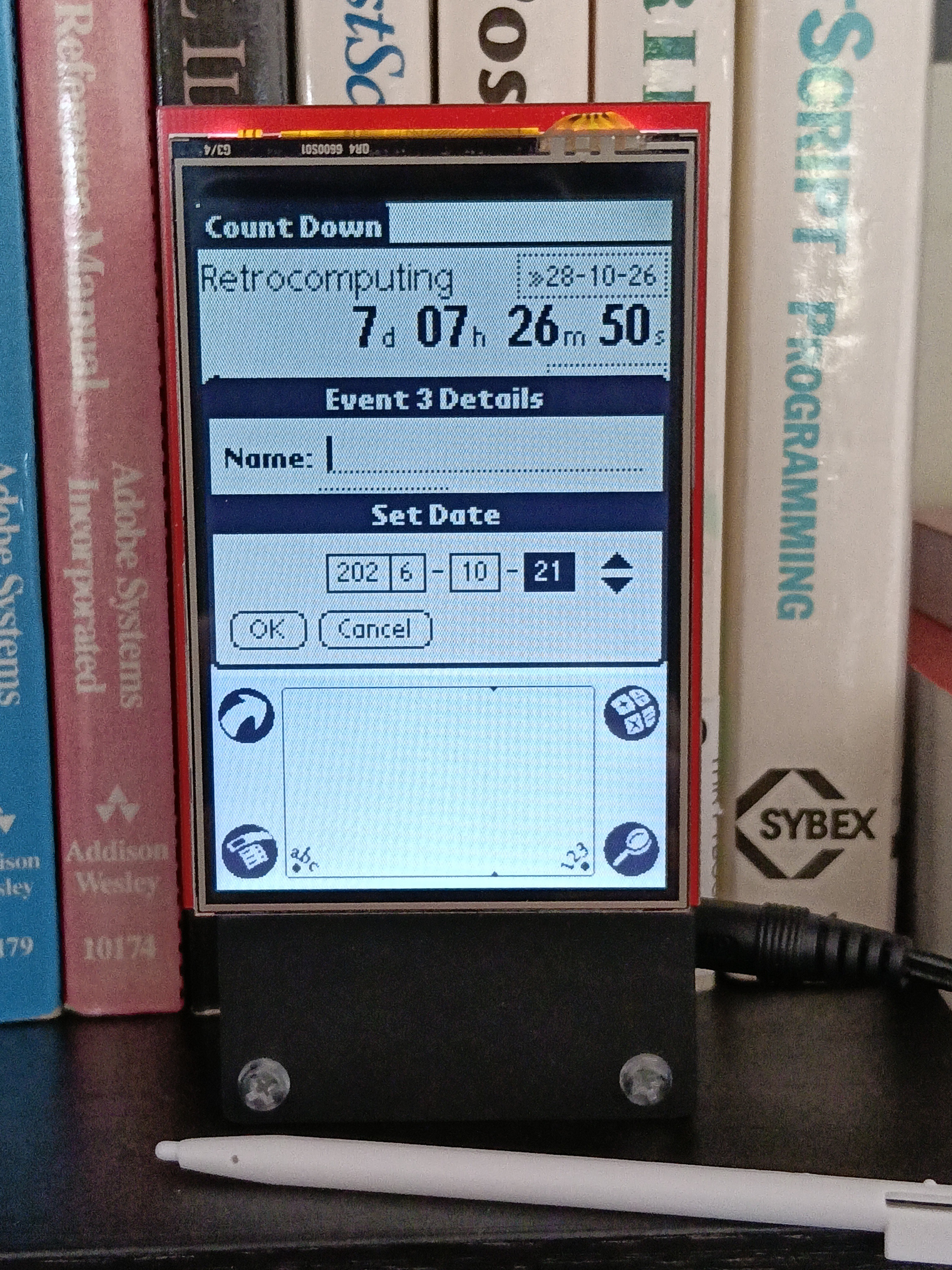
Like the Prefs app and the time-setting and Digitizer forms, this is my own simplified version and does not match the real thing. Other Prefs, like data and time format, are compile-time #defines in Prefs.h.
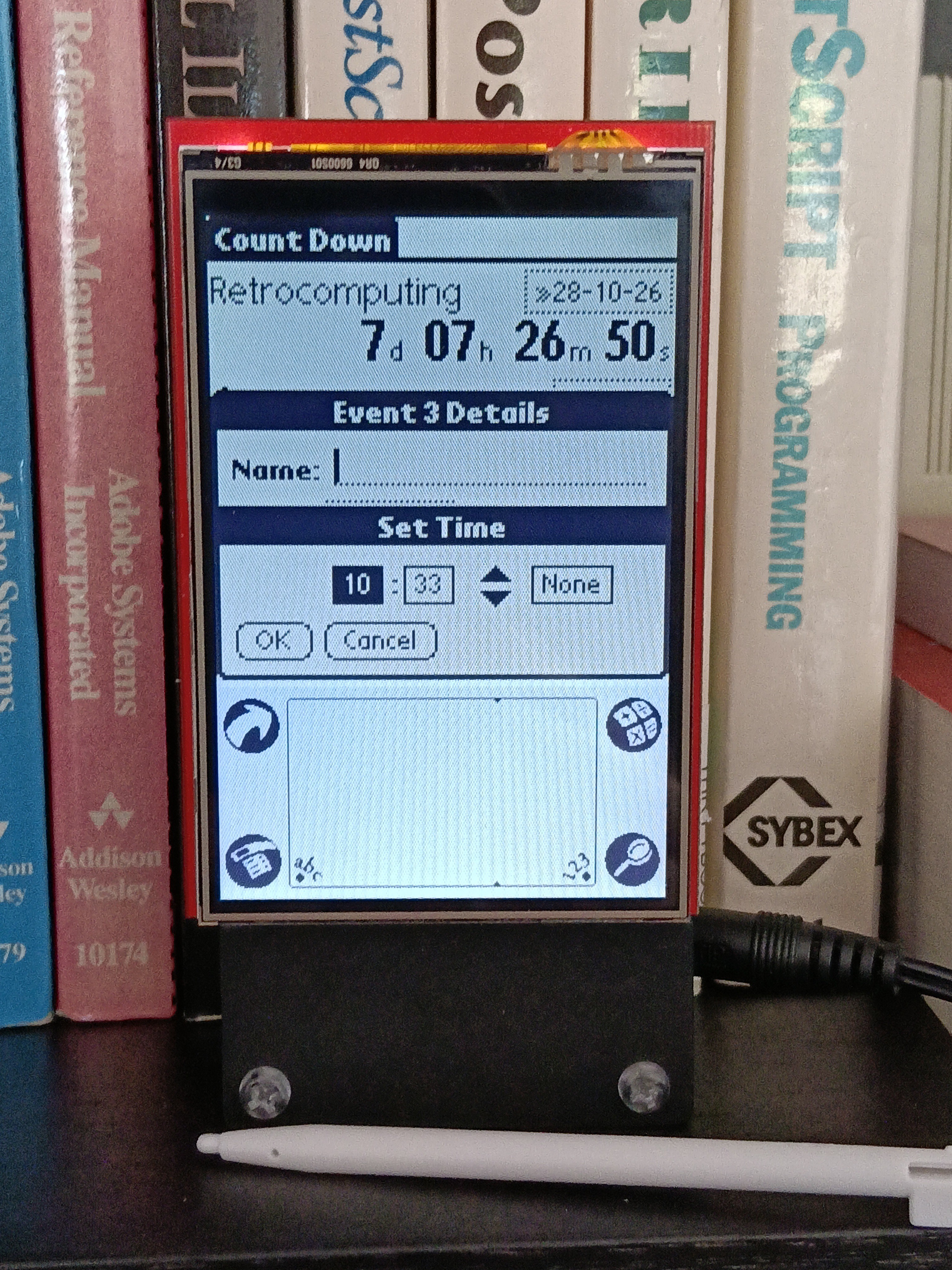
The event time form has a None option:
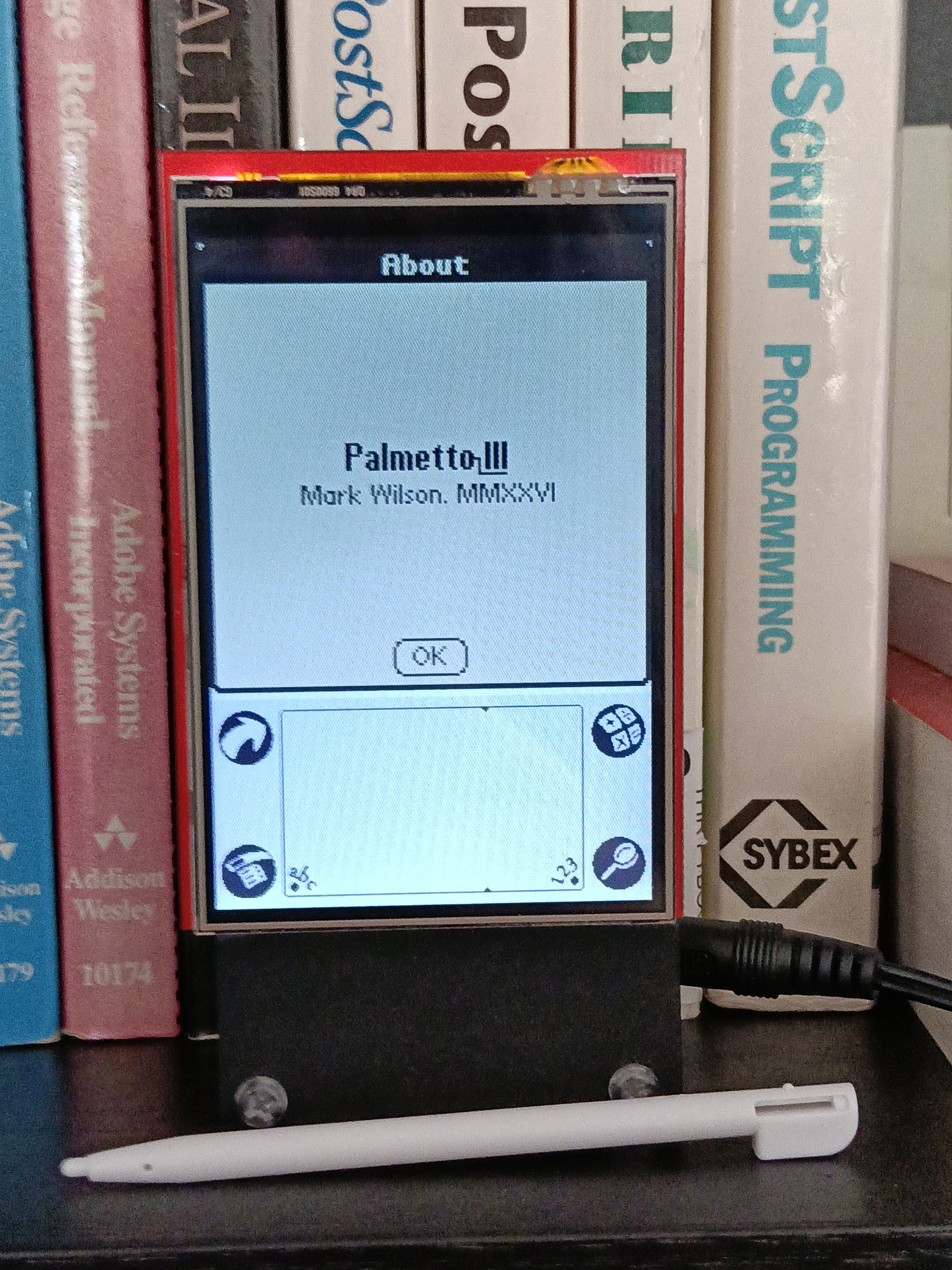
Hitting Menu brings up Count Down's About:
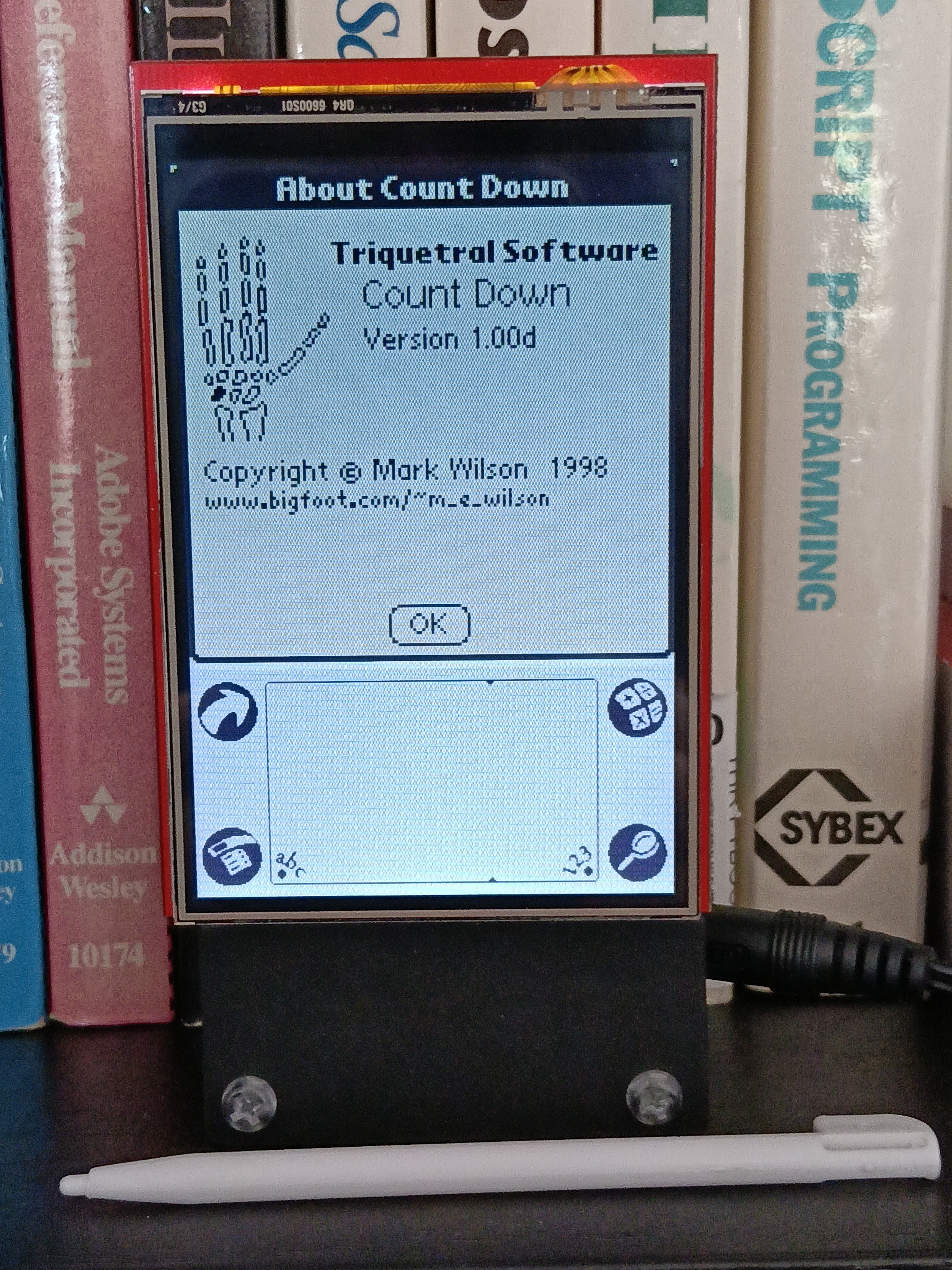
I came up with an identity for my Palm developments. The triquetral is a bone in the hand, if not actually the palm, and has three in the name. My younger self was inordinately pleased with this.
The code includes app launching and lifetime logic, there's a hierarchy of form and control classes. Authentic fonts and bitmaps are encoded as PROGMEM data extracted using Python scripts (see the Assets folder).
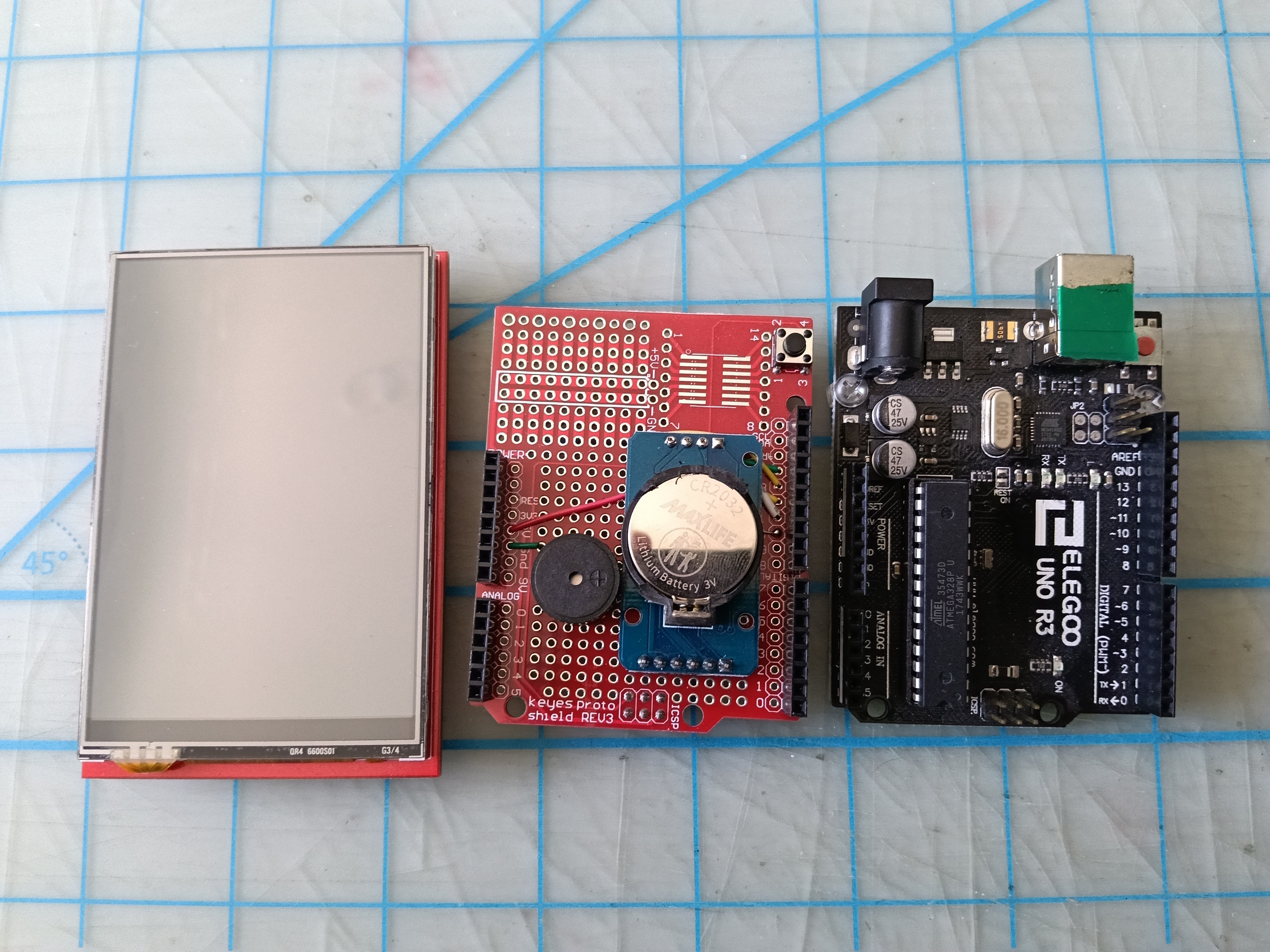
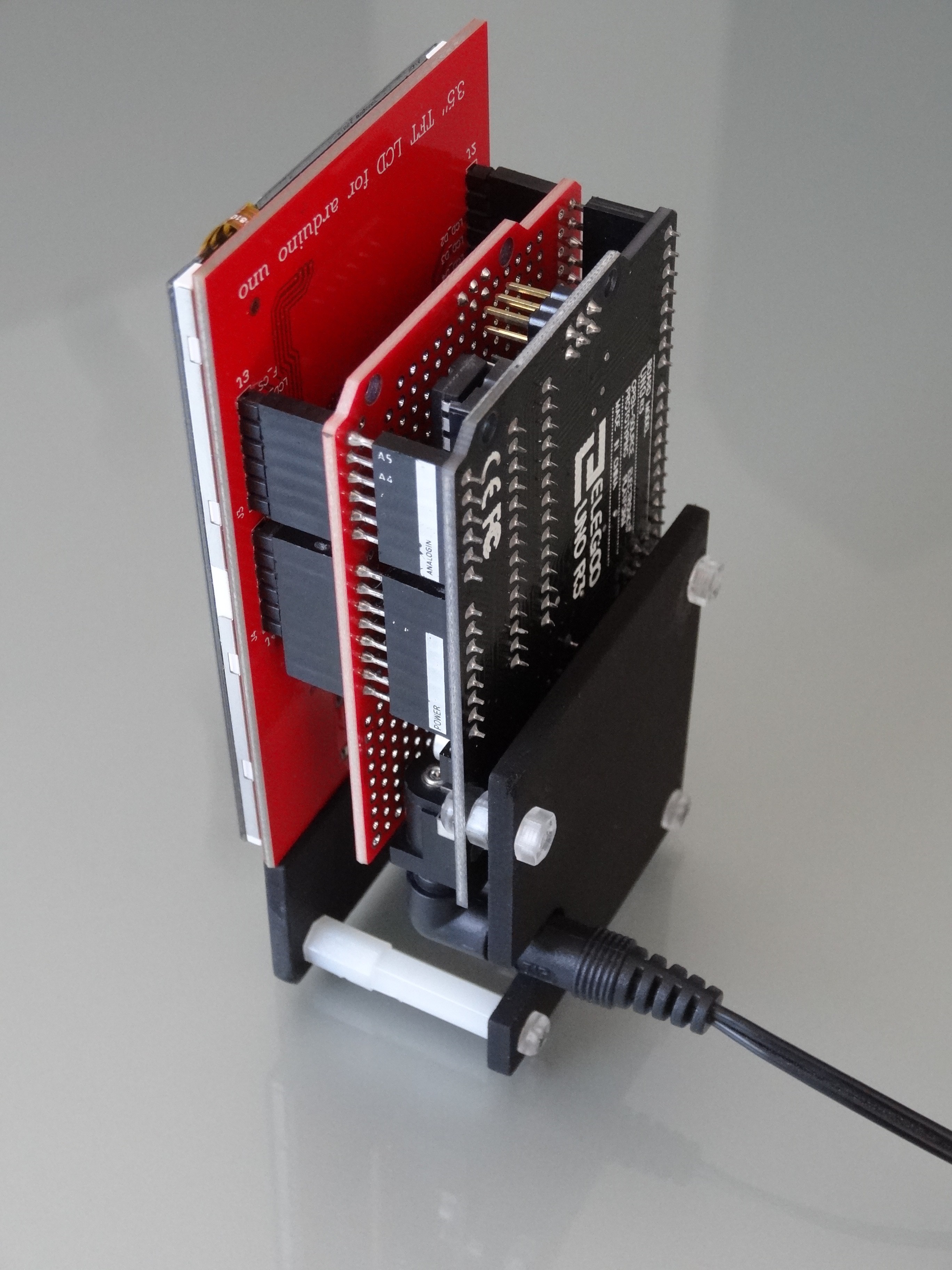
The hardware is a stack:
the 320x40 resistive-touch LCD shield plugged into
a blank stackable shield with a DS1307 real-time clock and a passive piezo buzzer (for an optional "click" on stylus down) plugged into
an Arduino Uno (or a Mega)
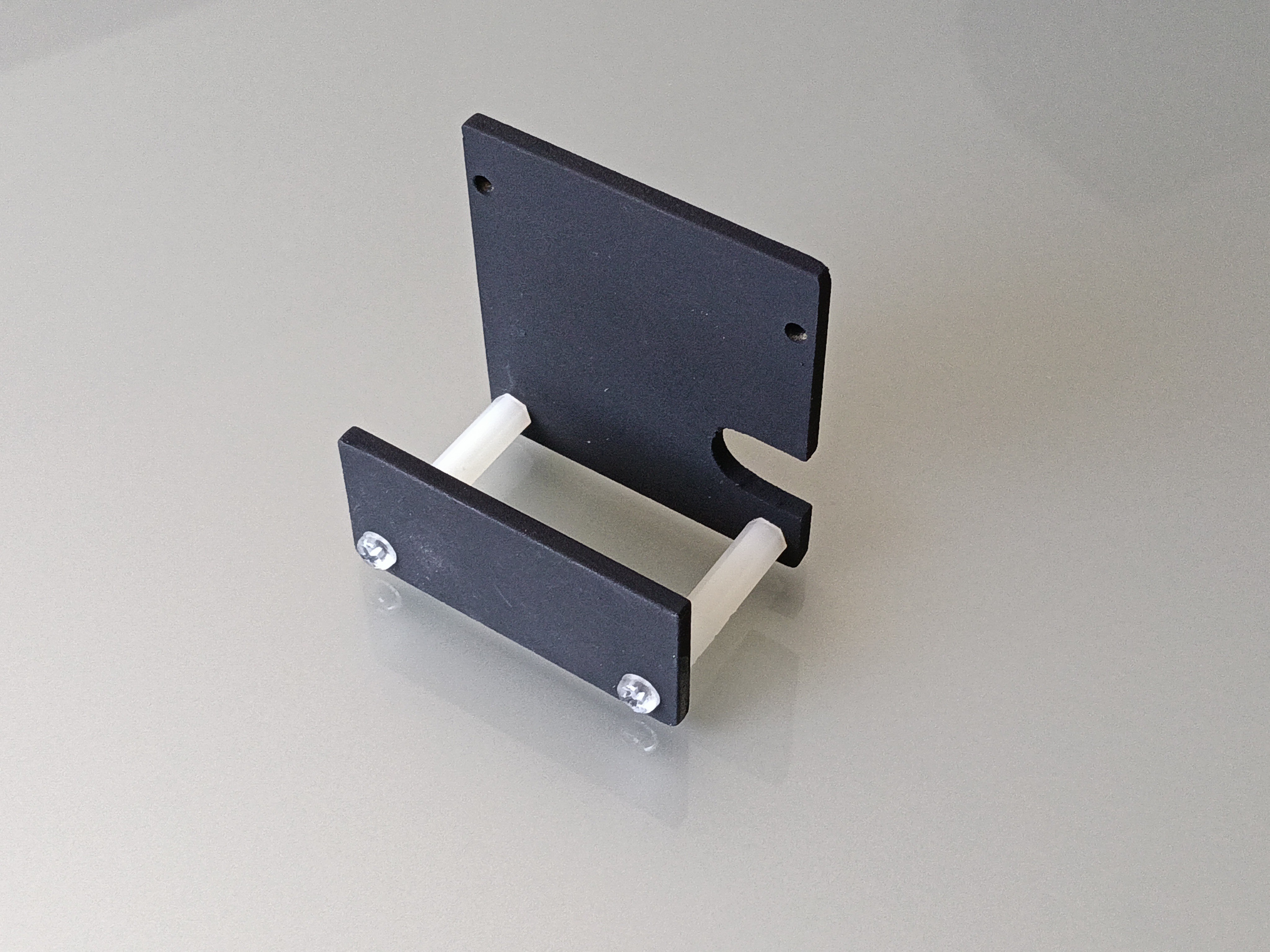
I prototyped a little stand for the Uno to hold it upright:
There is more detail in a bulk comment at the top of Palmetto-III.ino.
A few more photos on Flickr.
GitHub repo