 Randy Elwin

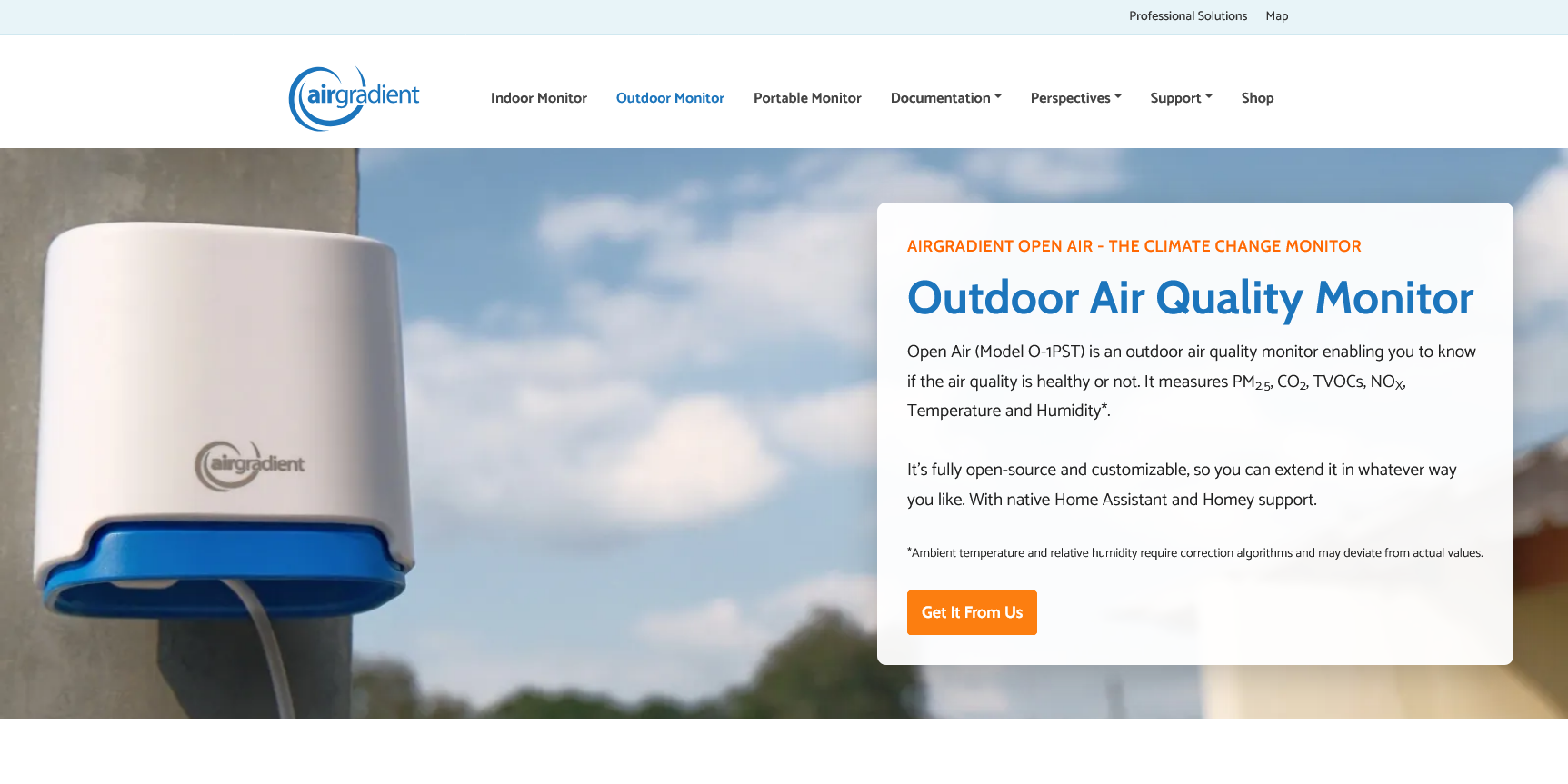
AirGradient O-1PST:
Obligatory Video:
WiFi Logging Version:
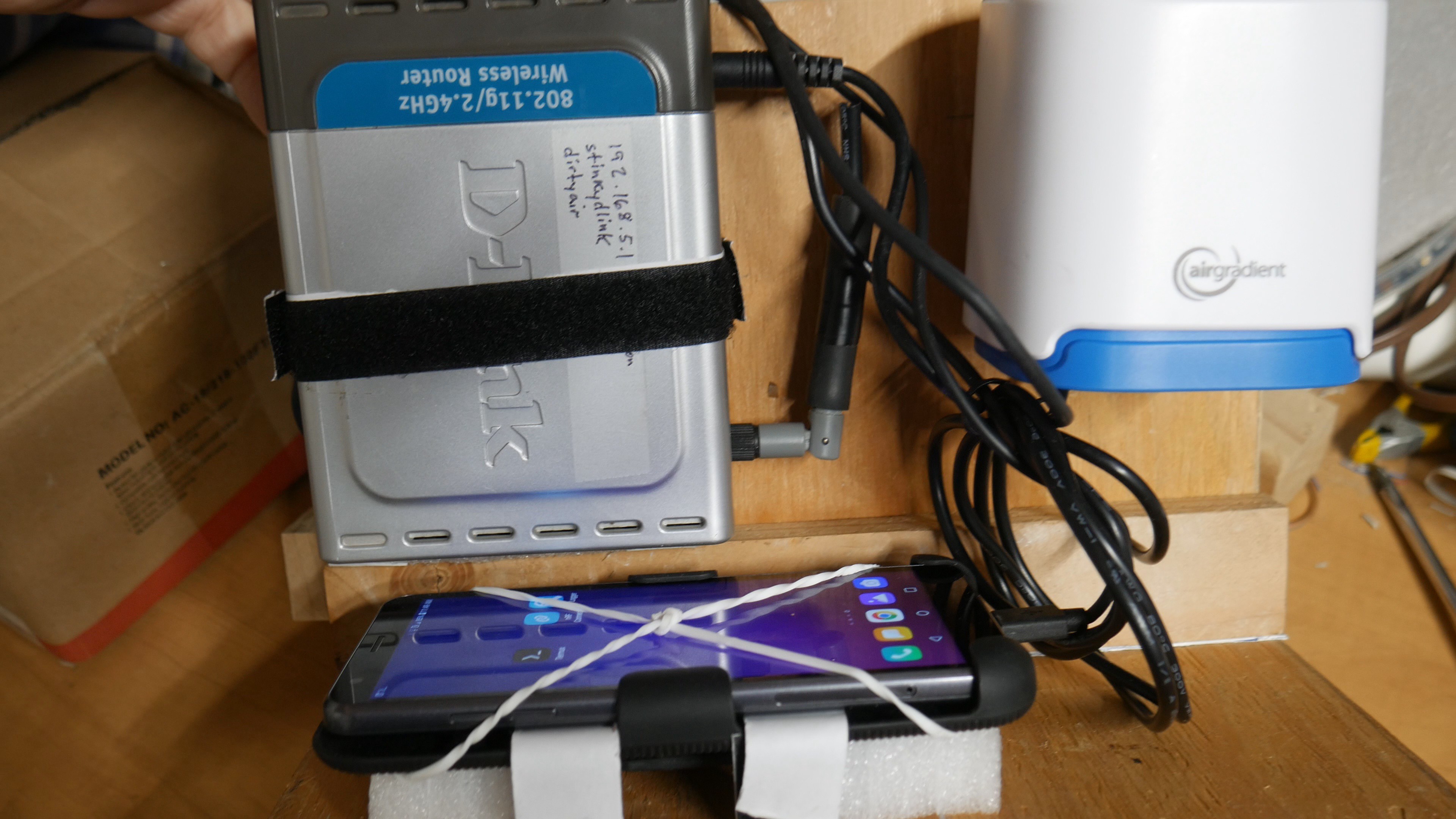
The easiest way to do this is by connecting to the O-1PST by WiFi and logging sensor data with the software interfaces provided by AG. For this embodiment I fabricated a caddy to hold a battery, O-1PST, phone, and WiFi router. The Android phone runs Termix and a rather simple python script that logs GPS and O-1PST data. This worked great except it's rather bulky. Using the phone as a WiFi hotspot would be better but my cheap-o Android disabled this feature.
Mobility and Vibration Concerns:
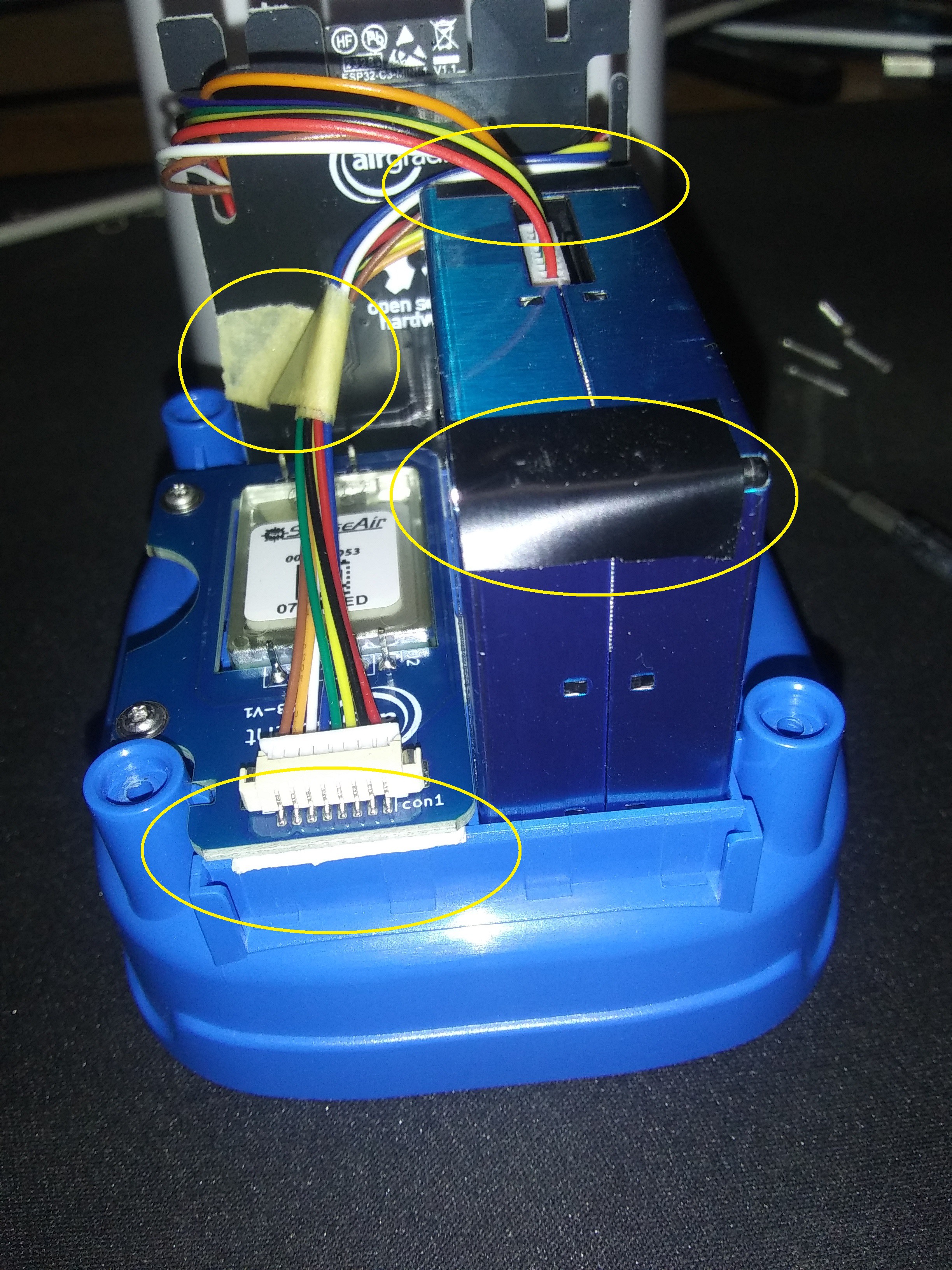
I noticed the larger PM sensor shifted slightly if I held the O-1PST upside down. I shimmed it with electrical tape. I also added foam tape to the small board for extra support, and taped wires to reduce movement.
BlueTooth Version:
The harder way to do this is add BlueTooth sensor logging to the O-1PST and have a phone capture the log.
The O-1PST already has BT integrated with its ESP module so all we have to do is enable it and have sensor data packets sent out. This requires adding/modifying the Arduino source code and rebuilding/flashing.
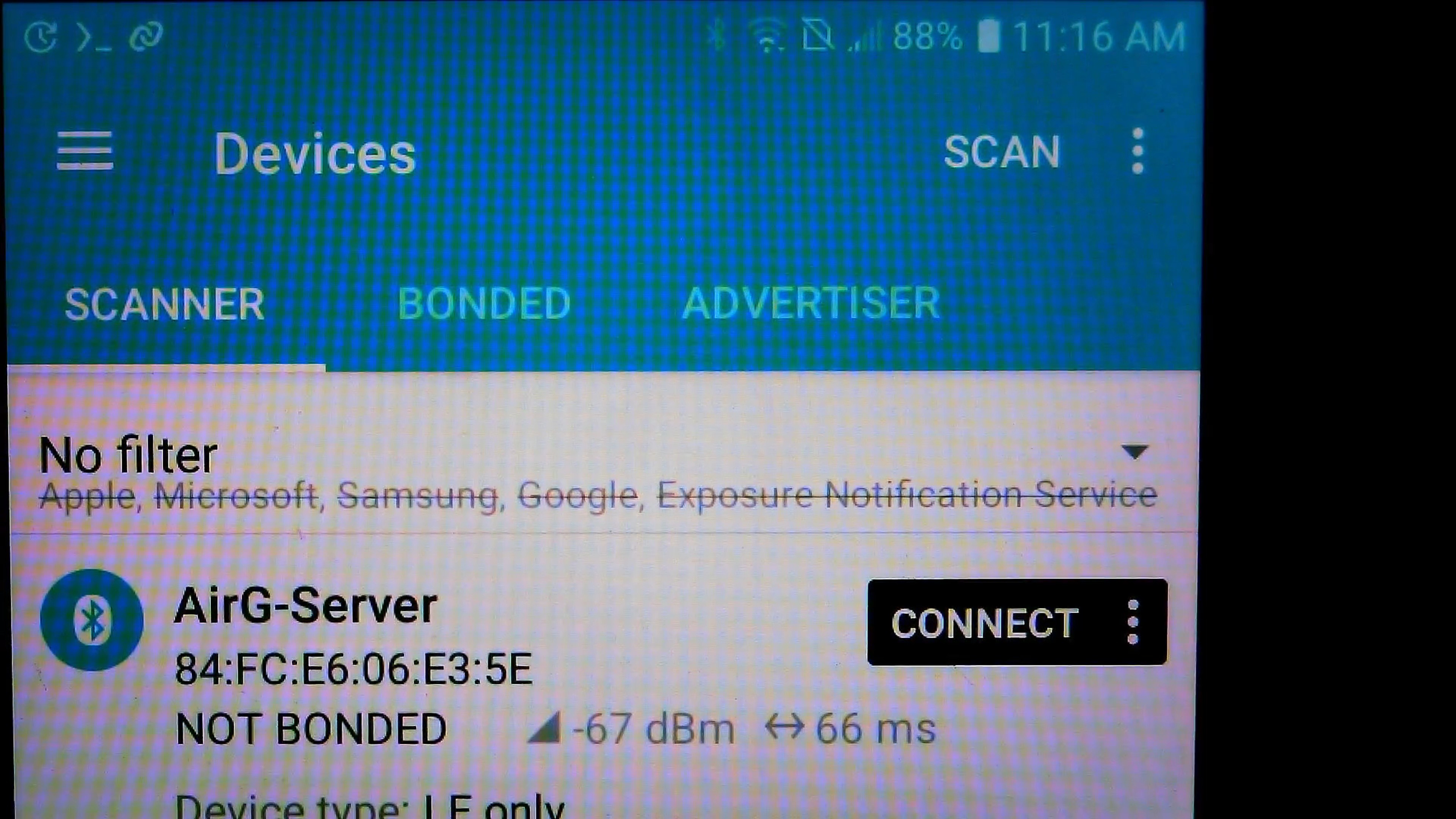
Capturing BT data on the phone is a bit harder since I didn't want to put too much effort into phone software development. An easy solution is supplied by Nordic's nRF Connect for Mobile and nRF logger. Once connected to the O-1PST nRF saves data to the phone as a text file.
Collecting Data:
So now all I need is the O-1PST (powered by a small USB battery) and a charged phone. On the phone the python GPS logging is enabled then nRF logging is started, and the data run begins.
Converting Data to a CSV File:
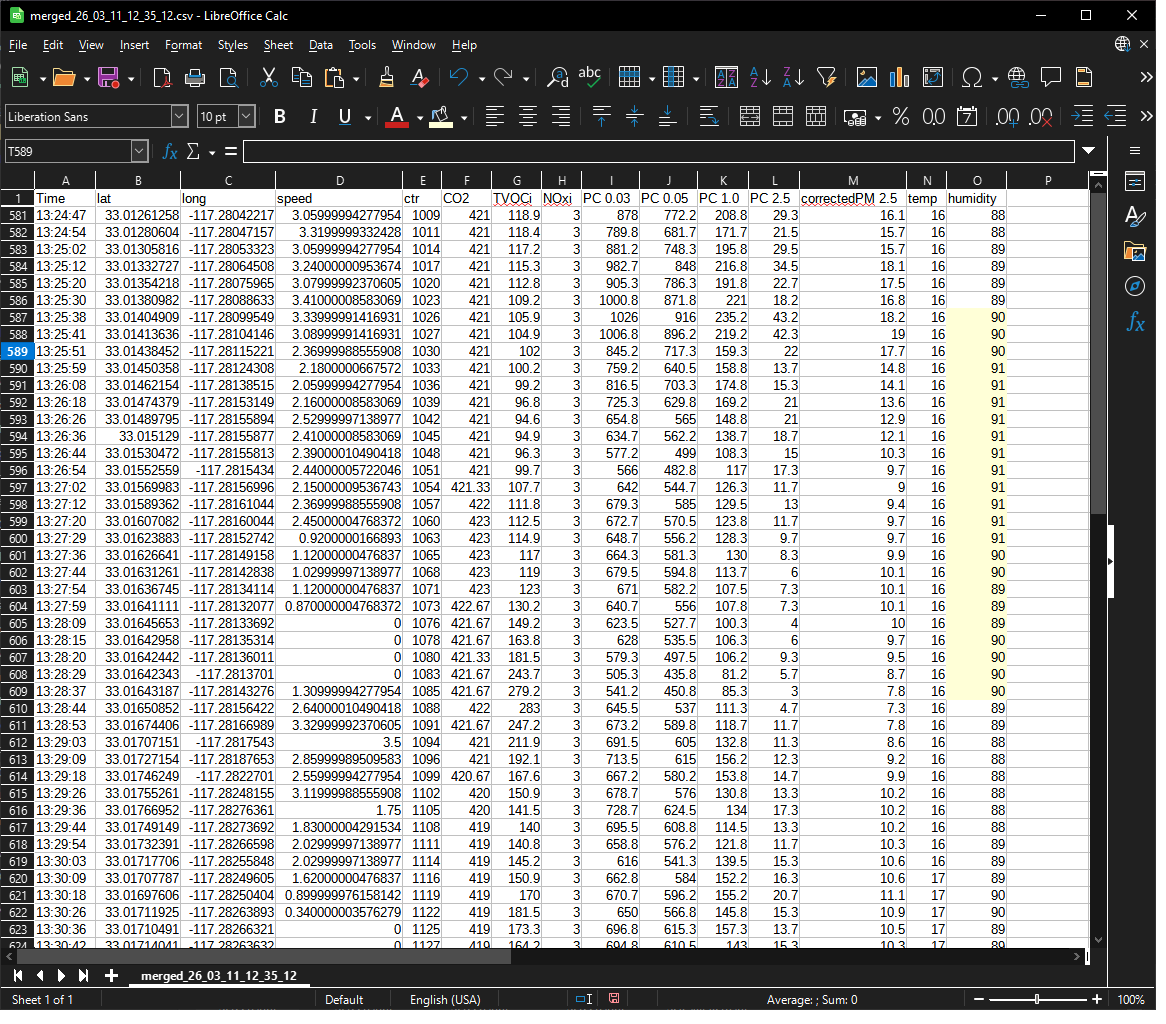
The two text logfiles (GPS data, O-1PST sensor data) are copied off the phone onto a PC and converted and merged using a python script, creating a CSV file. Use your favorite spreadsheet to browse the data run.
Visualizing the Data:
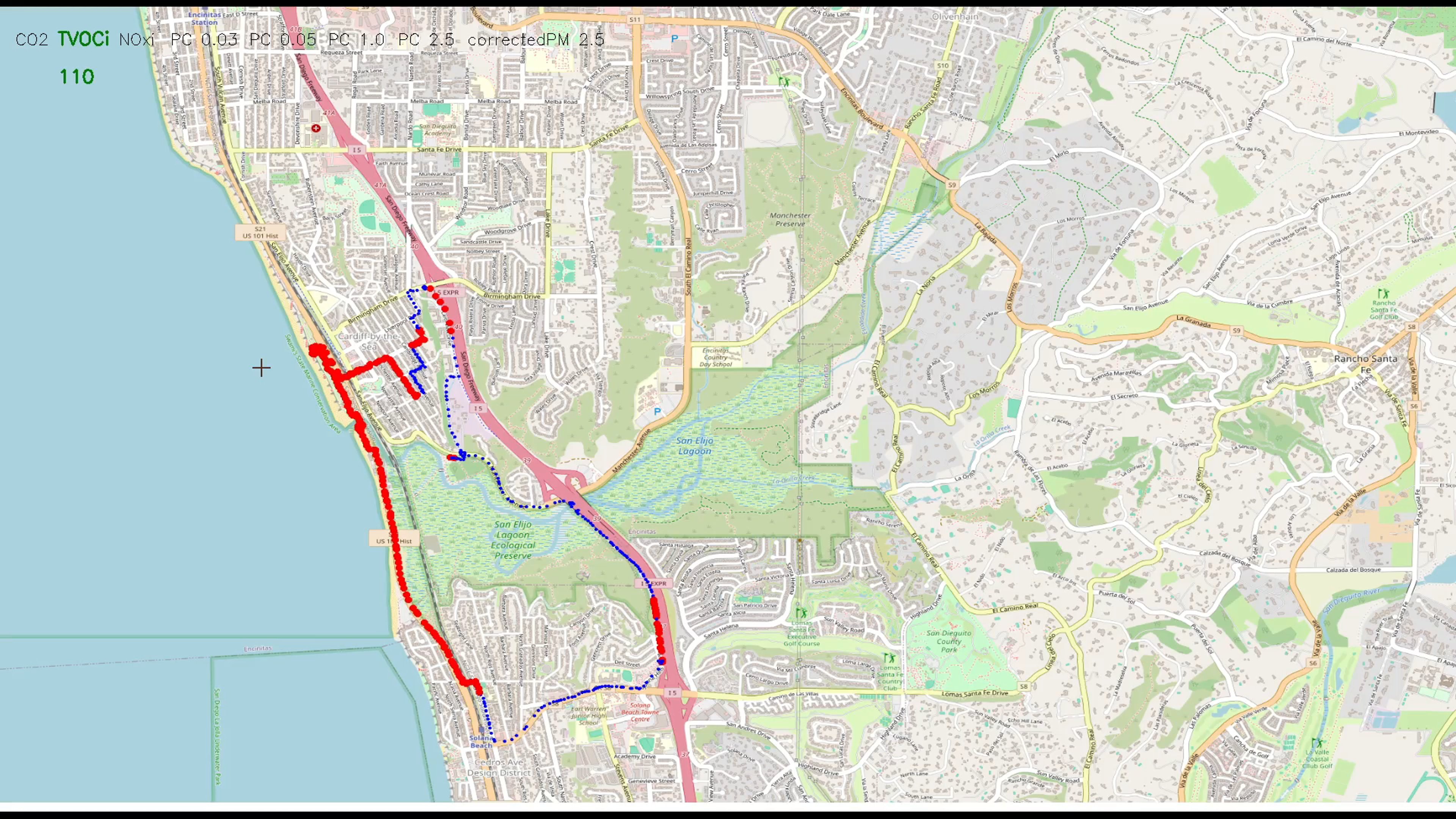
Visualizing the data collected involves overlaying samples onto a map. This gets complicated in a hurry and is not in scope of this writeup.
For more details see the linked Github repositories.