 mircemk

I recently ordered two products from Elecrow - ThinkNode M9 Meshtastic Terminal and compact Meshstick USB stick, that are a powerful combination for creating an off-grid, decentralized communication experience using the Meshtastic network.
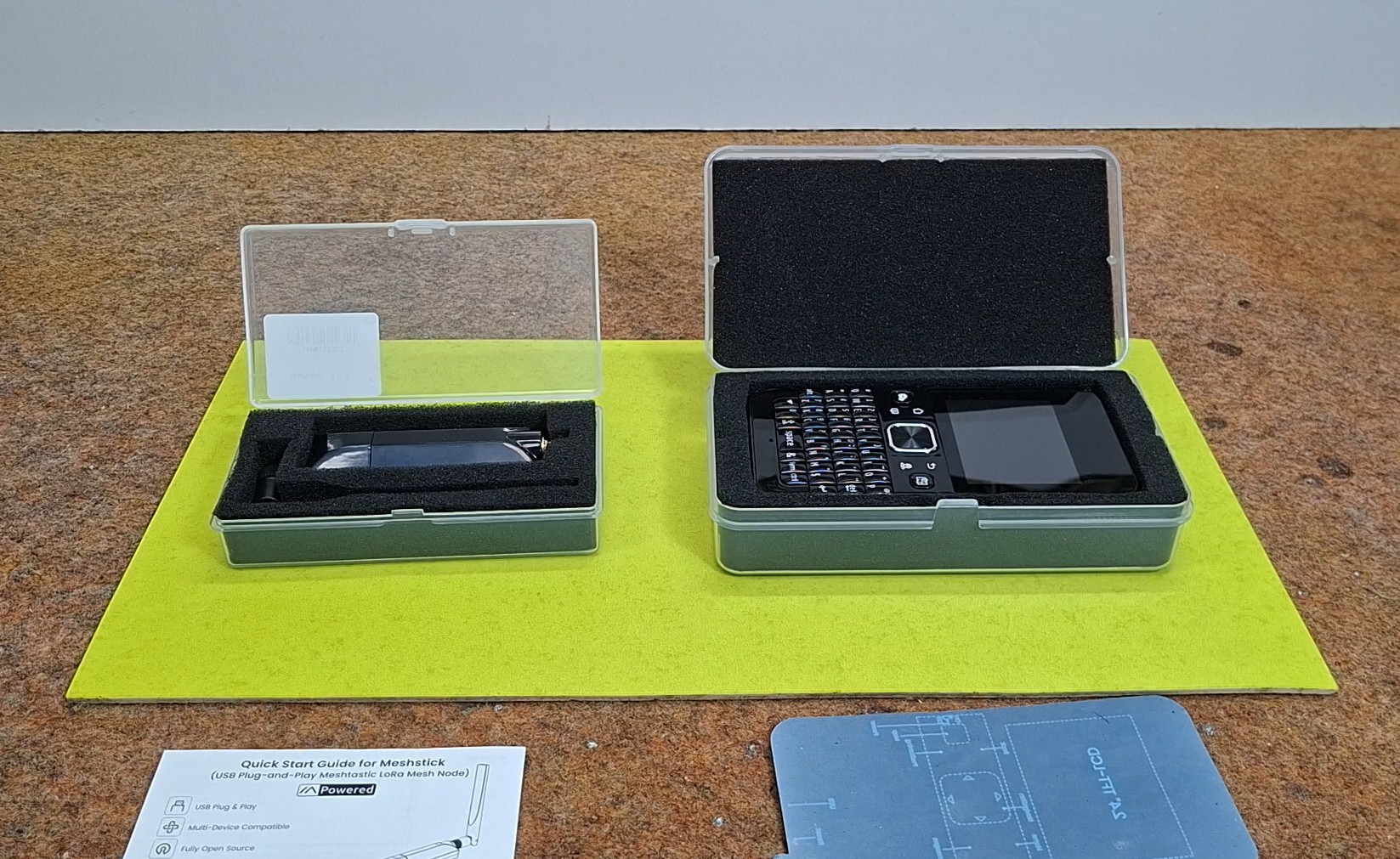
These devices keep you connected when traditional infrastructure fails, cell towers go down, or you step completely off the grid into the wilderness.
First of all, what is Meshtastic? It is an open-source project that enables the exchange of short text messages and location data via LoRa radio. Messages travel directly between devices, without the need for a mobile carrier or the internet. When additional, suitably placed devices are located between the sender and the receiver, they can relay the message further. This creates a mesh network and extends coverage. It is an interesting solution for hiking, camping, communication among friends, and, of course, electronics experiments.
Range depends heavily on the terrain, the antennas, and their placement—in open areas with a clear line of sight, communication over distances of several kilometers is possible.
The first device is the ThinkNode M9.
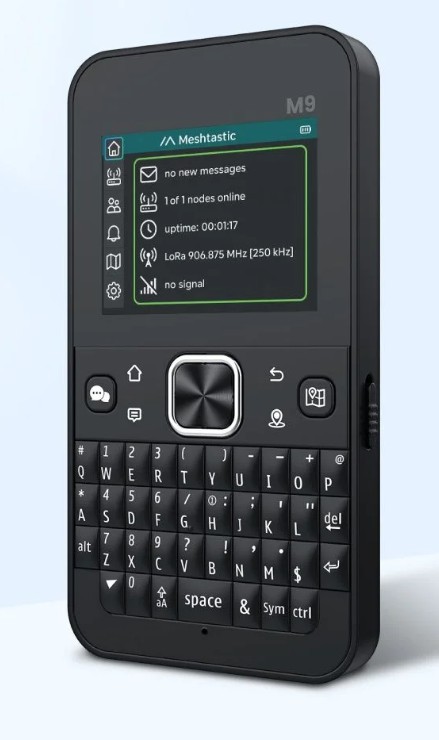
At first glance, it resembles a small phone with a physical keyboard. However, its main advantage is that it functions as a standalone LoRa terminal: messages can be composed and read directly on the device, without the need for an additional smartphone. It features a 2.4-inch color screen, a QWERTY keyboard, built-in GPS, and a 2300 mAh battery that charges via USB-C. The GPS also enables location sharing. At its core lies an ESP32-S3 chip paired with an LR1110 LoRa radio chip. Essentially, it is a portable communicator combining a screen, keyboard, and battery into a single compact housing.
While on the subject of the device, I would like to share a brief update: a small batch of M9 units recently surfaced containing a virus on the SD card—specifically, on the card integrated into the device as part of the firmware. Users of devices from this batch were immediately notified of the issue via email and offered several ways to resolve it. The good news is that if the device is used in the standard way—connecting it to a PC via the local USB-C port—there is no risk of the virus infecting the PC. The risk arises only if the SD card is physically removed from the M9 and connected to a PC via a card reader (a very rare scenario) or if one attempts to transfer data from the M9 over a Wi-Fi network. If you definitely want to install new, uninfected firmware—which is recommended—follow the instructions at the provided link, where the entire procedure is described in detail
The second product is the MeshStick.
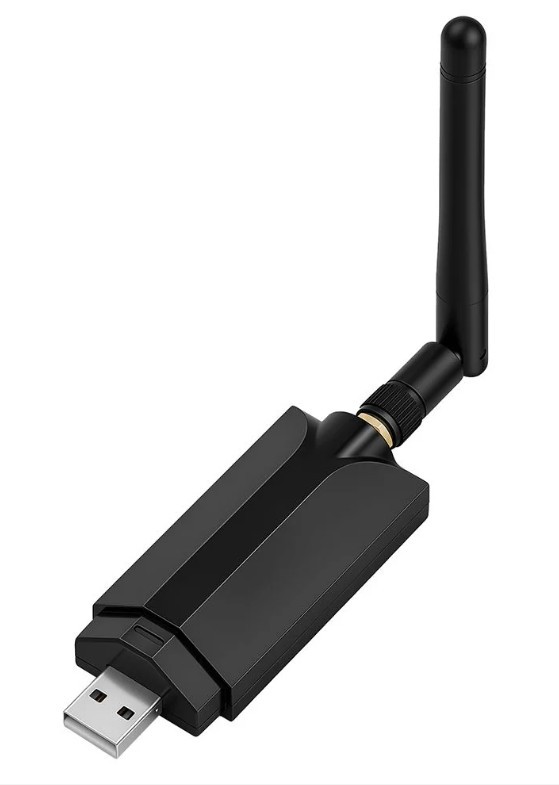
This small USB adapter adds LoRa radio capabilities to a Linux OS PC or Raspberry Pi. It utilizes the SX1262 radio chip, includes an external antenna connector, and is powered directly via USB. To operate it, computer software is also required. For this purpose, I am using this Elecrow Pi Terminal, which I have used in some of my previous projects. It is essentially a mini PC running the Raspberry Pi OS. The project description provides detailed instructions, including commands, for installing the official Meshtastic daemon/server.
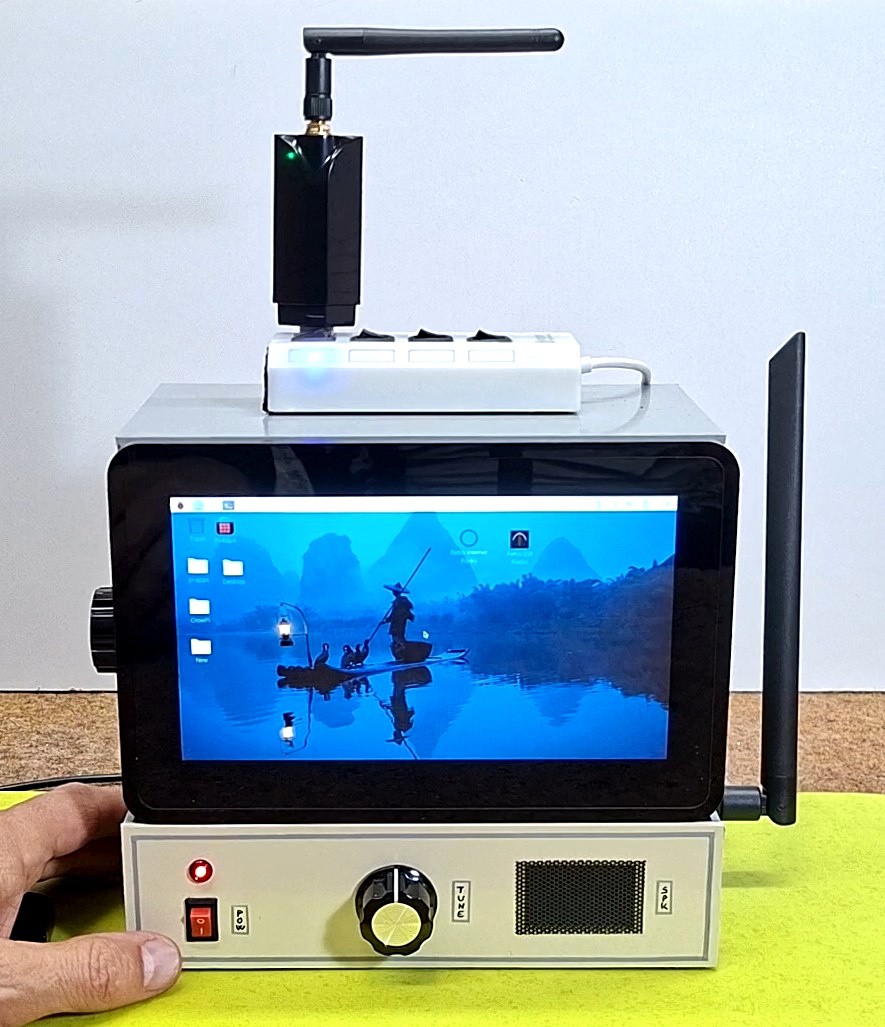
It is worth noting that, for now, it is only available for Linux and macOS-based operating systems and cannot be installed directly on Windows. The Meshtastic server runs in the background on the Parspberry Pi OS, capturing radio signals from the hardware (in our case, MeshStick via USB-SPI) and converting them into network data.
At the end of the text, it is provided a complete, step-by-step guide for installing the Meshtastic daemon/server.
Now, from any computer on the local network, you can connect to the Meshtastic Web/App Client at the address: https://192.168.2.101:9443, where 192.168.2.101 is the local address of the Raspberry Pi. Note that this address depends on the class of your local network. ...