 Jaspreet Singh
youtube demonstration video:
0%
0%
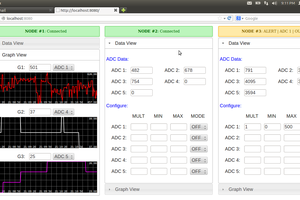
Web UI for MSP430 launchpad
A web UI developed using node.js to connect MSP430FR5739 launchpad to the internet.
Become a Hackaday.io member
Already have an account? Log in.
Just one more thing
To make the experience fit your profile, pick a username and tell us what interests you.
Pick an awesome username

hackaday.io/
Your profile's URL: hackaday.io/username. Max 25 alphanumeric characters.
Pick a few interests
Projects that share your interests
People that share your interests

 simbadxiong
 davedarko
 UnnecessaryComplification
I've been looking for web visualization just like this. Thanks for posting your method, I'm going to give it a try!