JLAM
JLAM-
Fading labels
12/13/2018 at 05:19 • 0 commentsSo the main issue with laser printed labels is that the table paper is fairly thing and I suspect that prevents the toner from fusing properly. This leads to the pixels essentially falling off the label.
This just wont do for an inventory system. Luckily I can across a nice cheap label printer, the Dymo LabelManager® PnP ($35 on amazon at time of writing). Next step was to make it print usable labels.
The printer seems to have two modes, and for it to work with the Linux driver I had to follow a really useful set of instructions here: http://draisberghof.de/usb_modeswitch/bb/viewtopic.php?f=3&t=947
After that, it was just a matter of getting pixel accurate prints from this printer. I printed a set of test prints generated in inkscape to count measure the performance and settings of the printer:The steps I followed where (from bottom up:
- generate a diagonal and count the steps
- use shallower angles to get a better count
- once I have a good guess create test print with 1-3 pixel and 1-3 pixel gaps as well as diagonals
- realise that the vector printing worked awful and the bitmap with high DPI worked better
- tune in the DPI and the exact pixel counts by seeing how much of the test pattern was cut off
- print extreme stress with a pixel size checkerboard
- print a new test pattern with the wrong settings
- print it again with the right settings and realise there where still missing pixels
- the printer has 64 pixels and the lead to a DPI of 540
- print the test print with DPI of 540 and we have a perfect print :)
I will have the template inkscape file uploaded somewhere with the pixel boundary marked by the grid. The fiel should be printed with a bitmap rendering at 540 DPI.
#!/bin/bash

for i in $(seq -f "%05g" 0 20)
do
  qrencode -s 3 -m 0 -t PNG  $i -o $i.png
  convert $i.png -gravity East -splice 129x0 -font Helvetica-Narrow -pointsize 52 -annotate +0+0 $i $i.png
  echo $i
done
montage *.png -tile 1x -geometry '+0+24>' page.pdf
convert page.pdf -units PixelsPerInch -density 540 page.pdf

#to print
lpr page.pdf
The above script generates the QR codes and then sends them straight to the label printer with the help of CUPS.
And here we have durable new labels :D
-
Labels
12/13/2018 at 04:49 • 0 commentsSo the first order of business is to label every box. The start of a proper inventory. The first idea I had where the stick sheets of A4 labels. You put these through a printer, slice it up and BAM, custom stickers. So a quick shell scripts later we have:
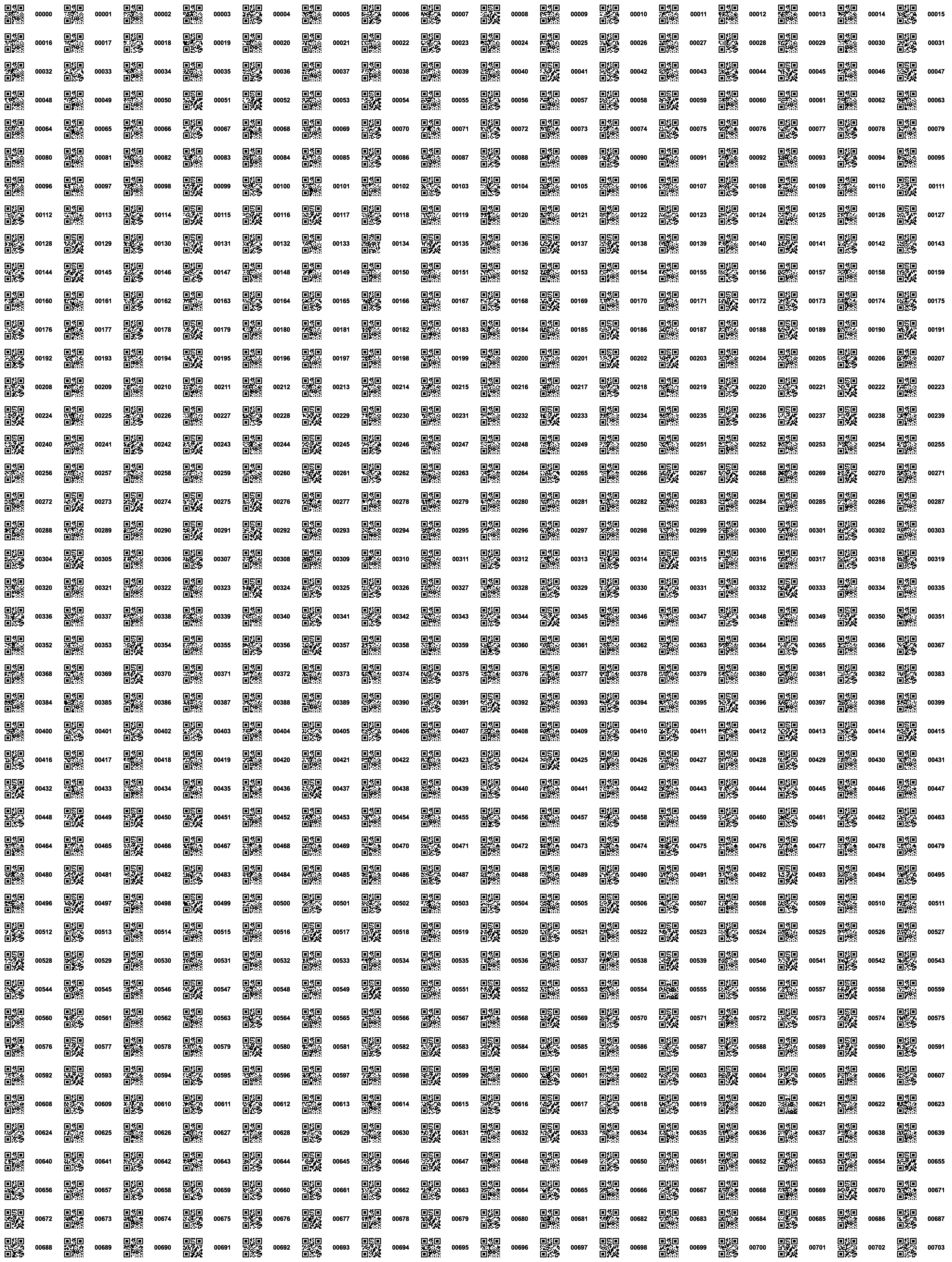
#!/bin/bash for i in $(seq -f "%05g" 0 703) do qrencode $i -o $i.png convert $i.png -gravity East -splice 100x0 -pointsize 20 -annotate +20+0 $i $i.png echo $i done montage *.png -tile 16x -geometry '+3+3>' page.pdf convert page.pdf -units PixelsPerInch -density 400 page.pdf![]()
This was printed out and a scalpel + patience resulted in:
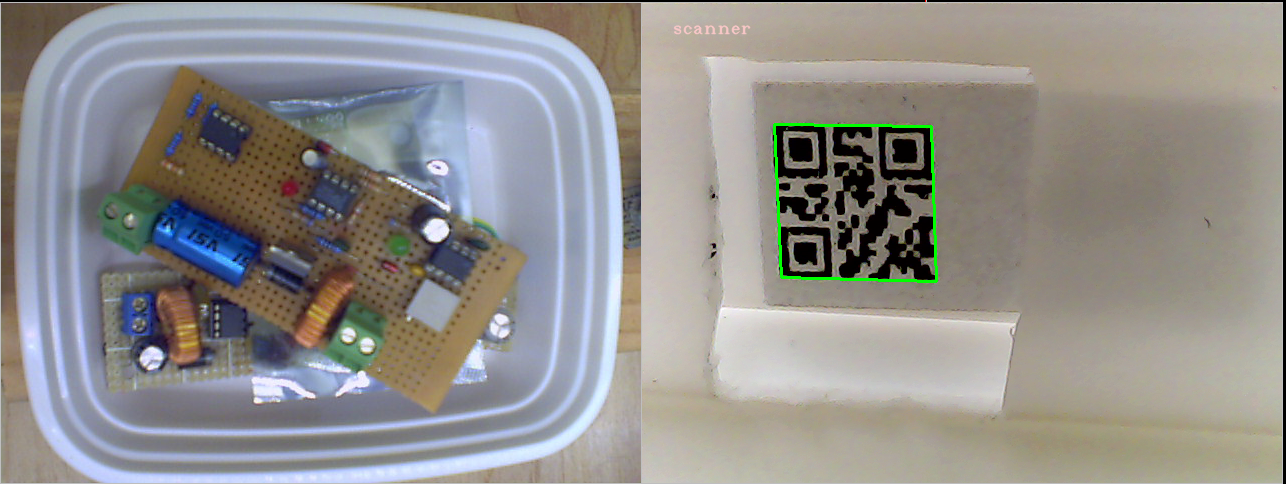
These boxes along with a small jig was able to read the QR codes and take photos of the box contents.
![]()
 This just wont do for an inventory system. Luckily I can across a nice cheap label printer, the Dymo LabelManager® PnP ($35 on amazon at time of writing). Next step was to make it print usable labels.
 The steps I followed where (from bottom up:

 These boxes along with a small jig was able to read the QR codes and take photos of the box contents.